
Video Preview
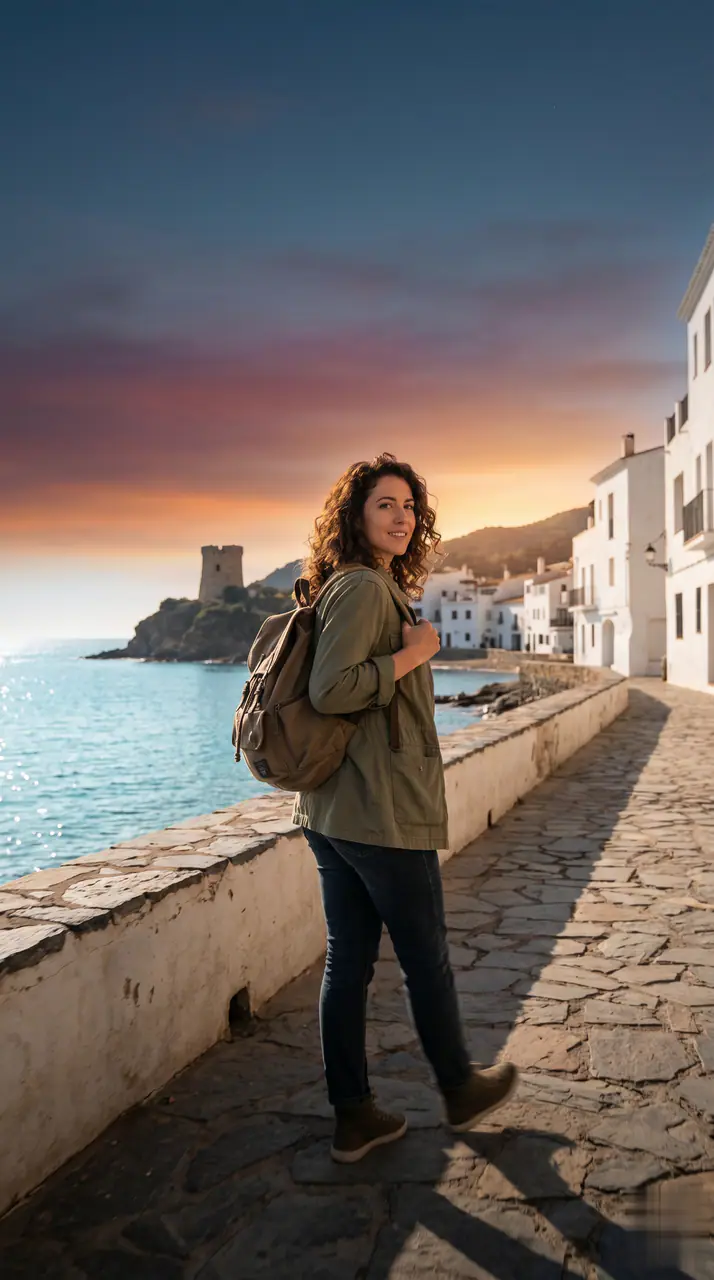
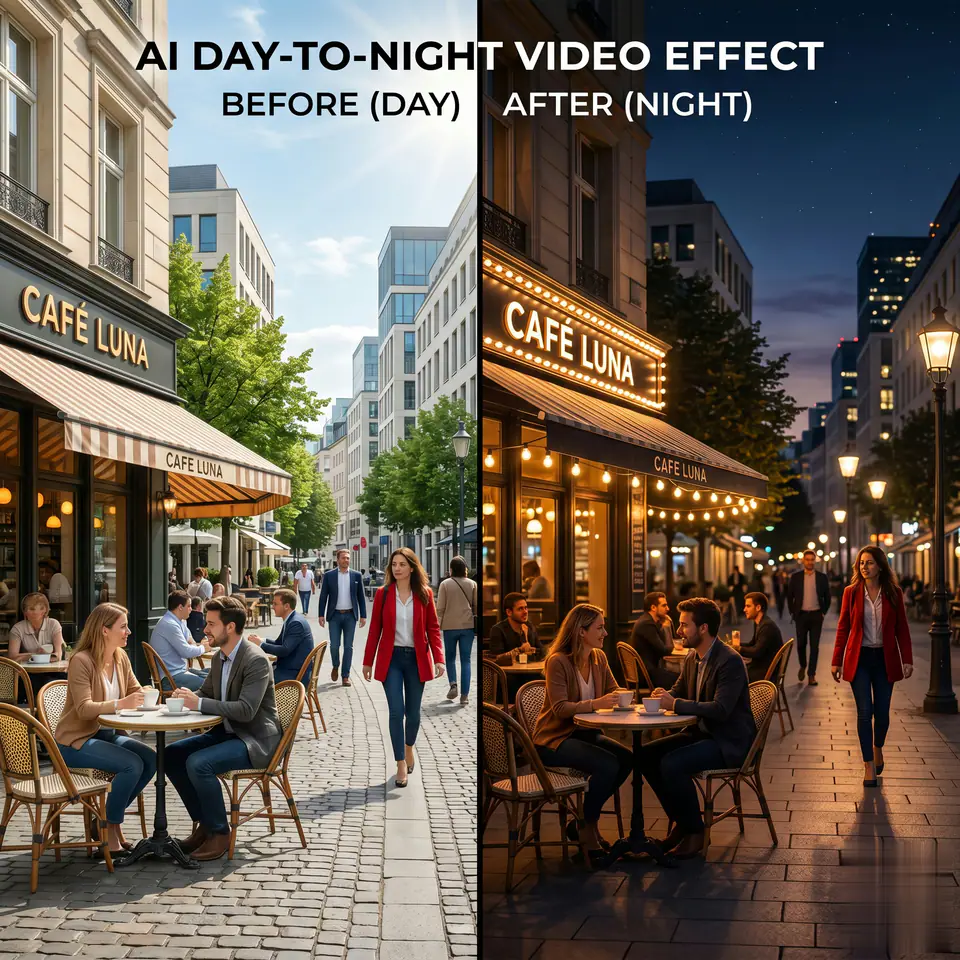
See a Day to Night Effect example
Create a day to night effect video from one photo. Turn daytime scenes into smooth nighttime videos while keeping people consistent.
More generators
More AI video generators
Compare adjacent video effects before refining the prompt, upload, model, or format for this workflow.
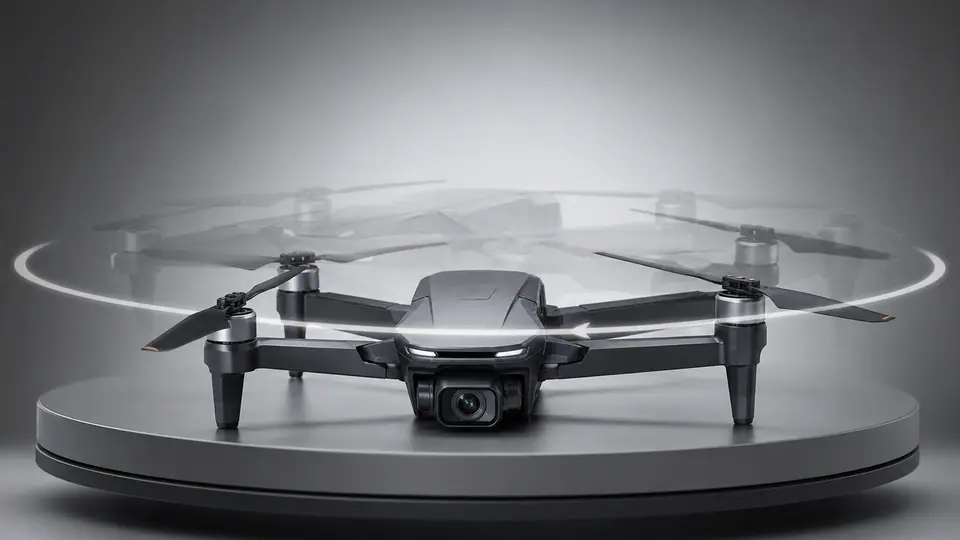
AI 360 Rotation Video Generator
1 image upload · 5s / 8s video · 16:9 / 9:16 / 1:1

AI Avatar Generator
1 image upload · 5s / 8s video · 16:9 / 9:16 / 1:1
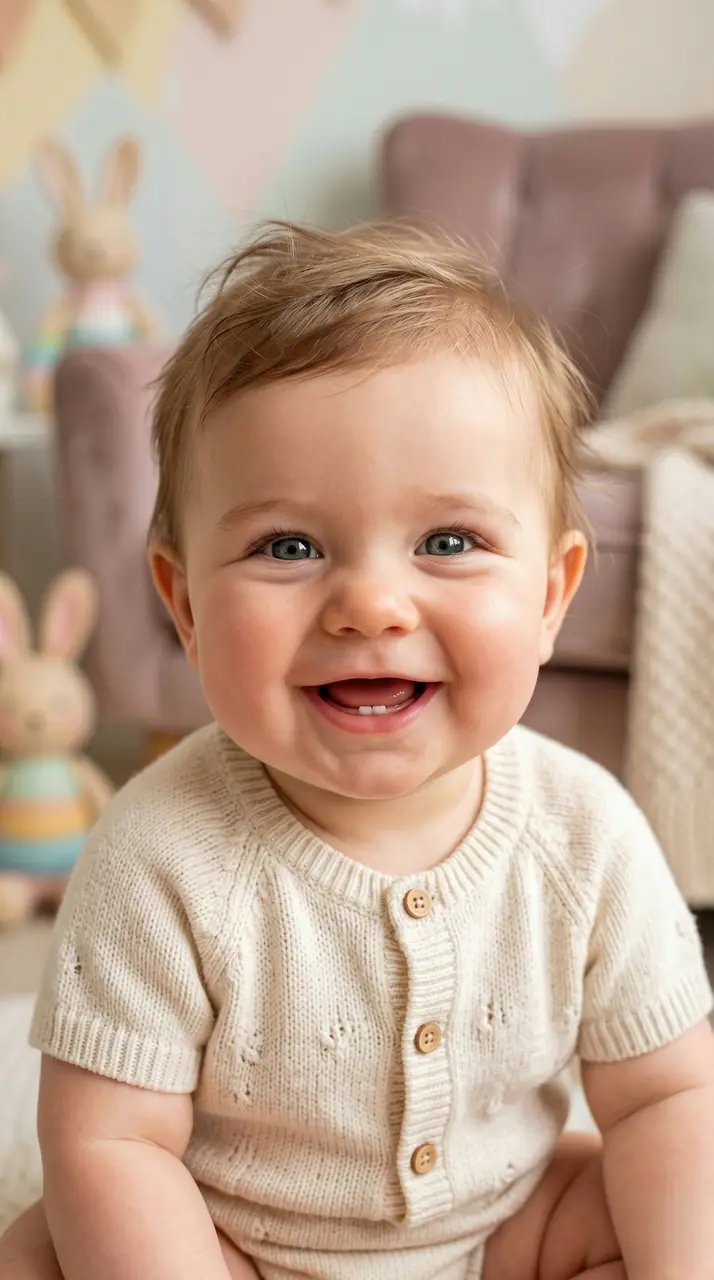
AI Baby Video Generator
1 image upload · 5s / 8s video · 16:9 / 9:16 / 1:1

Baby Dance AI
1 image upload · 5s / 8s video · 16:9 / 9:16 / 1:1
Big Guy Dance
1 image upload · 5s / 8s video · 16:9 / 9:16 / 1:1

Logo Animation Maker
1 image upload · 5s / 8s video · 16:9 / 9:16 / 1:1
Quick answer
Day to Night Effect: what it does and when to use it
Day to Night Effect is an AI video effect: a prepared prompt and preset settings turn your photo into a short clip. Create a day to night effect video from one photo. Turn daytime scenes into smooth nighttime videos while keeping people consistent. Use it for social posts, ads, creator content, or a quick campaign concept.
- Workflow
- AI video effect
- Inputs
- 1 image upload required
- Default model
- Seedance 2 Fast
- Aspect ratios
- 16:9 / 9:16 / 1:1
- Duration presets
- 5s / 8s
- Starting credits
- 75
How It Works
Simple 3-Step Process
Create Day to Night Effect with a focused three-step workflow.
Frequently Asked Questions
Frequently Asked Questions
Practical answers about creating Day to Night Effect.
Best uses
Best uses for Day to Night Effect
Day to Night Effect works best with a clear subject, a clean source image, and one change at a time between generations.
Generator guide
Before you generate
Create your own Day to Night Effect
Create a day to night effect video from one photo. Turn daytime scenes into smooth nighttime videos while keeping people consistent.
Review the preview, required inputs, model, and output settings before generating.