Skip to content
VisioArtVisioArt
  • AI WorkflowsNEW
  • Pricing
Text to Video

Text to Video AI Workspace

Write a prompt, pick an AI model, and generate professional video — all from one workspace.

Start Creating Videos from TextOpen generation history
Workspace6+ AI video models in one workspaceShowcaseHow to use AI Text to Video GeneratorEverything You Need to Know About AI GenerationReady to Transform Text into Amazing Videos?

AI Text to Video Generator

Transform text into professional videos

Model
0/5000
Credits required: 80 credits
Explore How It Works
Settings16:9 • Veo 3.1
Aspect Ratio
Video Resolution

Sample Creations

See examples of what you can create

Text to Video AI Models

6+ AI video models in one workspace

Access Veo 3.1, Sora 2, Kling AI, Grok Imagine, Seedance, and Wan AI in one workflow so you can switch based on motion style, speed, or output character without leaving the page.

Ve
Flagship
Veo 3.1
Use Veo 3.1 for polished cinematic motion, cleaner scene coherence, and higher-end output when the prompt is already dialed in.
Open model page
So
Imaginative
Sora 2
Sora 2 is suited to ambitious scene invention, stylized motion, and prompt-to-video storytelling with stronger visual surprise.
Open model page
Kl
Character motion
Kling AI
Kling AI remains strong for people, motion readability, and creator workflows where character movement matters more than abstract spectacle.
Open model page
Gr
Expressive
Grok Imagine
Grok Imagine adds a punchier visual direction for stylized experiments, energetic motion, and bolder prompt interpretation.
Open model page
Se
Rhythm
Seedance
Seedance works well when you need fast visual rhythm, energetic camera motion, and social-ready output from a simple text prompt.
Open model page
Wa
Flexible
Wan AI
Wan AI is the practical option for prompt testing, structure retention, and broader production use across different video styles.
Open model page

Demo Video

AI Text to Video Generator Showcase

Experience the power of AI text to video generation. See how VisioArt transforms simple text prompts into cinematic, professional-quality videos.

Neon city opener
Demo video 1
Neon city opener
Prompt
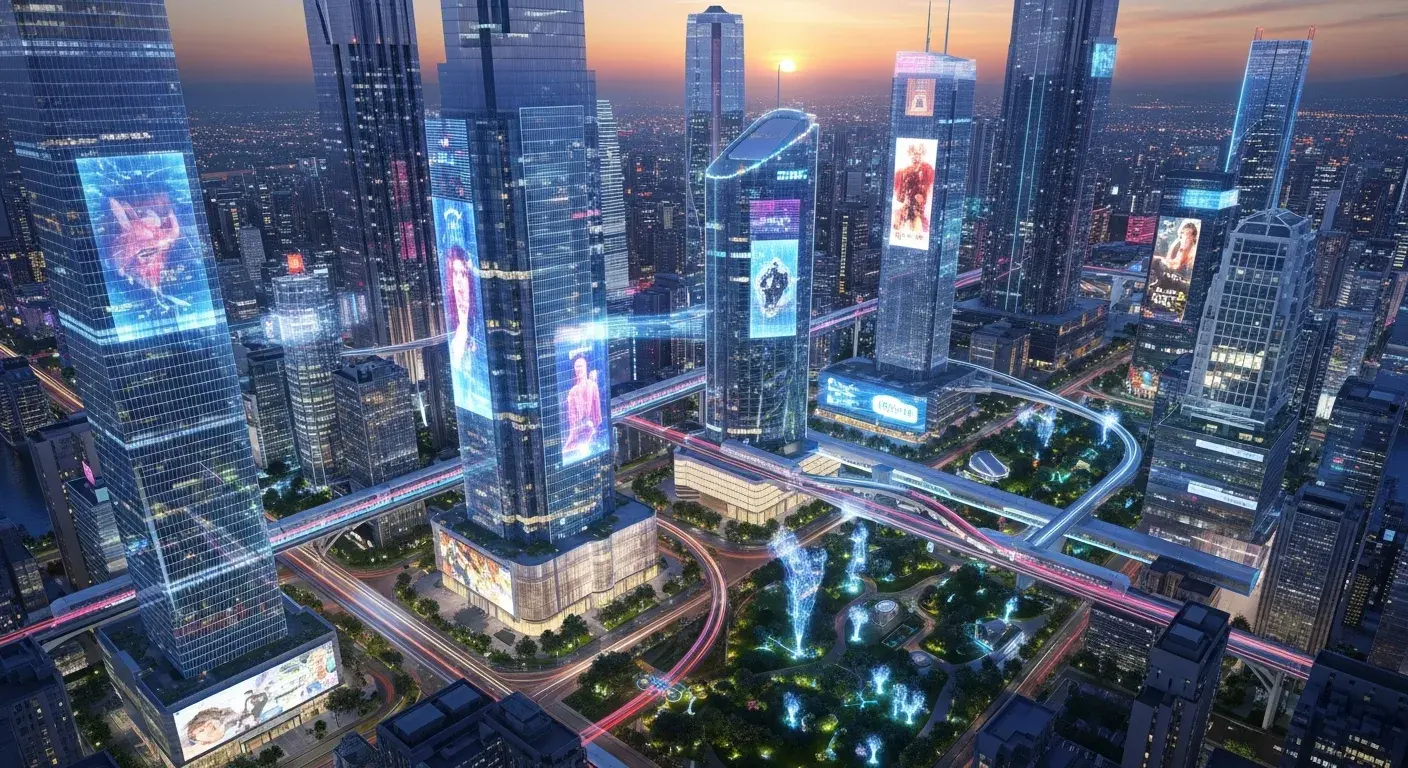
A futuristic city at night with neon lights reflecting on rain-soaked streets, flying cars weaving between skyscrapers, cinematic camera drift.
Use this prompt
Product launch scene
Demo video 2
Product launch scene
Prompt
A luxury smartwatch rotating slowly above brushed metal, crisp rim lights, floating particles, premium ad energy, controlled camera arc.
Use this prompt
Fantasy landscape
Demo video 3
Fantasy landscape
Prompt
A sweeping fantasy valley at sunrise, fog peeling from the river, distant castle on a cliff, epic aerial camera movement, cinematic scale.
Use this prompt
Fashion reel concept
Demo video 4
Fashion reel concept
Prompt
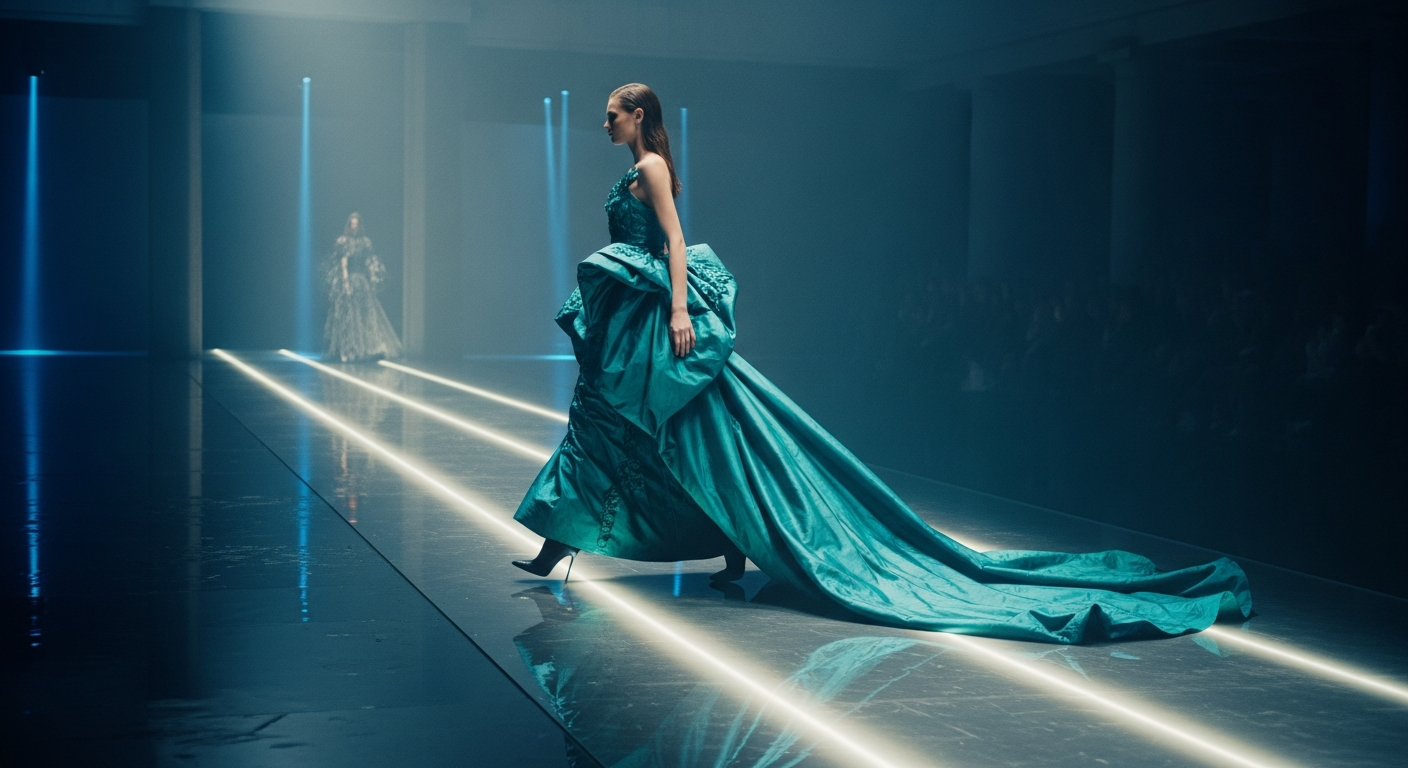
A high-fashion runway moment in a brutalist gallery, sharp strobe flashes, cloth movement, editorial pacing, premium campaign styling.
Use this prompt

AI Text to Video Generator

How to use AI Text to Video Generator

Transform your ideas into stunning videos with our powerful AI text to video generator. Follow these simple steps to bring your text prompts to life:

1
Step 1
Write Your Video Prompt
Describe your video vision in natural language. Our AI text to video generator understands detailed prompts including scenes, actions, camera movements, and visual styles.
2
Step 2
Choose AI Model & Settings
Select from leading AI video models and customize aspect ratio, duration, and other settings to match your creative direction.
3
Step 3
Generate And Download Video
Generate the clip, review the result, and download a professional video ready for social content, marketing, or creative production.

Frequently Asked Questions

Everything You Need to Know About AI Generation

The number depends on the selected model, workflow, duration, aspect ratio, and output settings. The workspace shows the credit estimate before you submit each job, so use that preview as the source of truth.

Ready to Transform Text into Amazing Videos?

Ready to Transform Text into Amazing Videos?

Join thousands of creators using VisioArt's AI text to video generator. Access 6+ powerful AI models in one platform and turn your text prompts into professional videos today.

Start Creating Videos from TextExplore How It Works
VisioArtVisioArt

Create AI-powered MP4 videos from text, images, and guided workflows.

Sign up
Product
  • Image Generators
  • AI Image Editor
  • Text to Image
  • Image to Video
  • AI Photo to Video
  • Text to Video
  • Video to Video
  • Video Compression
  • AI Video Generator
Video Effects
  • All Video Effects
  • AI Bikini Video
  • Ghostface Video
  • Action Figure Video
  • Product Ad Video
  • AI Hug Video
  • Christmas Video
Video Models
  • Sora 2
  • Sora 2 Pro
  • Wan 2.5
  • Wan 2.6
  • Wan 2.7
  • HappyHorse 1.0
  • Gemini Omni
  • Veo 3.1
  • Veo 3.1 Fast
  • Kling AI
  • Kling 3.0
  • Kling 2.6
  • Seedance
  • Seedance 2
  • Seedance 2 Fast
Image Models
  • Seedream 4
  • Seedream 4.5
  • Seedream 5 Lite
  • Nano Banana
  • GPT Image 2
  • GPT-4o Image
  • Qwen Image
  • Qwen Image 2
  • Imagen 4
  • Midjourney
  • Grok Imagine
  • Flux 2
  • Z-Image
Support
  • Docs
  • Blog
  • Changelog
  • Contact
Legal
  • Cookie Policy
  • Privacy Policy
  • Refund Policy
  • Terms of Service
© 2026 VisioArt. All rights reserved.