Skip to content
VisioArtVisioArt
  • AI WorkflowsNEW
  • Pricing
AI Image Editor

AI Image Editor - Generate & Edit Images

Generate from scratch or upload an image to clean up, restyle, extend, and refine it with prompt-driven controls.

Start Editing NowOpen generation history
WorkspaceShowcaseWhy VisioArt Is Smarter Than Traditional EditorsPowerful use cases for every creatorHow to use AI Image EditorEverything You Need to Know About AI GenerationReady to Transform Your Images?
AI Image EditorModels: 11Qwen Image
Model
Image
Required before generation: 1 image.
Sign in to upload

Uploads are saved to your workspace before generation, so sign in first to keep the source image attached.

0/5000
Credits required: 4 credits
SettingsPNG
Output format

Sample Creations

See examples of what you can create

Preview Examples

Preview examples

See how the AI image editor handles relighting, typography, and cinematic restyling before you move into your own edits.

Luxury product relight Before
Before
Luxury product relight After
After
Preview example 1
Luxury product relight
Replace a flat ecommerce background with a warm premium set, add directional highlights, and keep the product geometry intact.
Use this edit pattern
Poster typography pass Before
Before
Poster typography pass After
After
Preview example 2
Poster typography pass
Turn a simple portrait into a launch poster with crisp title placement, balanced spacing, and cleaner ad-ready composition.
Use this edit pattern
Cinematic restyle Before
Before
Cinematic restyle After
After
Preview example 3
Cinematic restyle
Keep the subject and pose, but shift the whole image into a dramatic moody lighting setup with richer materials and stronger atmosphere.
Use this edit pattern

The tri-hybrid advantage

Why VisioArt Is Smarter Than Traditional Editors

VisioArt combines the power of three cutting-edge AI models to deliver semantic understanding, perfect typography, and photorealistic rendering in one editor.

1
Core capability
Semantic object control
Most editors see pixels. VisioArt sees objects. Powered by Nano Banana, the editor understands subject structure and context before it changes the image.
Want to remove sunglasses? The AI reconstructs the eyes naturally instead of smudging pixels or cloning nearby areas.
2
Core capability
Typography and layout edits
Need to add text or design elements? Powered by Seedream 4.5, VisioArt renders crisp, legible text and respects layout principles.
No AI gibberish. No broken typography. Ideal for posters, ads, social covers, and layout-aware creative adjustments.
3
Core capability
Photorealistic restyling
Keep the structure and change the vibe. Powered by Flux 2, VisioArt preserves identity while re-rendering materials, lighting, and mood.
Transform a product photo with prompts like 'Cyberpunk style' or 'Studio lighting' while maintaining clean visual consistency.

Real-world applications

Powerful use cases for every creator

From e-commerce to creative projects, see how prompt-driven image editing fits into real production workflows.
Product Photography
E-commerceStudio quality
Product Photography
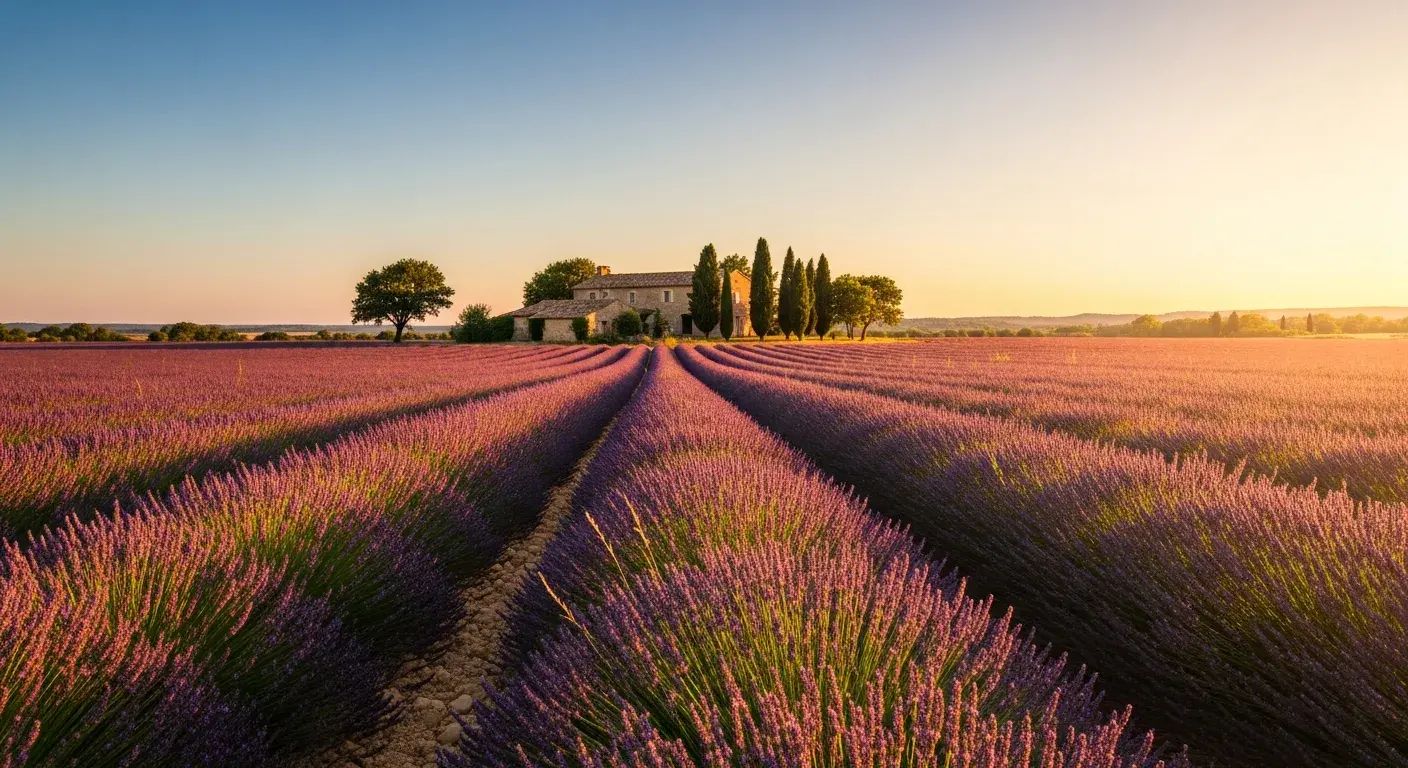
Transform simple product shots into polished studio visuals with stronger lighting, cleaner backgrounds, and more deliberate composition.
Use this edit pattern
Background Replacement
PortraitInstant results
Background Replacement
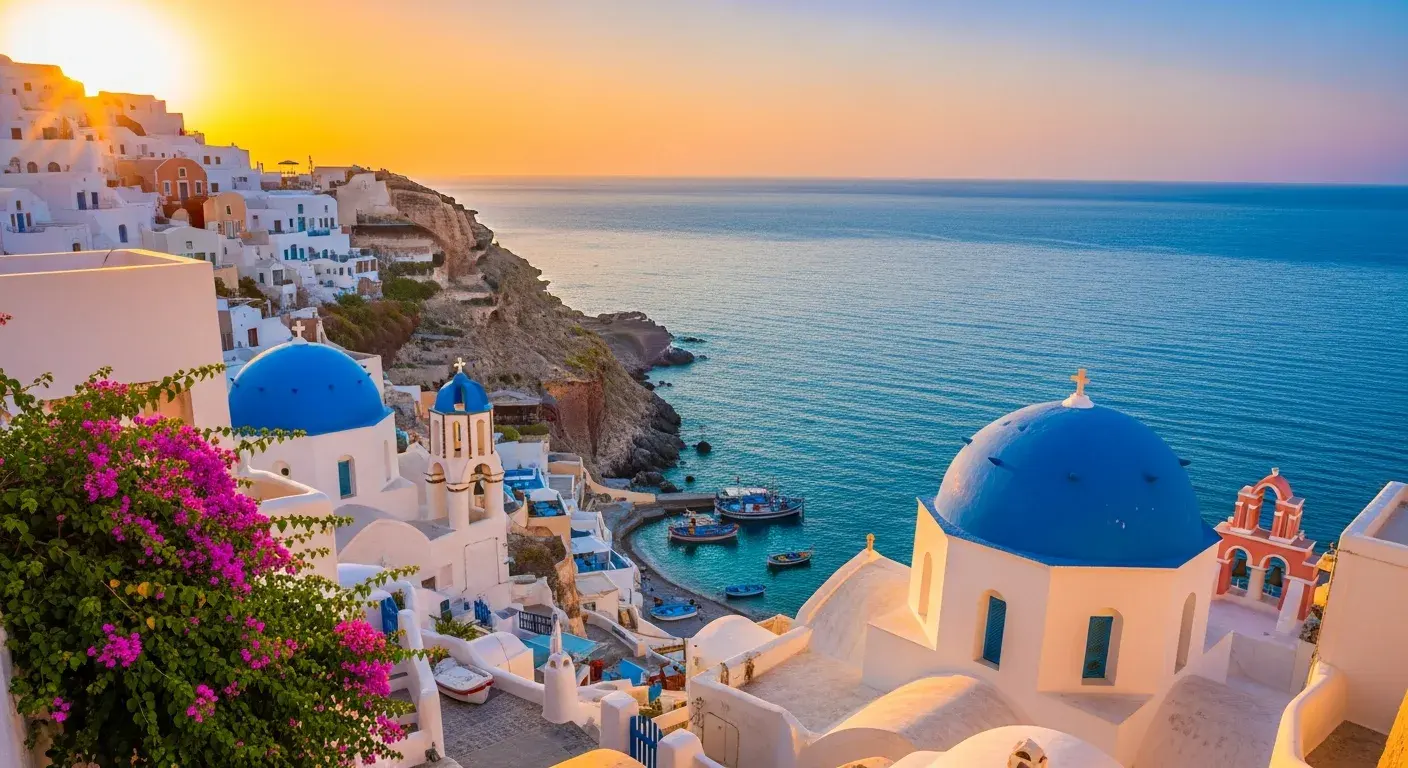
Replace backgrounds instantly without manual masking while keeping natural lighting, scale, and perspective intact.
Use this edit pattern
Style Transfer & Artistic Remix
CreativeStyle
Style Transfer & Artistic Remix
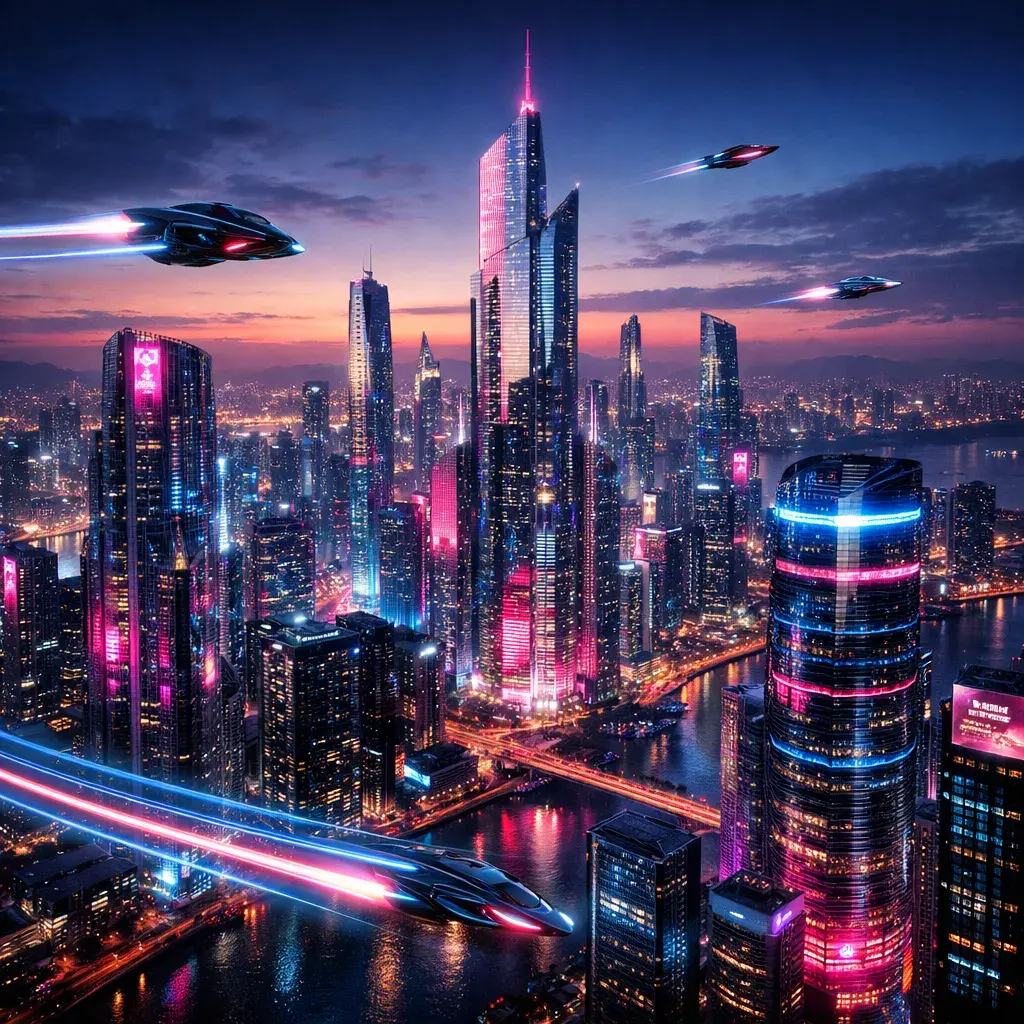
Push photos into cyberpunk, vintage, cinematic, or other creative directions while preserving the original structure.
Use this edit pattern
Sketch to Reality
Concept artVisualization
Sketch to Reality
Turn rough sketches and wireframes into photoreal images for concept visualization, design iteration, and creative exploration.
Use this edit pattern
Marketing & Social Media
MarketingSocial media
Marketing & Social Media
Create promotional visuals with stronger typography and layout control for ads, social graphics, and campaign assets.
Use this edit pattern
Object Manipulation
PrecisionControl
Object Manipulation
Add, remove, or modify specific objects with surgical precision without breaking the rest of the image.
Use this edit pattern

AI Image Editor

How to use AI Image Editor

Transform your images or create new ones from scratch with our AI image editor. Follow these steps to bring your creative vision to life.

1
Upload & Define
Drag in your base image, whether it is a sketch, product photo, or stock image. You can also start from scratch with a text prompt.
2
Prompt Your Edit
Tell the AI what to do, such as changing the background, adjusting expression, or turning a sketch into a higher-fidelity render.
3
Generate & Refine
Use the model selector, aspect ratio, and output format controls to blend new elements with the original lighting and perspective.
4
Final Polish (Optional)
Click 'Generate Video' to instantly turn your image into a motion loop, perfect for social engagement and dynamic content.

Frequently Asked Questions

Everything You Need to Know About AI Generation

The number depends on the selected model, workflow, duration, aspect ratio, and output settings. The workspace shows the credit estimate before you submit each job, so use that preview as the source of truth.

Ready to transform your images?

Ready to Transform Your Images?

Use one workspace to generate, edit, restyle, and polish images with multiple AI models, then take the strongest results into your next campaign or content workflow.

Start Editing NowExplore All Features
VisioArtVisioArt

Create AI-powered MP4 videos from text, images, and guided workflows.

Sign up
Product
  • Image Generators
  • AI Image Editor
  • Text to Image
  • Image to Video
  • AI Photo to Video
  • Text to Video
  • Video to Video
  • Video Compression
  • AI Video Generator
Video Effects
  • All Video Effects
  • AI Bikini Video
  • Ghostface Video
  • Action Figure Video
  • Product Ad Video
  • AI Hug Video
  • Christmas Video
Video Models
  • Sora 2
  • Sora 2 Pro
  • Wan 2.5
  • Wan 2.6
  • Wan 2.7
  • HappyHorse 1.0
  • Gemini Omni
  • Veo 3.1
  • Veo 3.1 Fast
  • Kling AI
  • Kling 3.0
  • Kling 2.6
  • Seedance
  • Seedance 2
  • Seedance 2 Fast
Image Models
  • Seedream 4
  • Seedream 4.5
  • Seedream 5 Lite
  • Nano Banana
  • GPT Image 2
  • GPT-4o Image
  • Qwen Image
  • Qwen Image 2
  • Imagen 4
  • Midjourney
  • Grok Imagine
  • Flux 2
  • Z-Image
Support
  • Docs
  • Blog
  • Changelog
  • Contact
Legal
  • Cookie Policy
  • Privacy Policy
  • Refund Policy
  • Terms of Service
© 2026 VisioArt. All rights reserved.