Create AI visuals
Use text-to-video, image-to-video, text-to-image, image editing, prompt templates, and ready-made effects for ads, social posts, product visuals, storyboards, and creative drafts.
AI Video Generator
Start from a prompt, image, or workflow. See the credit estimate before you generate, then track every output in one place.
Application purpose
Create videos, images, image edits, and visual effects from text prompts or uploaded images. VisioArt helps creators plan, generate, compare, and download AI visuals in one workspace.
Use text-to-video, image-to-video, text-to-image, image editing, prompt templates, and ready-made effects for ads, social posts, product visuals, storyboards, and creative drafts.
When you choose Google sign-in, VisioArt uses basic Google account information such as your name, email address, and profile image for account creation, sign-in, and account management.
VisioArt does not request access to Gmail, Google Drive, Calendar, or contacts. Account data, uploads, generation jobs, credits, and history are covered in the privacy policy.
Read the privacy policyChoose your starting point
Choose the material you have now: a prompt, a source image, or a ready generator. Start with the path that gets the brief closest to a finished asset.
Quick choice
Start with the material in front of you, then open the matching video, image, or effect tool.
Prompt and generator library
Browse selected prompts, video generators, and image tools grouped by task, so you can start from a real use case instead of a blank prompt.
442
prompt templates
115
published video generators
259
published image generators
How the library works
Prompts are reusable instructions. Templates make them searchable and easier to manage. Generators run the job with the right upload rules, model defaults, and credit estimates.
Open video effects or image generators with uploads, prompts, previews, and pricing already prepared.
Cost visible before you submit. Open a generator, review uploads, model defaults, and estimated credits before you spend balance.
Popular tools
A compact rail for high-demand video and image models, each linked to a matching generator.
Output proof
Review sample outputs with the setup, model, prompt, credit context, and preview shown together.
Each sample pairs the result with its setup, prompt, and run context, so you can choose a starting point with clear expectations.
Luxury product spot with controlled studio lighting, macro reflections, and a slow orbit camera.
creators building AI videos and images
video and image tools in one workspace
credit estimates shown for each generation
downloadable video outputs when generation completes
Creation logic
Creators do not need another blank prompt box. They need clear starting points: prompts, generators, model choices, upload rules, credit estimates, and reusable outputs.
How to choose
Use a prompt when the idea is clear, a generator when the format is known, and Studio when the job needs images, video, and iteration in one place.
Separate accounts, repeated prompts, scattered history, and unclear spend across model providers.
VisioArt way
Choose the model or tool inside one workspace, preview credit cost, generate, and keep the project history together.
Trend generators are fast, but they can lock creators into one preset and one narrow outcome.
VisioArt way
Start from an effect when it helps, then move into prompt, image, and workflow controls when the brief needs more direction.
Use image generators and editor tools to prepare portraits, products, thumbnails, mockups, and campaign visuals before sending the strongest frame into video or publishing.
Source image
One strong frame can carry the rest of the job
A useful source image has a clear subject, controlled crop, readable materials, and enough detail for edits, mockups, or animation.
Prompt, edit, handoff

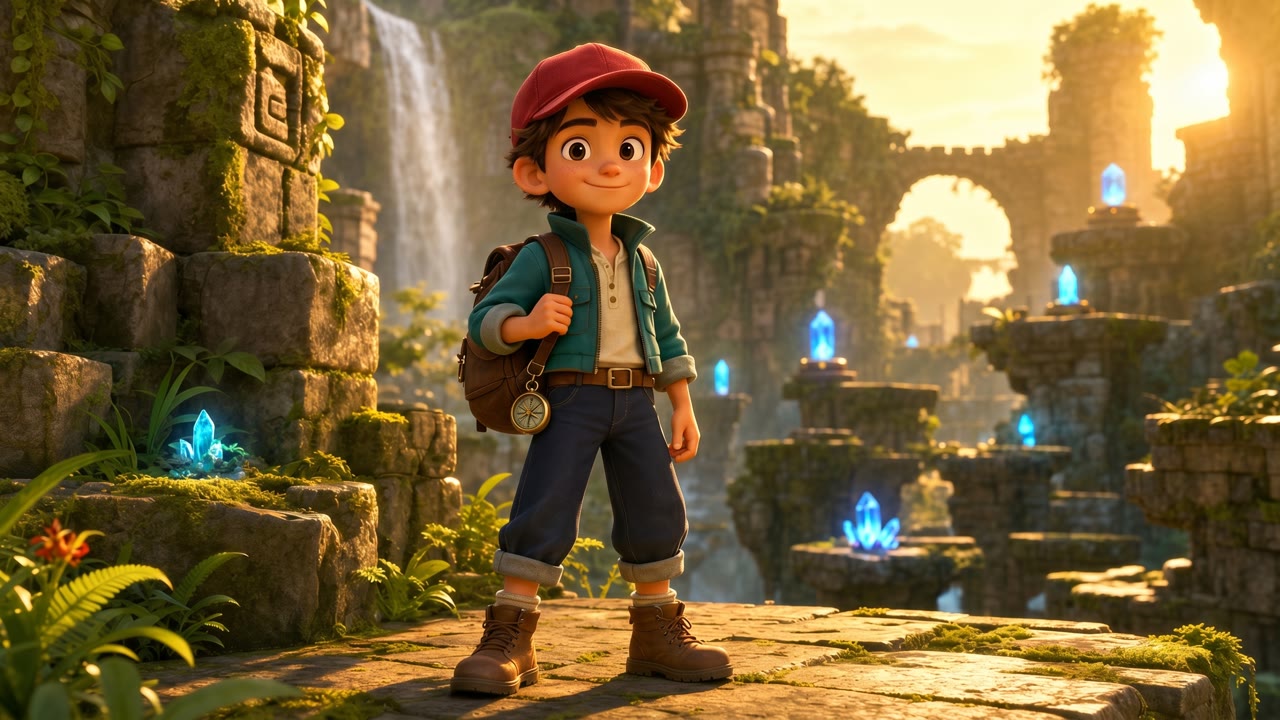
Generated source visual
AI Vector Style Image
Repeatable workflow
Keep each step visible: brief, setup, generate, refine, publish. Build on the best output instead of hoping one prompt lands perfectly.
TEXT TO VIDEO SHOWCASE
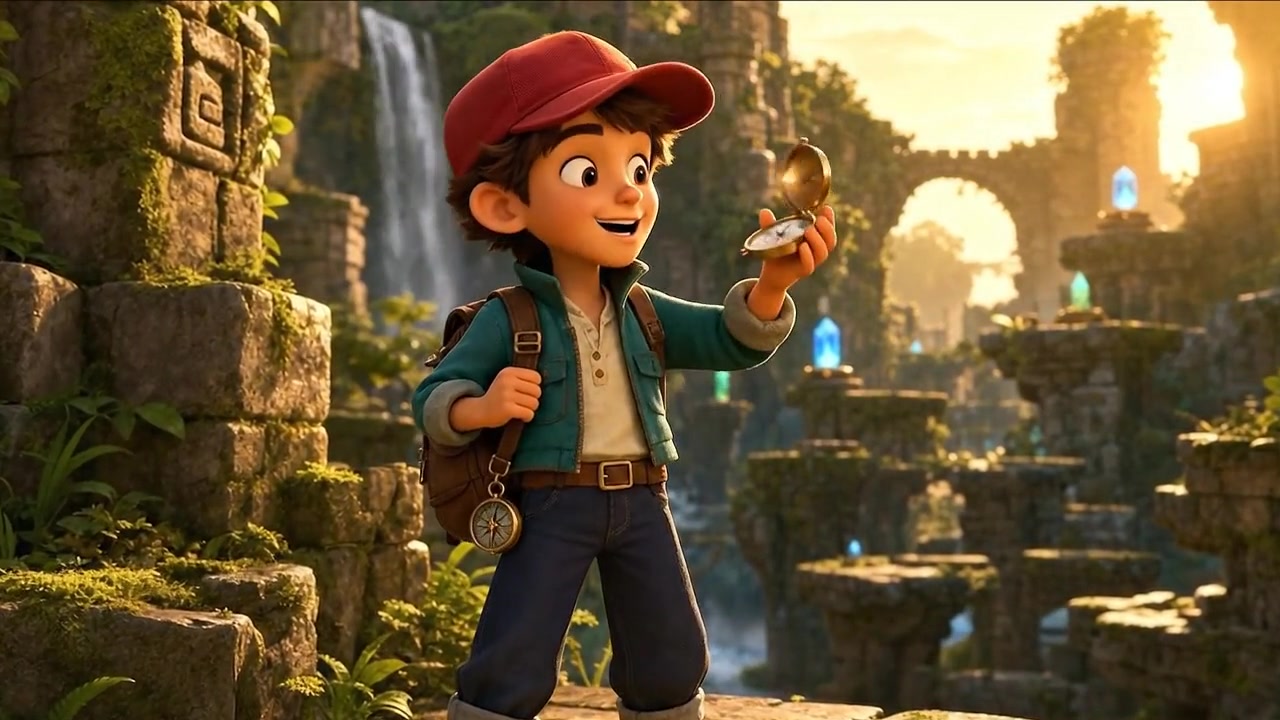
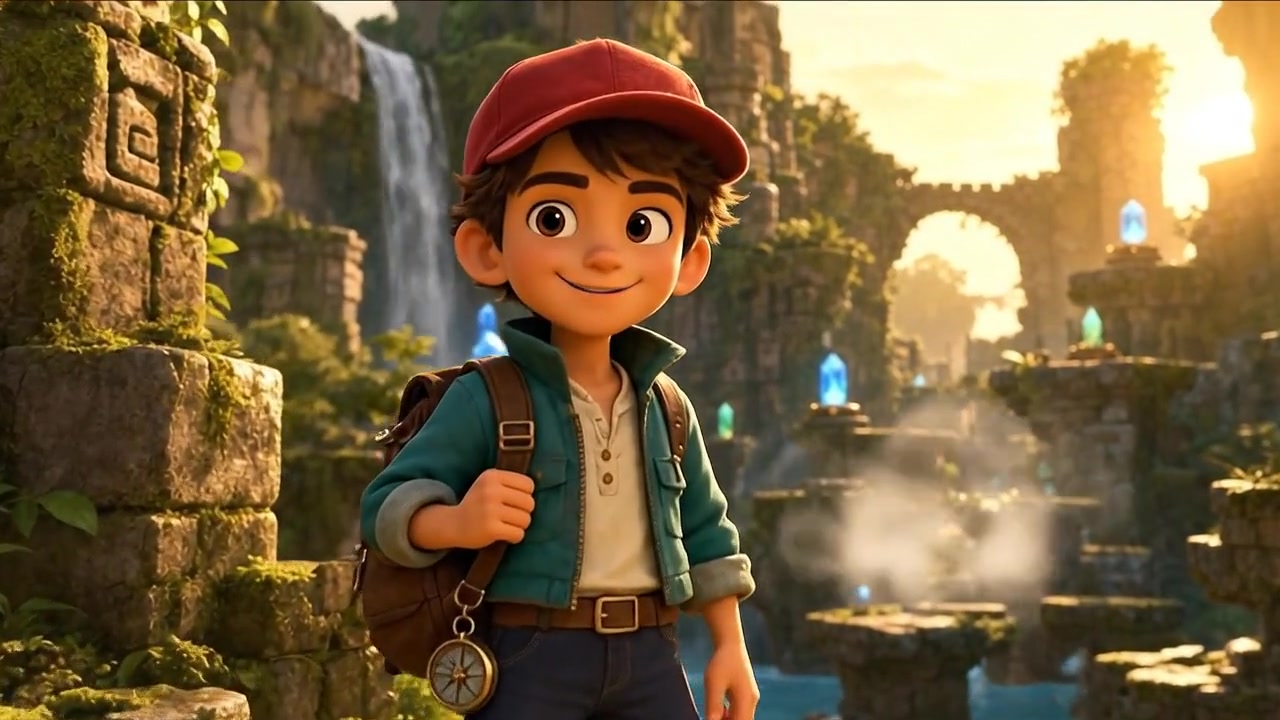
See how a simple text prompt can become a cinematic, professional-quality video draft, with status tracking from submission to completion.
MODEL MATCHING
Compare how models handle motion, audio, image fidelity, character stability, and iteration speed before you spend credits.
No hidden fees • Cancel anytime • Monthly credits valid for the current credit window
CREDIT, RIGHTS, AND OUTPUT DECISIONS
Answers for credits, publishing, output formats, and the right starting point.
CREATOR NOTES
These notes focus on the decisions creators make before they spend credits: starting point, model fit, budget, and source asset prep.
Open a video or image workflow, review the model and credit estimate before submission, then keep the finished output ready for download or refinement.
Use the image as visual anchor, then animate it into a short clip without rebuilding the subject from scratch.
Best for product motion, character shots, campaign variants, and before-after creative tests.
Browse video effects and image generators when speed matters more than designing the workflow yourself.
Best for trend effects, avatar styles, image tools, and repeatable campaign formats.
The compact list keeps more useful video and image prompt entries one click away without loading the full catalog into the homepage.
High-motion text and image video with native audio options.
Image-guided setup
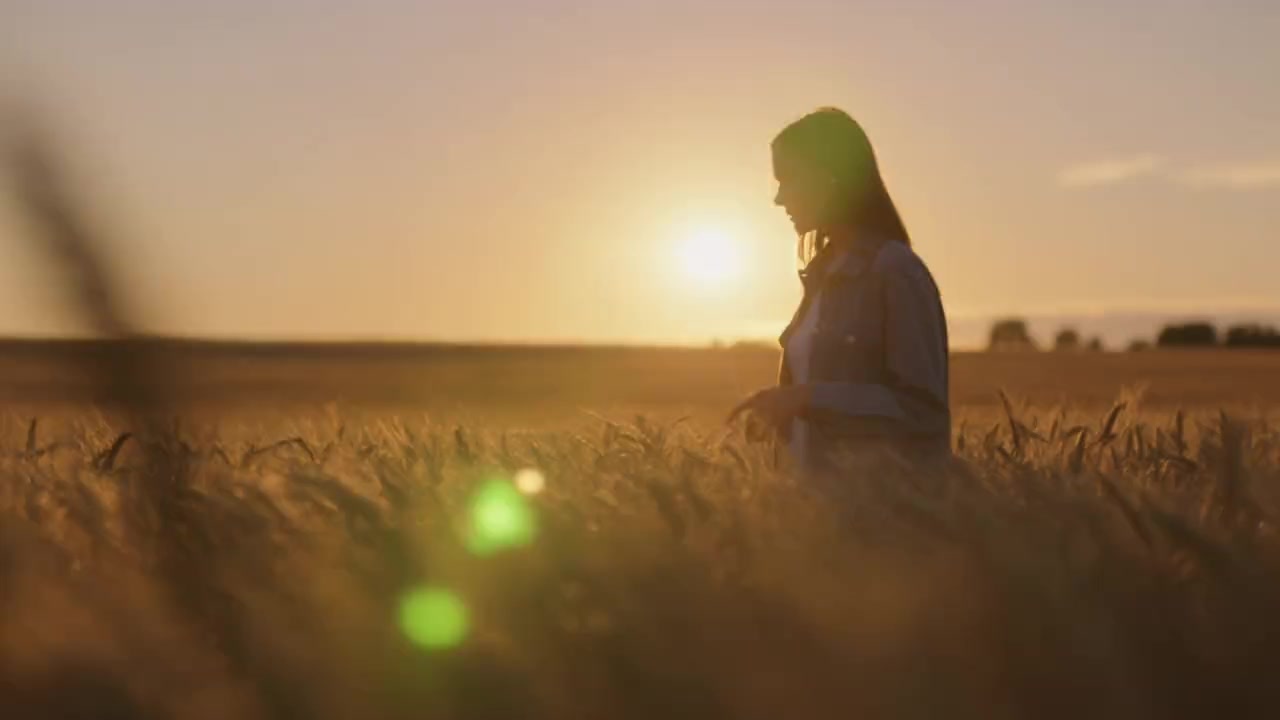
Turn a still portrait into a natural motion scene with warm light, expression, and believable timing.
Advanced video model
Futuristic city aerial with rain reflections, volumetric fog, and smooth camera movement.
Traditional tools assume you already have footage and time to assemble, refine, export, and retry.
VisioArt way
Generate source video first, compare versions, refine assets, and download a usable output without rebuilding the process.
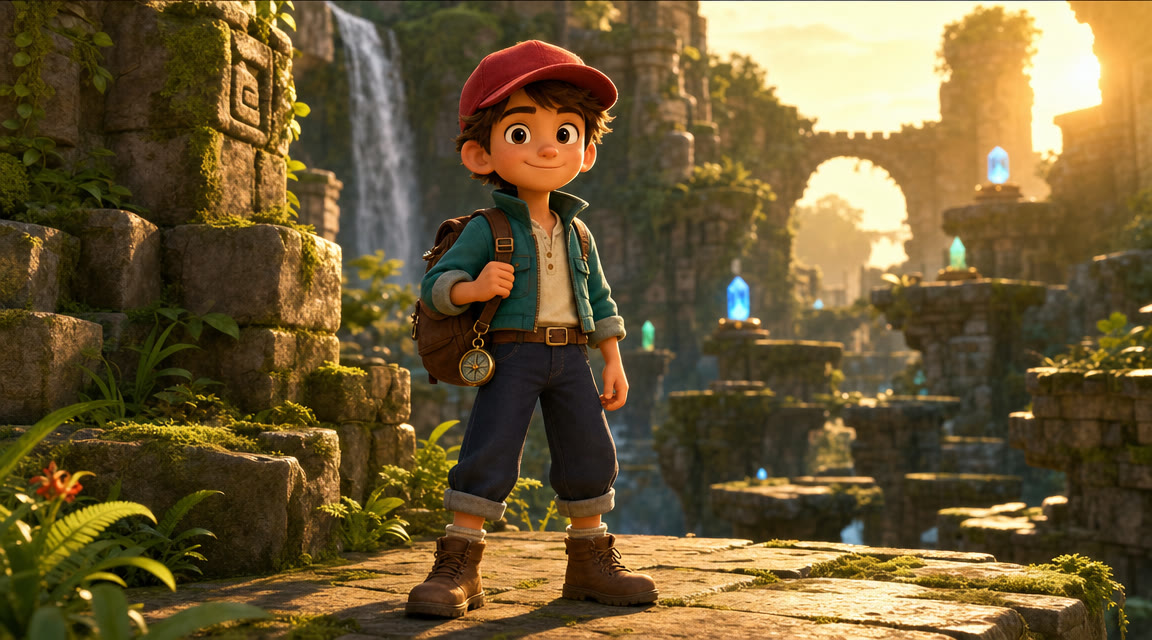
Start with text-to-image, an edit workflow, a style generator, or a source-image tool based on the asset you need next.
Check composition, subject clarity, readable details, and crop before the asset moves into a campaign or video workflow.
Use the strongest still for product mockups, thumbnails, social visuals, or image-to-video experiments.


04 / refined assetPrompts, source images, model settings, credits, and outputs stay together instead of scattering across disconnected tools.
Multi-model
pick the setup that fits the brief
Cost aware
see credits before committing
Reusable
keep outputs ready for the next step
Keep every generation connected
The board keeps the brief, source assets, motion passes, refinements, and handoff visible so creators can follow the job at a glance.
01
Start with a scene, product idea, reference image, or trend effect.
02
Pick text, image, effect, or workflow based on the job.
03
Compare model behavior before you commit to a direction.
04
Improve inputs, rerun prompts, and keep stronger source material.
05
Download a usable MP4 or image asset for the channel that matters.
Output standard
Good AI video is more than visual polish. It needs stable subjects, readable camera motion, clear generation cost, and a practical export path.
Use setups tuned for stronger character consistency, product readability, and cleaner visual transitions.
Prompts are shaped around shot type, motion, light, and pacing so outputs feel directed rather than random.
Credit estimates appear before submission, helping creators choose the right model and duration with intent.
Completed jobs move through status and download flow so the result can go into social, ads, or review.