Skip to content
VisioArtVisioArt
  • AI WorkflowsNEW
  • Pricing
Video to Video

Video to Video AI - Transform Your Videos

Upload a reference video and a person's photo to create stunning animated videos driven by source motion and character identity.

Start Creating NowOpen generation history
WorkspaceFeaturesHow to Use AI Video to Video Generator?Everything You Need to Know About AI GenerationReady to Animate Your Characters?
Video to VideoModels: 3Wan 2.6
Model
Uploads
Required before generation: 1 video.
Sign in to upload

Uploads are saved to your workspace before generation, so sign in first to keep the source image attached.

0/5000
Credits required: 210 credits
Settings10s
Duration
Wan 2.6 has completed successfully in this workspace at 5s. 10s is still exposed, but recent live runs were less stable.

Sample Creations

See examples of what you can create

AI Video to Video Generator

Transform videos with character animation

Bring characters to life by uploading a reference video and a person's photo, then generate a transformed output that follows the original motion.

Upload the motion source
Reference video
Upload the motion source
Use a short clip with clear movement, choreography, or timing that you want the output to follow.
Start Creating Now
Provide the identity frame
Character image
Provide the identity frame
Bring in a photo or still image that defines the person, look, or style that should inherit the source motion.
Start Creating Now
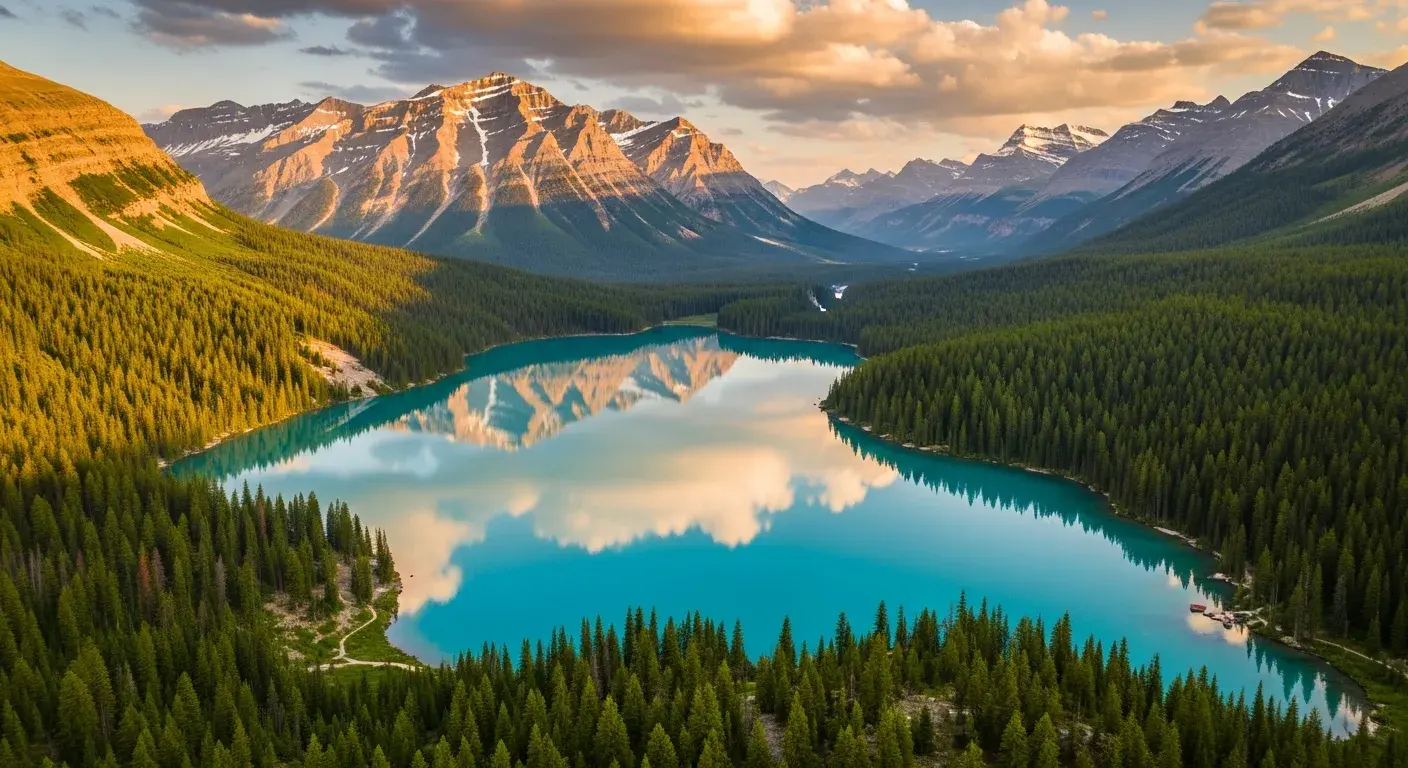
Output a transformed clip
Generated video
Output a transformed clip
Create a new video that preserves the motion scaffold while changing the visible character, styling, or visual treatment.
Start Creating Now
Reference-driven character animation
Bring characters to life with reference-driven motion
Upload a reference video and a person's photo to create stunning animated videos where your character follows the source movement with more natural structure.

AI Video to Video Generator

How to Use AI Video to Video Generator?

Create stunning character animations with our powerful AI video to video generator. Follow these simple steps to bring your photos to life with reference video movements:

1
Step 1
Upload Reference Video
Upload the reference video that contains the movements and actions you want the final character to follow.
2
Step 2
Upload Person's Photo
Select the photo of the person you want to animate so the output has a clear identity and visible subject.
3
Step 3
Generate AI Video
Generate the clip and review the transformed result once the reference motion has been transferred to the uploaded image.

Frequently Asked Questions

Everything You Need to Know About AI Generation

The number depends on the selected model, workflow, duration, aspect ratio, and output settings. The workspace shows the credit estimate before you submit each job, so use that preview as the source of truth.

Ready to Animate Your Characters?

Ready to Animate Your Characters?

Join creators using VisioArt's AI video to video generator. Transform static photos into dynamic videos with reference video movements and bring your characters to life today.

Start Creating NowExplore All Features
VisioArtVisioArt

Create AI-powered MP4 videos from text, images, and guided workflows.

Sign up
Product
  • Image Generators
  • AI Image Editor
  • Text to Image
  • Image to Video
  • AI Photo to Video
  • Text to Video
  • Video to Video
  • Video Compression
  • AI Video Generator
Video Effects
  • All Video Effects
  • AI Bikini Video
  • Ghostface Video
  • Action Figure Video
  • Product Ad Video
  • AI Hug Video
  • Christmas Video
Video Models
  • Sora 2
  • Sora 2 Pro
  • Wan 2.5
  • Wan 2.6
  • Wan 2.7
  • HappyHorse 1.0
  • Gemini Omni
  • Veo 3.1
  • Veo 3.1 Fast
  • Kling AI
  • Kling 3.0
  • Kling 2.6
  • Seedance
  • Seedance 2
  • Seedance 2 Fast
Image Models
  • Seedream 4
  • Seedream 4.5
  • Seedream 5 Lite
  • Nano Banana
  • GPT Image 2
  • GPT-4o Image
  • Qwen Image
  • Qwen Image 2
  • Imagen 4
  • Midjourney
  • Grok Imagine
  • Flux 2
  • Z-Image
Support
  • Docs
  • Blog
  • Changelog
  • Contact
Legal
  • Cookie Policy
  • Privacy Policy
  • Refund Policy
  • Terms of Service
© 2026 VisioArt. All rights reserved.