Image generator FAQ
How to use dedicated AI image generator pages
Answers for searchers comparing image generator URLs, prompt recipes, upload requirements, model defaults, and commercial review needs.
What is the VisioArt AI Image Generator Library?
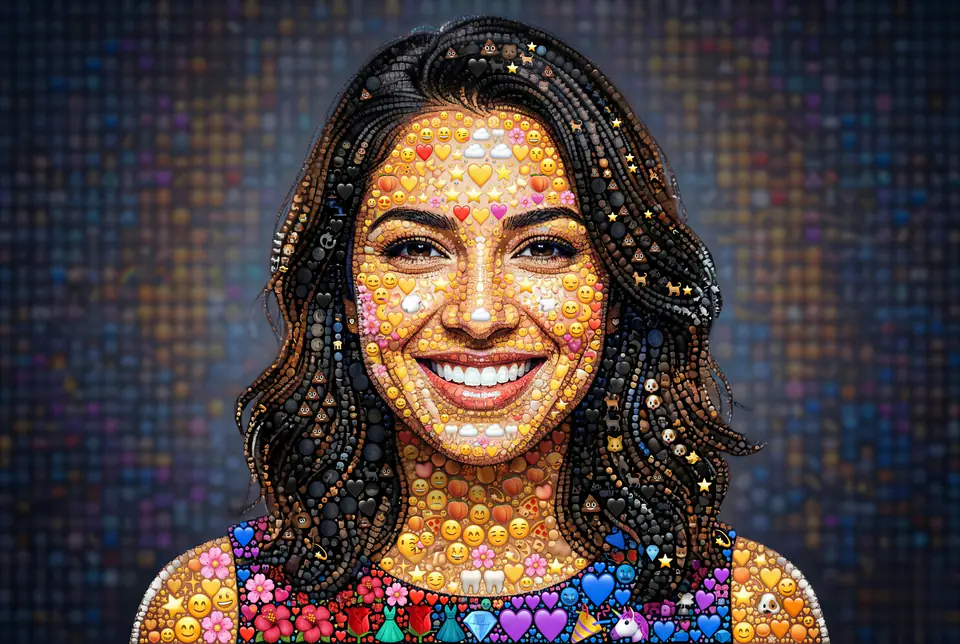
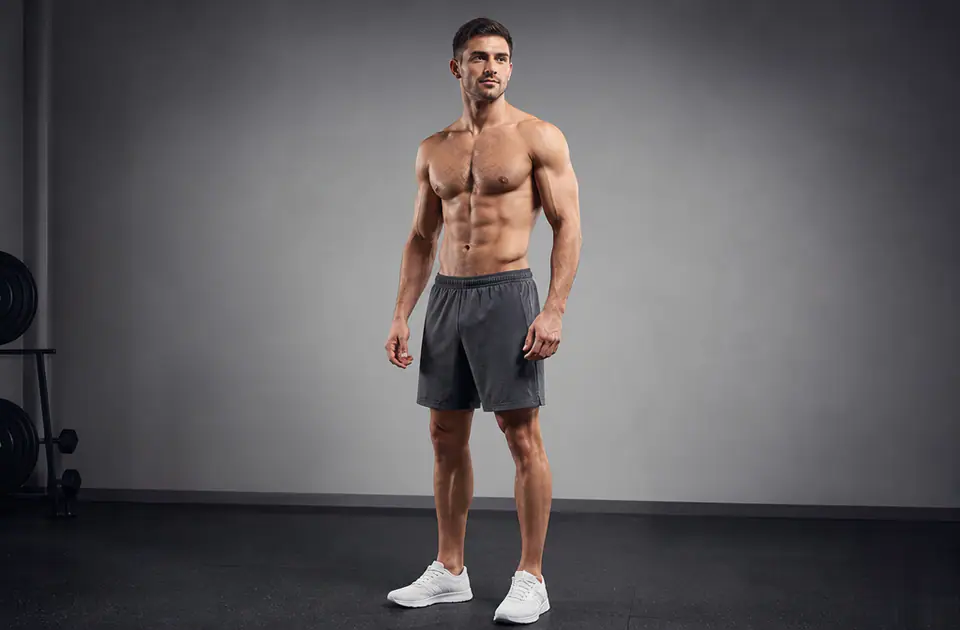
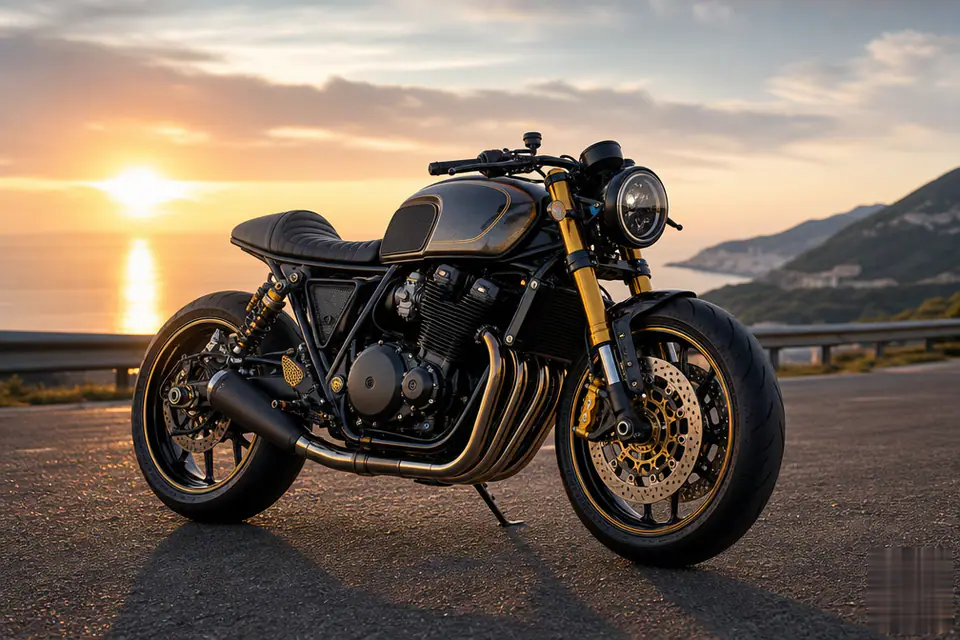
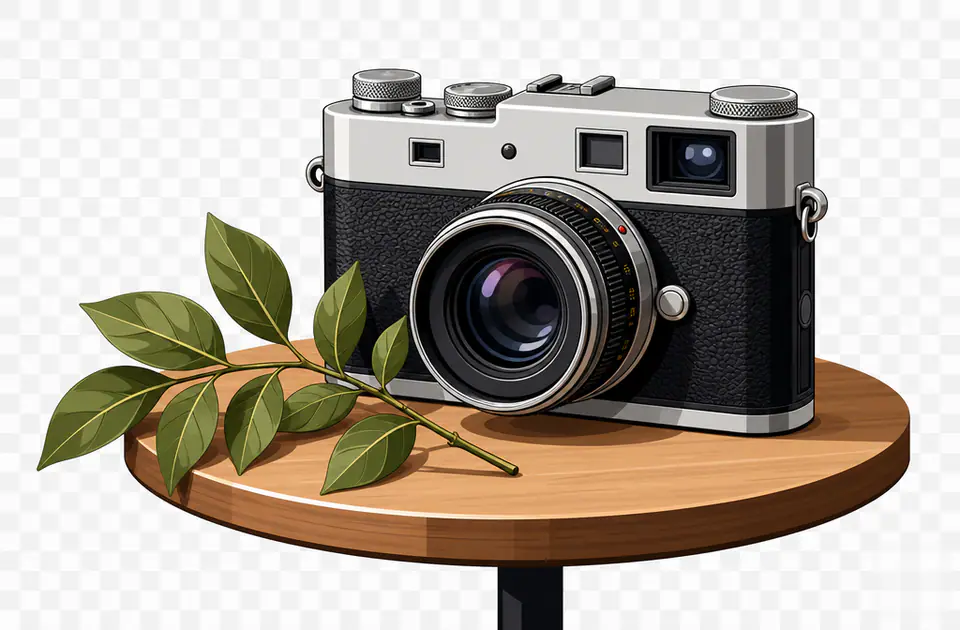
It is a directory of dedicated AI image generators and image editor workflows. Each page opens with a prepared prompt structure, upload requirements, model defaults, sample visuals, related generators, and FAQ content.
How is this different from a general text-to-image tool?
A general tool starts from a blank prompt. These generator pages start from a specific intent such as patches, avatars, pets, product mockups, filters, portraits, seasonal visuals, or style references.
Do image generators require an uploaded photo?
Some workflows need one or more source images, while others can start from text only. Each card and detail page shows the upload requirement before you open the editor.
Why are image generator pages useful for SEO?
Each page targets a distinct search need with a clean URL, descriptive title, visible examples, FAQ content, and internal links to adjacent generators instead of forcing every keyword onto one generic image page.
Can I compare different image styles or models?
Yes. The generator pages expose supported models, aspect ratios, output formats, prompt defaults, and related image tools so you can compare workflows before committing credits.
Can I use the generated images commercially?
Many outputs are built for marketing review, social posts, mockups, and creative production, but you should review the final image, source rights, model/provider terms, and any brand or character restrictions before publishing.