
Seedream 5 Lite AI Image Editor - Fast Text to Image and Editing
Seedream 5 Lite keeps the same image and edit workflow in a lighter package for quick iteration and practical delivery.
Community examples made with Seedream 5 Lite
- Modes
- Text to image · Image editor
- Starting at
- 6 credits
- Access
- Any signed-in account with enough credits
COMMUNITY PROMPTS
Made with Seedream 5 Lite
Prompts that community creators shared together with their Seedream 5 Lite results, as tagged in the VisioArt prompt library. Open one to read the full prompt and reuse it; your result will depend on your own inputs and settings.
SPECIFICATIONS
Seedream 5 Lite settings and credit costs
What this workspace sends to Seedream 5 Lite: the inputs it accepts, the lengths and output settings you can pick, and the credits each setting costs per generation.
Access: Any signed-in account with enough credits
Text to image
- Inputs
- Text prompt
- Aspect Ratio
- 16:9 / 9:16 / 1:1 / 4:3 / 3:4 / 3:2 / 2:3
- Output formats
- PNG
| Setting | Credits per image |
|---|---|
| Basic | 6 credits |
| High | 8 credits |
Image editor
- Inputs
- Text prompt · Image: 1 required · Image: up to 13 optional
- Aspect Ratio
- 16:9 / 9:16 / 1:1 / 4:3 / 3:4 / 3:2 / 2:3
- Output formats
- PNG
| Setting | Credits per image |
|---|---|
| Basic | 6 credits |
| High | 8 credits |
Credits are the cost of one generation at current prices. The workspace shows the exact estimate for your settings before you generate.
WHY CHOOSE Seedream 5 Lite
Why Choose Seedream 5 Lite
Seedream 5 Lite is designed to keep generation practical, controllable, and fast for real publishing workflows.
PROFESSIONAL IMAGE GENERATION TOOLS
Advanced Controls for Every Creator
Seedream 5 Lite keeps prompting, reference inputs, and export-ready settings in one place so visual teams can move faster.
16:9 / 9:16 / 1:1 / 4:3 / 3:4 / 3:2 / 2:3 aspect ratios
PNG output formats
Cloud-based generation that keeps ideation fast
Natural language prompts for both generation and editing
USE CASES
Transform Your Creative Workflow with Seedream 5 Lite
From social posts to campaign art direction, Seedream 5 Lite helps teams generate, refine, and prepare visuals without heavy design tooling.
KEEP CREATING
Effects and templates that use Seedream 5 Lite
Ready-made presets that run on Seedream 5 Lite or let you switch to it, and prompt templates recommended for it.
Image tools
 AI Age Change FilterCan run on Seedream 5 Lite
 AI Body EditorCan run on Seedream 5 Lite
 AI Headshot GeneratorCan run on Seedream 5 Lite
 AI Emoji GeneratorCan run on Seedream 5 Lite
 AI Caricature GeneratorCan run on Seedream 5 Lite
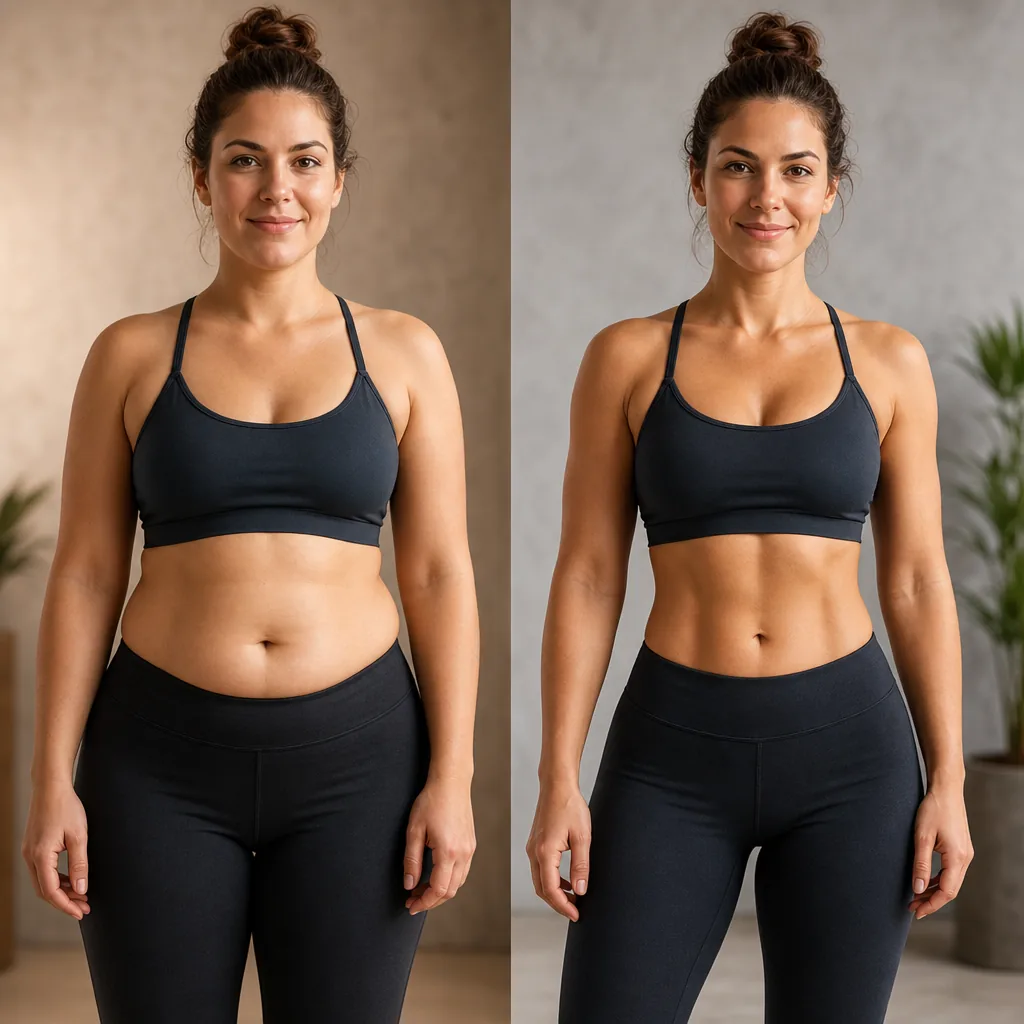 AI Abs GeneratorCan run on Seedream 5 Lite
 AI Age FilterCan run on Seedream 5 Lite
 AI Avatar GeneratorCan run on Seedream 5 Lite
AI generation plans and credit packs
No hidden fees • Cancel anytime • Monthly credits valid for the current credit window
| Model | 16:9Single render |
|---|---|
Seedream 5 LiteLITE ByteDance |

FREQUENTLY ASKED QUESTIONS
Everything You Need to Know About Seedream 5 Lite
The questions creators ask most before using Seedream 5 Lite for prompts, references, and still images.
Start Creating with Seedream 5 Lite
Use Seedream 5 Lite inside VisioArt to move from an idea to a polished result without rebuilding the workflow.