
Kling 2.6 AI Video Generator - Animate Images into Short Videos
Animate one uploaded image into a 5- or 10-second video with dynamic motion and prompt-directed camera movement.
- Modes
- Image to video
- Duration
- 5s / 10s
- Starting at
- 55 credits
- Access
- Any signed-in account with enough credits
SPECIFICATIONS
Kling 2.6 settings and credit costs
What this workspace sends to Kling 2.6: the inputs it accepts, the lengths and output settings you can pick, and the credits each setting costs per generation.
Access: Any signed-in account with enough credits
Image to video
- Inputs
- Text prompt · Image: 1 required
- Aspect Ratio
- Follows the uploaded source
- Duration
- 5s / 10s
| Setting | 5s | 10s |
|---|---|---|
| Standard settings | 55 credits | 110 credits |
Credits are the cost of one generation at current prices. The workspace shows the exact estimate for your settings before you generate.
WHY CHOOSE Kling 2.6
Key Features That Set Kling 2.6 Apart
Kling 2.6 focuses on image-guided motion in a simple workflow. Use it for short clips where subject structure and movement need a clear starting frame.
PROFESSIONAL-GRADE CREATIVE CONTROL
Complete Control Over Every Aspect
The current VisioArt workflow exposes one uploaded image, a prompt, a 16:9 canvas, and 5- or 10-second duration choices. Review the current credit estimate before submission.
Downloadable MP4 output for short-form clips
16:9 landscape output for this image-to-video route
One uploaded reference image plus a text prompt
5- or 10-second duration choices
USE CASES
Transform Every Industry with Kling 2.6
From narrative filmmaking to commercial production, Kling 2.6 helps creators turn still images into short, motion-led video drafts.
KEEP CREATING
Effects and templates that use Kling 2.6
Ready-made presets that run on Kling 2.6 or let you switch to it, and prompt templates recommended for it.
Video effects

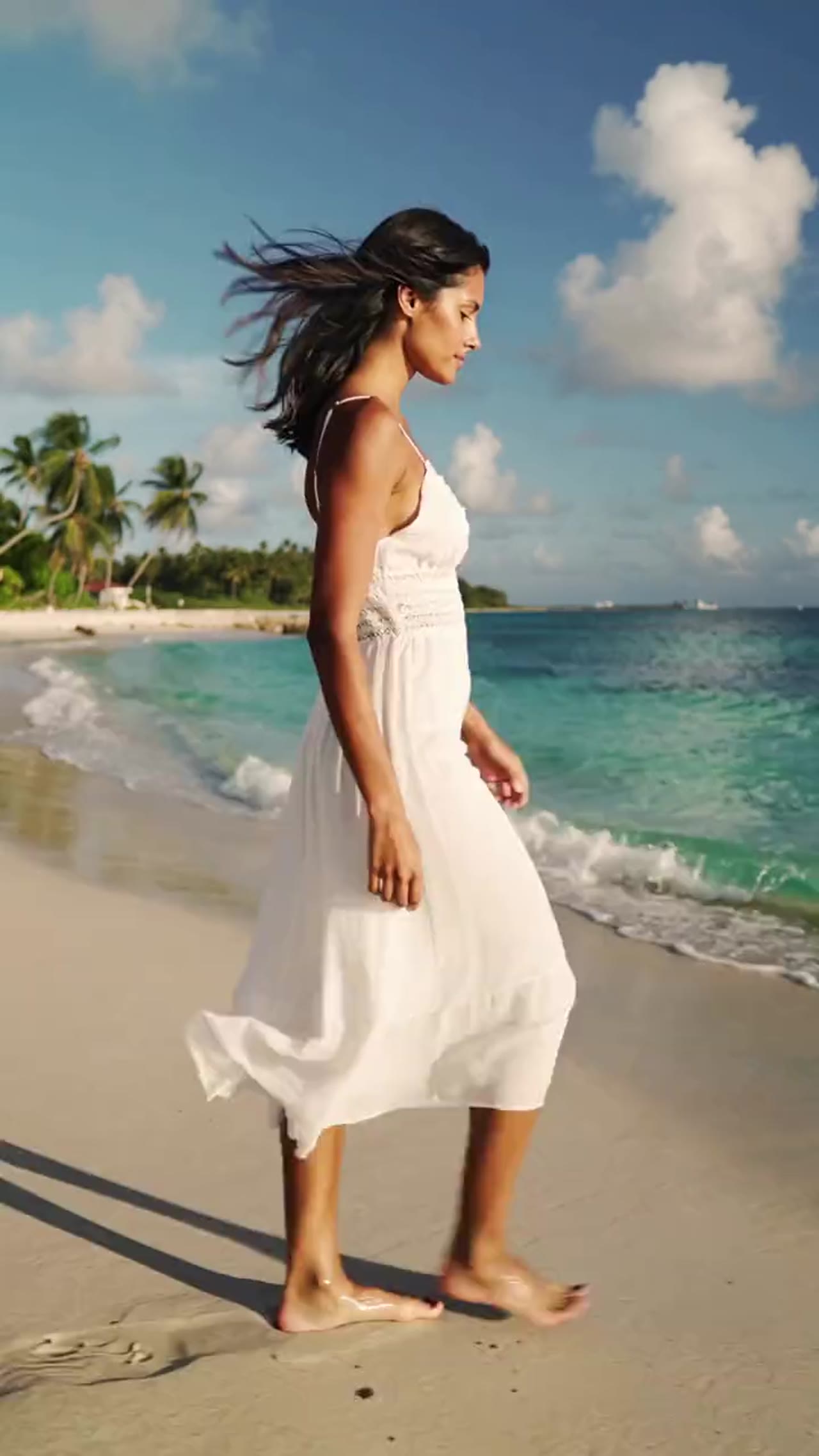



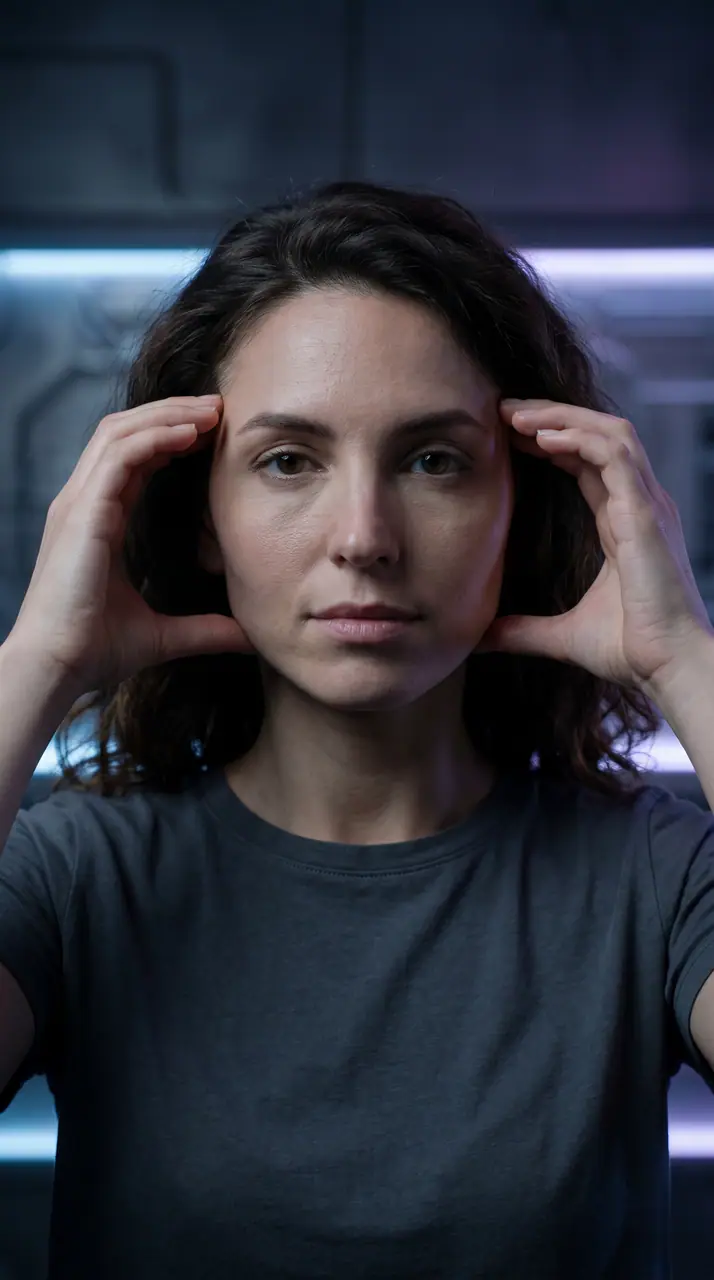


AI generation plans and credit packs
No hidden fees • Cancel anytime • Monthly credits valid for the current credit window
| Model | 16:95s | 16:910s |
|---|---|---|
Kling 2.6 Kuaishou |

FREQUENTLY ASKED QUESTIONS
Everything You Need to Know About Kling 2.6
Common questions about using this model in VisioArt.
Ready to Create with Kling 2.6?
Start from one image and a clear prompt, review the 5- or 10-second result, and decide whether the motion fits your next draft.