Skip to content
VisioArtVisioArt
  • AI WorkflowsNEW
  • Pricing
Text to Image

Text to Image AI - Generate Images from Text

Generate polished visuals, concept frames, product stills, and campaign art from a single prompt with six specialized image models.

Start Creating NowOpen generation history
WorkspaceShowcaseFeatures that set VisioArt apartEndless possibilitiesChoose the right AI modelGet started in secondsEverything You Need to Know About AI GenerationReady to Start Creating?
Text to ImageModels: 16Z-Image
Model
0/5000
Credits required: 3 credits1 credits67% OFF
Settings16:9 • PNG
Aspect Ratio
Output format

Sample Creations

See examples of what you can create

Preview Examples

Preview examples

Browse prompt ideas to jumpstart your next creation. Each example can be used directly in the generator above.

Editorial portrait
Preview example 1
Editorial portrait
A cinematic studio portrait of a fashion editor, soft side lighting, natural skin texture, warm ivory backdrop, subtle movement in fabric, premium magazine styling.
Use prompt idea
Product hero frame
Preview example 2
Product hero frame
A premium skincare bottle on brushed stone, dramatic side light, floating water droplets, crisp reflections, commercial product photography, clean luxury composition.
Use prompt idea
Anime city poster
Preview example 3
Anime city poster
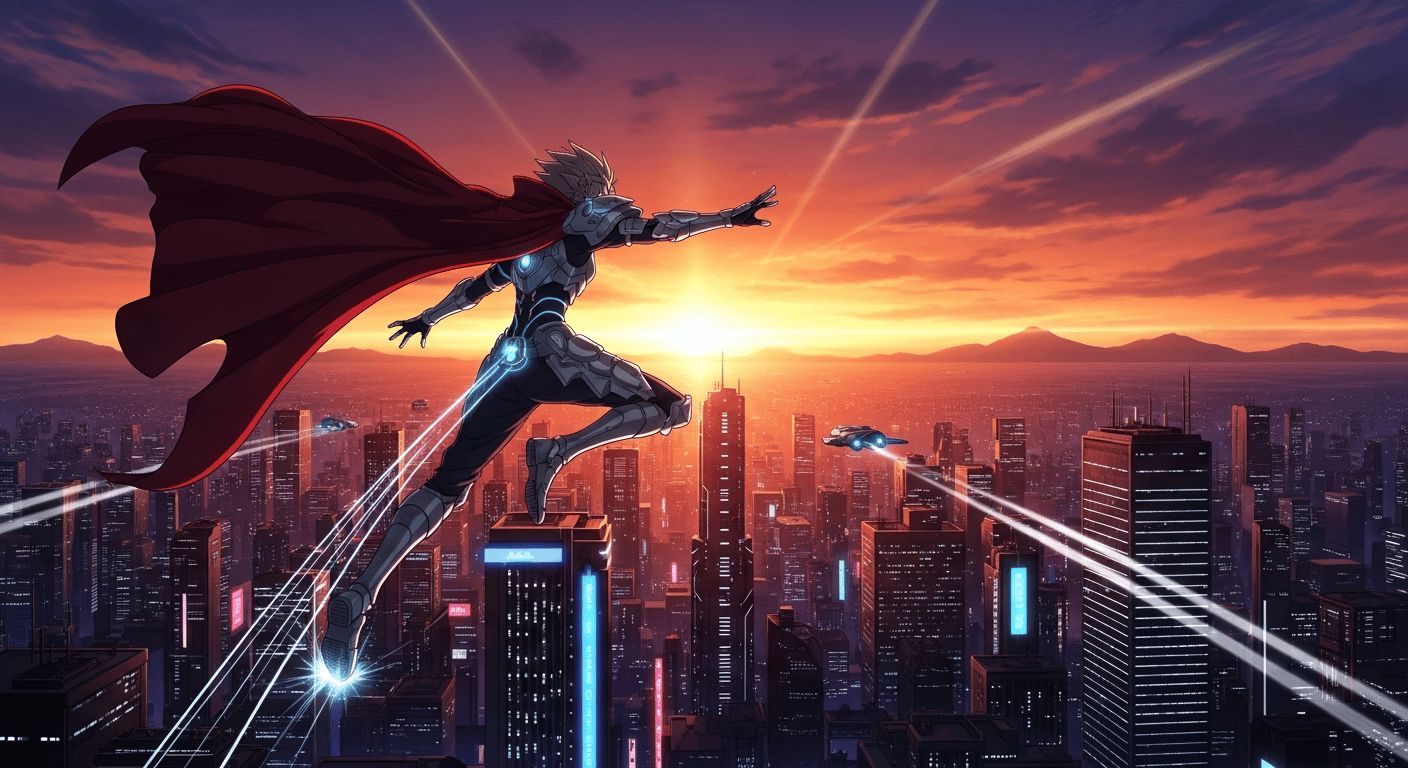
A neon-lit anime city street at dusk, glowing signs, wet pavement reflections, dynamic perspective, layered crowd silhouettes, poster-ready composition.
Use prompt idea
Travel thumbnail
Preview example 4
Travel thumbnail
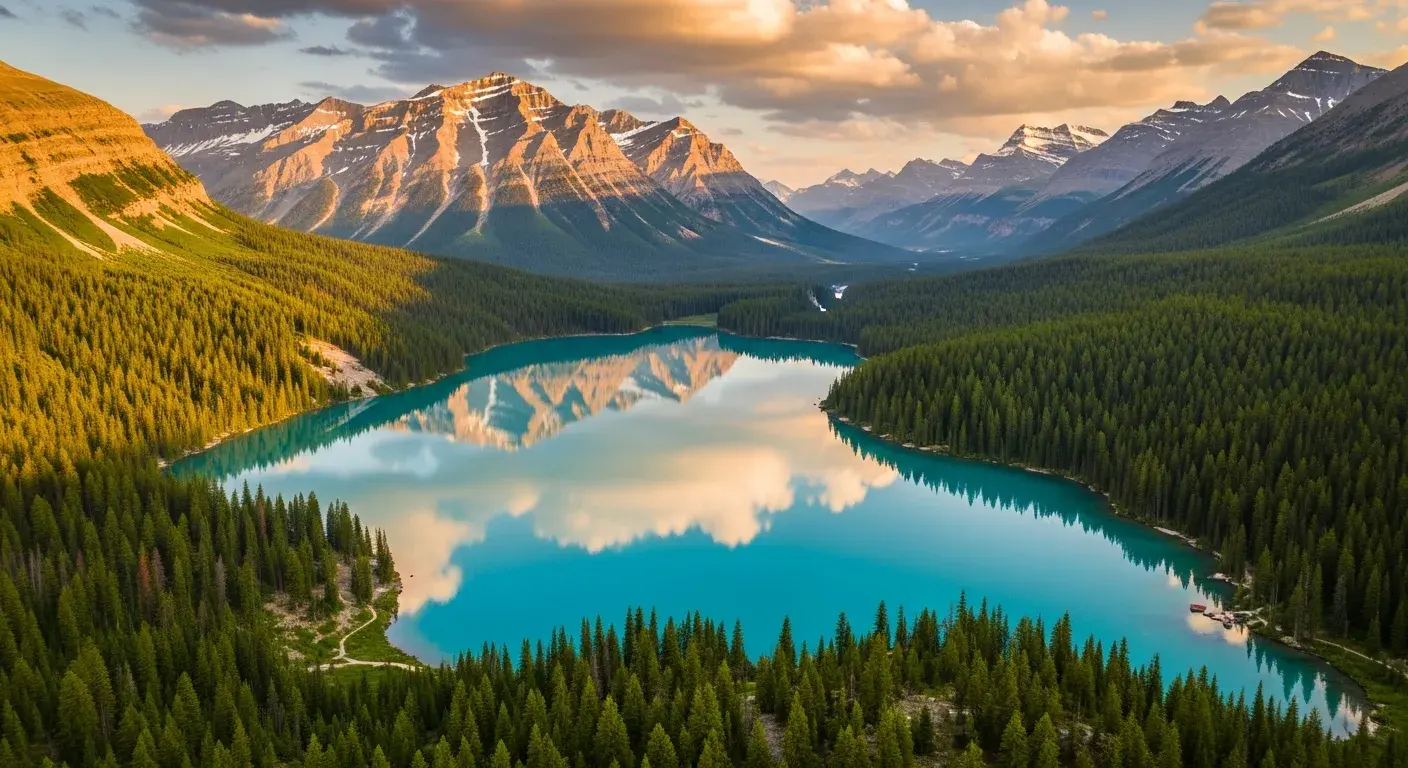
A sweeping aerial coastline at golden hour, winding road, sparkling ocean, dramatic cliffs, highly detailed travel-poster framing, bright editorial color.
Use prompt idea
Campaign concept
Preview example 5
Campaign concept
A futuristic sneaker launch scene with suspended product, chrome display plinth, spotlight beams, subtle haze, luxury advertising visual language.
Use prompt idea
Character keyframe
Preview example 6
Character keyframe
A determined sci-fi pilot in a narrow cockpit, illuminated controls, intense expression, cinematic key art, highly detailed costume materials.
Use prompt idea

The power of six AI models

Features that set VisioArt apart

Why settle for one AI when you can have six? VisioArt integrates the industry's leading AI image generation models, each with its own unique strengths. Switch between them to find the perfect style for your creation.

FL
Flagship
Z-Image
Our flagship model, delivering unparalleled quality and realism for a wide range of styles.
Perfect for high-quality, general-purpose image generation with exceptional detail and versatility.
PH
Photorealistic
Flux 2
The master of photorealistic restyling. Preserve the core structure of an image while completely transforming its look and feel.
Ideal for style transfer and maintaining composition while changing aesthetics.
PR
Precision
Nano Banana
For when precision matters. Excels at semantic object control, allowing you to manipulate specific elements within your image with incredible accuracy.
Best for detailed object manipulation and precise semantic control.
VE
Versatile
GPT Image 1.5
A versatile and powerful model from OpenAI, capable of producing a vast array of creative and diverse images.
Great for creative exploration and generating diverse, imaginative outputs.
TY
Typography
Seedream 4
The go-to model for perfect typography and text generation within images. Create stunning posters, ads, and social media graphics with crisp, clear text.
Specialized in text rendering for posters, advertisements, and graphics.
AR
Artistic
Midjourney
Renowned for its artistic and highly stylized image generation, perfect for creating unique and imaginative visuals.
Best for artistic creation, concept art, and highly stylized imagery.

Use Cases For Every Creator

Endless possibilities

VisioArt's AI text-to-image generator is a game-changer for a wide range of professionals. From product photography to content creation, discover how our AI models can transform your workflow.

Use CaseDescriptionRecommended Model(s)
Product PhotographyCreate professional-grade product photos without the need for a studio. Place your product in any setting imaginable.Z-Image, Flux 2
Social Media ContentGenerate eye-catching images for your social media feeds. Create custom memes, infographics, and more.Seedream 4, GPT Image 1.5
Marketing & AdvertisingDesign unique visuals for your ad campaigns. A/B test different creatives to see what resonates with your audience.Seedream 4, Z-Image
Content CreationGenerate header images for your blog posts, illustrations for your articles, and thumbnails for your videos.GPT Image 1.5, Nano Banana
Design & PrototypingQuickly visualize concepts and ideas. Create mockups and storyboards to bring your projects to life.Nano Banana, Flux 2
Artistic CreationGenerate unique, artistic, and highly stylized images for creative projects, concept art, and digital illustration.Midjourney, GPT Image 1.5

A Model For Every Vision

Choose the right AI model

Not sure which model to use? Compare each model's strengths before you generate.

ModelBest ForKey Feature(s)
Z-ImageHigh-quality general-purpose image generationRealism, versatility
Flux 2Photorealistic restyling and style transferPreserves structure, alters mood and lighting
Nano BananaPrecise object manipulation and controlSemantic understanding, detailed edits
GPT Image 1.5Creative and diverse image generationWide range of styles, imaginative outputs
Seedream 4Images with text, posters, and adsCrisp typography, excellent text rendering
MidjourneyArtistic and stylized image generationUnique aesthetics, imaginative outputs

How To Generate Images From Text In 3 Simple Steps

Get started in seconds

Creating with VisioArt is simple: write a prompt, choose the model and settings, then generate and download the result.

Step 1
Write Your Prompt
Describe the image you want to create in as much detail as you like. The more specific you are, the better the result will be.
Step 2
Choose Your Model & Settings
Select the AI model that best suits your needs and adjust the settings to your liking.
Step 3
Generate & Download
Click 'Generate' and follow the job status while the image is created. Download the finished result and use it wherever your plan and source rights allow.

Frequently Asked Questions

Everything You Need to Know About AI Generation

The number depends on the selected model, workflow, duration, aspect ratio, and output settings. The workspace shows the credit estimate before you submit each job, so use that preview as the source of truth.

Ready to Start Creating?

Ready to Start Creating?

Generate polished AI images for campaigns, product pages, editorials, and concept work from one workspace, then reuse the best outputs in your next creative step.

Sign Up and Get Free CreditsExplore Features
VisioArtVisioArt

Create AI-powered MP4 videos from text, images, and guided workflows.

Sign up
Product
  • Image Generators
  • AI Image Editor
  • Text to Image
  • Image to Video
  • AI Photo to Video
  • Text to Video
  • Video to Video
  • Video Compression
  • AI Video Generator
Video Effects
  • All Video Effects
  • AI Bikini Video
  • Ghostface Video
  • Action Figure Video
  • Product Ad Video
  • AI Hug Video
  • Christmas Video
Video Models
  • Sora 2
  • Sora 2 Pro
  • Wan 2.5
  • Wan 2.6
  • Wan 2.7
  • HappyHorse 1.0
  • Gemini Omni
  • Veo 3.1
  • Veo 3.1 Fast
  • Kling AI
  • Kling 3.0
  • Kling 2.6
  • Seedance
  • Seedance 2
  • Seedance 2 Fast
Image Models
  • Seedream 4
  • Seedream 4.5
  • Seedream 5 Lite
  • Nano Banana
  • GPT Image 2
  • GPT-4o Image
  • Qwen Image
  • Qwen Image 2
  • Imagen 4
  • Midjourney
  • Grok Imagine
  • Flux 2
  • Z-Image
Support
  • Docs
  • Blog
  • Changelog
  • Contact
Legal
  • Cookie Policy
  • Privacy Policy
  • Refund Policy
  • Terms of Service
© 2026 VisioArt. All rights reserved.