Skip to content
VisioArtVisioArt
  • AI WorkflowsNEW
  • Pricing
Image to Video

Image to Video AI Workspace

Upload a photo and turn it into cinematic video with 6+ AI models in one workspace.

Start Creating NowOpen generation history
Workspace6+ AI video models in one workspaceShowcaseHow to use AI Image to Video GeneratorEverything You Need to Know About AI GenerationReady to Transform Your Images into Videos?
Image to VideoModels: 12Veo 3.1
Model
Uploads
Required before generation: 1 image.
Sign in to upload

Uploads are saved to your workspace before generation, so sign in first to keep the source image attached.

0/5000
Credits required: 80 credits
Settings16:9 • Veo 3.1
Aspect Ratio
Video Resolution

Sample Creations

See examples of what you can create

Image to Video AI Models

6+ AI video models in one workspace

Access Veo 3.1, Sora 2, Kling AI, Grok Imagine, Seedance, and Wan AI in one platform so you can switch models without leaving the editor.

Ve
Flagship
Veo 3.1
Use Veo 3.1 for polished commercial motion, strong camera language, and higher-end output when the source frame already looks premium.
Open model page
So
Cinematic
Sora 2
Sora 2 is suited to imaginative motion direction, stylized sequences, and larger scene transformations from one still frame.
Open model page
Kl
Character motion
Kling AI
Kling remains a strong default for portraits, lifestyle shots, and creator workflows where human movement matters most.
Open model page
Gr
Expressive
Grok Imagine
Grok Imagine adds another visual direction for punchier stylization and more dramatic image-to-video experiments.
Open model page
Se
Rhythm
Seedance
Seedance works well when you need fast visual rhythm, energetic camera motion, and social-ready output from a strong still.
Open model page
Wa
Flexible
Wan AI
Wan AI is the practical option for motion transfer, cleaner structure retention, and production-friendly iteration across routes.
Open model page

AI IMAGE TO VIDEO GENERATOR

Transform Images into Dynamic Videos

Animate your images with VisioArt AI Image to Video Generator. Turn any image into a vivid story with VisioArt AI. Generate creative videos from your uploaded photos with prompt-led motion and camera control.

Portrait motion test
Demo scene 1
Portrait motion test
Two people hug each other in the picture.
Motion focus: Facial expression and shoulder movement
Use this prompt pattern
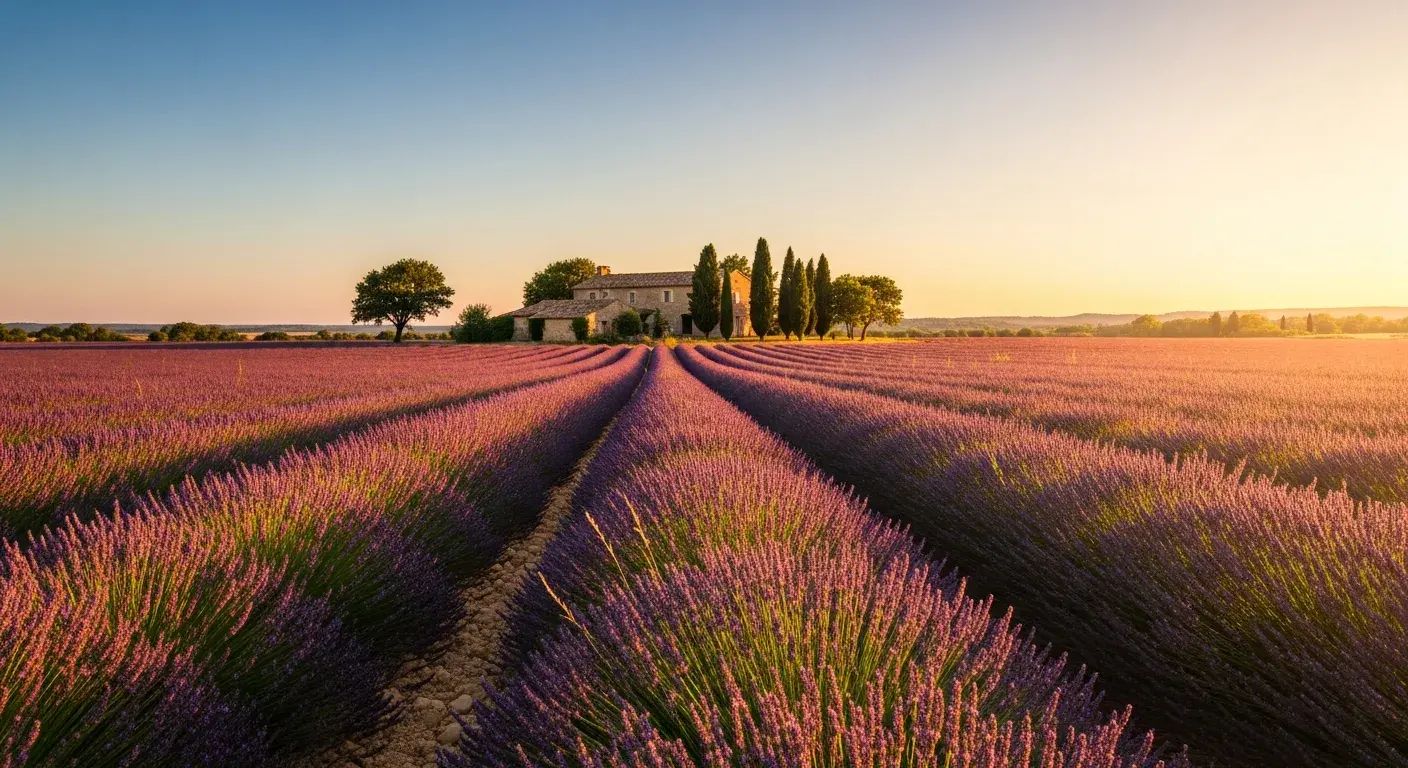
Sunset landscape lift
Demo scene 2
Sunset landscape lift
A serene sunset over the ocean with gentle waves rolling onto the shore.
Motion focus: Water texture, cloud parallax, slow camera push
Use this prompt pattern
Night street energy
Demo scene 3
Night street energy
A bustling city street at night with neon lights reflecting on wet pavement.
Motion focus: Crowd drift, light flicker, environmental depth
Use this prompt pattern

AI Image to Video Generator

How to use AI Image to Video Generator

Transform your images into stunning videos with our powerful AI image to video generator. Follow these simple steps to bring your photos to life:

1
Step 1
Upload Your Image
Select or upload the image you want to transform into a video. JPG, PNG, and WEBP files work well as clean starting frames.
2
Step 2
Add Your Creative Prompt
Describe how you want the image to come alive. Add motion details, camera movement, and the emotional tone of the final clip.
3
Step 3
Select AI Model & Generate
Choose the model and settings that best fit your image, then generate the final clip directly from the workspace.

Frequently Asked Questions

Everything You Need to Know About AI Generation

The number depends on the selected model, workflow, duration, aspect ratio, and output settings. The workspace shows the credit estimate before you submit each job, so use that preview as the source of truth.

Ready to Transform Your Images into Videos?

Ready to Transform Your Images into Videos?

Join thousands of creators using VisioArt.ai's AI image to video generator. Access 6+ powerful AI models in one platform and bring your images to life today.

Start Creating NowExplore All Features
VisioArtVisioArt

Create AI-powered MP4 videos from text, images, and guided workflows.

Sign up
Product
  • Image Generators
  • AI Image Editor
  • Text to Image
  • Image to Video
  • AI Photo to Video
  • Text to Video
  • Video to Video
  • Video Compression
  • AI Video Generator
Video Effects
  • All Video Effects
  • AI Bikini Video
  • Ghostface Video
  • Action Figure Video
  • Product Ad Video
  • AI Hug Video
  • Christmas Video
Video Models
  • Sora 2
  • Sora 2 Pro
  • Wan 2.5
  • Wan 2.6
  • Wan 2.7
  • HappyHorse 1.0
  • Gemini Omni
  • Veo 3.1
  • Veo 3.1 Fast
  • Kling AI
  • Kling 3.0
  • Kling 2.6
  • Seedance
  • Seedance 2
  • Seedance 2 Fast
Image Models
  • Seedream 4
  • Seedream 4.5
  • Seedream 5 Lite
  • Nano Banana
  • GPT Image 2
  • GPT-4o Image
  • Qwen Image
  • Qwen Image 2
  • Imagen 4
  • Midjourney
  • Grok Imagine
  • Flux 2
  • Z-Image
Support
  • Docs
  • Blog
  • Changelog
  • Contact
Legal
  • Cookie Policy
  • Privacy Policy
  • Refund Policy
  • Terms of Service
© 2026 VisioArt. All rights reserved.