
Studio
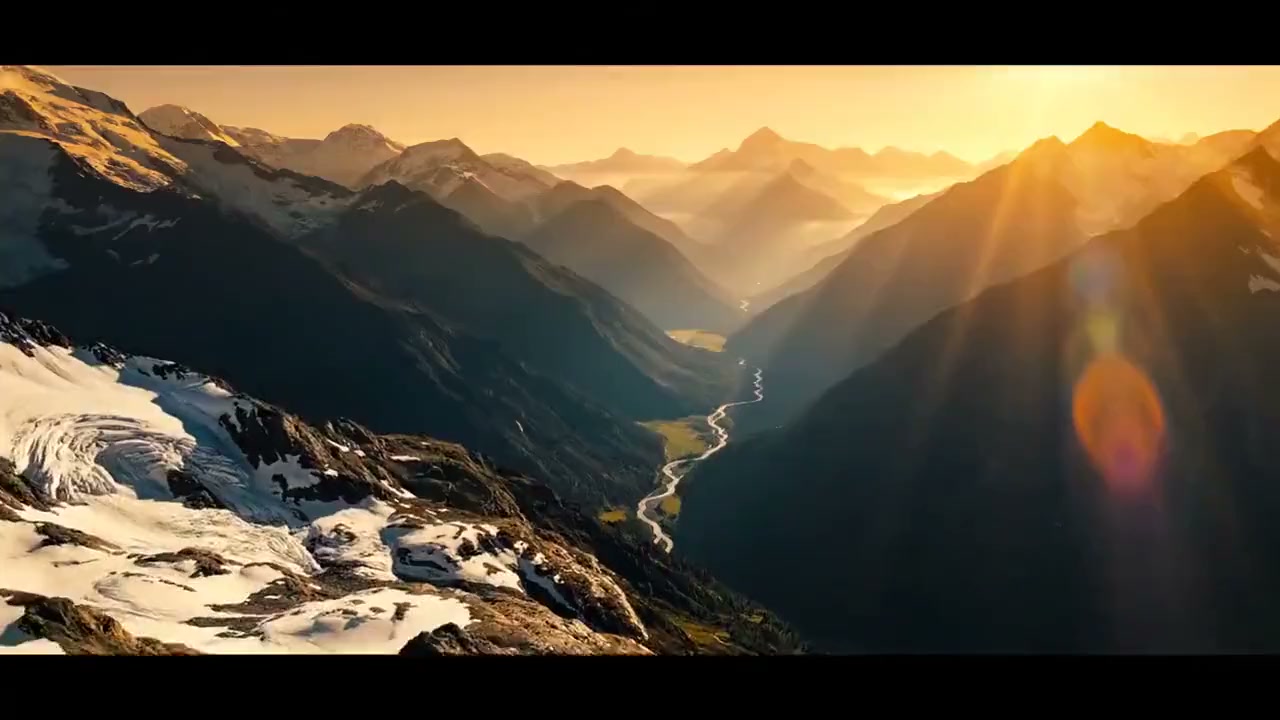
Open a new canvas with the first prompt and generation path already wired, then expand into a full workflow.
Use the first result as a clean handoff into edits, motion, or alternate directions without rebuilding the graph.
Prompting, uploads, derivations, and history all stay connected inside the same workspace instead of scattering across tools.
Open an existing canvas, create a blank starter workflow, or revisit the guide.
Learn the basics
Your next canvas slot 1
Your next canvas slot 2
Your next canvas slot 3
Your next canvas slot 4
Your next canvas slot 5
Your next canvas slot 6
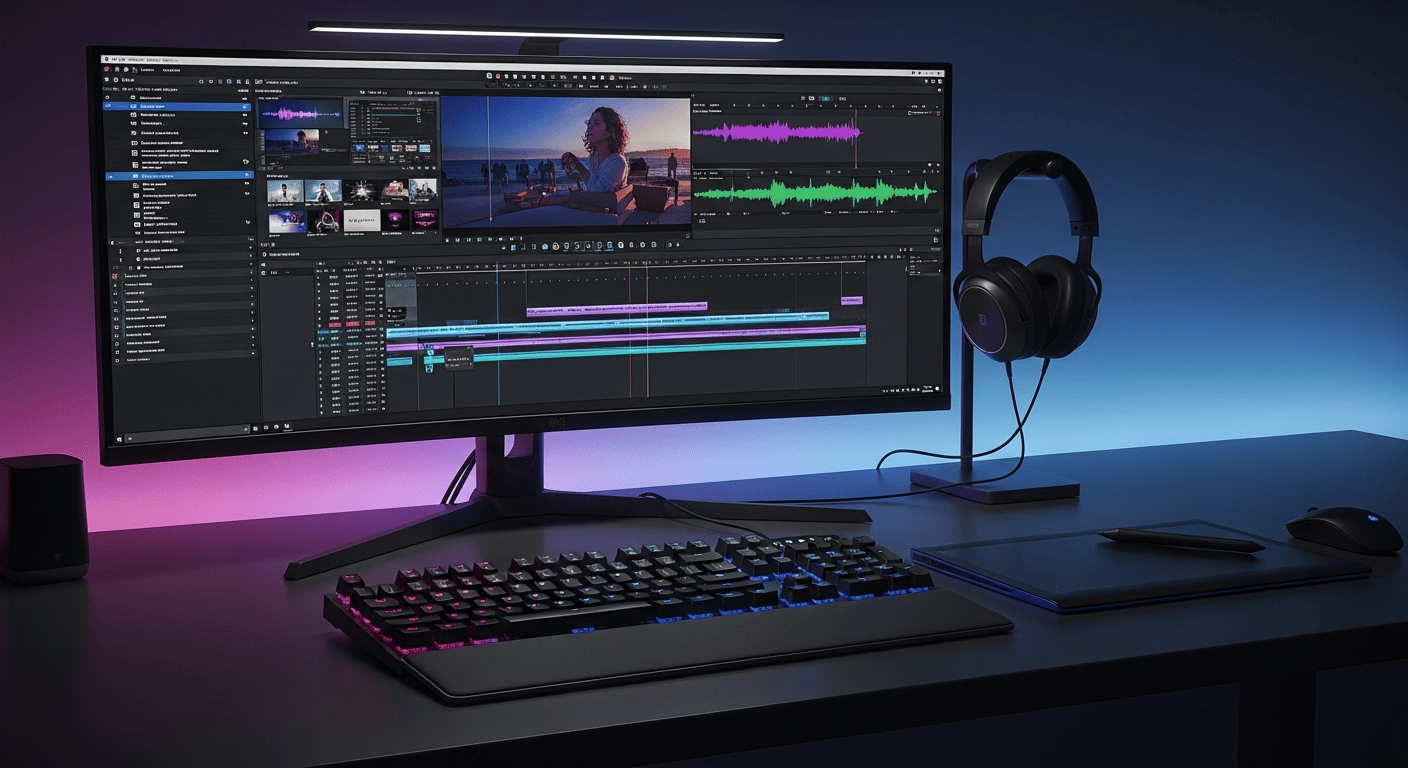
Open a prebuilt walkthrough canvas with prompt, upload, image, and video nodes already connected so the operating model is obvious before you build your own.
The guide canvas shows the same operating model as the real workspace, just with the first path already laid out.
Use the homepage prompt box for a fast start, or upload an image or video to seed the first source node.
Add prompt, upload, image, and video nodes, then connect them so each result can feed the next generation step.
Each generation node keeps its own model, aspect ratio, duration, and output settings so branches can diverge cleanly.
Completed outputs can become new source material, while saved projects let you reopen and continue the workflow later.