
Seedream 4.5 Image Generator and Editor
Create new visuals with text-to-image generation or refine a reference image with guided edits. Seedream 4.5 supports one required image plus up to 13 optional references in the image editor, with the available ratio and credit estimate shown before you submit.
Community examples made with Seedream 4.5
- Modes
- Text to image · Image editor
- Starting at
- 7 credits
- Access
- Any signed-in account with enough credits
COMMUNITY PROMPTS
Made with Seedream 4.5
Prompts that community creators shared together with their Seedream 4.5 results, as tagged in the VisioArt prompt library. Open one to read the full prompt and reuse it; your result will depend on your own inputs and settings.
SPECIFICATIONS
Seedream 4.5 settings and credit costs
What this workspace sends to Seedream 4.5: the inputs it accepts, the lengths and output settings you can pick, and the credits each setting costs per generation.
Access: Any signed-in account with enough credits
Text to image
- Inputs
- Text prompt
- Aspect Ratio
- 16:9 / 9:16 / 1:1 / 4:3 / 3:4 / 3:2 / 2:3
- Output formats
- PNG
| Setting | Credits per image |
|---|---|
| Basic | 7 credits |
| High | 10 credits |
Image editor
- Inputs
- Text prompt · Image: 1 required · Image: up to 13 optional
- Aspect Ratio
- 16:9 / 9:16 / 1:1 / 4:3 / 3:4 / 3:2 / 2:3
- Output formats
- PNG
| Setting | Credits per image |
|---|---|
| Basic | 7 credits |
| High | 10 credits |
Credits are the cost of one generation at current prices. The workspace shows the exact estimate for your settings before you generate.
WHY USE SEEDREAM 4.5
One Seedream 4.5 workflow for creation and revision
Seedream 4.5 is useful when a team needs both a clean text-to-image starting point and a controlled way to revise an existing visual without switching tools.
PRACTICAL IMAGE CONTROLS
Seedream 4.5 settings for real production workflows
The live workspace keeps the model capability boundary visible so prompts, uploads, framing, and cost expectations stay aligned.
Text-to-image mode for new concepts and original visual directions
Image editor mode requires one image and accepts up to 13 optional references
Supported ratios: 16:9, 9:16, 1:1, 4:3, 3:4, 3:2, and 2:3
PNG output, with the credit estimate shown before submission
SEEDREAM 4.5 USE CASES
Where Seedream 4.5 fits best
Use the model for visual work that benefits from a fast concept-to-revision loop and explicit reference inputs.
KEEP CREATING
Effects and templates that use Seedream 4.5
Ready-made presets that run on Seedream 4.5 or let you switch to it, and prompt templates recommended for it.
Image tools
 AI Patch GeneratorCan run on Seedream 4.5
 AI Age Change FilterCan run on Seedream 4.5
 AI Body EditorCan run on Seedream 4.5
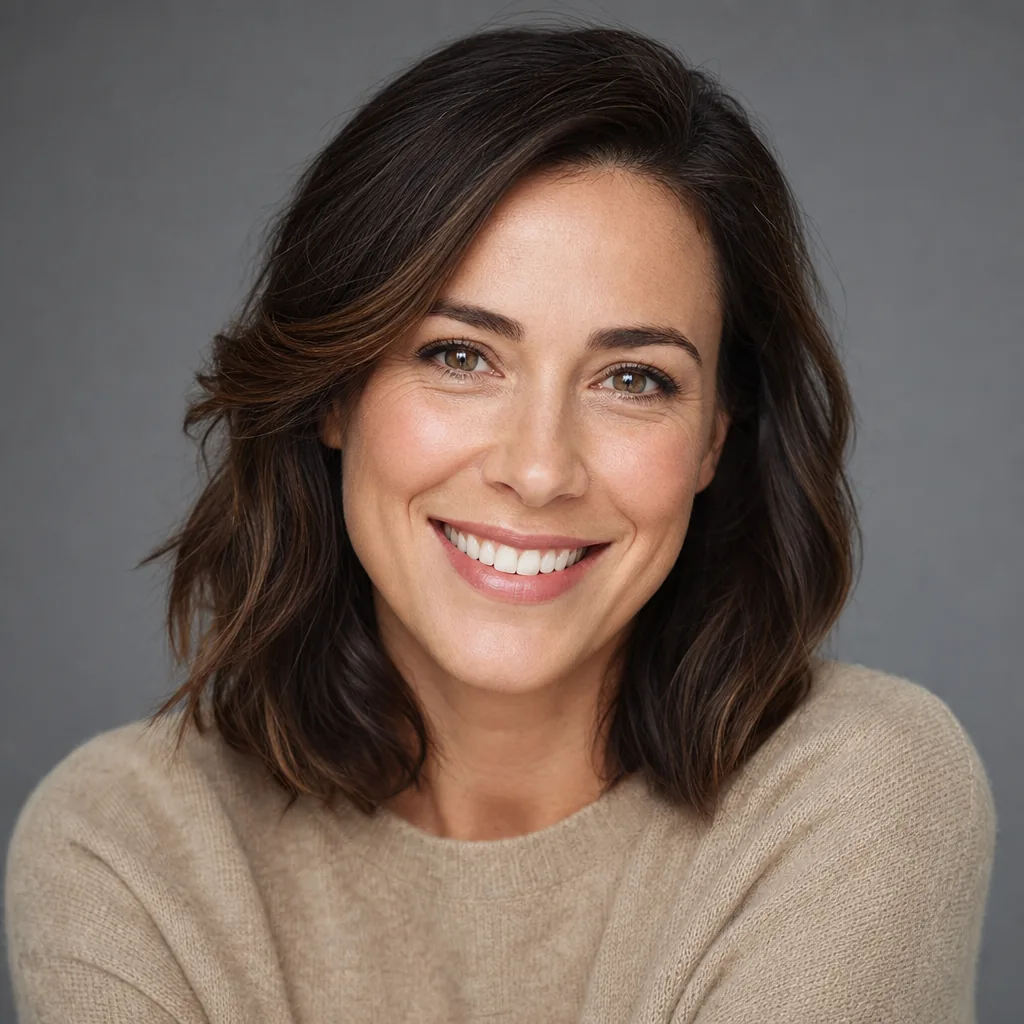 AI Headshot GeneratorCan run on Seedream 4.5
 AI Emoji GeneratorCan run on Seedream 4.5
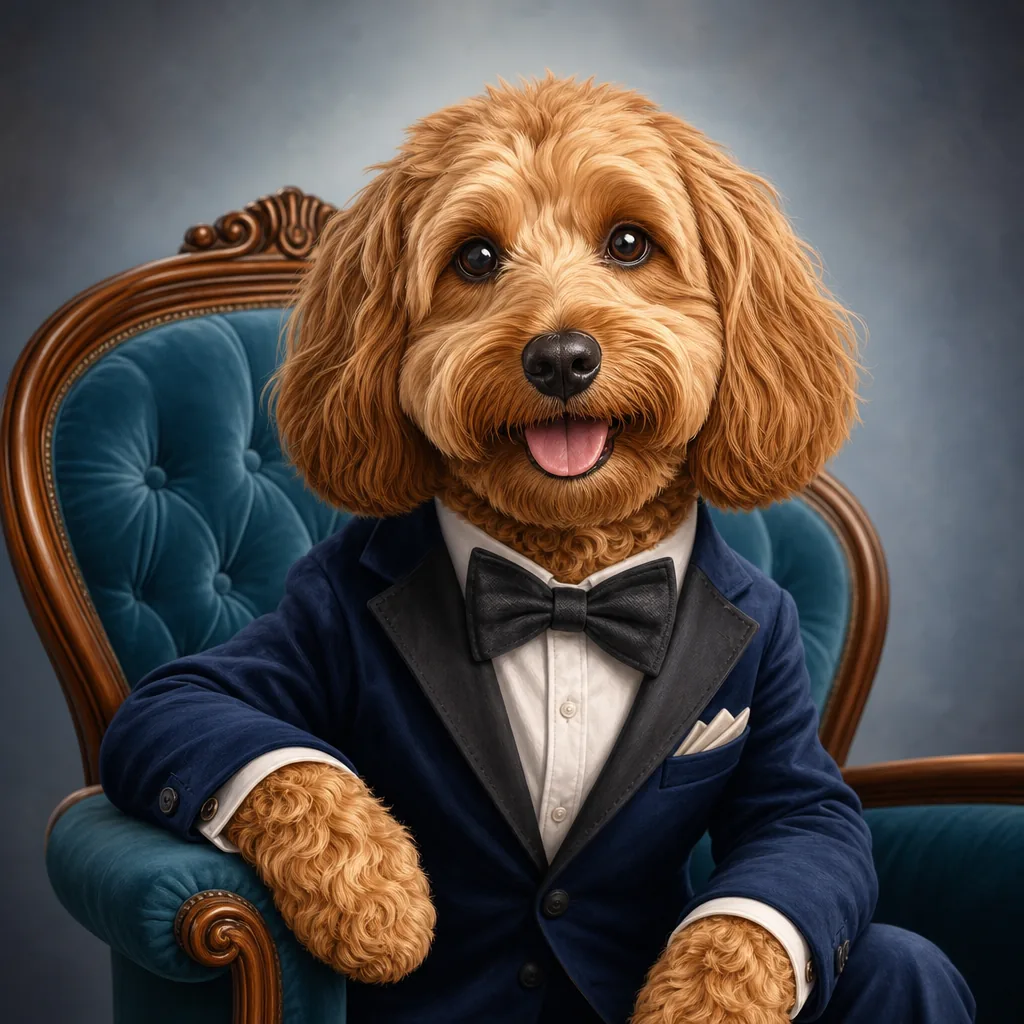 AI Caricature GeneratorCan run on Seedream 4.5
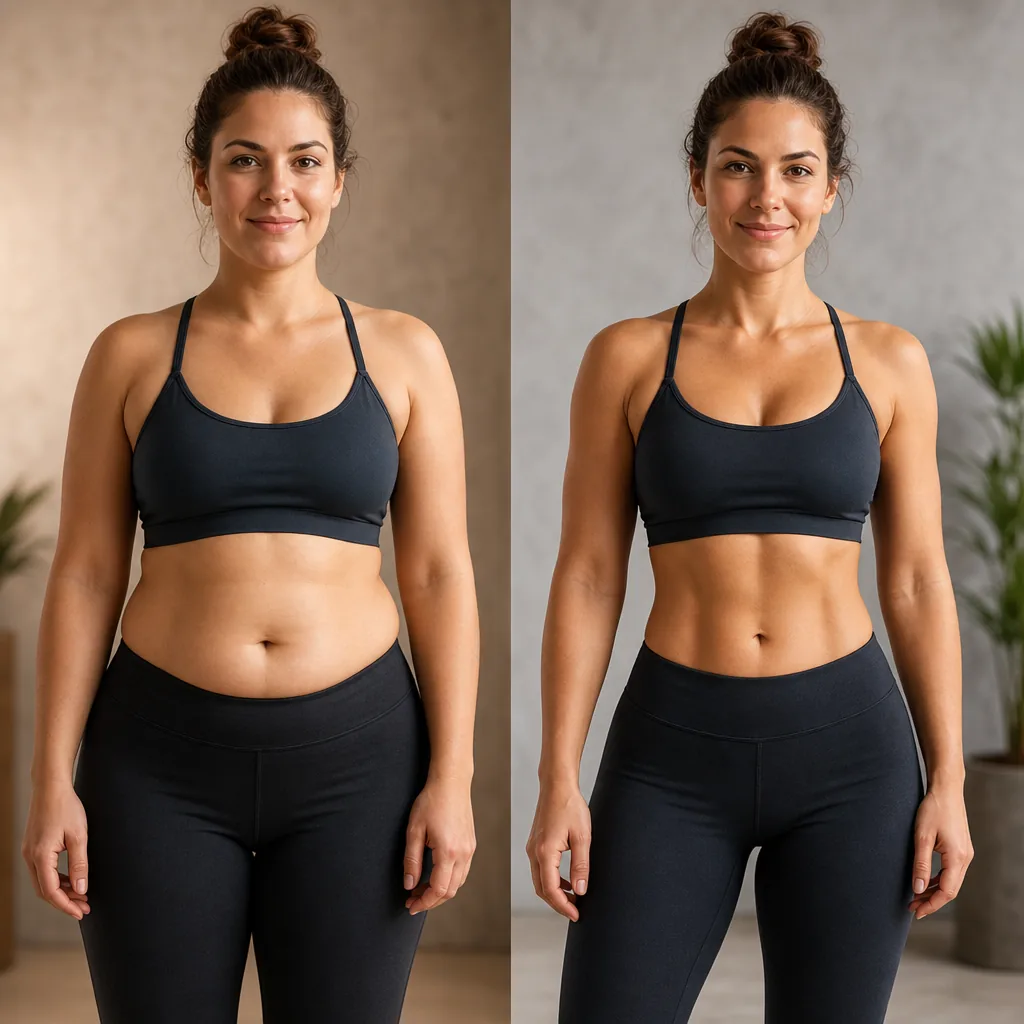 AI Abs GeneratorCan run on Seedream 4.5
 AI Age FilterCan run on Seedream 4.5
AI generation plans and credit packs
No hidden fees • Cancel anytime • Monthly credits valid for the current credit window
| Model | 16:9Single render |
|---|---|
Seedream 4.5 ByteDance |

SEEDREAM 4.5 FAQ
Seedream 4.5 image generation and editing questions
Answers are tied to the current VisioArt capability profile and live workspace controls.
Create or refine an image with Seedream 4.5
Open the live workspace, choose text-to-image or image editing, review the available settings, and submit only when the prompt, references, ratio, and credit estimate match the job.