
Video Preview
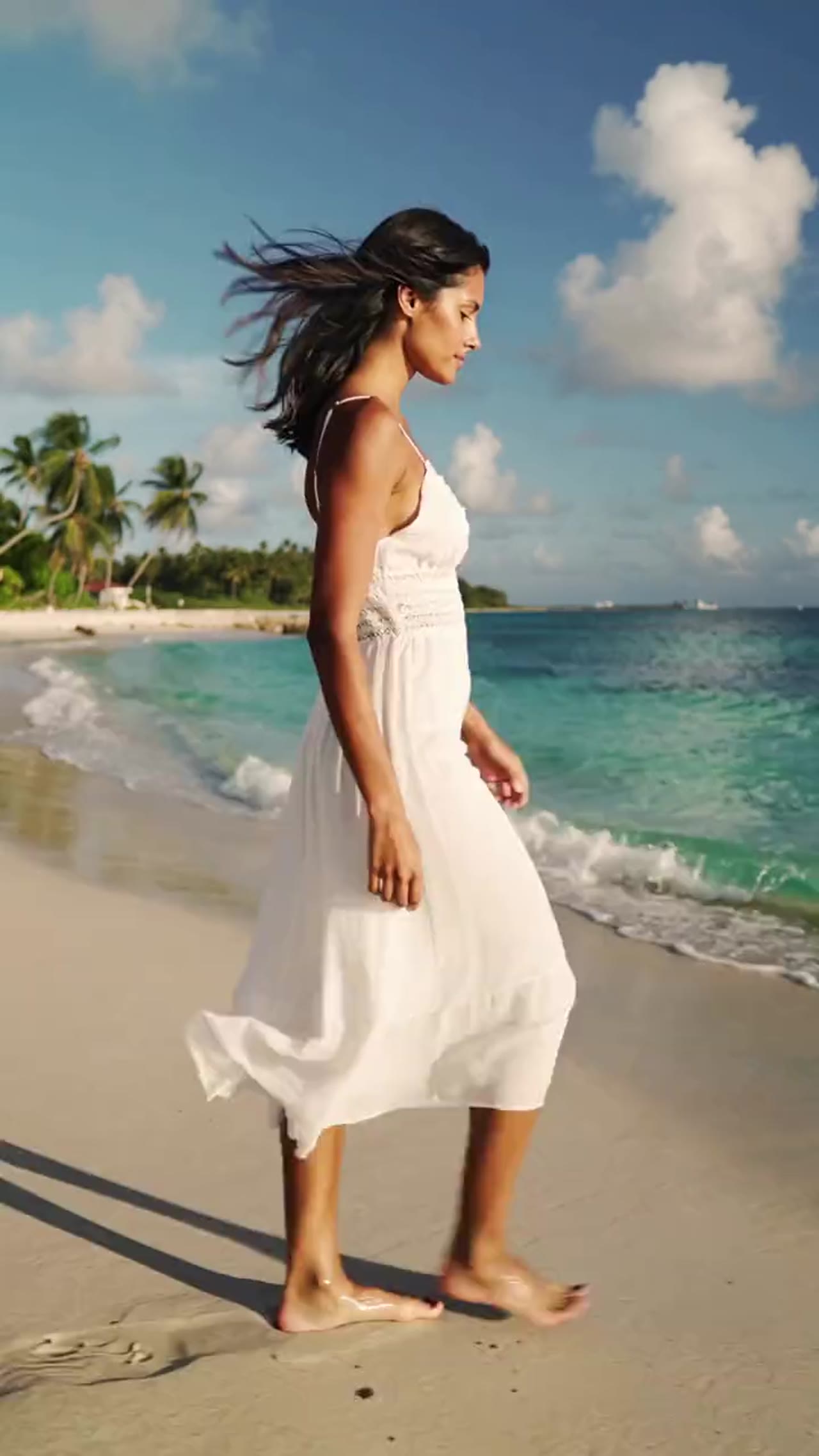

Create high-energy fashion edits from a single portrait
The bikini effect is tuned for editorial mood, confident motion, and social-ready pacing, making it useful for creator mockups and style-driven experiments.
More generators
More AI video generators
Compare adjacent video effects before refining the prompt, upload, model, or format for this workflow.
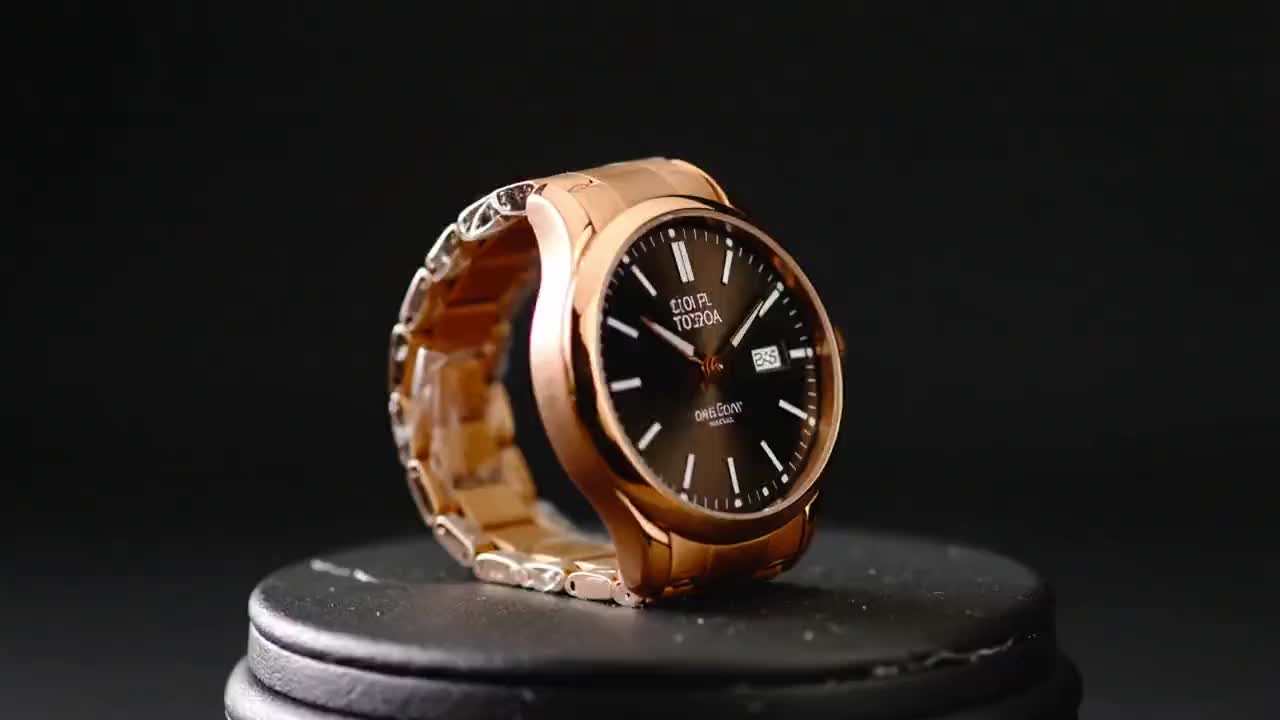
Product Ad Video
1 image upload · 5-10s video · 16:9

AI Hug Video
1 image upload · 5-10s video · 16:9

Action Figure Video
1 image upload · 5s video · 1:1

Ghostface Video
1 image upload · 5s video · 1:1

Christmas Video
1 image upload · 5s video · 1:1
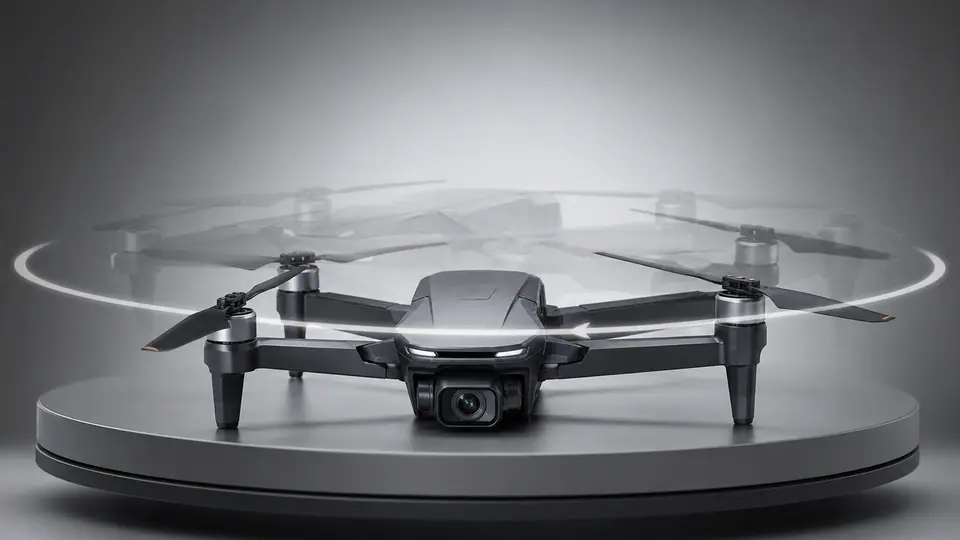
AI 360 Rotation Video Generator
1 image upload · 5-8s video · 16:9 / 9:16 / 1:1
Quick answer
AI Bikini Video: what it does and when to use it
AI Bikini Video is an AI video effect generator for creating a focused video effect from prepared prompt and upload controls. Start from a consented portrait and generate a fashion-led bikini transformation clip with clear styling, controlled framing, and short-form output. Use it when you need a fast, specific clip concept for social, ads, creator content, or campaign review.
- Workflow
- AI video effect generator
- Inputs
- 1 image upload required
- Default model
- kling-standard
- Aspect ratios
- 16:9 ratios
- Duration presets
- 5s / 10s
- Starting credits
- 25 starting credits
How It Works
Simple 3-Step Process
Upload the portrait, choose the basic output settings, and let the fashion preset handle the rest.
Frequently Asked Questions
Frequently Asked Questions
Common questions about using this preset effect with VisioArt.
Best uses
Best uses for AI Bikini Video
AI Bikini Video Generator works best when the brief has a clear subject, output format, and review goal. The strongest results usually come from concrete prompt language, clean references, and one or two controlled variables per generation pass.
Generator guide
Before you generate
Ready to Build a Fashion-Led AI Bikini Clip?
Upload a portrait, keep the settings simple, and export a short transformation video tuned for social posting and creative mockups.
Keep the source portrait clear and centered for the most reliable transformation.