Get Started For Free
Effect

Create a playful action-figure style reveal clip from one source image and a tuned transformation preset.

Image

Your file stays on this device and uploads when you sign in to generate.

Credits required:

Video Preview

Reframe characters as premium collectible mockups
Sample video - Create your own AI-generated video
Collectible Figure Showcase
Action Figure Video
Reframe characters as premium collectible mockups
Collectible Figure Showcase

Reframe characters as premium collectible mockups

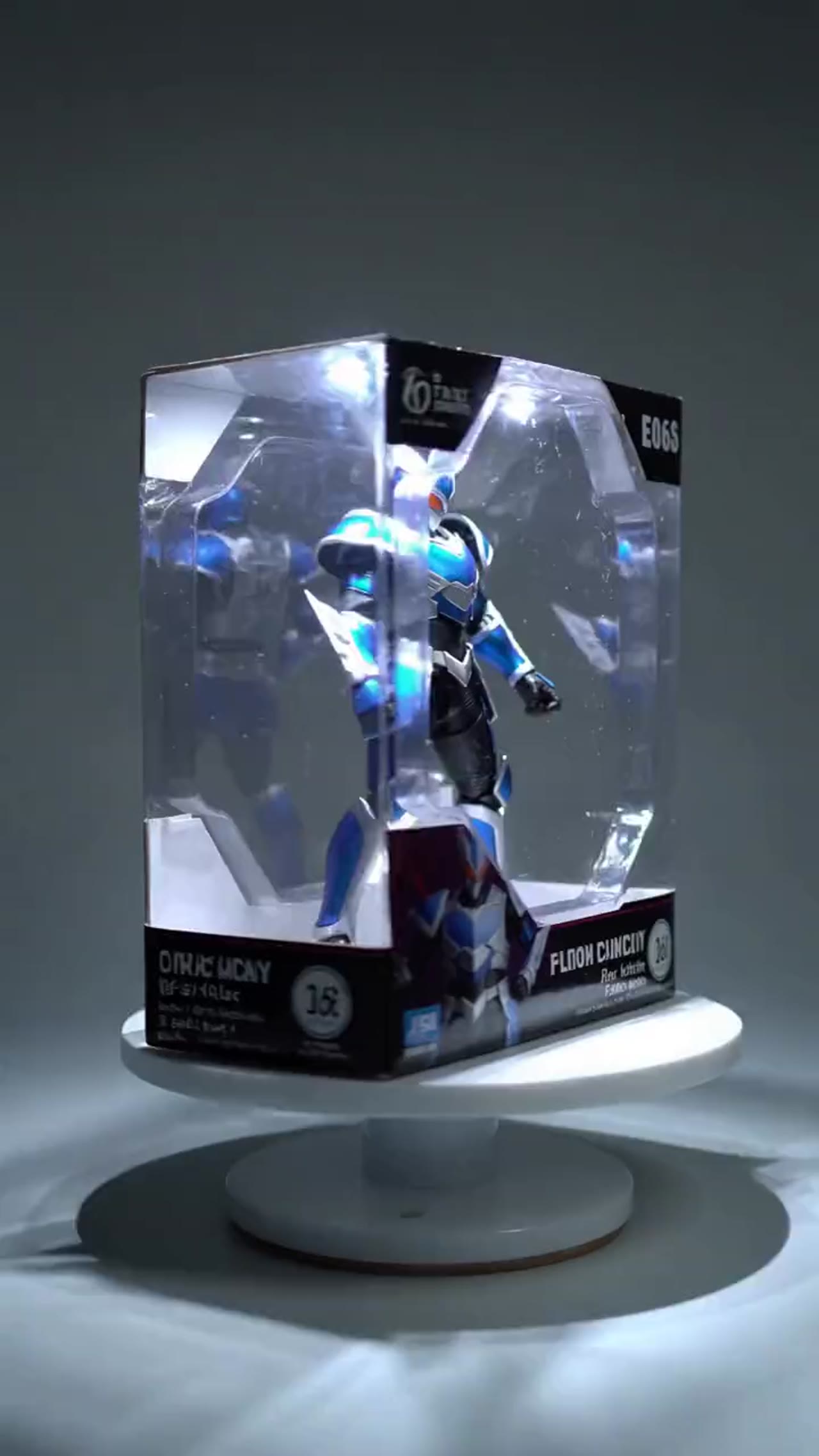
The action figure workflow is tuned for product-like reveal clips, making it useful for creator concepts, collectible mockups, and visual experiments.

Character-to-figure transformation
Start from a portrait or illustration and let the effect reinterpret the source as a packaged action figure concept.
Product-style reveal framing
The motion language is tuned for showcase presentation, giving the result a polished collectible and unboxing feel.
Simple single-image workflow
You only need one input image to build the reveal, which keeps experimentation fast for multiple character variations.
Creator-friendly output
The final short clip works well for product mockups, portfolio snippets, social publishing, and stylized concept demos.

More generators

More AI video generators

Compare adjacent video effects before refining the prompt, upload, model, or format for this workflow.
Browse all effects

Quick answer

Action Figure Video: what it does and when to use it

Action Figure Video is an AI video effect: a prepared prompt and preset settings turn your photo into a short clip. Upload a character or portrait image and turn it into a collectible-style action figure showcase with packaging, presentation, and short demo motion. Use it for social posts, ads, creator content, or a quick campaign concept.

1 image upload requiredAspect ratio 1:1Wan 2.6From 105 credits
Workflow
AI video effect
Inputs
1 image upload required
Default model
Wan 2.6
Aspect ratios
1:1
Duration presets
5s
Starting credits
105

How It Works

Simple 3-Step Process

Choose the source image, run the preset, and export the packaged figure reveal once the render finishes.

1
Upload a character image
Start with a portrait, illustration, or stylized character image that has a readable subject and clean silhouette.
2
Generate the collectible reveal
Run the effect and let the preset handle the figure reinterpretation, staged packaging, and short showcase motion.
3
Use the final demo clip
Preview the result and export the short collectible-style video for portfolio use, social posts, or concept sharing.

Frequently Asked Questions

Frequently Asked Questions

Common questions about using this preset effect with VisioArt.

New accounts receive signup credits and daily check-in rewards. The generator shows the required credit estimate before you submit the effect job, so you can decide whether to use a paid plan or credit pack.

Upload the source image or images requested by the preset. Clear, well-lit subjects usually produce more reliable results than blurry, cropped, or low-light files.

Timing depends on queue load, service capacity, and output settings. After submission, the generation history shows whether the job is waiting, processing, completed, or failed.

No. The preset handles the guided motion and scene setup. You only need to upload the required assets, review the settings, and submit the job.

Uploaded files are processed through cloud generation infrastructure and are not displayed publicly by VisioArt. Avoid uploading sensitive private images that you would not want processed by a cloud generation service.

Commercial use is supported with eligible paid plans or purchased credits, subject to platform terms. Make sure you have permission for every person, brand, logo, or source image used in the effect.

Best uses

Best uses for Action Figure Video

Action Figure Video works best with a clear subject, a clean source image, and one change at a time between generations.

Short social clips
Turn one photo into a short vertical clip for Reels, TikTok, or Shorts.
Ad and campaign concepts
Test a playful visual hook for an ad or campaign before committing editing time.
Creator content tests
Try the effect on a few source photos and keep the version that reads best.

Generator guide

Before you generate

Review the preset before changing it
The preset already sets the core motion, so extra prompt text should refine it rather than replace it.
Prepare the source image
This effect needs one image. Use clean, well-lit photos with a clearly visible subject.
Match the publishing format
Choose 1:1 based on where the clip will run: social posts, ads, or landing pages.
Character-to-figure transformation
Start from a portrait or illustration and let the effect reinterpret the source as a packaged action figure concept.

Ready to Create an AI Action Figure Reveal?

Turn a portrait or character image into a collectible product-style demo clip that feels built for portfolios, mockups, and social posts.

Character images with strong outlines and readable features usually work best.