
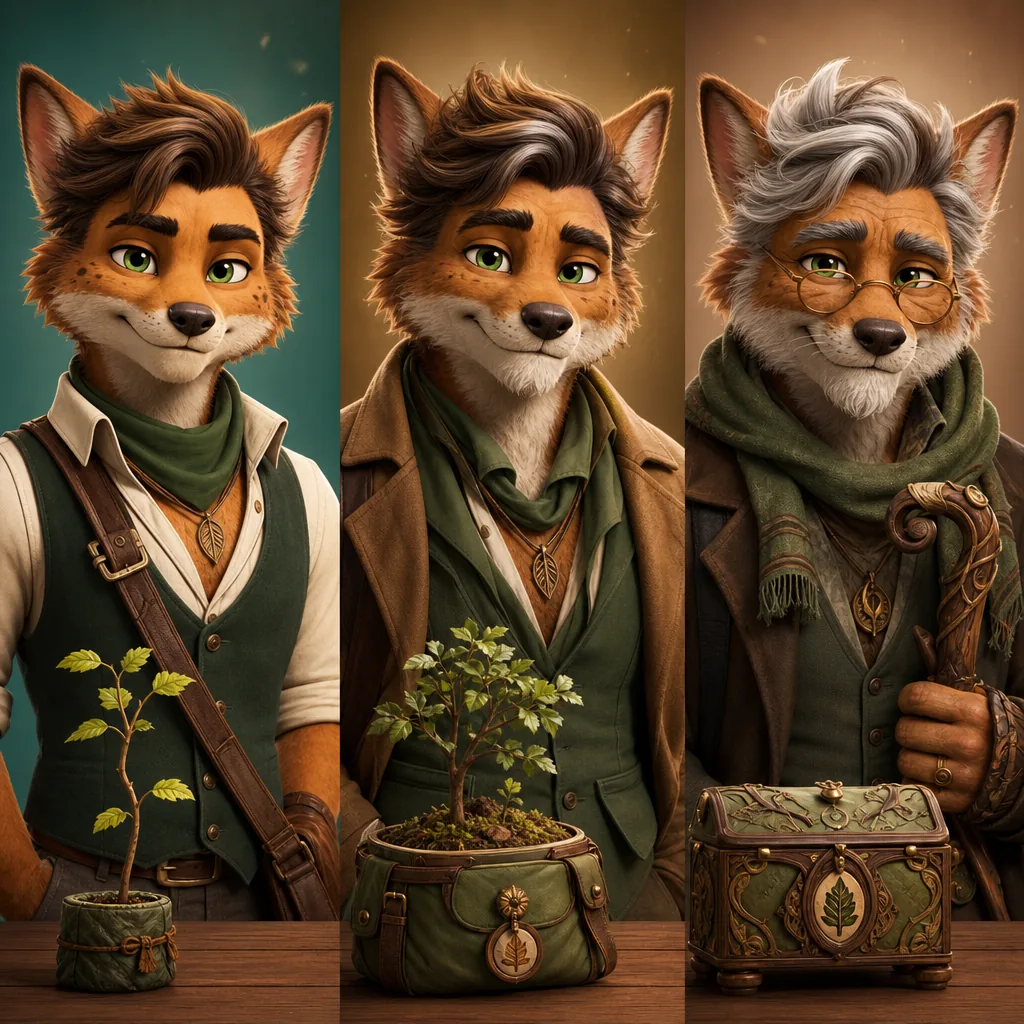
Prompt-aware output
The default recipe gives the model a specific visual task instead of a vague one-line instruction.
Entertainment generator
Animal Crossing Villager Generator is a playful creative transformation configured with its real prompt recipe and a text prompt.
Image tools
Switch to another generator page when the creative direction, upload requirement, or SEO target should change.
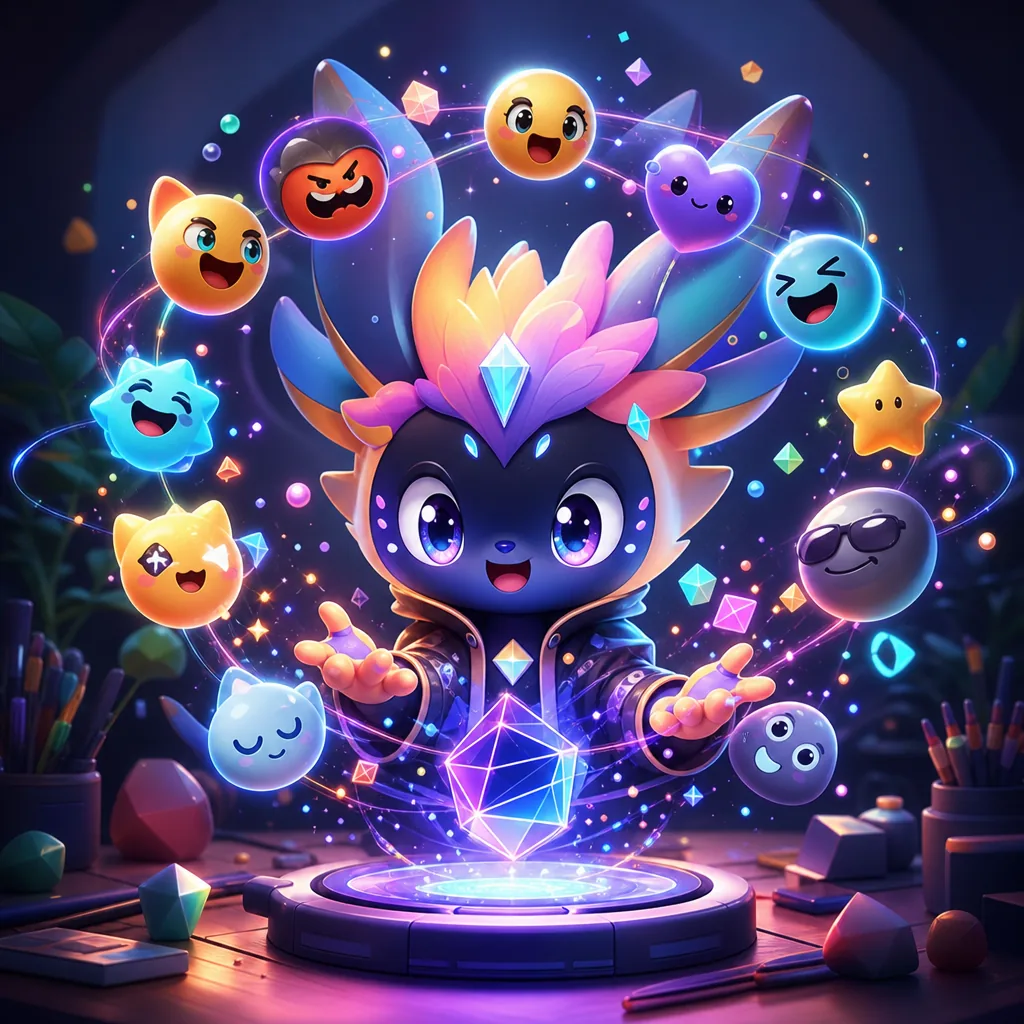 entertainment
AI Emoji Generator is a playful creative transformation configured with its real prompt recipe and one reference image.
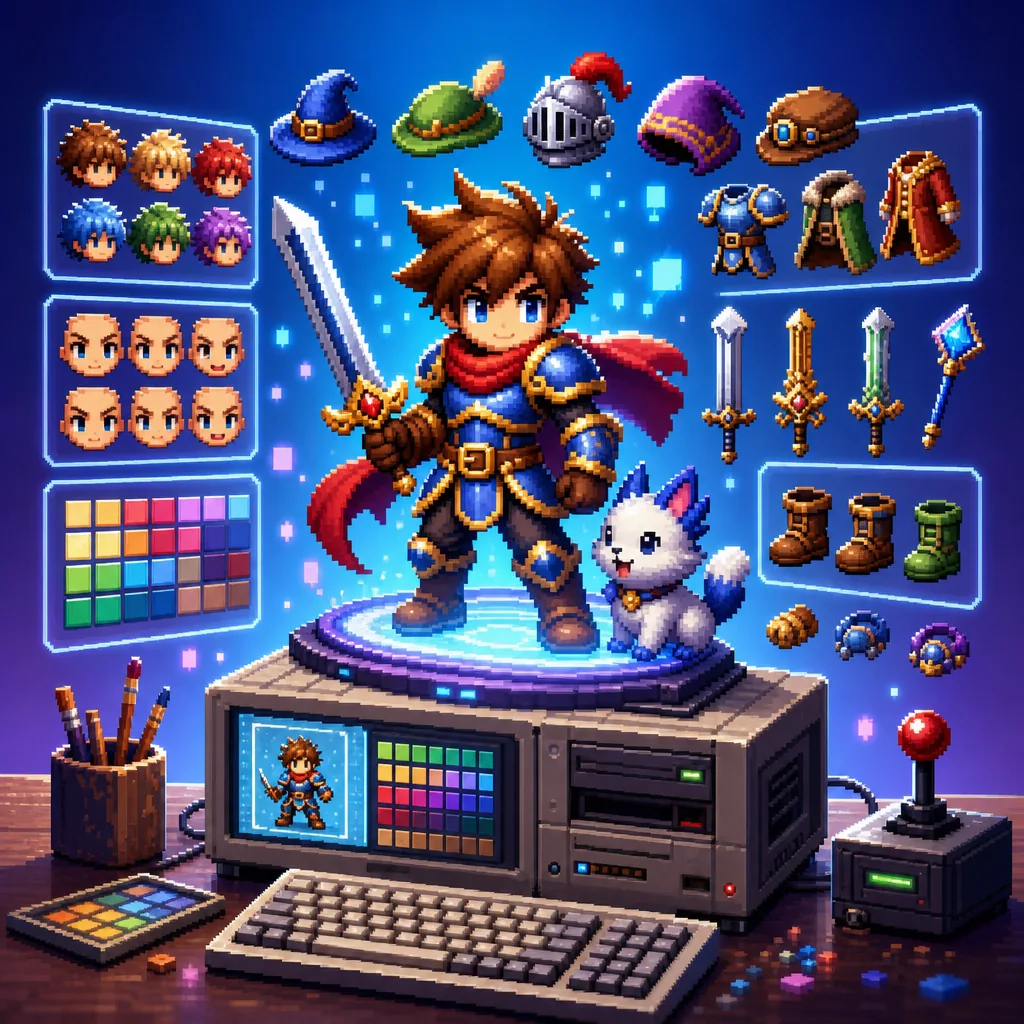 entertainment
16-Bit Character Generator is a playful creative transformation configured with its real prompt recipe and one reference image.
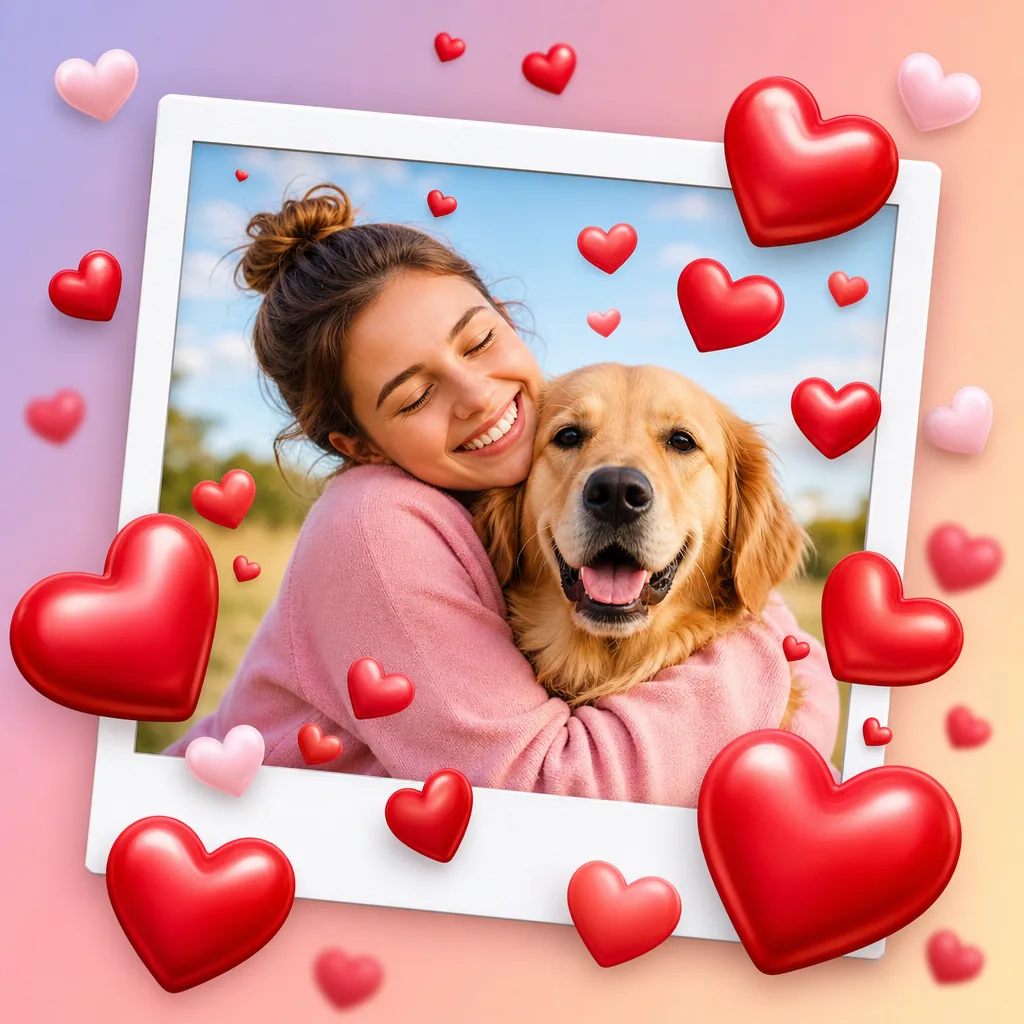 entertainment
Add Hearts to Photos is a playful creative transformation configured with its real prompt recipe and a text prompt.
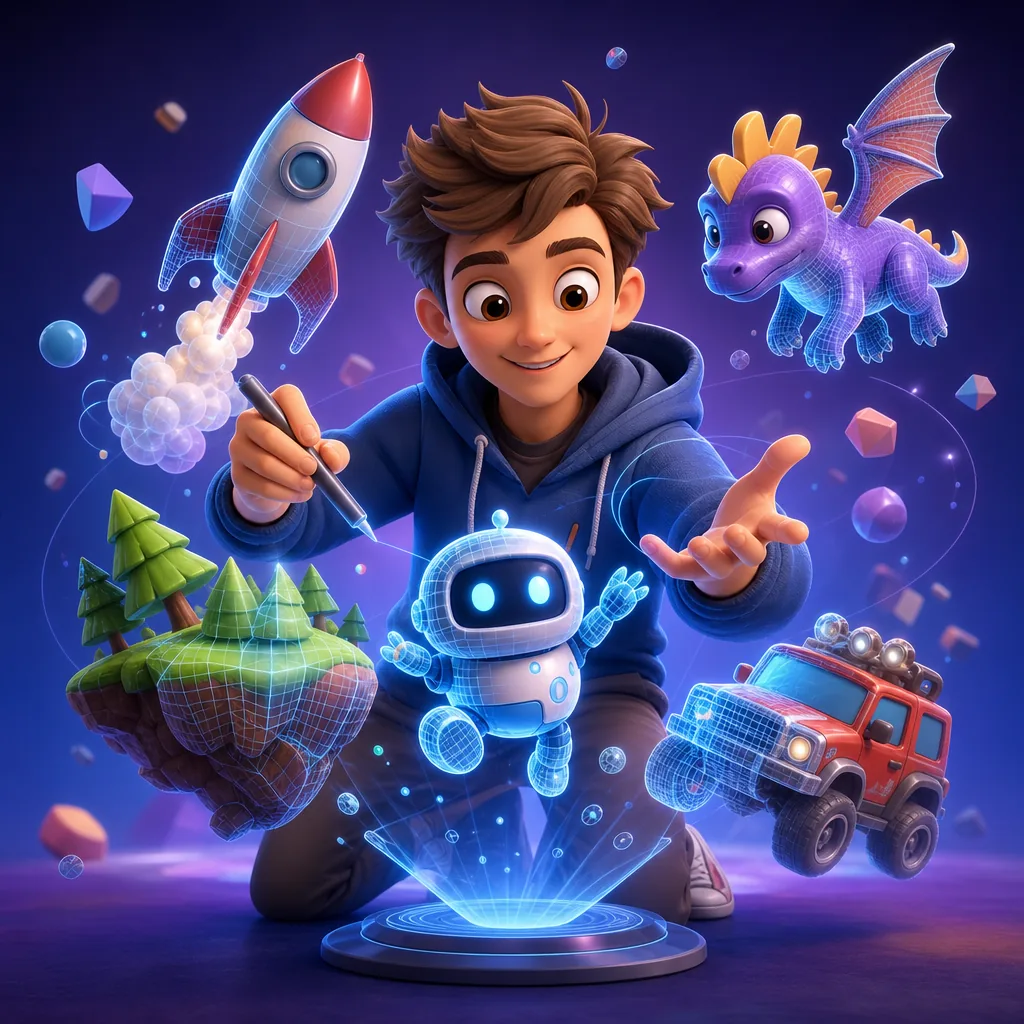 entertainment
3D Cartoon Scene Generator is a playful creative transformation configured with a safe original prompt recipe and one reference image.
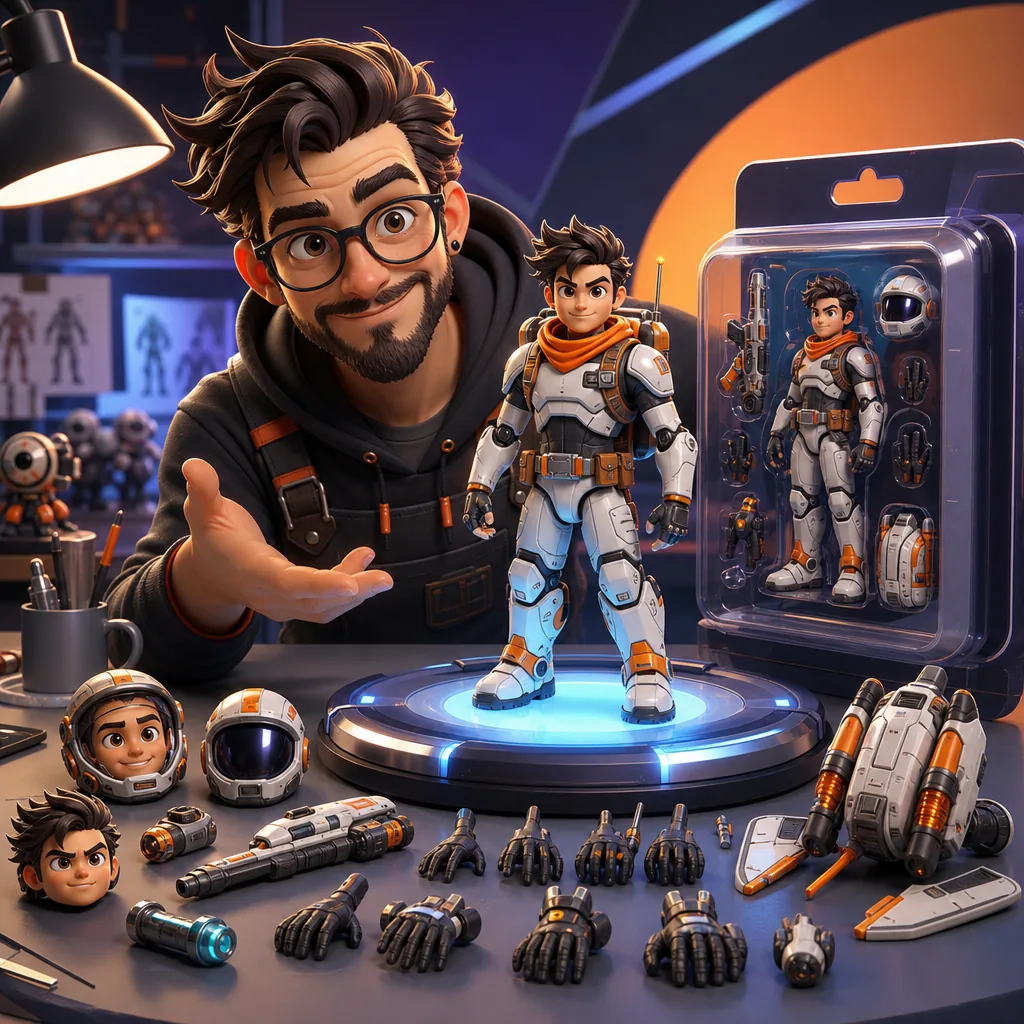 entertainment
AI Action Figure Generator is a playful creative transformation configured with its real prompt recipe and one reference image.
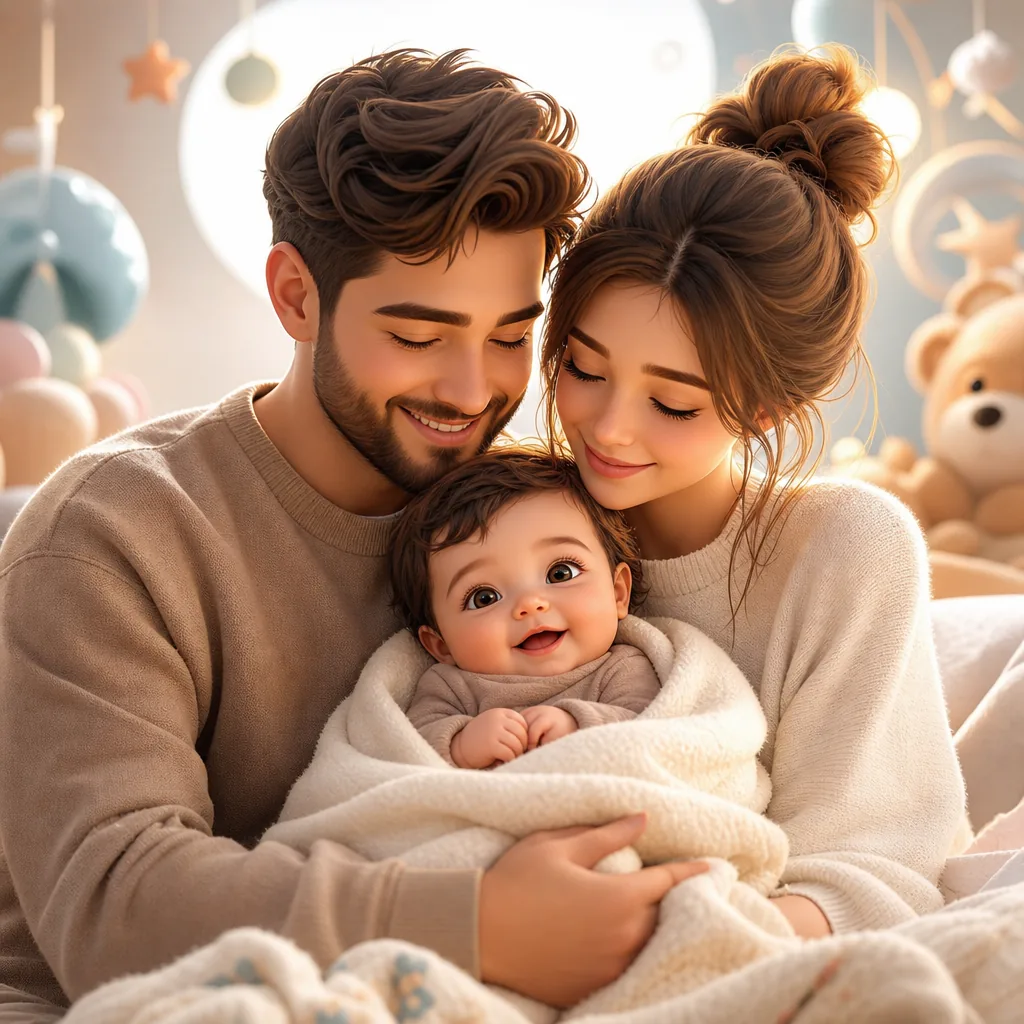 entertainment
AI Baby Generator is a playful creative transformation configured with its real prompt recipe and 2 reference images.
Quick answer
Animal Crossing Villager Generator is an AI image generator for creating still visuals, thumbnails, source frames, and campaign images from prompts. Animal Crossing Villager Generator is a playful creative transformation configured with its real prompt recipe and a text prompt. Use it when you need a polished still image that can stand alone or become a video source frame.
Entertainment generator
Preview examples for Animal Crossing Villager Generator, produced for this workflow and stored locally for consistent page rendering.
How it works
The page loads the right prompt starter, upload slots, model default, ratio options, and output formats for Animal Crossing Villager Generator. You can still adjust the prompt before generating.
Use the default prompt as a structured starting point, then adjust the subject, style, and visual constraints.
Choose from the supported model list, aspect ratios, and png / jpg outputs without leaving the generator page.
Create a result, compare it against the goal, then tighten the prompt or references for the next iteration.
Start with the channel, format, subject, and success criteria before changing Animal Crossing Villager Generator settings.
Image tools
Use these related workflows when you need source images, reference cleanup, model comparison, or a different visual direction.
entertainmentAI Emoji Generator is a playful creative transformation configured with its real prompt recipe and one reference image.
entertainment16-Bit Character Generator is a playful creative transformation configured with its real prompt recipe and one reference image.
entertainmentAdd Hearts to Photos is a playful creative transformation configured with its real prompt recipe and a text prompt.
entertainment3D Cartoon Scene Generator is a playful creative transformation configured with a safe original prompt recipe and one reference image.
entertainmentAI Action Figure Generator is a playful creative transformation configured with its real prompt recipe and one reference image.
entertainmentAI Baby Generator is a playful creative transformation configured with its real prompt recipe and 2 reference images.
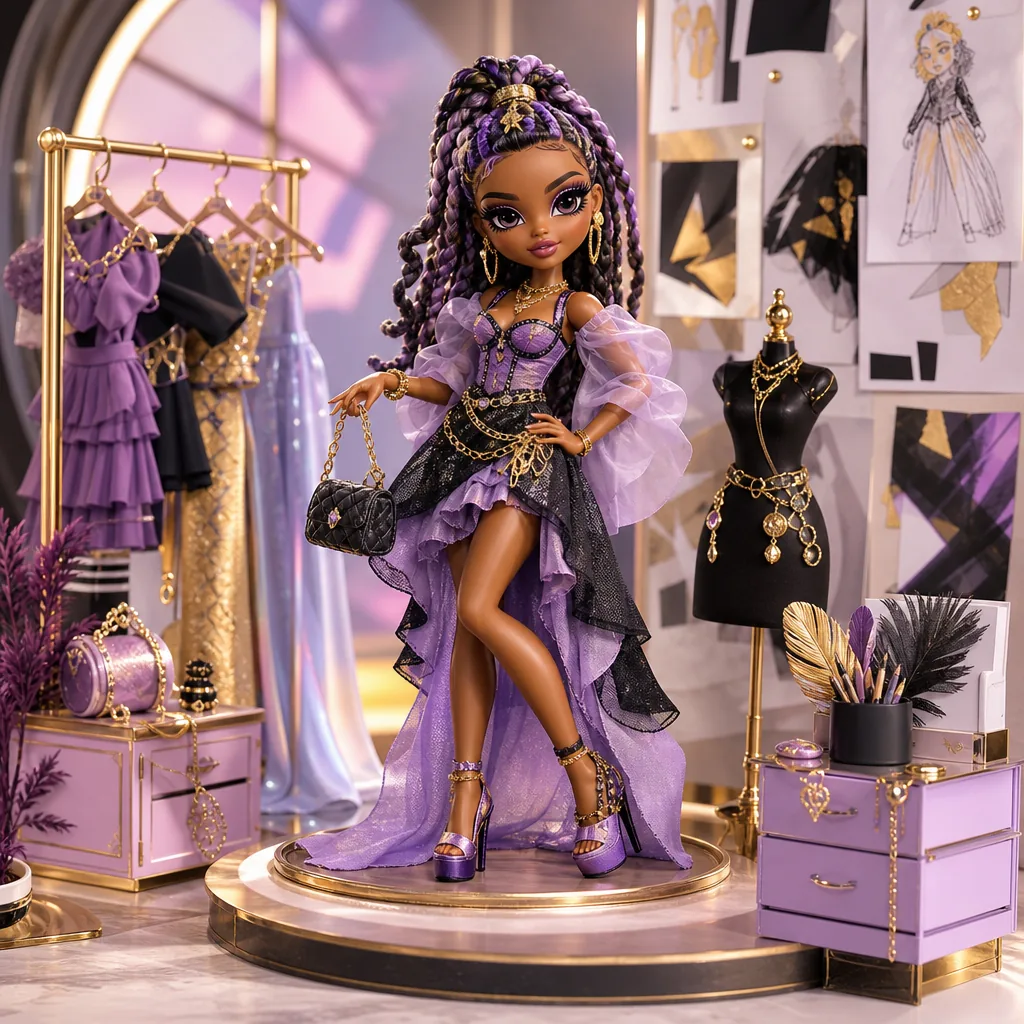 entertainment
Fashion Doll Box Generator is a playful creative transformation configured with a safe original prompt recipe and one reference image.
 entertainment
AI Bloom Effect Photo is a playful creative transformation configured with its real prompt recipe and one reference image.
Core features
Use the built-in recipe as a strong starting point, then tune subject details, style intensity, references, and output format for the exact result you need.
The default recipe gives the model a specific visual task instead of a vague one-line instruction.
Upload slots are preconfigured so reference images are treated as part of the workflow, not an afterthought.

The page exposes supported modes, image inputs, aspect ratios, and output formats through the same capability layer as the editor.

Preview media resolves from local assets and can be refreshed as the workflow evolves.
Why choose it
Use this generator when speed matters, but the workflow still needs a repeatable prompt, clear model capability boundaries, and predictable upload requirements.
Validate whether a visual direction is worth deeper design time before committing to a full production pass.
Reuse a strong default setup whenever the same image task comes up again across campaigns, clients, or content batches.
Each workflow has its own URL, metadata, generator configuration, and focused guidance for people choosing a specific image task.
Use Animal Crossing Villager Generator to see whether a concept is worth deeper production before committing design or editing time.
Generator guide
Use these checks to keep the workflow clear, repeatable, and ready for creative review.
Name the subject, visual style, output goal, and constraints clearly before generating.
Optional references can improve identity, composition, product detail, or visual consistency when the prompt alone is too broad.
Choose 1:1 / 3:2 / 2:3 based on whether the result is meant for social posts, ads, landing pages, or review handoff.
The default recipe gives the model a specific visual task instead of a vague one-line instruction.
FAQ
Start creating
Start with the prepared prompt recipe, add references when needed, choose the crop, and generate an output that is easy to judge, share, and refine.
Generate Animal Crossing Villager Generator