
Video Preview
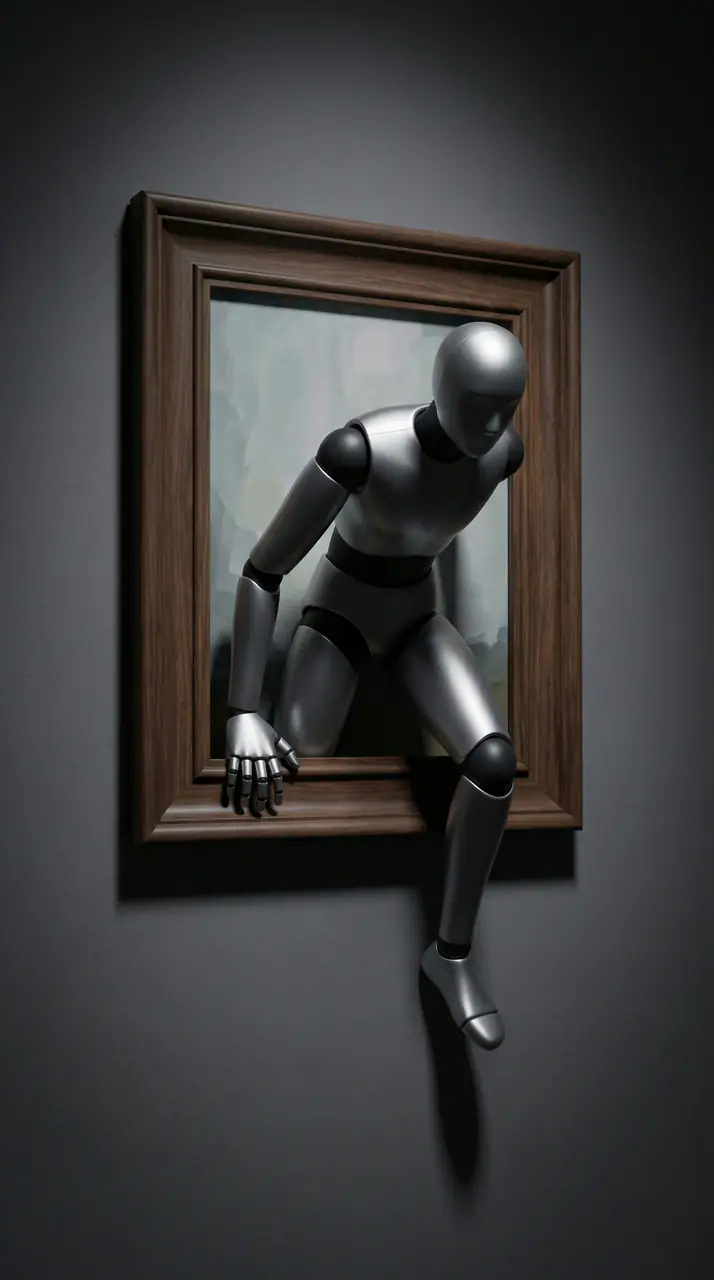
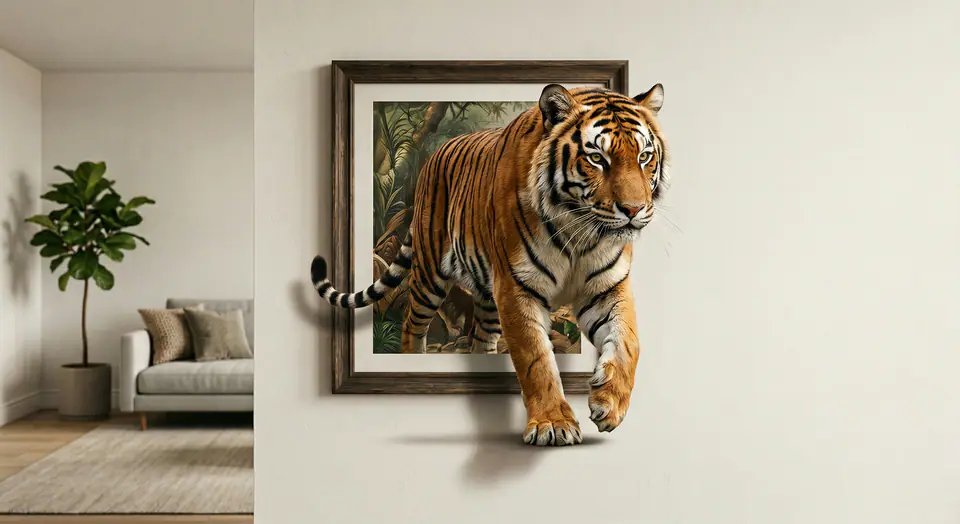
See a AI Out-of-Frame Effect example
Upload a photo and generate a true out-of-frame video. 2D-to-3D depth, smooth motion, fast online export-ready to share.
More generators
More AI video generators
Compare adjacent video effects before refining the prompt, upload, model, or format for this workflow.
AI Aerial Photography
1 image upload · 5s / 8s video · 16:9 / 9:16 / 1:1

AI Alien Mask
1 image upload · 5s / 8s video · 16:9 / 9:16 / 1:1
AI Anime Video
1 image upload · 5s / 8s video · 16:9 / 9:16 / 1:1

AI ASMR Generator
1 image upload · 5s / 8s video · 16:9 / 9:16 / 1:1

AI Baby Dance
1 image upload · 5s / 8s video · 16:9 / 9:16 / 1:1

AI Baby Podcast
1 image upload · 5s / 8s video · 16:9 / 9:16 / 1:1
Quick answer
AI Out-of-Frame Effect: what it does and when to use it
AI Out-of-Frame Effect is an AI video effect: a prepared prompt and preset settings turn your photo into a short clip. Upload a photo and generate a true out-of-frame video. 2D-to-3D depth, smooth motion, fast online export-ready to share. Use it for social posts, ads, creator content, or a quick campaign concept.
- Workflow
- AI video effect
- Inputs
- 1 image upload required
- Default model
- Seedance 2 Fast
- Aspect ratios
- 16:9 / 9:16 / 1:1
- Duration presets
- 5s / 8s
- Starting credits
- 75
How It Works
Simple 3-Step Process
Create AI Out-of-Frame Effect with a focused three-step workflow.
Frequently Asked Questions
Frequently Asked Questions
Practical answers about creating AI Out-of-Frame Effect.
Best uses
Best uses for AI Out-of-Frame Effect
AI Out-of-Frame Effect works best with a clear subject, a clean source image, and one change at a time between generations.
Generator guide
Before you generate
Create your own AI Out-of-Frame Effect
Upload a photo and generate a true out-of-frame video. 2D-to-3D depth, smooth motion, fast online export-ready to share.
Review the preview, required inputs, model, and output settings before generating.