VisioArt

Creative workspace

VisioArt Studio

Create

  • Image to Video
  • Text to Video
  • Video to Video
  • Text to Image
  • AI Image Editor

Explore

  • Image Generators
  • Video Effects
  1. Video Effects
  2. AI Mermaid Filter with real workflow controls
Get Started For Free
Effect

AI Mermaid Filter with real workflow controls

AI Eye ZoomAI Fairy GeneratorHair Color ChangeAI Hair GrowthAI Happy SmileAI Muscle GeneratorAI Photo Booth VideoAI WerewolfMicro BeastsMorph Skin Video EffectSymbiote Hero VideoProduct Ad VideoAI Patch GeneratorAI Age Change FilterAI Body EditorAI Headshot GeneratorAI Emoji GeneratorAI Caricature Generator

AI Mermaid Filter creates viral AI Mermaid Videos from selfies, anime & comics. Generate 4K, watermark-free mermaid magic.

Model selection
Upload Images
Required before generation: 1 image.
Sign in to upload

Uploads are saved to your workspace before generation, so sign in first to keep the source image attached.

Aspect Ratio
Credits required:
28 credits

Video Preview

See a AI Mermaid Filter example
Sample video - Create your own AI-generated video
AI Mermaid Filter preview
AI Mermaid Filter
See a AI Mermaid Filter example
AI Mermaid Filter preview

See a AI Mermaid Filter example

AI Mermaid Filter creates viral AI Mermaid Videos from selfies, anime & comics. Generate 4K, watermark-free mermaid magic.

Prepared input workflow
AI Mermaid Filter starts with 1 required image upload and a prepared prompt so the required source material is clear.
Model-aware controls
The default path uses seedance, with 16:9 / 9:16 / 1:1 framing and 5 / 8s duration options.
Effect-specific direction
AI Mermaid Filter creates viral AI Mermaid Videos from selfies, anime & comics. Generate 4K, watermark-free mermaid magic.
Review before generation
Use the local preview to check the intended motion, framing, and visual treatment before spending credits.

More generators

More AI video generators

Compare adjacent video effects before refining the prompt, upload, model, or format for this workflow.
Browse all effects
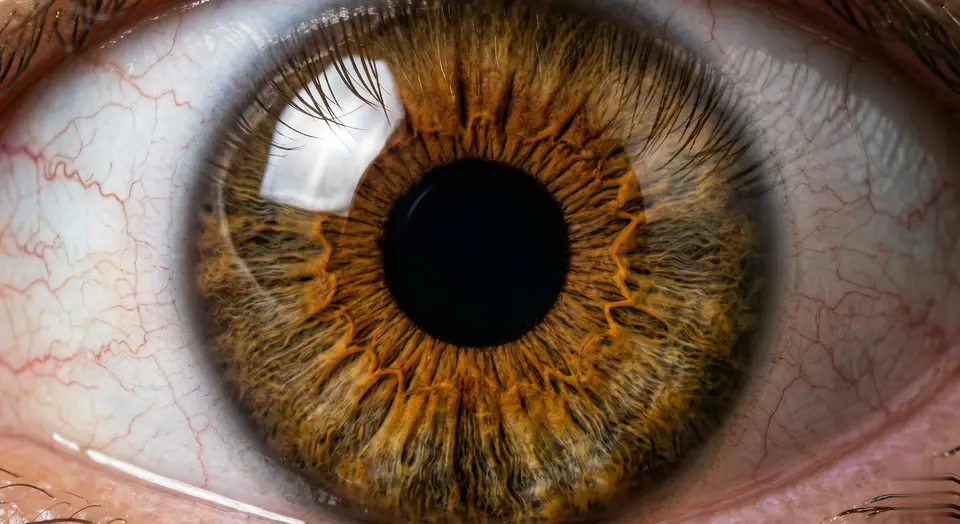
AI Eye Zoom
VideoAppearance

AI Eye Zoom

1 image upload · 5-8s video · 16:9 / 9:16 / 1:1

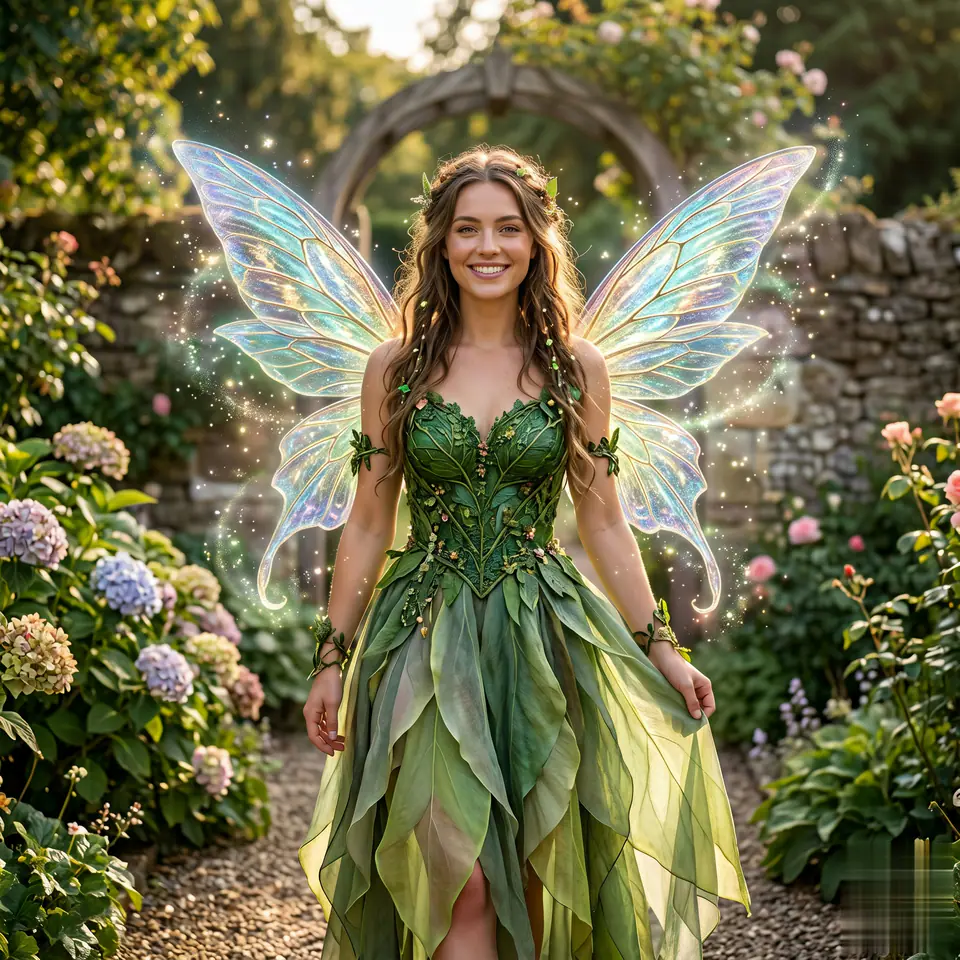
AI Fairy Generator
VideoAppearance

AI Fairy Generator

1 image upload · 5-8s video · 16:9 / 9:16 / 1:1

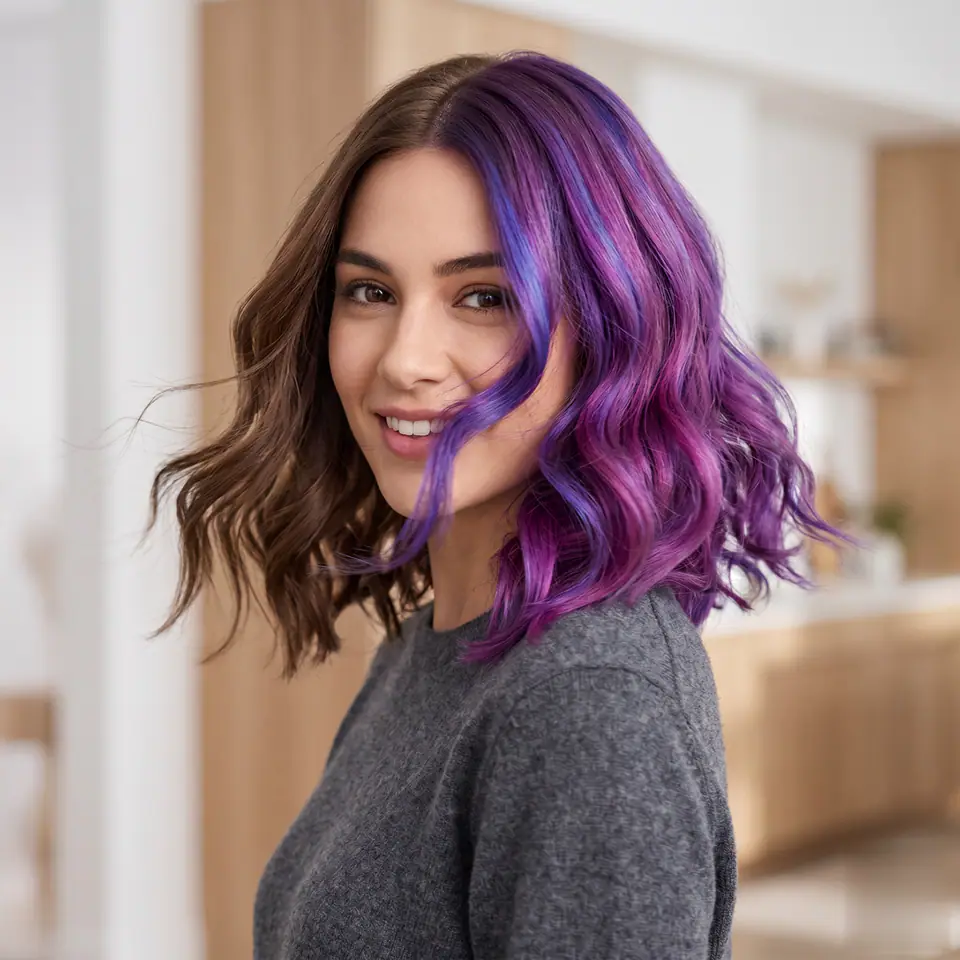
Hair Color Change
VideoAppearance

Hair Color Change

1 image upload · 5-8s video · 16:9 / 9:16 / 1:1

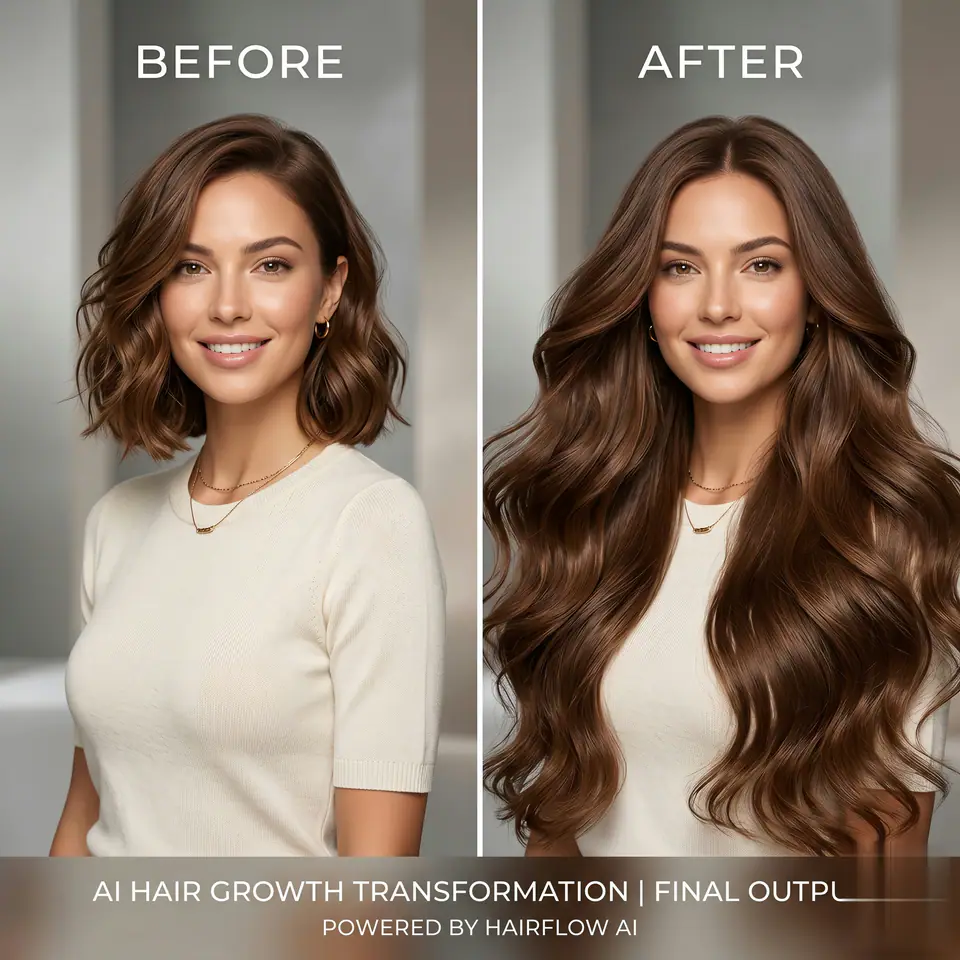
AI Hair Growth
VideoAppearance

AI Hair Growth

1 image upload · 5-8s video · 16:9 / 9:16 / 1:1

AI Happy Smile
VideoAppearance

AI Happy Smile

1 image upload · 5-8s video · 16:9 / 9:16 / 1:1

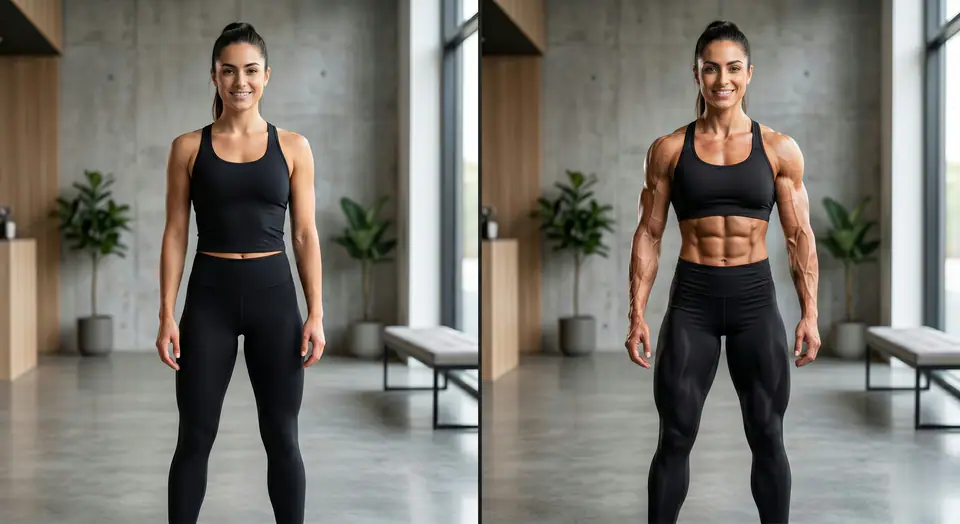
AI Muscle Generator
VideoAppearance

AI Muscle Generator

1 image upload · 5-8s video · 16:9 / 9:16 / 1:1

Quick answer

AI Mermaid Filter: what it does and when to use it

AI Mermaid Filter is an AI video effect generator for creating a focused video effect from prepared prompt and upload controls. AI Mermaid Filter creates viral AI Mermaid Videos from selfies, anime & comics. Generate 4K, watermark-free mermaid magic. Use it when you need a fast, specific clip concept for social, ads, creator content, or campaign review.

1 image upload required16:9 / 9:16 / 1:1 ratiosseedance28 starting credits
Workflow
AI video effect generator
Inputs
1 image upload required
Default model
seedance
Aspect ratios
16:9 / 9:16 / 1:1 ratios
Duration presets
5s / 8s
Starting credits
28 starting credits

How It Works

Simple 3-Step Process

Create AI Mermaid Filter with a focused three-step workflow.

1
Prepare the source
Review AI Mermaid Filter and provide 1 required image upload with a clear subject and usable framing.
2
Check the controls
Confirm seedance, choose 16:9 / 9:16 / 1:1, and select 5 / 8s for the destination channel.
3
Generate and review
Create the clip, inspect subject consistency and motion quality, then refine one input at a time.
Create this effect

Frequently Asked Questions

Frequently Asked Questions

Practical answers about creating AI Mermaid Filter.

AI Mermaid Filter creates viral AI Mermaid Videos from selfies, anime & comics. Generate 4K, watermark-free mermaid magic.

The prepared workflow uses 1 required image upload.

The default model is seedance; supported framing includes 16:9 / 9:16 / 1:1, with 5 / 8s duration options.

Yes. Keep the preset direction, then refine subject, movement, camera, lighting, or output details.

Check subject consistency, motion, framing, artifacts, and whether the clip fits the intended channel.

Yes, when your plan permits the intended use and you hold the necessary rights to every uploaded reference.

Best uses

Best uses for AI Mermaid Filter

AI Mermaid Filter with real workflow controls works best when the brief has a clear subject, output format, and review goal. The strongest results usually come from concrete prompt language, clean references, and one or two controlled variables per generation pass.

Creative direction tests
Use AI Mermaid Filter to see whether a concept is worth deeper production before committing design or editing time.
Campaign and content variants
Generate quick variants for ads, social publishing, landing-page visuals, creator content, or client review.
Focused effect production
Create a specific transformation or trend-style clip from a prepared prompt and upload pattern.

Generator guide

Before you generate

Review the preset before changing it
Preset-led effects already include the core motion direction, so extra prompt text should refine rather than replace it.
Prepare required references
This workflow expects 1 image upload, so upload clean source media before generation.
Match the publishing format
Choose 16:9 / 9:16 / 1:1 based on whether the result is meant for social posts, ads, landing pages, or review handoff.
Prepared input workflow
AI Mermaid Filter starts with 1 required image upload and a prepared prompt so the required source material is clear.

Create your own AI Mermaid Filter

AI Mermaid Filter creates viral AI Mermaid Videos from selfies, anime & comics. Generate 4K, watermark-free mermaid magic.

Create Mermaid FilterExplore More Effects

Review the preview, required inputs, model, and output settings before generating.

VisioArtVisioArt

Create AI-powered MP4 videos from text, images, and guided workflows.

Sign up
Product
  • Image Generators
  • AI Image Editor
  • Text to Image
  • Image to Video
  • AI Photo to Video
  • Text to Video
  • Video to Video
  • Video Compression
  • AI Video Generator
Video Effects
  • All Video Effects
Video Models
  • Sora 2
  • Sora 2 Pro
  • Wan 2.5
  • Wan 2.6
  • Wan 2.7
  • HappyHorse 1.0
  • Gemini Omni
  • Veo 3.1
  • Veo 3.1 Fast
  • Kling AI
  • Kling 3.0
  • Kling 2.6
  • Seedance
  • Seedance 2
  • Seedance 2 Fast
Image Models
  • Seedream 4
  • Seedream 4.5
  • Seedream 5 Lite
  • Nano Banana
  • GPT Image 2
  • GPT-4o Image
  • Qwen Image
  • Qwen Image 2
  • Imagen 4
  • Midjourney
  • Grok Imagine
  • Flux 2
  • Z-Image
Support
  • Docs
  • Blog
  • Changelog
  • About
  • Contact
Legal
  • Cookie Policy
  • Privacy Policy
  • Refund Policy
  • Terms of Service
© 2026 VisioArt. All rights reserved.