
VisioArt AIエフェクトライブラリとは何ですか?
AI動画エフェクトと画像ジェネレーターを検索エンジンがクロールできる形で整理したディレクトリです。各カードは専用ページにリンクし、プレビュー、アップロード要件、プロンプト初期値、モデル、クレジット、FAQを確認できます。
動画エフェクトと画像ジェネレーターをひとつの実用的なディレクトリで閲覧できます。プレビュー、アップロード形式、カテゴリ、クレジット費用でプリセットを選び、実際のワークフローを開けます。
プレビュー、アップロード種別、長さ、カテゴリ、クレジット目安で選べます。各カードから実際のジェネレーターページを開けます。
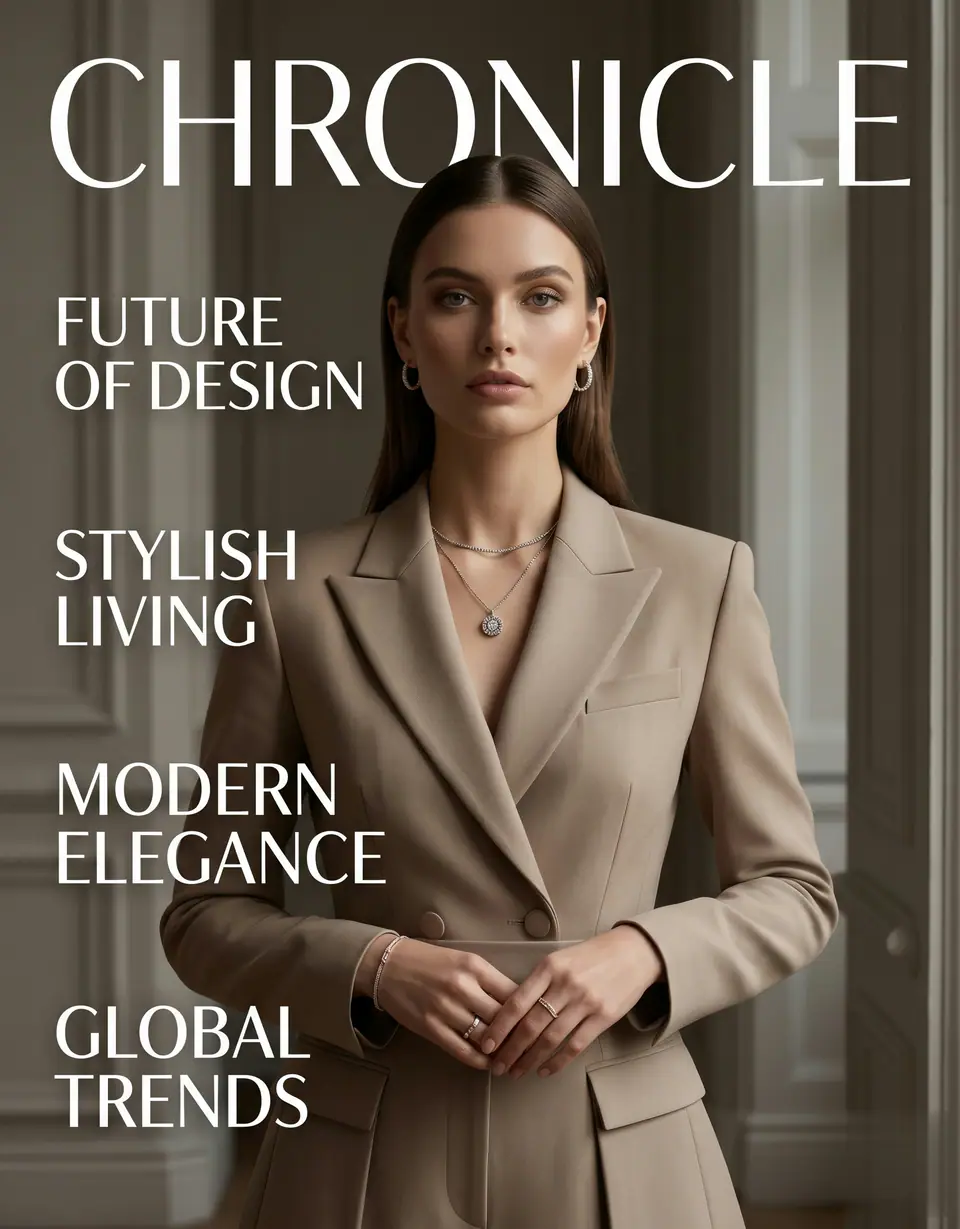
ポートレートをアップロードして、レッドカーペットの登場感、追従カメラ、ファッションイベントの空気を備えた短い動画を生成します。
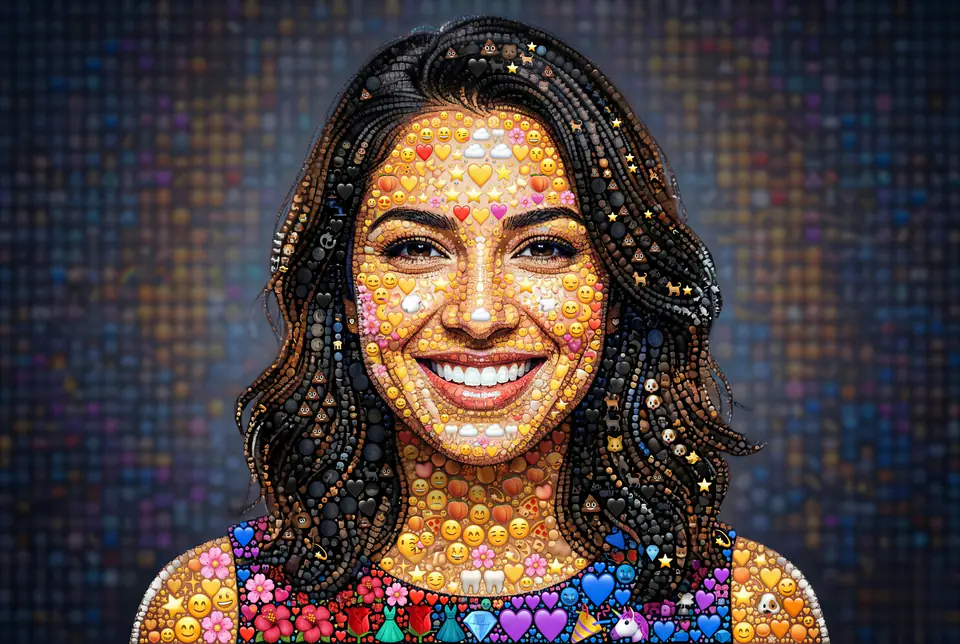
写真を絵文字で構成されたモザイク風ビジュアルに変換し、アイコン、SNS投稿、キャンペーン素材に使えます。
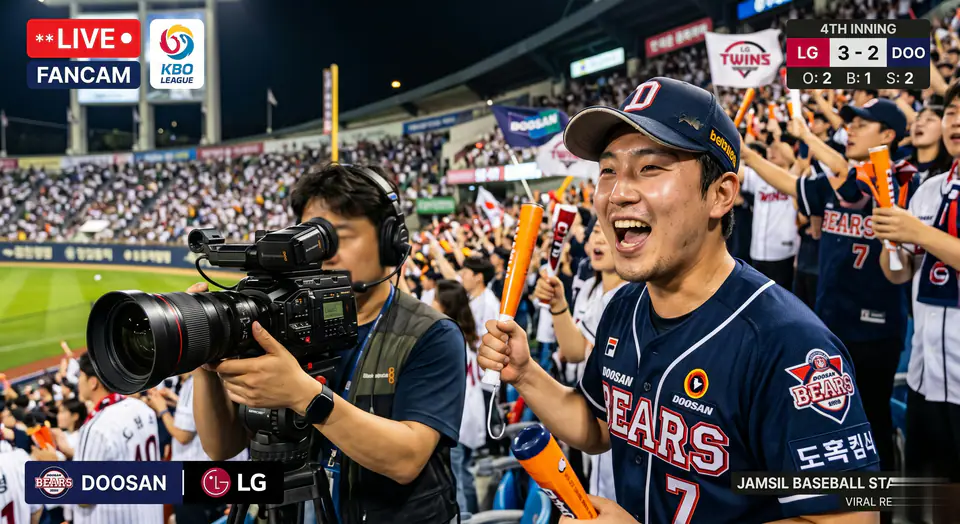
人物写真を野球スタンドと中継カメラの文脈に置き、SNS向けの応援感ある短い動画を作成します。

人物写真を韓国の野球スタンドや中継静止画風に変換し、応援感のあるSNSコンテンツを作成します。
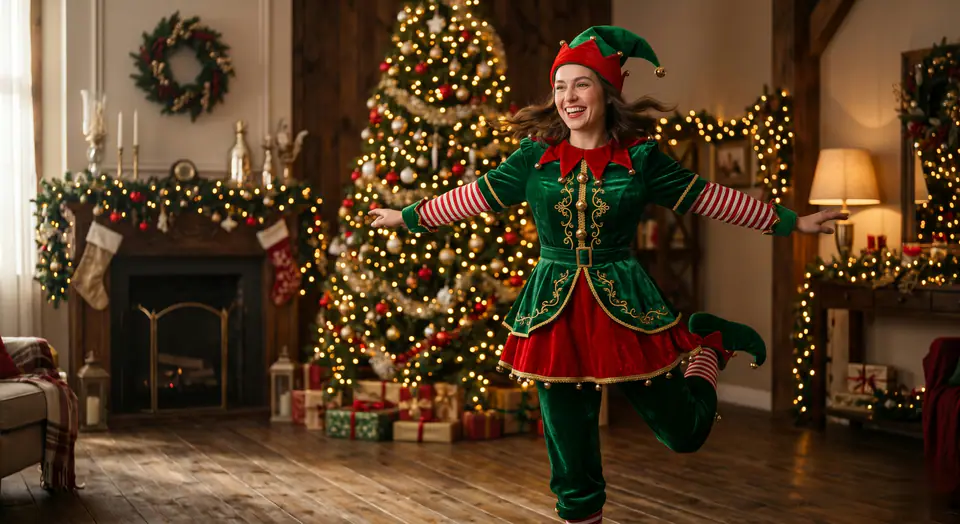
1枚の人物写真から、クリスマスらしい雰囲気、軽快な動き、キャンペーン向けのリズムを持つダンス動画を生成します。
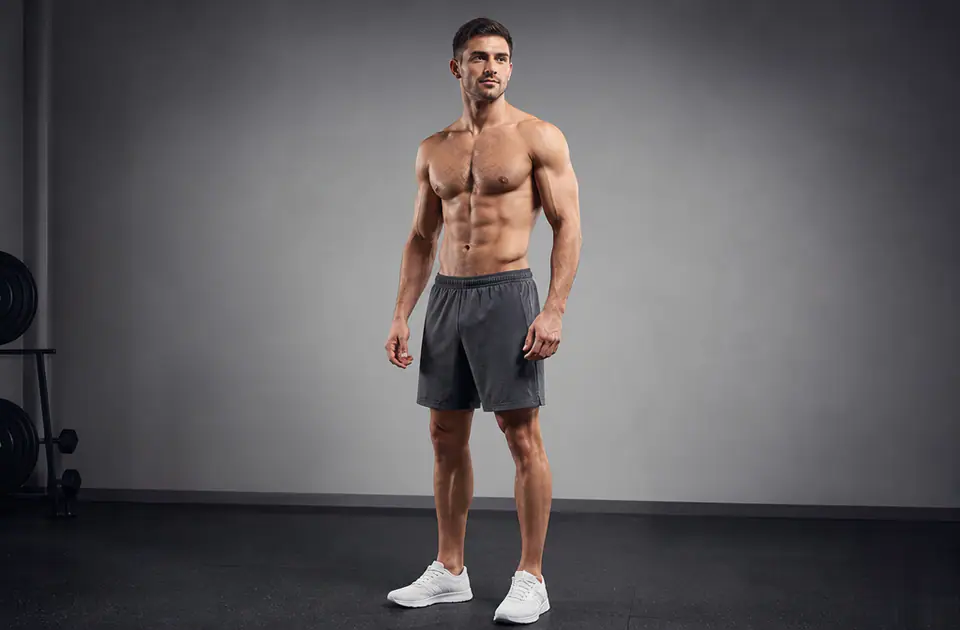
参照画像から体型方向のビジュアルプレビューを生成し、フィットネス、スタイリング、企画検討を素早く進めます。
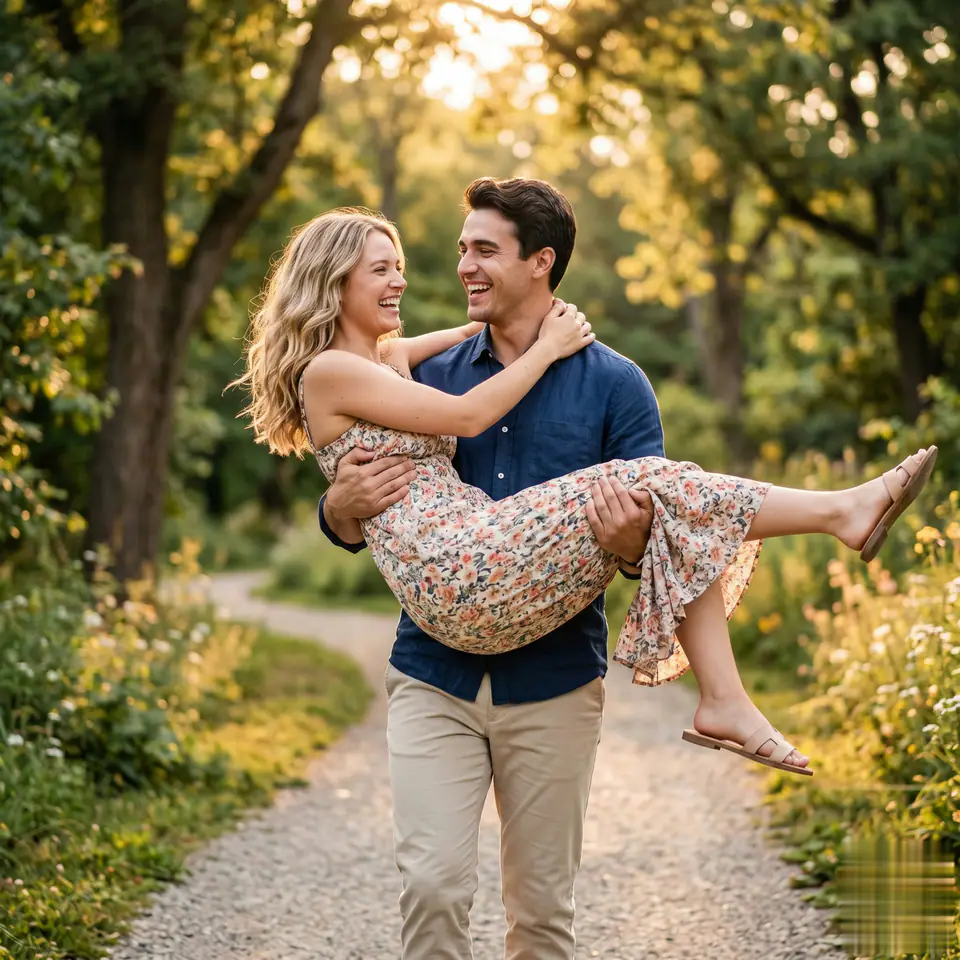
参照写真から、抱き上げるようなカメラモーションとやわらかな物語性を持つロマンチックな短編動画を生成します。
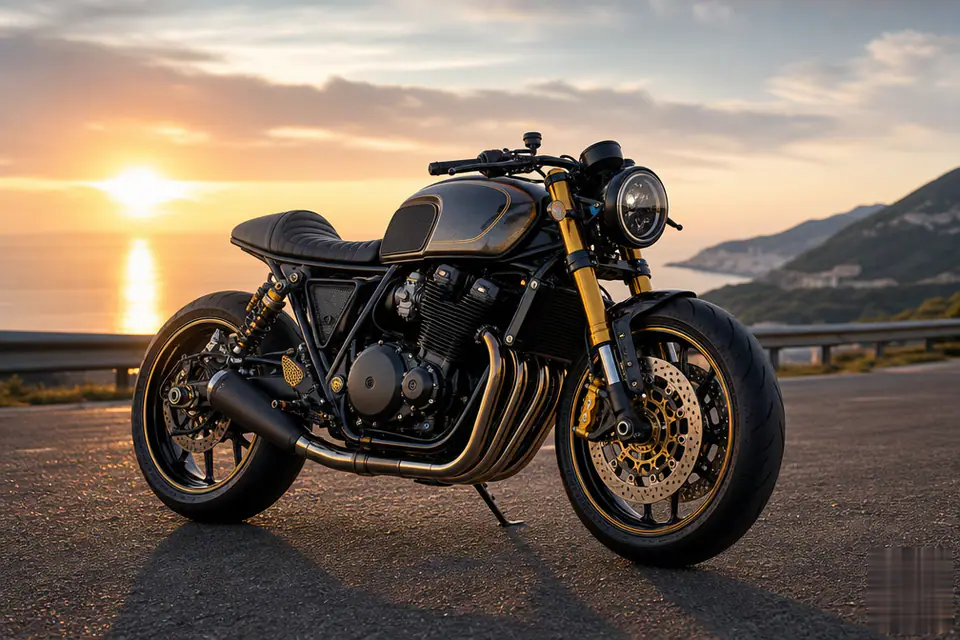
人物や商品の参照画像をバイクテーマのビジュアルに変換し、印象的なアイコン、ポスター、SNS案に使えます。
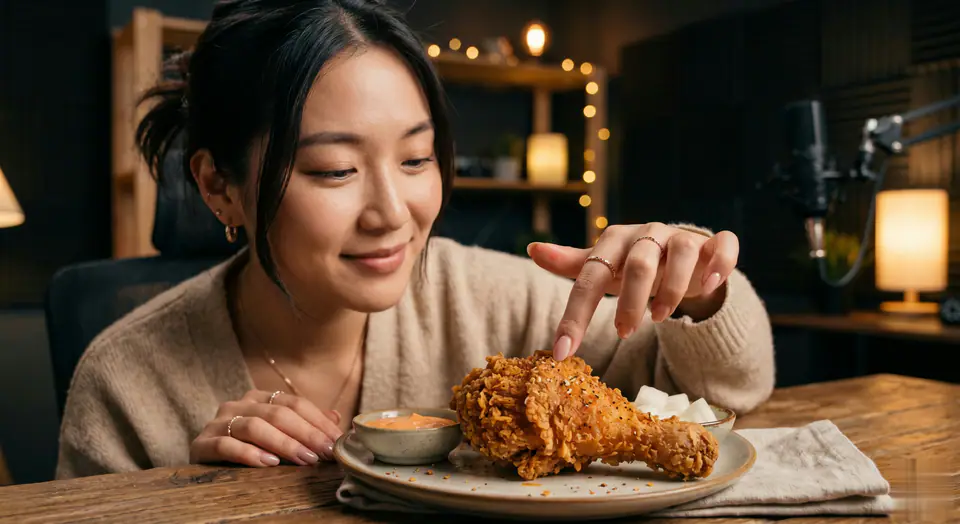
人物写真や参照画像から、食事シーン、食べ物との動き、ショート動画らしいテンポを備えた楽しいクリップを作成します。
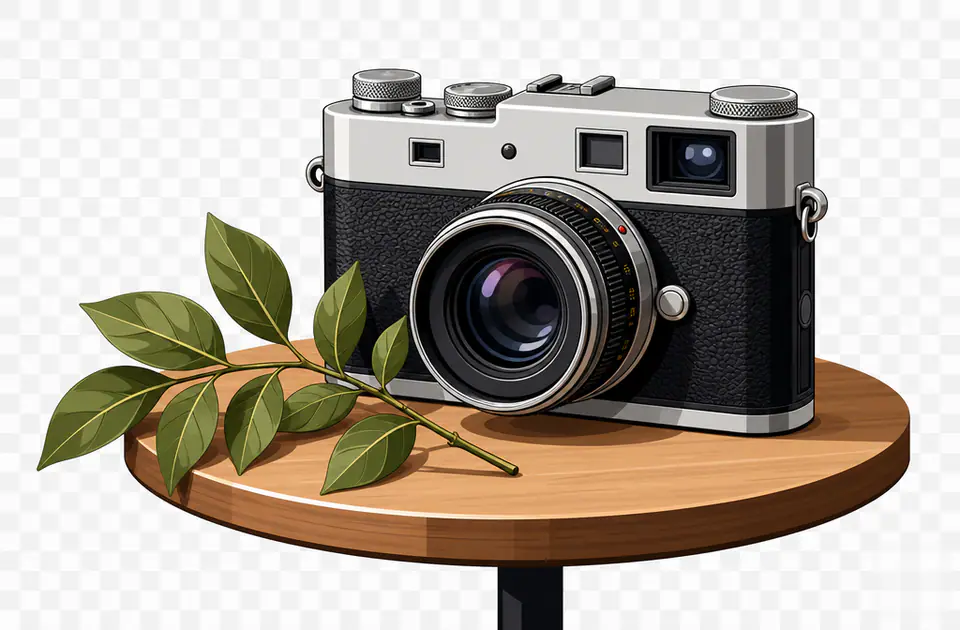
写真やテキスト案をクリーンなベクターイラスト風に変換し、アイコン、ポスター、ステッカー、ブランド案に活用できます。
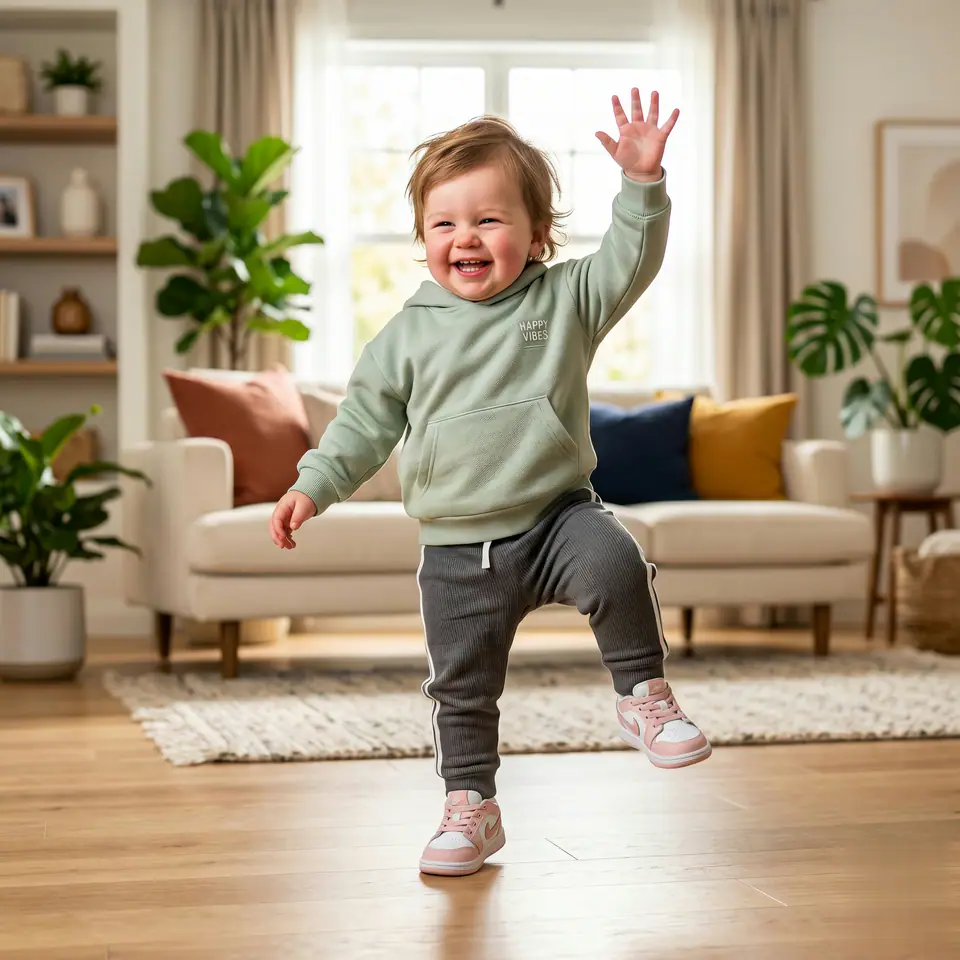
写真をかわいいダンス動画に変換し、被写体らしさを保ちながら軽く表情豊かな動きを加えます。
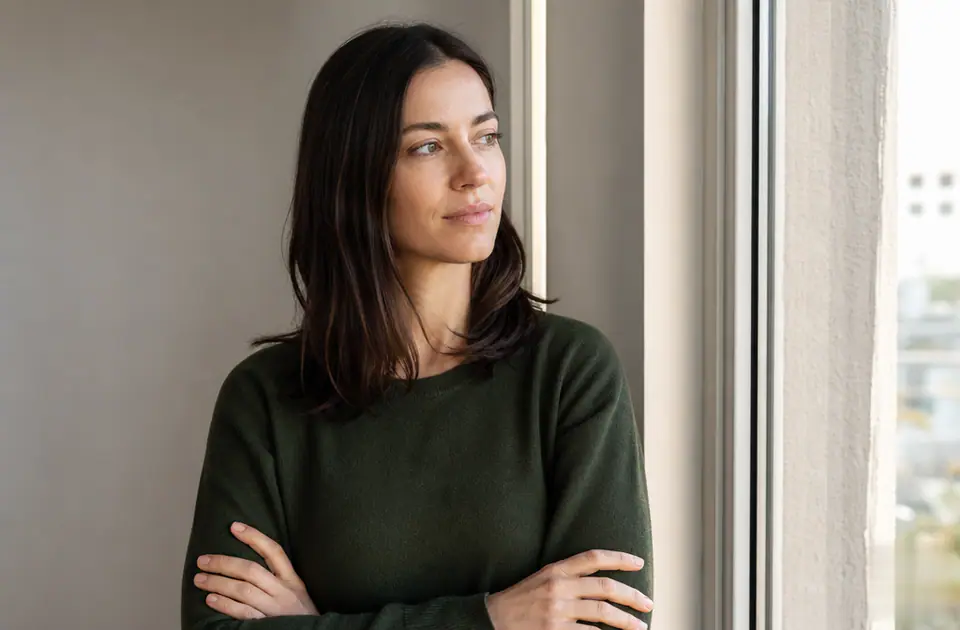
フィルター付きの写真をアップロードし、編集、公開、再利用に向いた自然な色と質感のバージョンを生成します。
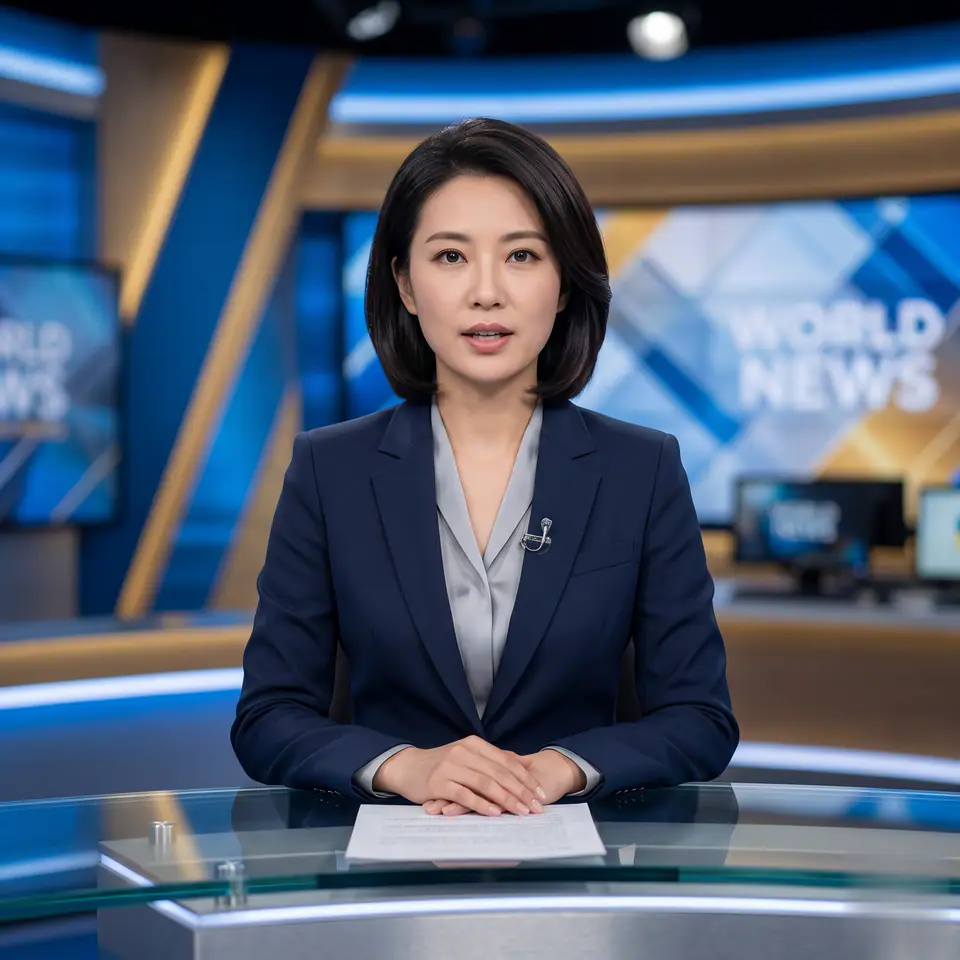
顔写真や人物写真をニュースキャスター風の短編動画に変換し、発表、告知、SNS番組素材に活用できます。

AIStorybookAnimegenerator画像向けの制作対応テンプレート。AIStorybookAnime画像Generatorvariantsと参照guidededitsに使いやすく、VisioArtで構造化された制作フローを組めます。 方向性を決める前に、被写体の明確さ、構図の読みやすさ、実用的な出力を比較できます。
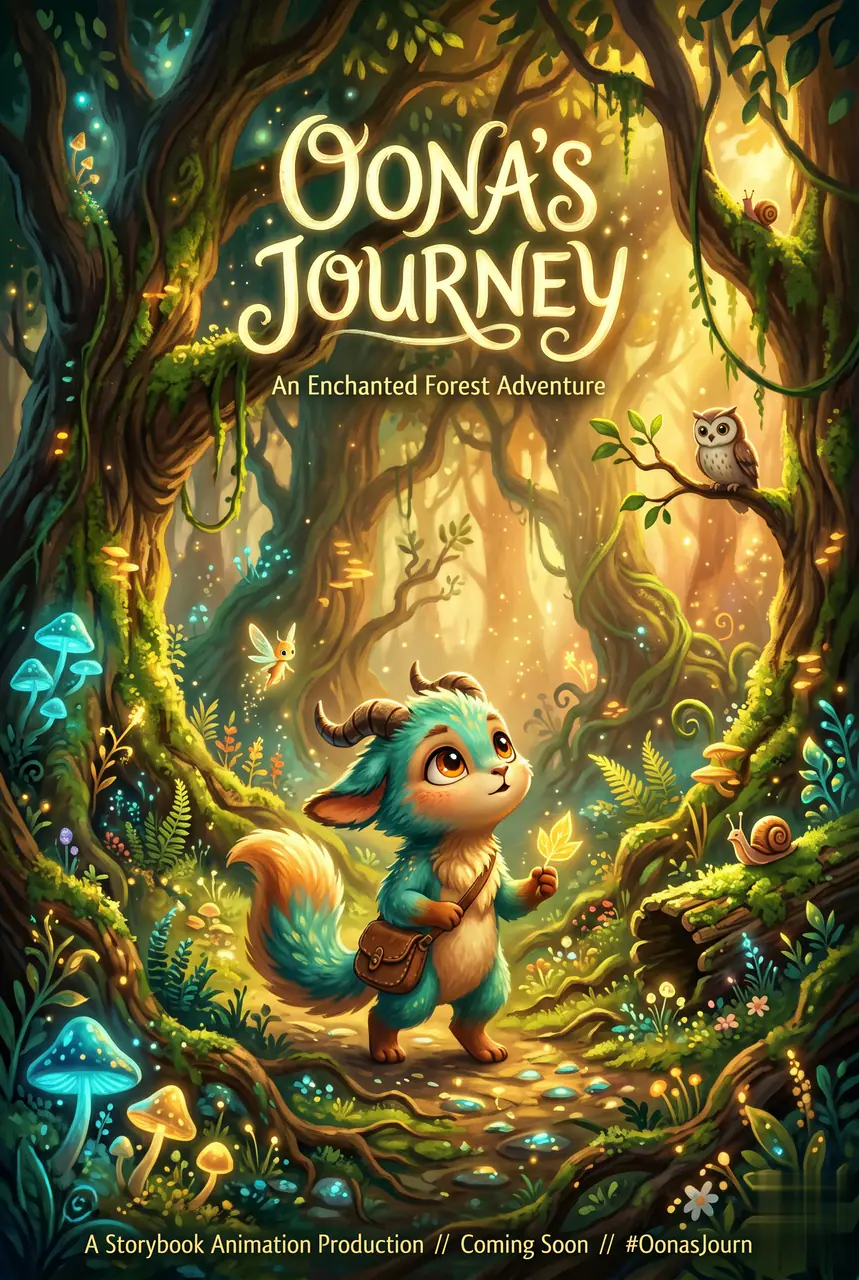
AI Storybook Anime Video Generator は必須画像 1 枚と準備済みプロンプトから始まり、必要な素材が明確です。 既定では seedance、16:9 / 9:16 / 1:1、5 / 8sを使用します。
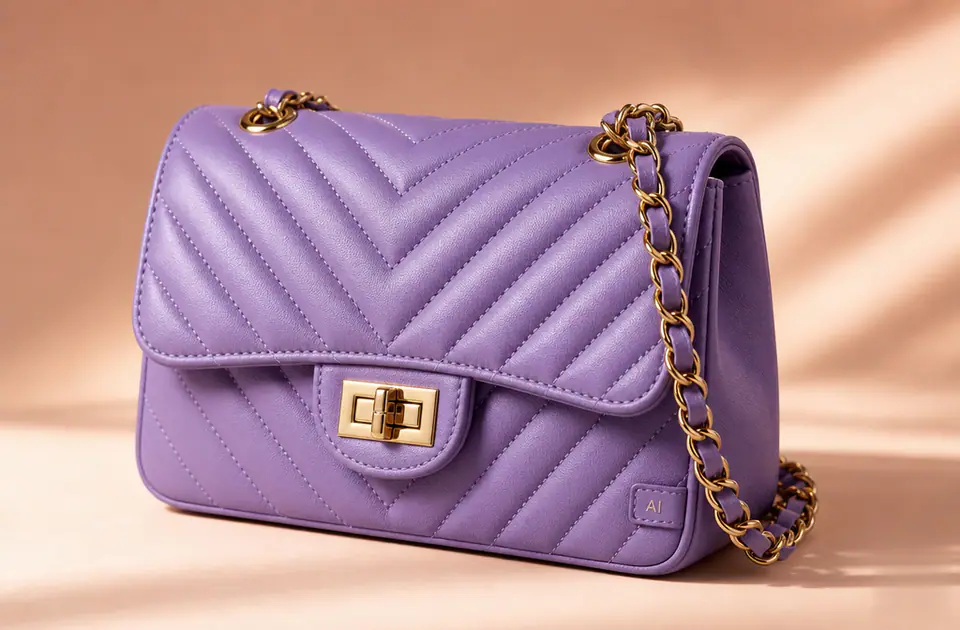
変更したい色の領域を指定し、商品、アパレル、ブランド素材、キャンペーン検証向けの配色案を素早く作成します。
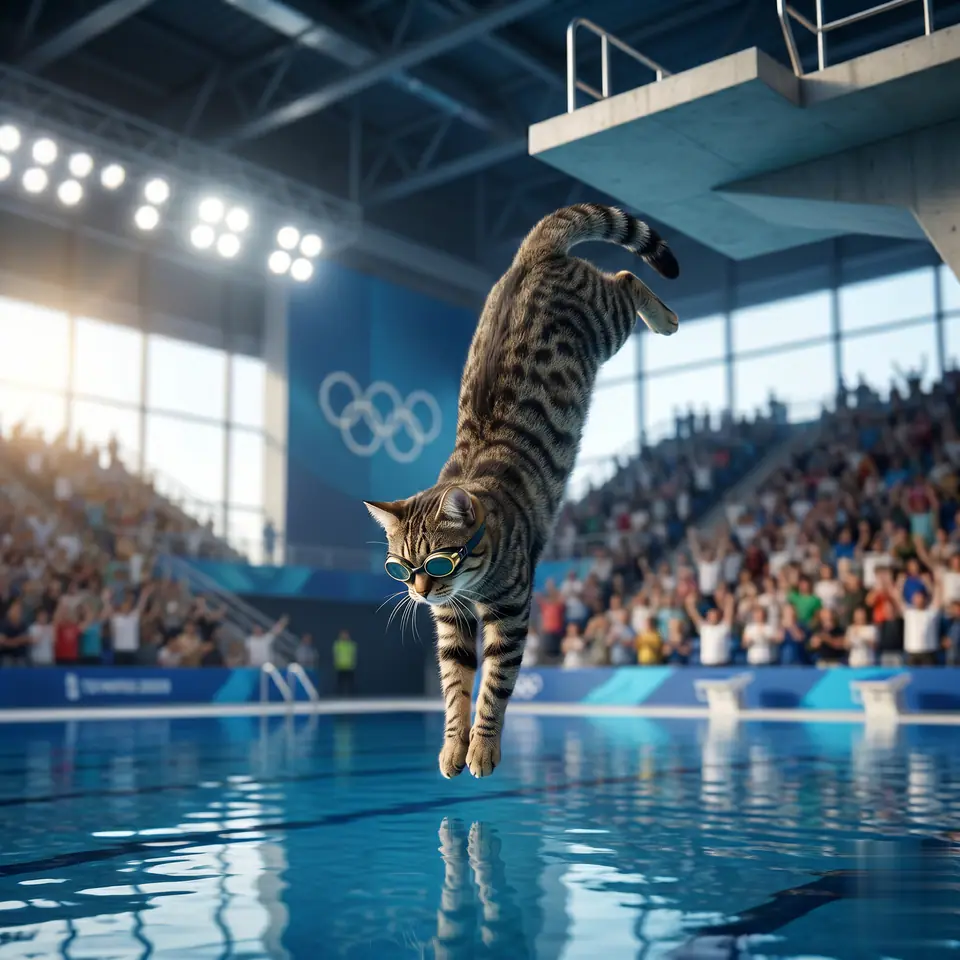
猫の写真を飛び込み競技場風の短い動画に変換し、スポーツ風の演出と共有しやすいペット表現を加えます。

透明PNG、アイコン、デザイン素材の色を置き換え、ページやキャンペーンで使えるバージョンを作成します。
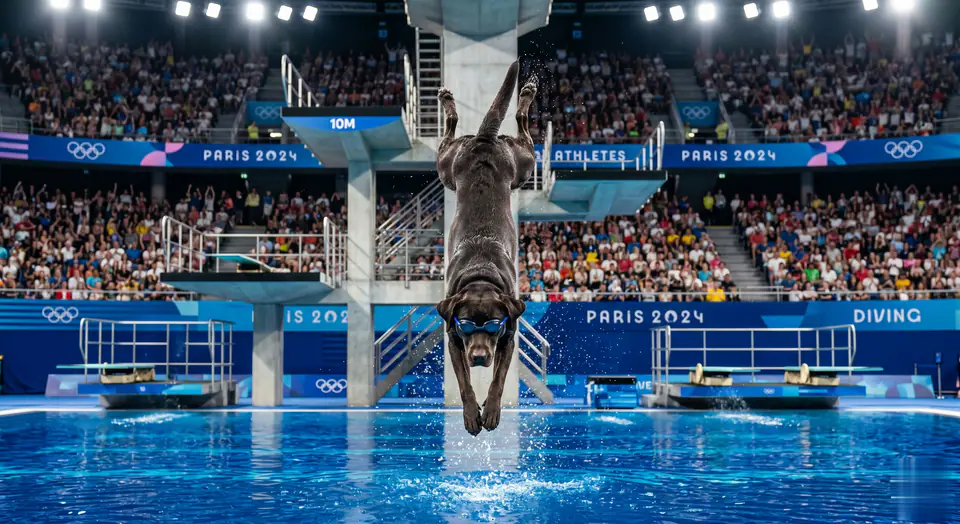
犬の写真を飛び込み競技場風の短い動画に変換し、活発なペットの動きとSNS向けの見せ方を作ります。
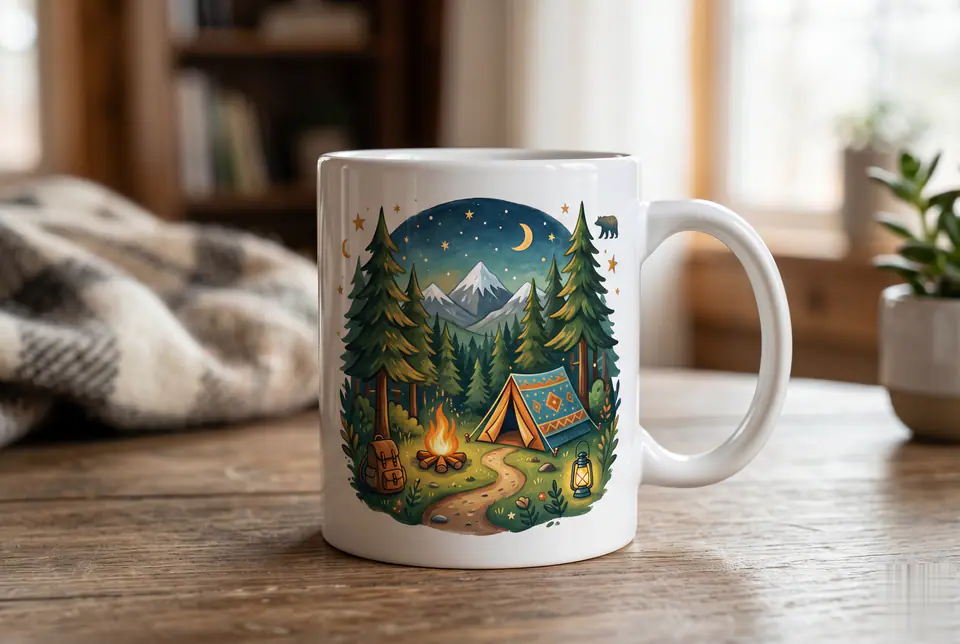
ギフト、ブランドグッズ、EC商品、キャンペーンモックアップ向けのマグカップアートと商品案を作成します。
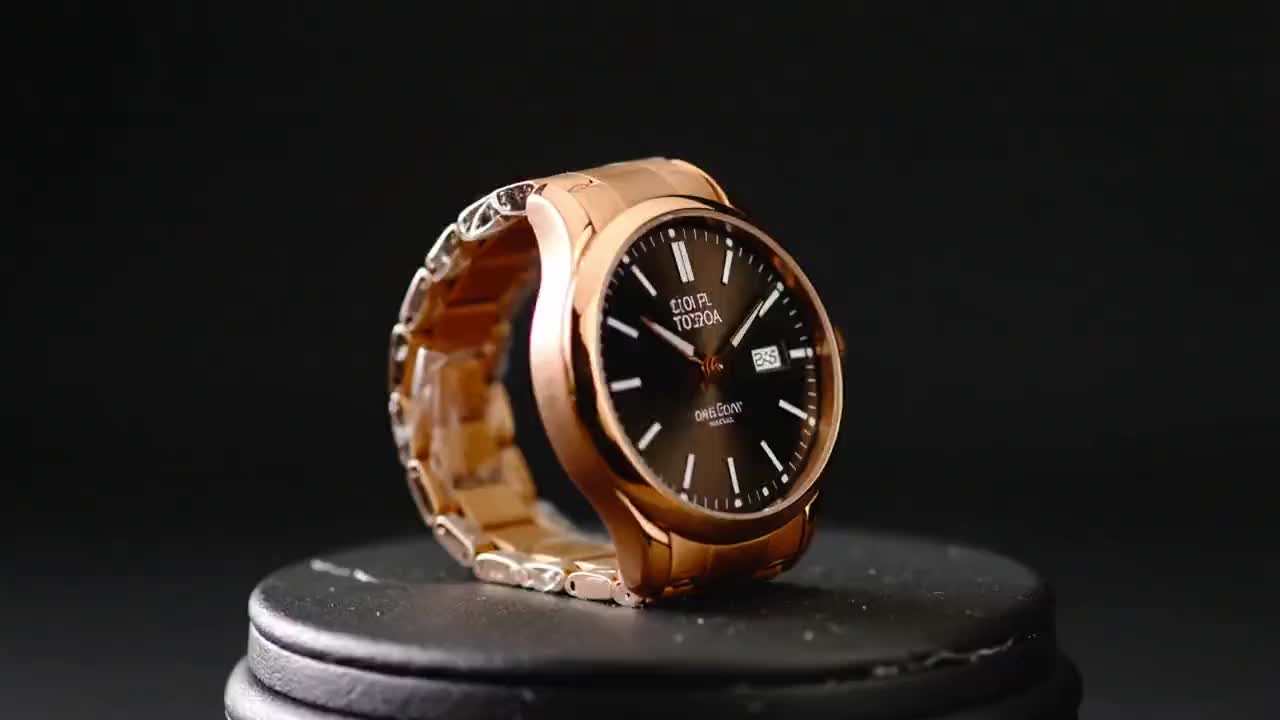
商品画像をアップロードし、制御されたカメラモーション、商業向けライティング、読みやすい構図を備えた短い広告動画を生成します。

テキストや参照画像から、刺繍ワッペン、チームバッジ、グッズ、ブランドエンブレムのクリーンなコンセプトを生成します。

1〜2枚の写真からSNS向けの短い愛情あふれるハグアニメーションを作成できます。
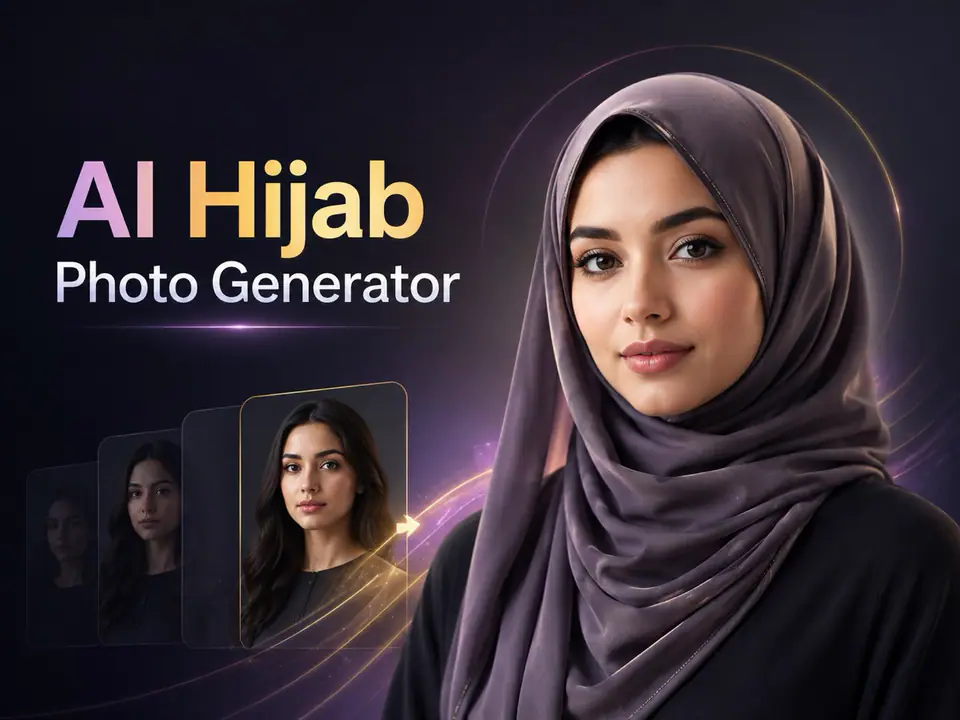
ポートレートをアップロードして、プロフィール画像、スタイリング検討、SNSコンテンツ向けの自然なヒジャブスタイル写真を作成します。
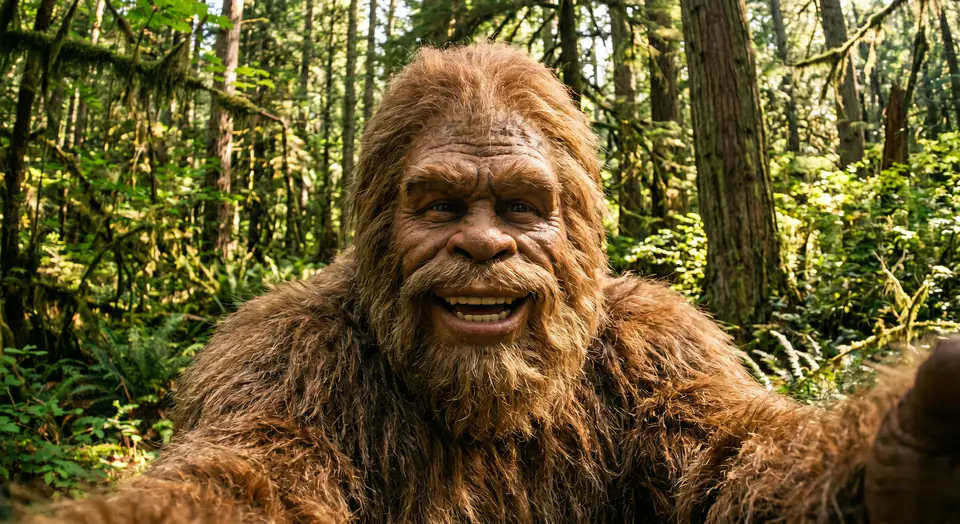
プロンプトや参照素材から、サスペンス、パロディ、民間伝承、話題化しやすい短編向けの謎めいた生物映像を生成します。
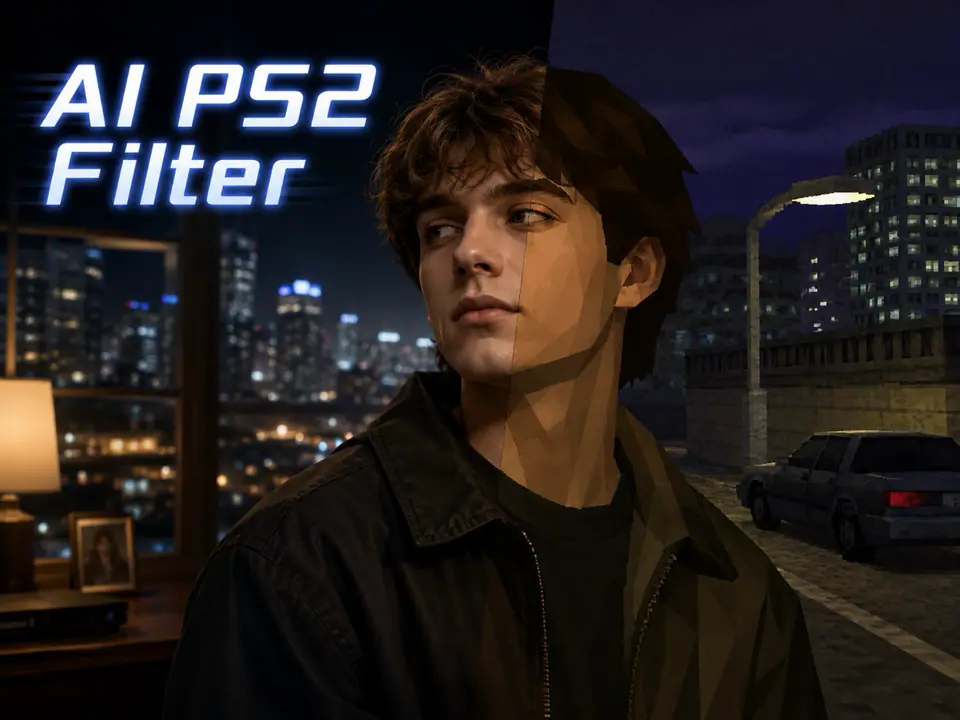
写真を2000年代ゲーム機風のビジュアルに変換し、低ポリゴンの懐かしさを持つアイコンやシーン画像を作ります。
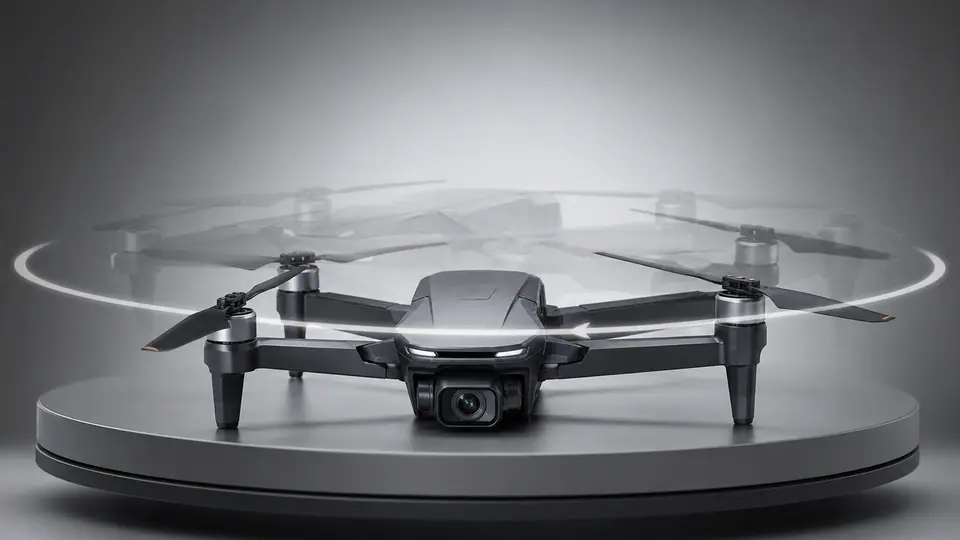
AI 360 Rotation Video Generator は必須画像 1 枚と準備済みプロンプトから始まり、必要な素材が明確です。 既定では kling-standard、16:9 / 9:16 / 1:1、5 / 8sを使用します。
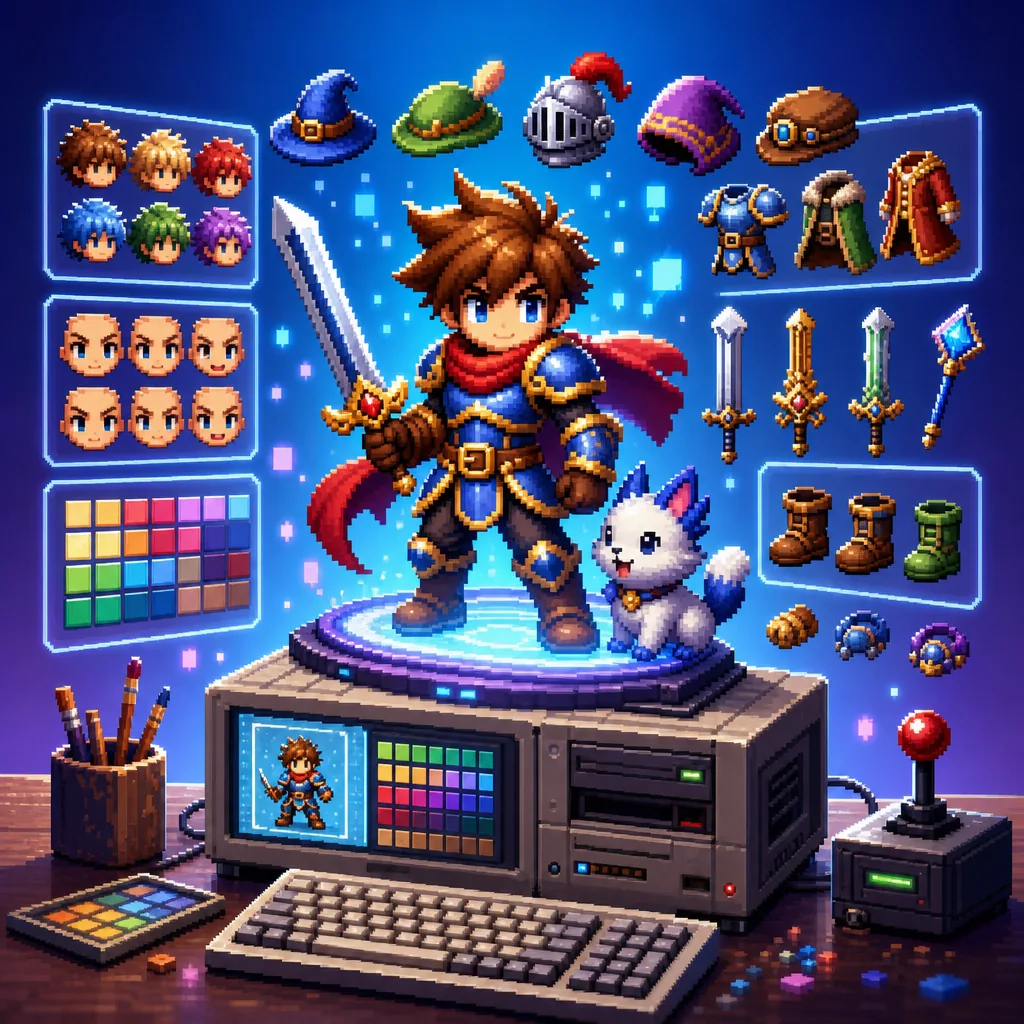
16Bitキャラクターgenerator画像向けの制作対応テンプレート。16BitキャラクターGeneratorvariantsと参照guidededitsに使いやすく、VisioArtで構造化された制作フローを組めます。 方向性を決める前に、被写体の明確さ、構図の読みやすさ、実用的な出力を比較できます。
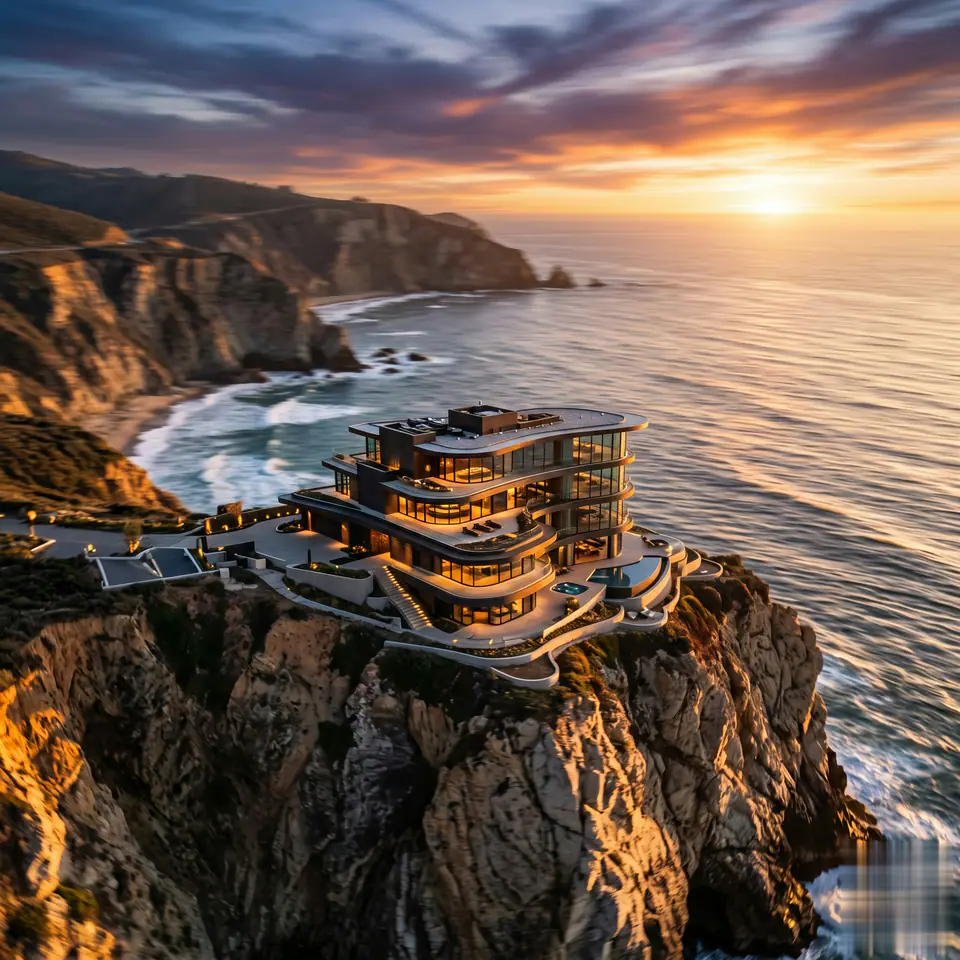
AI Aerial Photography は必須画像 1 枚と準備済みプロンプトから始まり、必要な素材が明確です。 既定では seedance、16:9 / 9:16 / 1:1、5 / 8sを使用します。
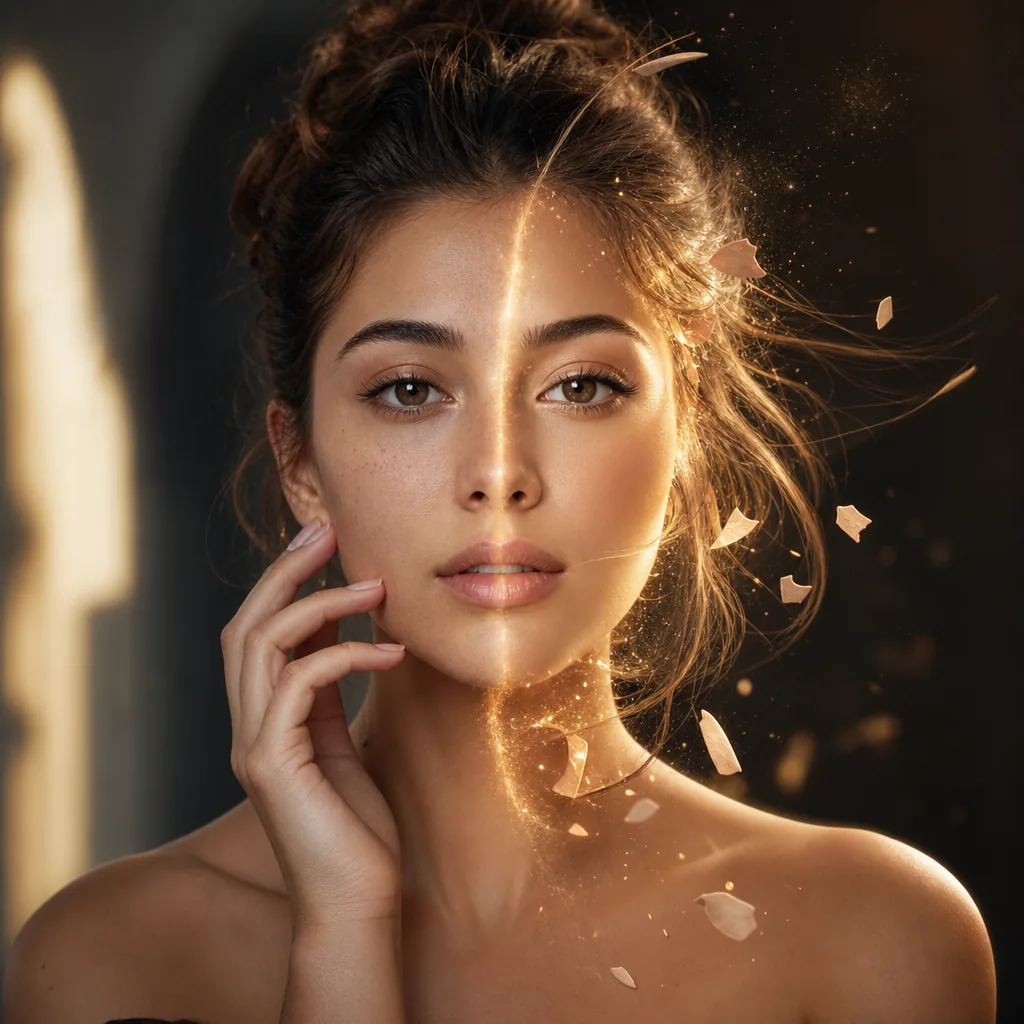
3DAnimatedキャラクターgenerator画像向けの制作対応テンプレート。3DAnimatedキャラクターGeneratorvariantsとテキストto画像startsに使いやすく、VisioArtで構造化された制作フローを組めます。 方向性を決める前に、被写体の明確さ、構図の読みやすさ、実用的な出力を比較できます。
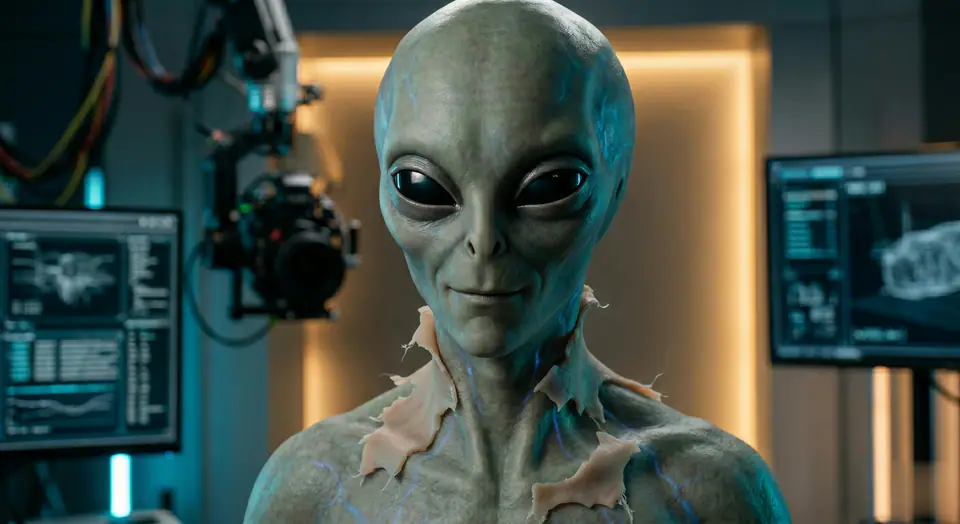
AI Alien Mask は必須画像 1 枚と準備済みプロンプトから始まり、必要な素材が明確です。 既定では veo31-fast、16:9 / 9:16 / 1:1、5 / 8sを使用します。
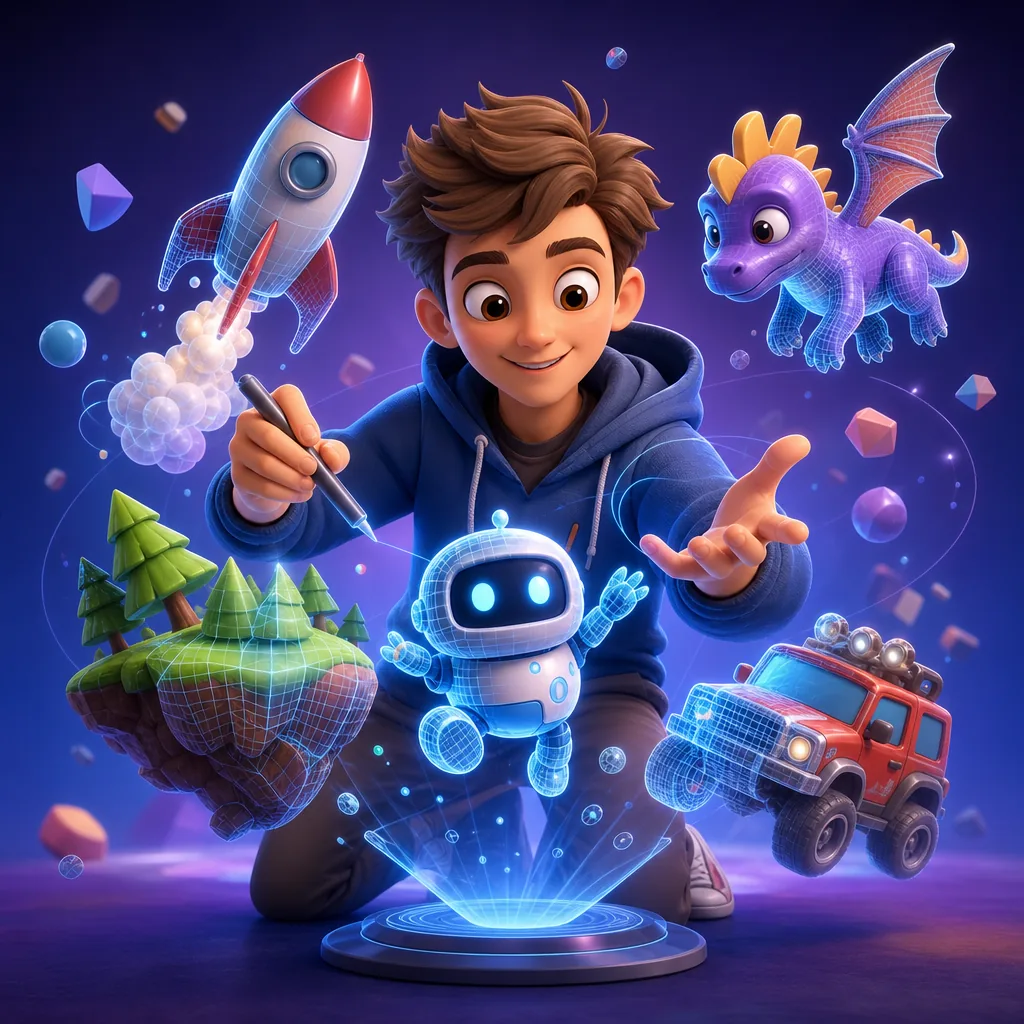
3DCartoonシーンgenerator画像向けの制作対応テンプレート。3DCartoonシーンGeneratorvariantsと参照guidededitsに使いやすく、VisioArtで構造化された制作フローを組めます。 方向性を決める前に、被写体の明確さ、構図の読みやすさ、実用的な出力を比較できます。
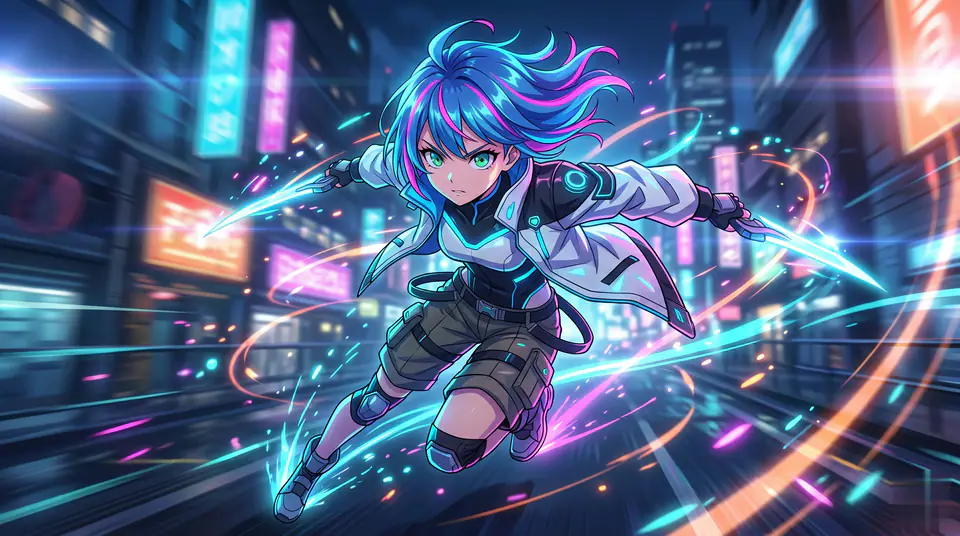
AI Anime Video は必須画像 1 枚と準備済みプロンプトから始まり、必要な素材が明確です。 既定では veo31-fast、16:9 / 9:16 / 1:1、5 / 8sを使用します。

90sFilter画像向けの制作対応テンプレート。90sFiltervariantsと参照guidededitsに使いやすく、VisioArtで構造化された制作フローを組めます。 方向性を決める前に、被写体の明確さ、構図の読みやすさ、実用的な出力を比較できます。
AI ASMR Generator は必須画像 1 枚と準備済みプロンプトから始まり、必要な素材が明確です。 既定では seedance2-fast、16:9 / 9:16 / 1:1、5 / 8sを使用します。
AddHeartstoPhotos画像向けの制作対応テンプレート。AddHeartstoPhotosvariantsとテキストto画像startsに使いやすく、VisioArtで構造化された制作フローを組めます。 方向性を決める前に、被写体の明確さ、構図の読みやすさ、実用的な出力を比較できます。
まず作りたい結果を決め、アップロード要件、プレビュー素材、クレジットコストを確認してからワークフローを開きます。
動画エフェクトと画像プリセットはアップロード条件を各ジェネレーターページ内に保持しているため、次の操作が分かりやすくなります。
SNS向けの動画や画像を作成し、ライブラリに戻ってキャンペーン、アバター、ペット、季節向けの関連プリセットを試せます。
エフェクトライブラリFAQ
ジェネレーターページ、アップロード要件、プレビュー素材、キャンペーン向け出力を比較する検索ユーザー向けの実用的な回答です。
AI動画エフェクトと画像ジェネレーターを検索エンジンがクロールできる形で整理したディレクトリです。各カードは専用ページにリンクし、プレビュー、アップロード要件、プロンプト初期値、モデル、クレジット、FAQを確認できます。
はい。動画エフェクト生成と画像生成ワークフローを同じライブラリにまとめているため、目的に合う編集ページへ直接進めます。
まずプレビューを確認し、次に画像、テキストプロンプト、動画入力のどれが必要かを見ます。詳細ページにはモデル、動画時間や画像設定、関連ジェネレーターが表示されます。
専用URLにより、ペット動画、商品広告、アニメーション風、季節クリップ、アバター編集、画像フィルターなど、それぞれのロングテール検索意図を受け止められます。
プレビュー素材は構図、動きの方向、アップロード形式の目安を示します。結果は元画像、プロンプト編集、選択モデル、アスペクト比、プロバイダー設定によって変わります。
多くのジェネレーターはSNSクリップ、キャンペーン画像、アバター、ペット、商品、季節コンテンツの確認用素材に適しています。公開前に権利とブランド安全性を確認してください。
プロンプトを分岐したり、生成済みアセットを再利用したり、単一プリセットではなくキャンバスから画像-to-動画の流れを組み立てたいときは Studio を開いてください。