
動画プレビュー
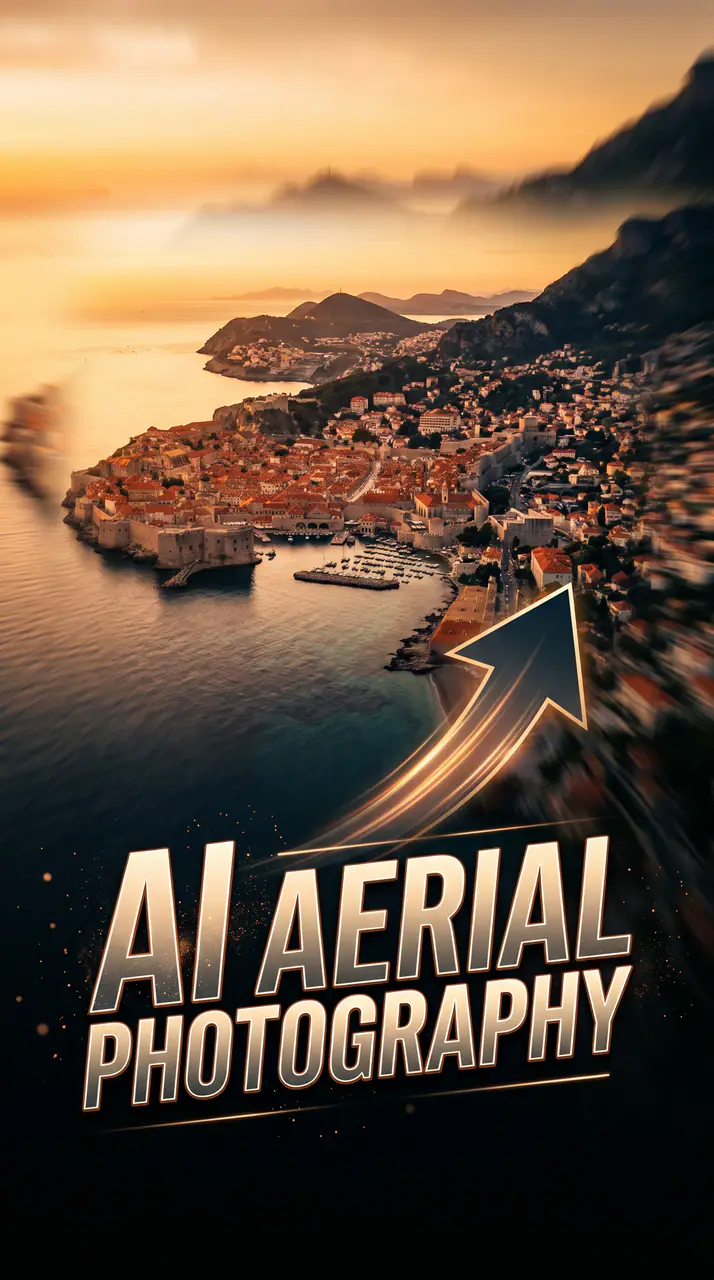
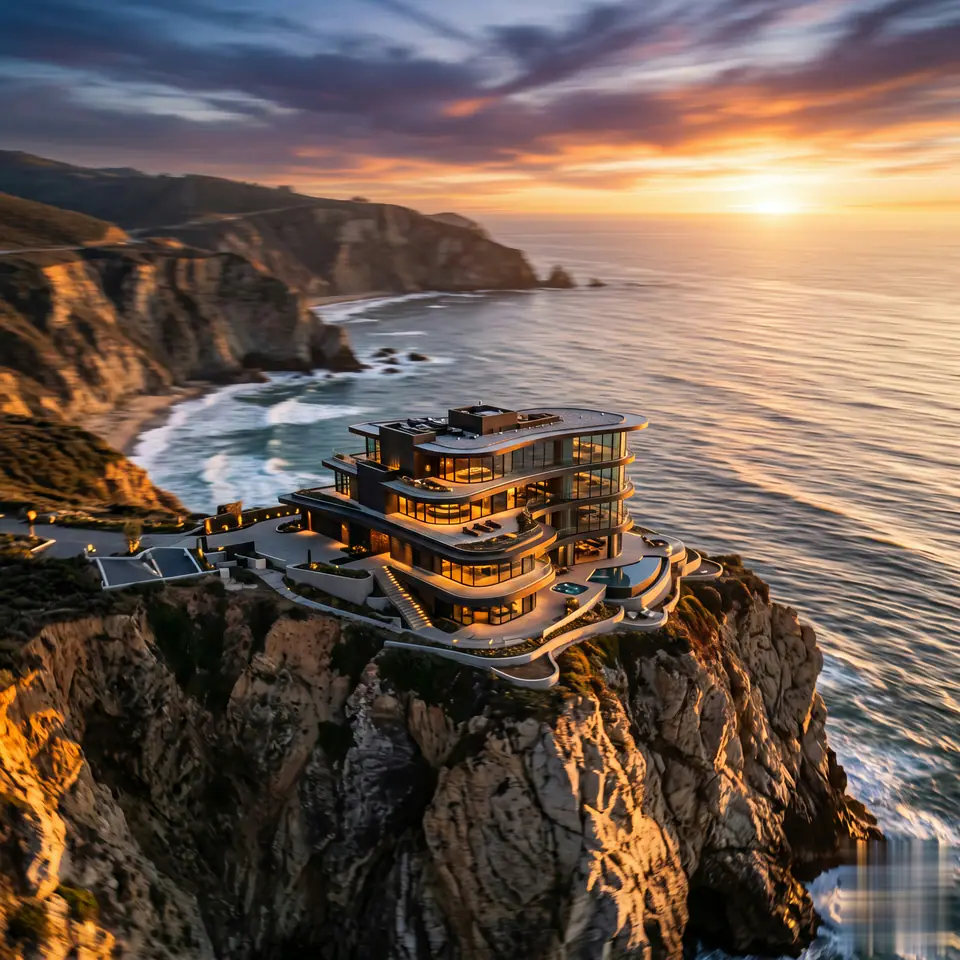
作例を見る:AI 空撮映像
AI 空撮映像:ソース画像1枚と準備済みプロンプトから始まるため、必要な素材が明確です。既定では Seedance、16:9 / 9:16 / 1:1、5秒 / 8秒を使用します。
その他のジェネレーター
その他のAI動画ジェネレーター
このワークフローのプロンプト、アップロード、モデル、形式を調整する前に、近い動画エフェクトを比較できます。
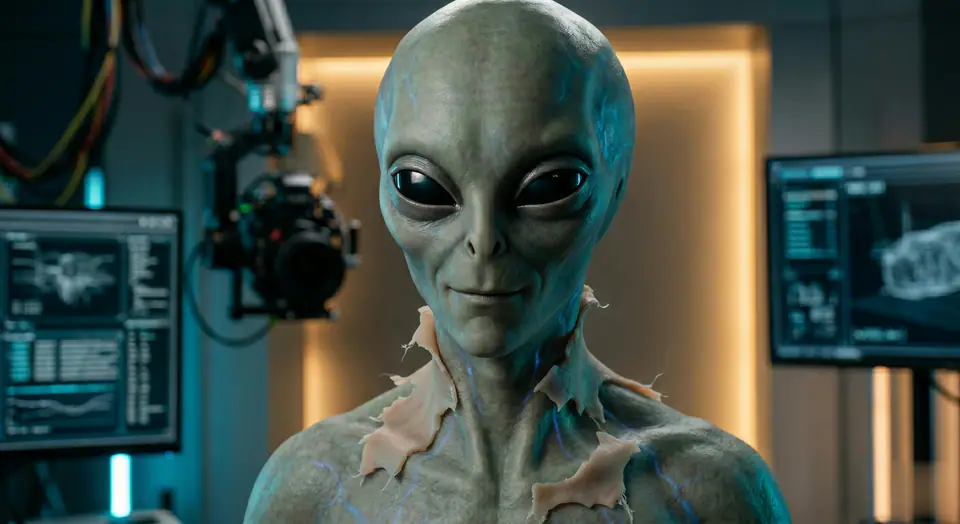
AI Alien Mask
画像 1 枚 · 5秒 / 8秒の動画 · 16:9 / 9:16 / 1:1
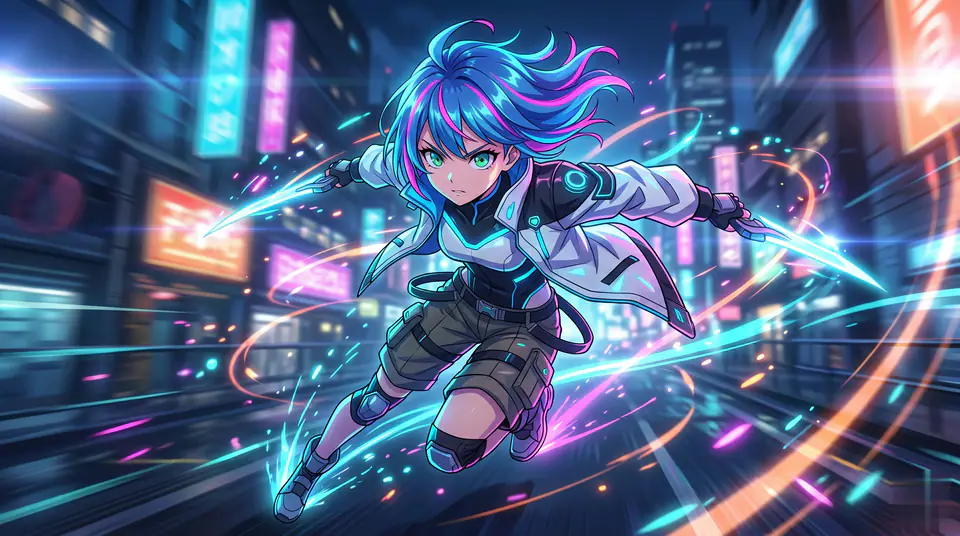
AI Anime Video
画像 1 枚 · 5秒 / 8秒の動画 · 16:9 / 9:16 / 1:1
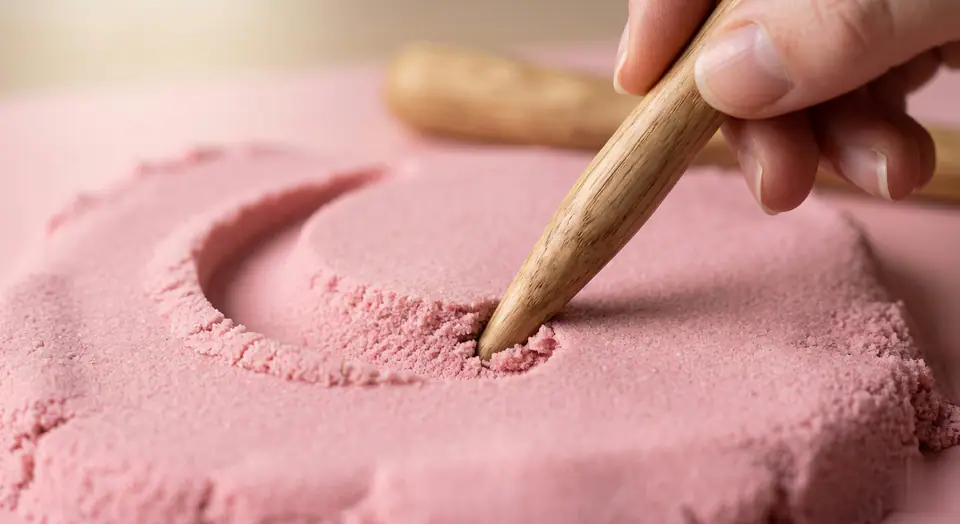
AI ASMR Generator
画像 1 枚 · 5秒 / 8秒の動画 · 16:9 / 9:16 / 1:1
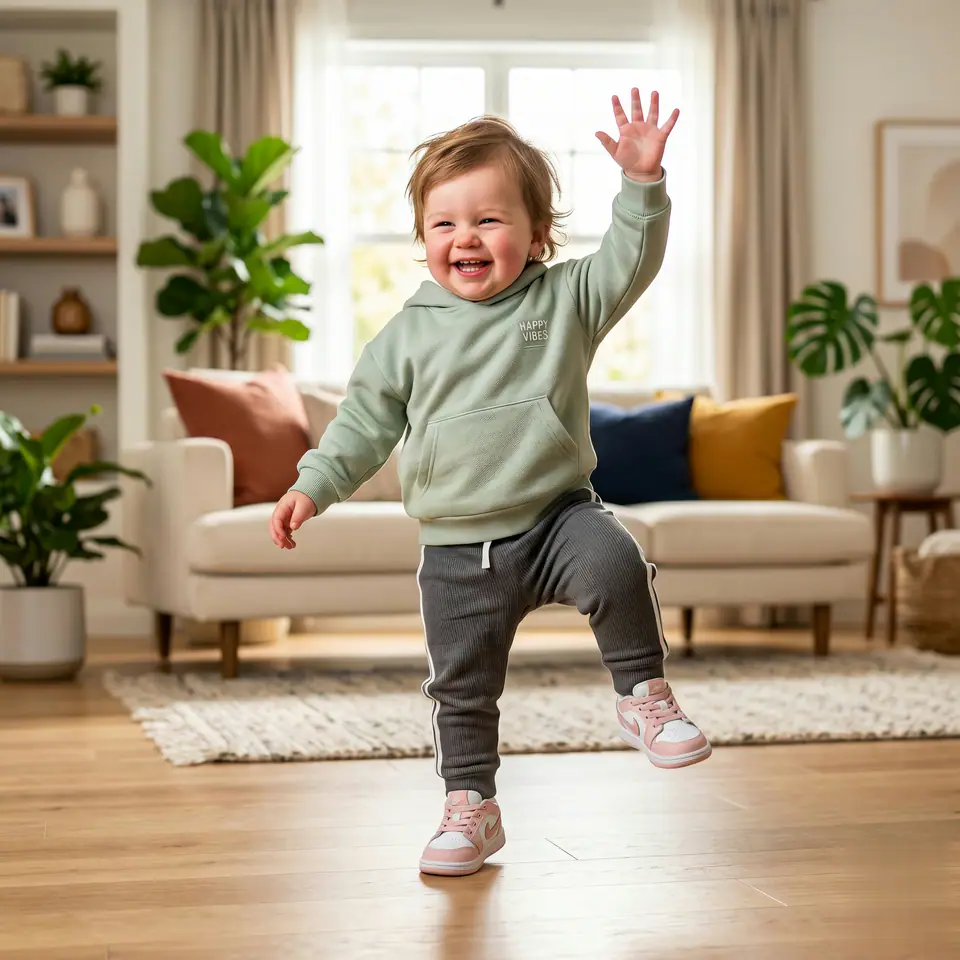
AI Baby Dance
画像 1 枚 · 5秒 / 8秒の動画 · 16:9 / 9:16 / 1:1
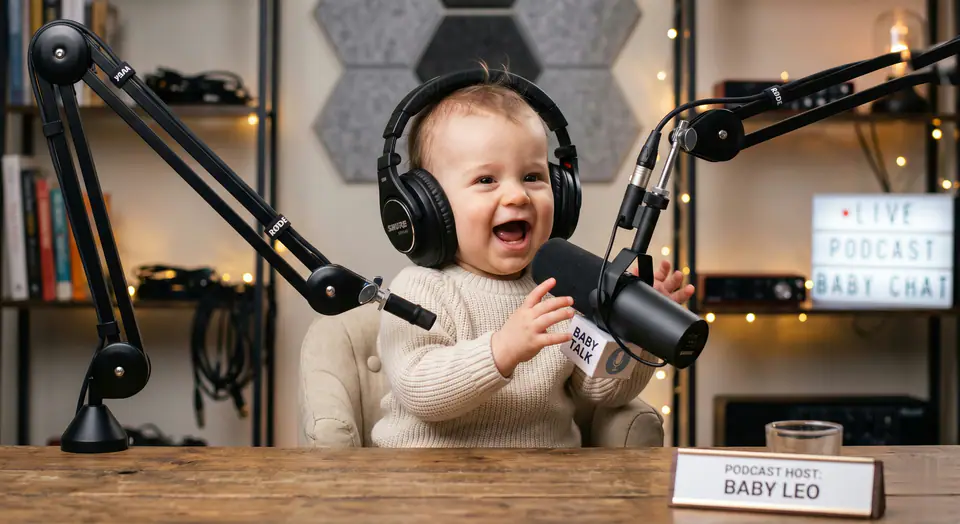
AI Baby Podcast
画像 1 枚 · 5秒 / 8秒の動画 · 16:9 / 9:16 / 1:1
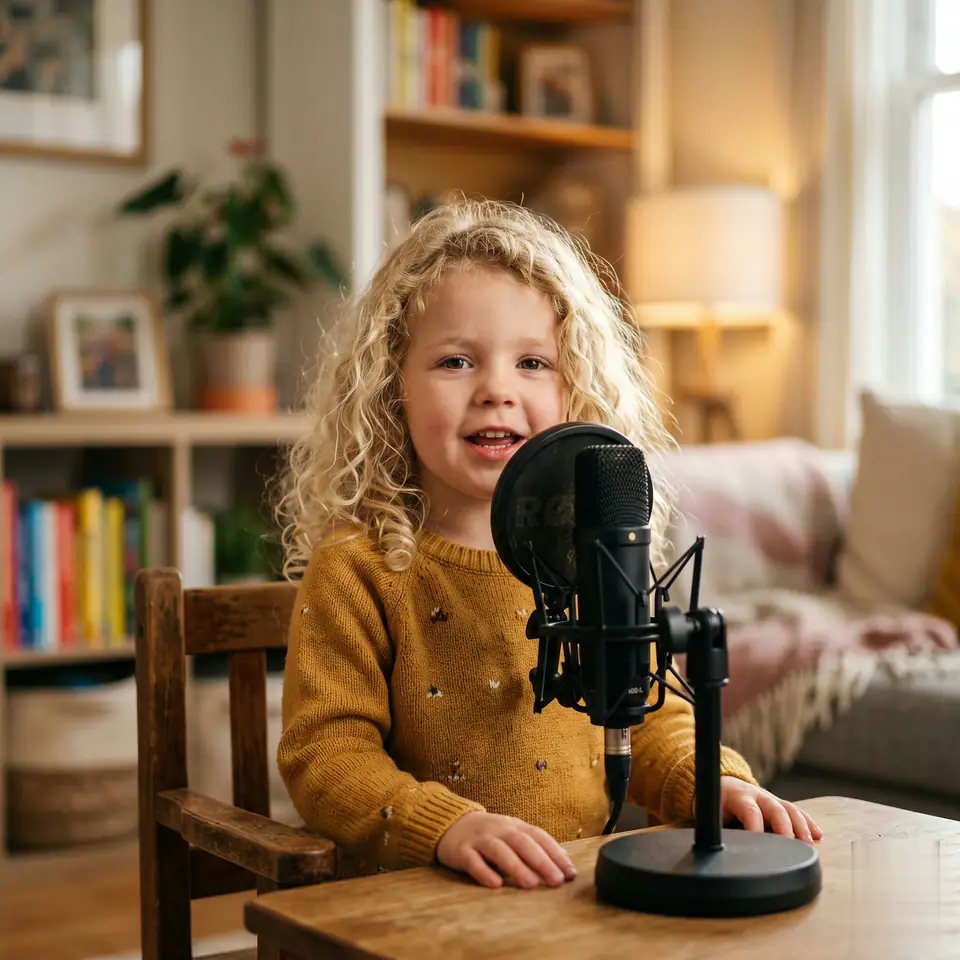
AI Baby Podcast Generator
画像 1 枚 · 5秒 / 8秒の動画 · 16:9 / 9:16 / 1:1
概要
AI 空撮映像でできることと使いどころ
AI 空撮映像は、用意されたプロンプトとプリセット設定で、写真を短い動画クリップに変えるAI動画エフェクトです。AI 空撮映像:ソース画像1枚と準備済みプロンプトから始まるため、必要な素材が明確です。既定では Seedance、16:9 / 9:16 / 1:1、5秒 / 8秒を使用します。SNS投稿、広告、クリエイター向けコンテンツ、キャンペーン案の素早い検討に使えます。
- ワークフロー
- AI動画エフェクト
- 入力
- 画像 1 枚が必要
- 既定モデル
- Seedance
- アスペクト比
- 16:9 / 9:16 / 1:1
- 長さ
- 5秒 / 8秒
- 開始クレジット
- 28
使い方
シンプルな3ステップ
このエフェクトを作成:AI 空撮映像。
よくある質問
よくある質問
作成に関する実用的な回答:AI 空撮映像
おすすめの使い方
AI 空撮映像のおすすめの使い方
AI 空撮映像は、被写体がはっきりしたきれいな元画像を使い、生成ごとに変更を1つに絞ると最も効果的です。
ガイド
生成する前に
AI 空撮映像:動画を作成
AI 空撮映像:ソース画像1枚と準備済みプロンプトから始まるため、必要な素材が明確です。既定では Seedance、16:9 / 9:16 / 1:1、5秒 / 8秒を使用します。
生成前にプレビュー、必要な入力、モデル、出力設定を確認してください。