VisioArt

クリエイティブワークスペース

AI Studio

作成

  • 画像から動画
  • テキストから動画
  • 動画から動画
  • テキストから画像
  • AI画像エディター

探索

  • 画像生成
  • ビデオエフェクト
  1. 動画エフェクト
  2. 自分の作品を作成: AI Cat Video Generator
無料で始める
エフェクト

自分の作品を作成: AI Cat Video Generator

AI Cat Diving OlympicsAI Dog Diving OlympicsAI Kitty Plane Video GeneratorPet InterviewCat Eating FoodHalloween Pet HatProduct Ad VideoAI Bikini VideoAI Hug VideoAction Figure VideoGhostface VideoChristmas VideoAI Patch GeneratorAI Age Change FilterAI Body EditorAI Headshot GeneratorAI Emoji GeneratorAI Caricature Generator

AI Cat Video Generator は必須画像 1 枚と準備済みプロンプトから始まり、必要な素材が明確です。 既定では kling-standard、16:9 / 9:16 / 1:1、5 / 8sを使用します。

モデル選択
画像
生成前に必要:画像1枚。
ログインしてアップロード

アップロードした素材は生成前にワークスペースへ保存されます。先にログインすると、元画像をタスクに紐づけたまま使えます。

必要なクレジット:
25クレジット

動画プレビュー

作例を見る: AI Cat Video Generator
サンプル動画 - AIが生成したオリジナル動画を作ろう
プレビュー: AI Cat Video Generator
AI Cat Video Generator
作例を見る: AI Cat Video Generator
プレビュー: AI Cat Video Generator

作例を見る: AI Cat Video Generator

AI Cat Video Generator は必須画像 1 枚と準備済みプロンプトから始まり、必要な素材が明確です。 既定では kling-standard、16:9 / 9:16 / 1:1、5 / 8sを使用します。

準備済みの入力フロー
AI Cat Video Generator は必須画像 1 枚と準備済みプロンプトから始まり、必要な素材が明確です。
モデルに合った設定
既定では kling-standard、16:9 / 9:16 / 1:1、5 / 8sを使用します。
エフェクト固有の表現
AI Cat Video Generator は必須画像 1 枚と準備済みプロンプトから始まり、必要な素材が明確です。 既定では kling-standard、16:9 / 9:16 / 1:1、5 / 8sを使用します。
生成前のプレビュー
クレジットを使う前に、ローカルプレビューで動き、構図、視覚表現を確認できます。

More generators

More AI video generators

Compare adjacent video effects before refining the prompt, upload, model, or format for this workflow.

Browse all effects
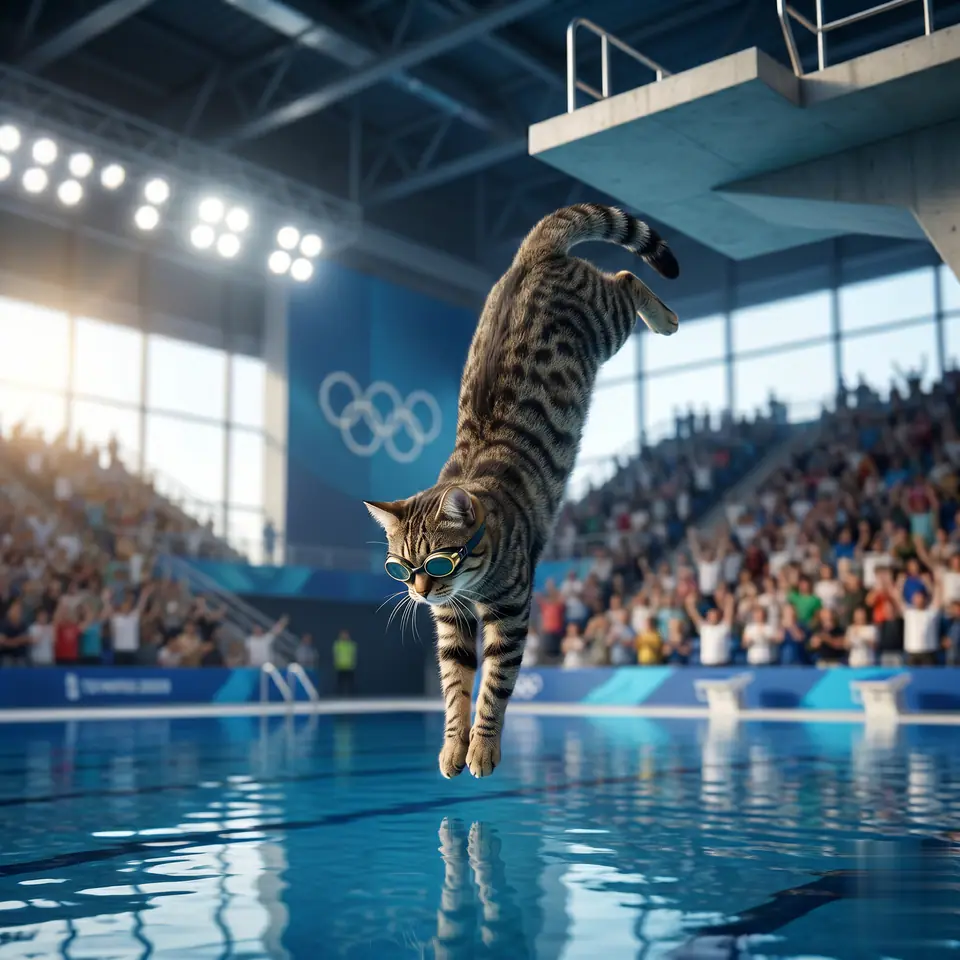
AI Cat Diving Olympics
VideoPets

AI Cat Diving Olympics

1 image upload · 5-8s video · 16:9 / 9:16 / 1:1

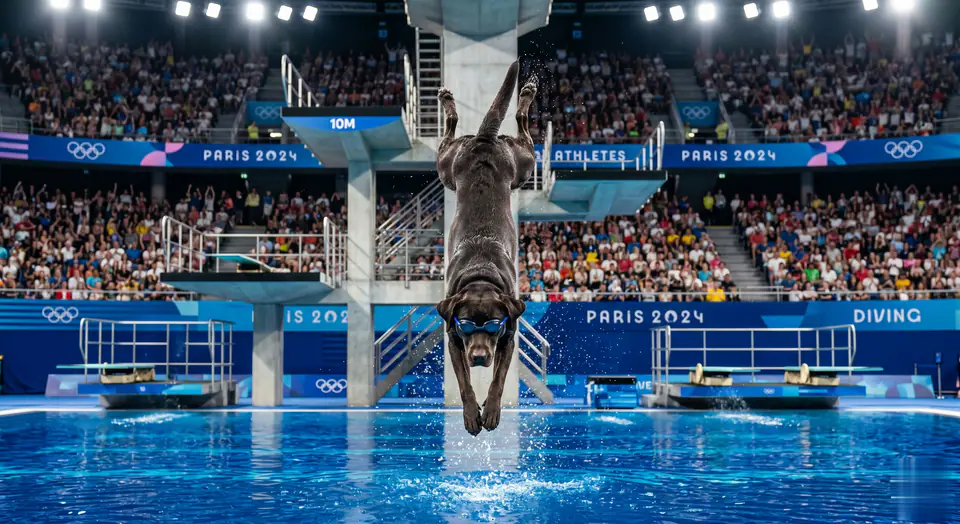
AI Dog Diving Olympics
VideoPets

AI Dog Diving Olympics

1 image upload · 5-8s video · 16:9 / 9:16 / 1:1

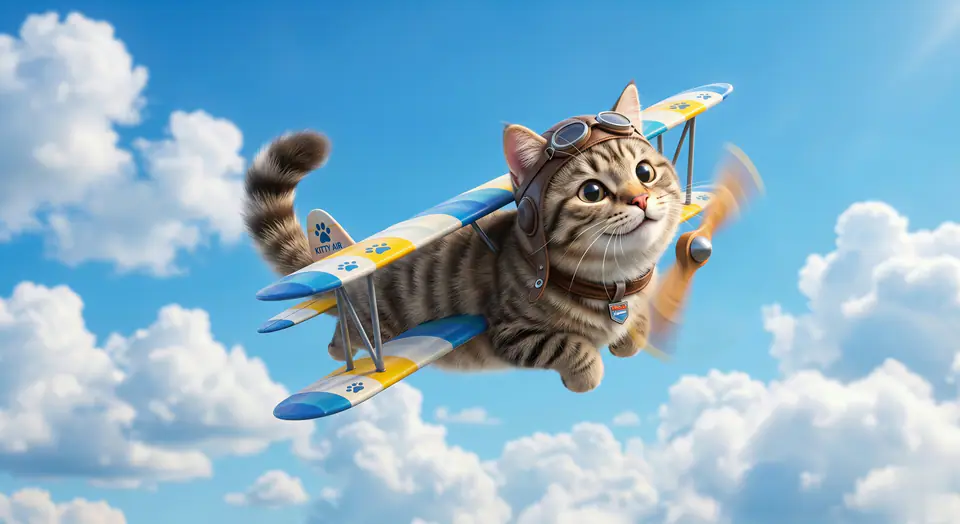
AI Kitty Plane Video Generator
VideoPets

AI Kitty Plane Video Generator

1 image upload · 5-8s video · 16:9 / 9:16 / 1:1

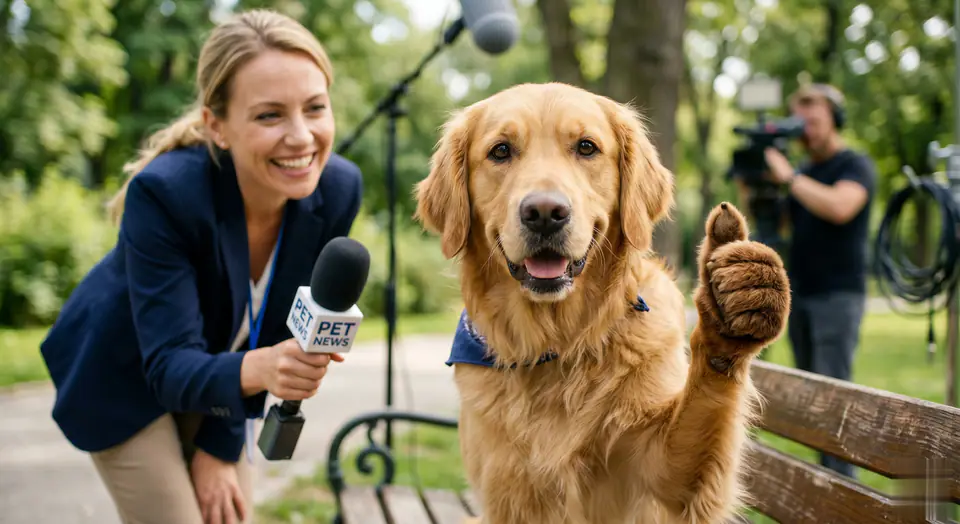
Pet Interview
VideoPets

Pet Interview

1 image upload · 5-8s video · 16:9 / 9:16 / 1:1

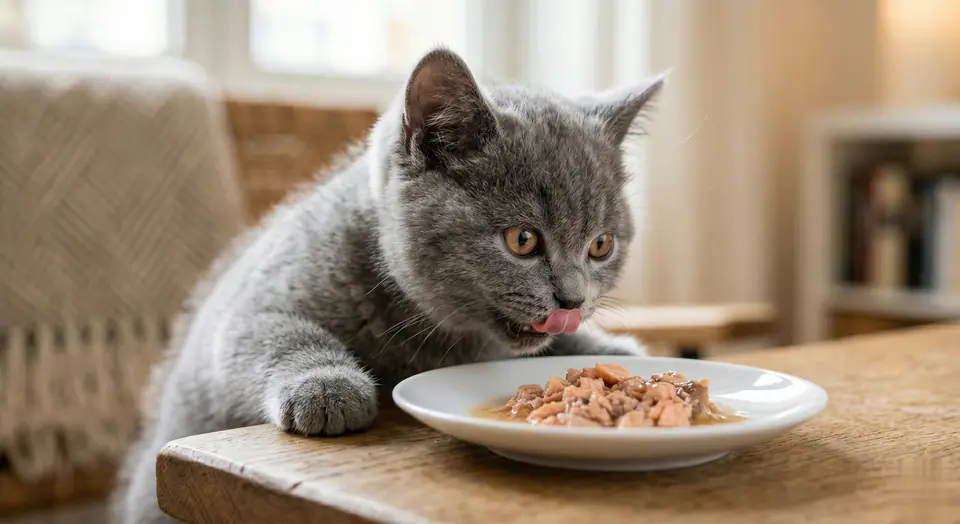
Cat Eating Food
VideoPets

Cat Eating Food

1 image upload · 5-8s video · 16:9 / 9:16 / 1:1

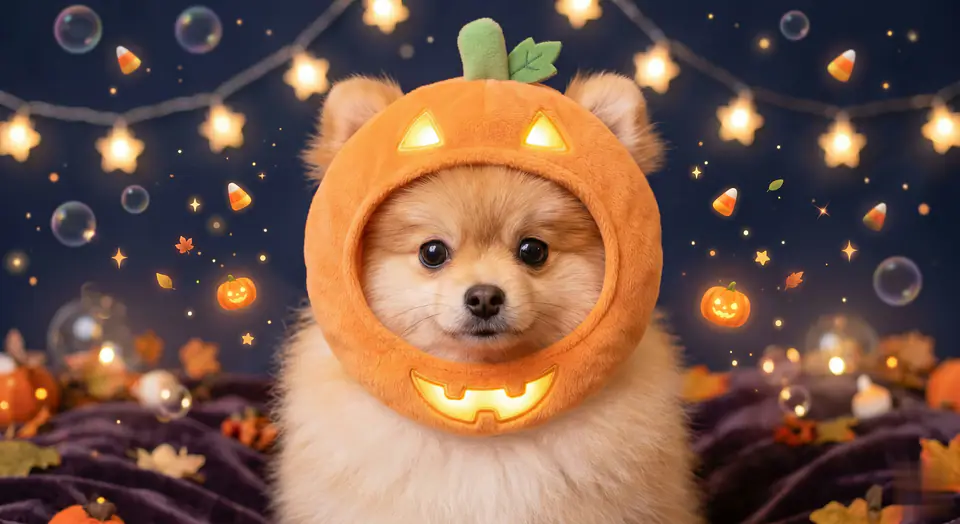
Halloween Pet Hat
VideoPets

Halloween Pet Hat

1 image upload · 5-8s video · 16:9 / 9:16 / 1:1

Quick answer

AI Cat Video Generator: what it does and when to use it

AI Cat Video Generator is an AI video effect generator for creating a focused video effect from prepared prompt and upload controls. AI Cat Video Generator は必須画像 1 枚と準備済みプロンプトから始まり、必要な素材が明確です。 既定では kling-standard、16:9 / 9:16 / 1:1、5 / 8sを使用します。 Use it when you need a fast, specific clip concept for social, ads, creator content, or campaign review.

1 image upload required16:9 / 9:16 / 1:1 ratioskling-standard25 starting credits
Workflow
AI video effect generator
Inputs
1 image upload required
Default model
kling-standard
Aspect ratios
16:9 / 9:16 / 1:1 ratios
Duration presets
5s / 8s
Starting credits
25 starting credits

使い方

シンプルな3ステップ

このエフェクトを作成: AI Cat Video Generator.

1
素材を準備
AI Cat Video Generator の要件を確認し、被写体と構図が明確な必須画像 1 枚を用意します。
2
設定を確認
kling-standard、16:9 / 9:16 / 1:1、5 / 8sを確認します。
3
生成して確認
動画を生成し、被写体の一貫性と動きを確認してから、一度に一つの入力だけを調整します。
このエフェクトを作成

よくある質問

よくある質問

作成に関する実用的な回答: AI Cat Video Generator.

AI Cat Video Generator は必須画像 1 枚と準備済みプロンプトから始まり、必要な素材が明確です。 既定では kling-standard、16:9 / 9:16 / 1:1、5 / 8sを使用します。

必須画像 1 枚

kling-standard; 16:9 / 9:16 / 1:1; 5 / 8s.

はい。プリセットの方向性を保ちながら、被写体、動き、カメラ、照明、出力を調整できます。

被写体の一貫性、動き、構図、破綻、掲載先への適合を確認します。

プランが用途を認め、アップロードした参照素材の権利を保有している場合は公開できます。

Best uses

Best uses for AI Cat Video Generator

自分の作品を作成: AI Cat Video Generator works best when the brief has a clear subject, output format, and review goal. The strongest results usually come from concrete prompt language, clean references, and one or two controlled variables per generation pass.

Creative direction tests
Use AI Cat Video Generator to see whether a concept is worth deeper production before committing design or editing time.
Campaign and content variants
Generate quick variants for ads, social publishing, landing-page visuals, creator content, or client review.
Focused effect production
Create a specific transformation or trend-style clip from a prepared prompt and upload pattern.

Generator guide

Before you generate

Review the preset before changing it
Preset-led effects already include the core motion direction, so extra prompt text should refine rather than replace it.
Prepare required references
This workflow expects 1 image upload, so upload clean source media before generation.
Match the publishing format
Choose 16:9 / 9:16 / 1:1 based on whether the result is meant for social posts, ads, landing pages, or review handoff.
準備済みの入力フロー
AI Cat Video Generator は必須画像 1 枚と準備済みプロンプトから始まり、必要な素材が明確です。

自分の作品を作成: AI Cat Video Generator

AI Cat Video Generator は必須画像 1 枚と準備済みプロンプトから始まり、必要な素材が明確です。 既定では kling-standard、16:9 / 9:16 / 1:1、5 / 8sを使用します。

このエフェクトを作成他のエフェクトを見る

生成前にプレビュー、必要な入力、モデル、出力設定を確認してください。

VisioArtVisioArt

テキスト、画像、ガイド付きワークフローから AI 搭載 MP4 動画を作成。

新規登録
製品
  • 画像生成
  • AI 画像エディター
  • テキストから画像
  • 画像から動画
  • AI 写真から動画
  • テキストから動画
  • 動画から動画
  • 動画圧縮
  • AI 動画ジェネレーター
動画エフェクト
  • すべての動画エフェクト
動画モデル
  • Sora 2
  • Sora 2 Pro
  • Wan 2.5
  • Wan 2.6
  • Wan 2.7
  • HappyHorse 1.0
  • Gemini Omni
  • Veo 3.1
  • Veo 3.1 Fast
  • Kling AI
  • Kling 3.0
  • Kling 2.6
  • Seedance
  • Seedance 2
  • Seedance 2 Fast
画像モデル
  • Seedream 4
  • Seedream 4.5
  • Seedream 5 Lite
  • Nano Banana
  • GPT Image 2
  • GPT-4o Image
  • Qwen Image
  • Qwen Image 2
  • Imagen 4
  • Midjourney
  • Grok Imagine
  • Flux 2
  • Z-Image
サポート
  • ドキュメント
  • ブログ
  • 変更履歴
  • お問い合わせ
法的情報
  • Cookieポリシー
  • プライバシーポリシー
  • 返金ポリシー
  • 利用規約
© 2026 VisioArt。無断転載を禁じます。