
動画プレビュー


作例を見る: Hair Color Change
Hair Color Change は必須画像 1 枚と準備済みプロンプトから始まり、必要な素材が明確です。 既定では seedance、16:9 / 9:16 / 1:1、5 / 8sを使用します。
More generators
More AI video generators
Compare adjacent video effects before refining the prompt, upload, model, or format for this workflow.
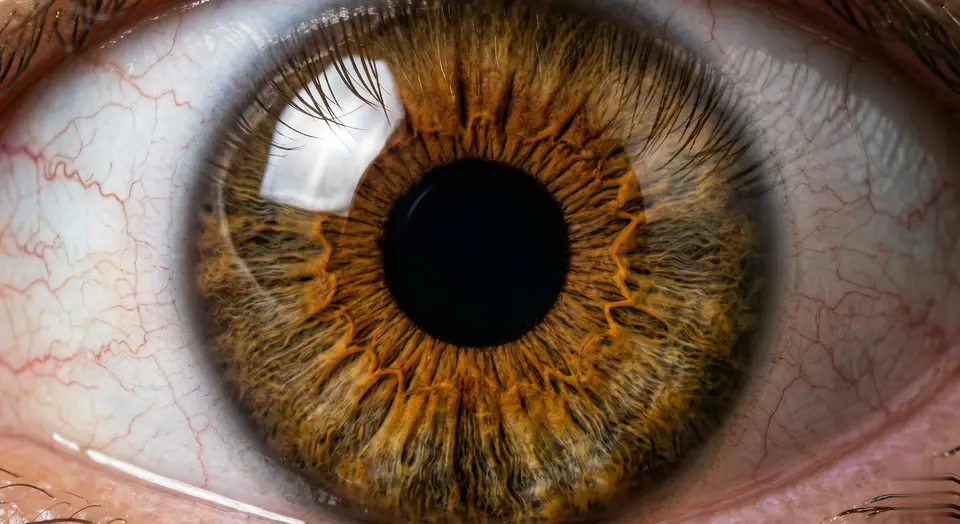
AI Eye Zoom
1 image upload · 5-8s video · 16:9 / 9:16 / 1:1
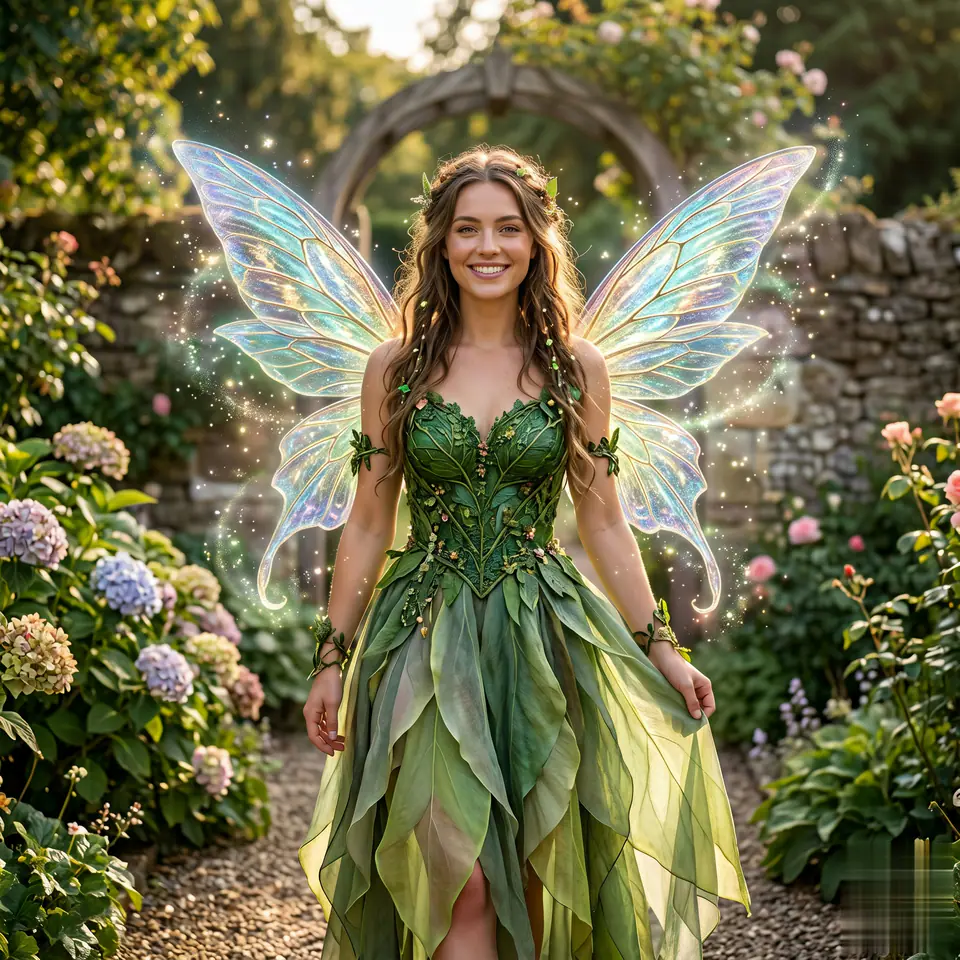
AI Fairy Generator
1 image upload · 5-8s video · 16:9 / 9:16 / 1:1
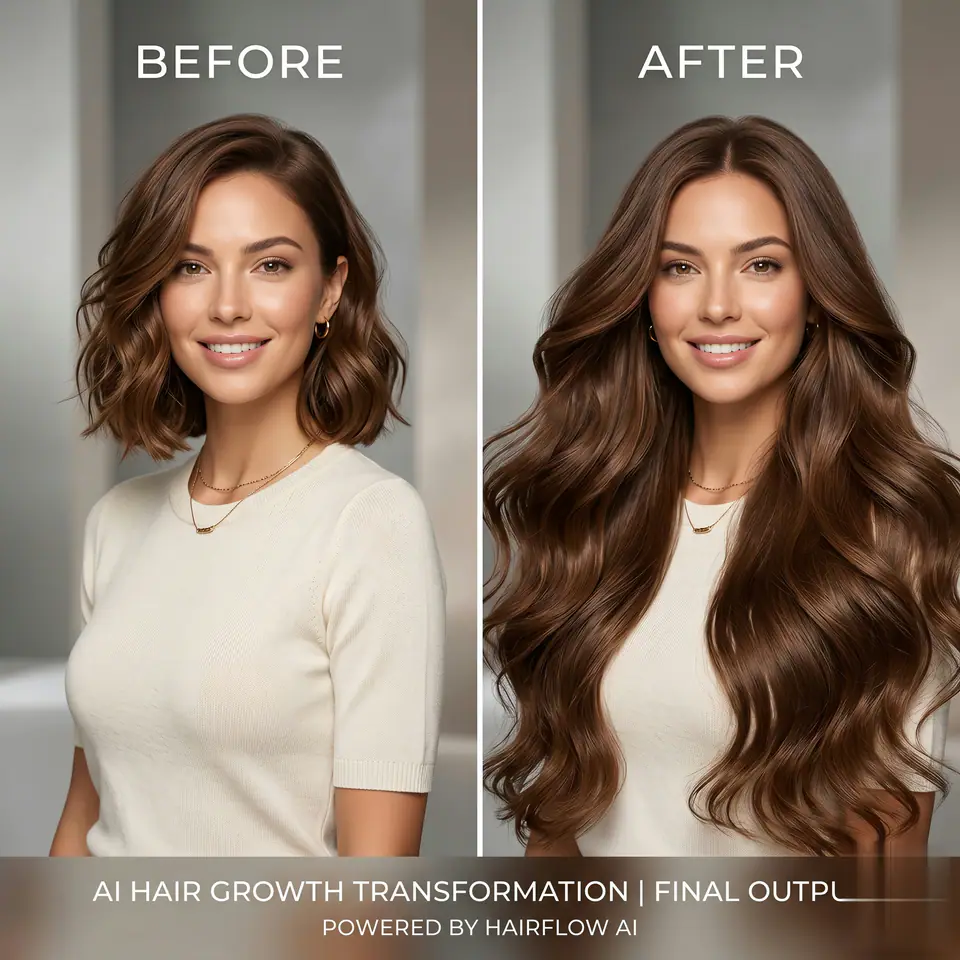
AI Hair Growth
1 image upload · 5-8s video · 16:9 / 9:16 / 1:1

AI Happy Smile
1 image upload · 5-8s video · 16:9 / 9:16 / 1:1
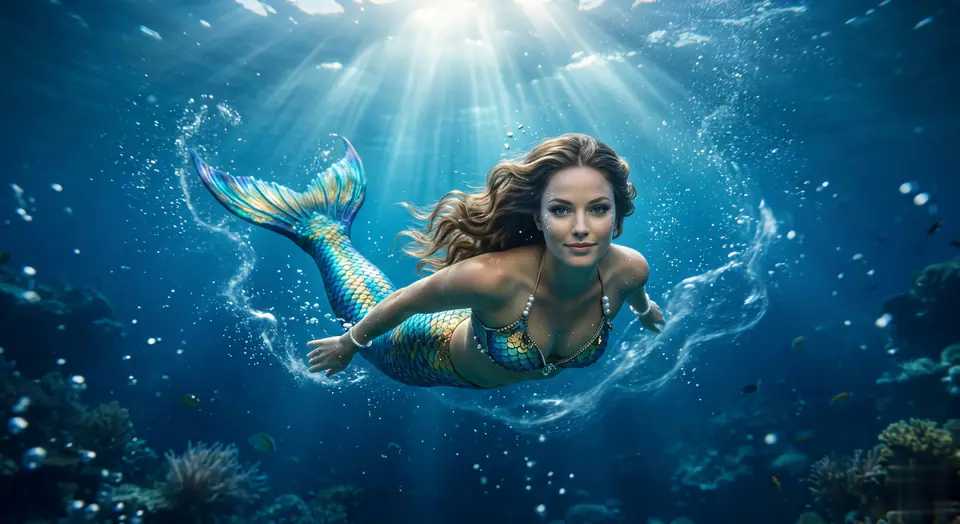
AI Mermaid Filter
1 image upload · 5-8s video · 16:9 / 9:16 / 1:1
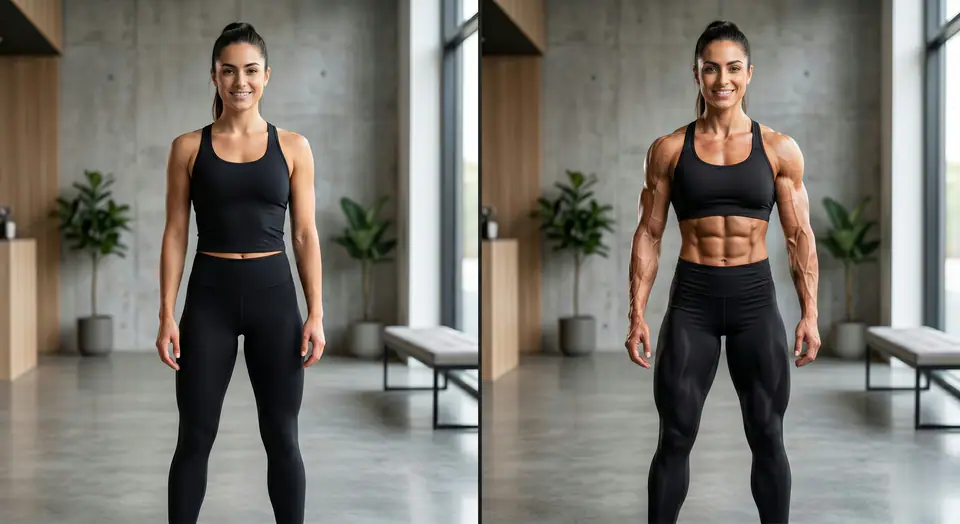
AI Muscle Generator
1 image upload · 5-8s video · 16:9 / 9:16 / 1:1
Quick answer
Hair Color Change: what it does and when to use it
Hair Color Change is an AI video effect generator for creating a focused video effect from prepared prompt and upload controls. Hair Color Change は必須画像 1 枚と準備済みプロンプトから始まり、必要な素材が明確です。 既定では seedance、16:9 / 9:16 / 1:1、5 / 8sを使用します。 Use it when you need a fast, specific clip concept for social, ads, creator content, or campaign review.
- Workflow
- AI video effect generator
- Inputs
- 1 image upload required
- Default model
- seedance
- Aspect ratios
- 16:9 / 9:16 / 1:1 ratios
- Duration presets
- 5s / 8s
- Starting credits
- 28 starting credits
使い方
シンプルな3ステップ
このエフェクトを作成: Hair Color Change.
よくある質問
よくある質問
作成に関する実用的な回答: Hair Color Change.
Best uses
Best uses for Hair Color Change
自分の作品を作成: Hair Color Change works best when the brief has a clear subject, output format, and review goal. The strongest results usually come from concrete prompt language, clean references, and one or two controlled variables per generation pass.
Generator guide
Before you generate
自分の作品を作成: Hair Color Change
Hair Color Change は必須画像 1 枚と準備済みプロンプトから始まり、必要な素材が明確です。 既定では seedance、16:9 / 9:16 / 1:1、5 / 8sを使用します。
生成前にプレビュー、必要な入力、モデル、出力設定を確認してください。