
Videovorschau
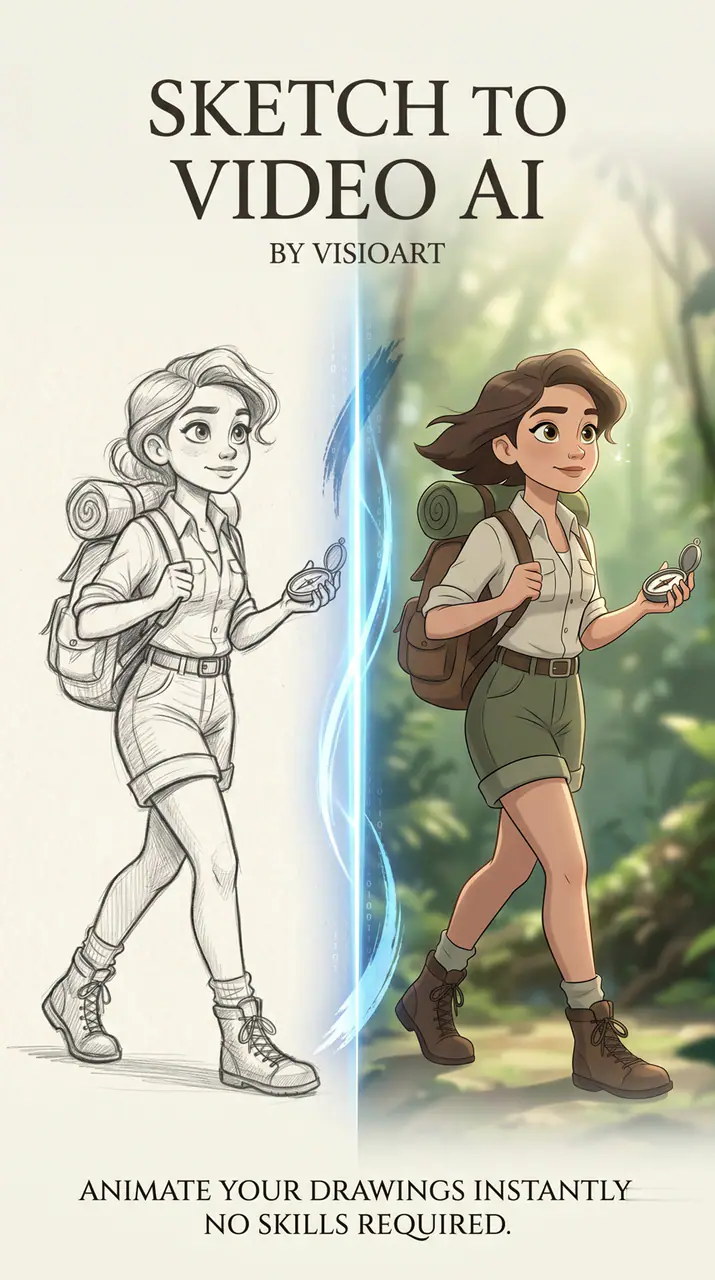
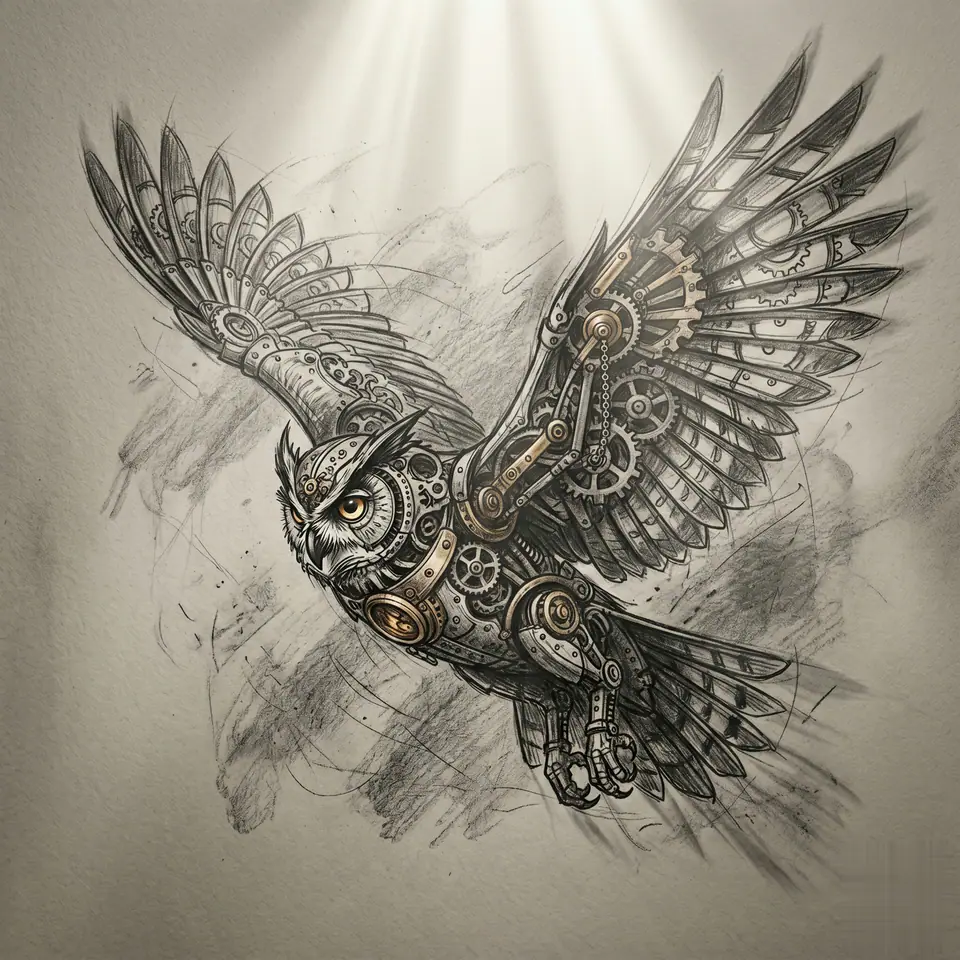
Beispiel ansehen: Sketch to Video AI
Sketch to Video AI beginnt mit 1 erforderliche Bilddatei und einem vorbereiteten Prompt, damit die benötigten Quellen klar sind. Der Standardpfad nutzt veo31-fast, die Formate 16:9 / 9:16 / 1:1 und die Dauern 5 / 8s.
More generators
More AI video generators
Compare adjacent video effects before refining the prompt, upload, model, or format for this workflow.
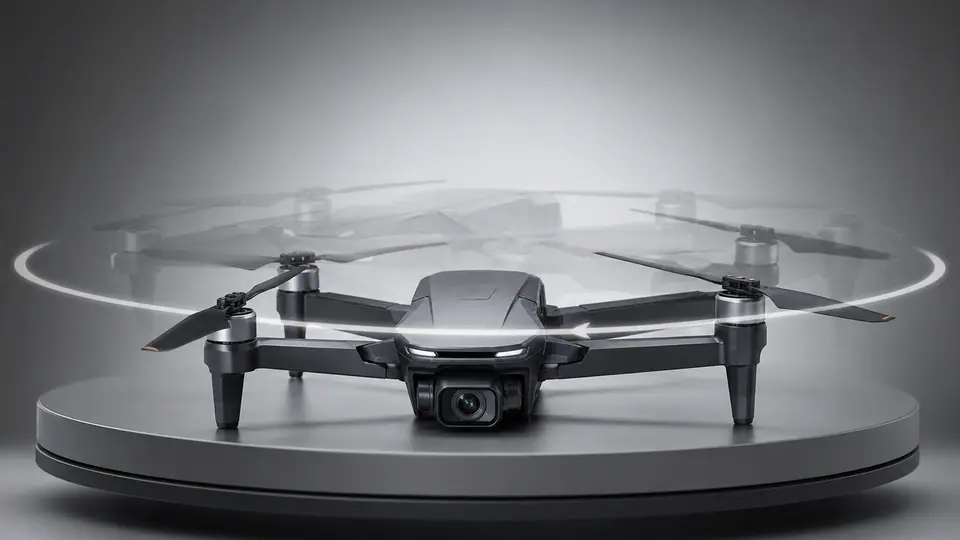
AI 360 Rotation Video Generator
1 image upload · 5-8s video · 16:9 / 9:16 / 1:1

AI Avatar Generator
1 image upload · 5-8s video · 16:9 / 9:16 / 1:1
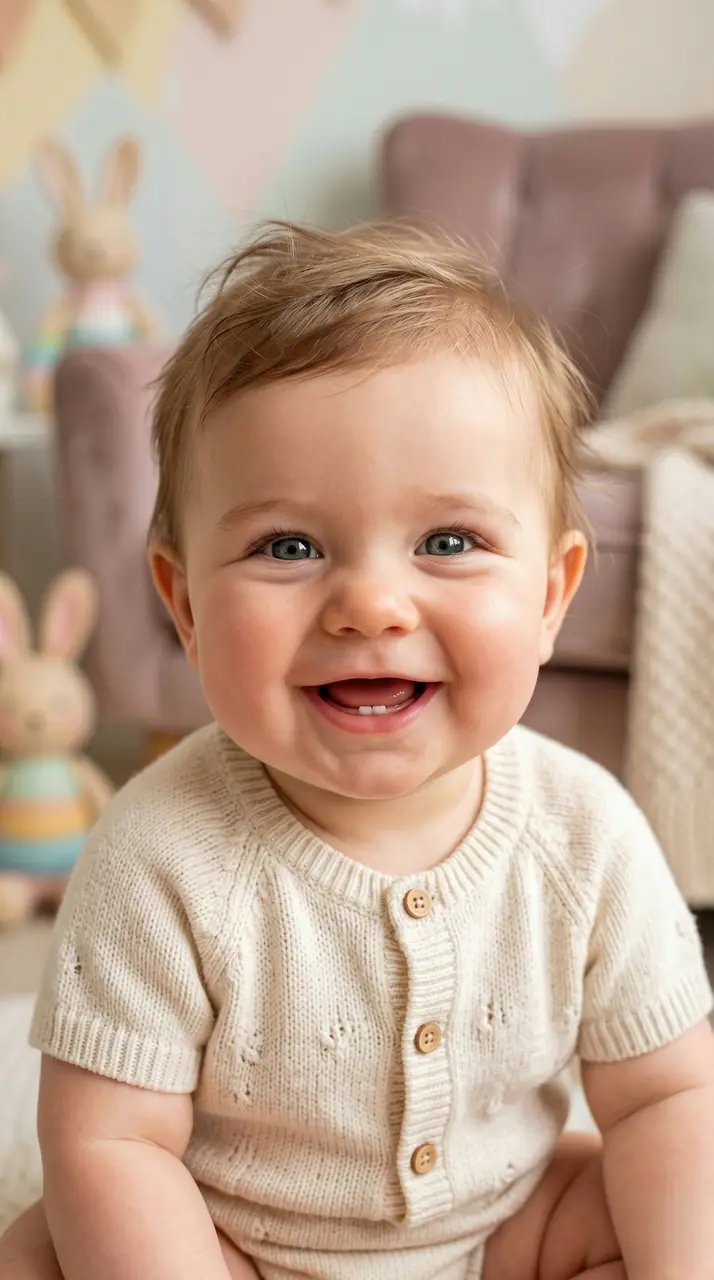
AI Baby Video Generator
1 image upload · 5-8s video · 16:9 / 9:16 / 1:1
Baby Dance AI
1 image upload · 5-8s video · 16:9 / 9:16 / 1:1
Big Guy Dance
1 image upload · 5-8s video · 16:9 / 9:16 / 1:1
Day to Night Effect
1 image upload · 5-8s video · 16:9 / 9:16 / 1:1
Quick answer
Sketch to Video AI: what it does and when to use it
Sketch to Video AI is an AI video effect generator for creating a focused video effect from prepared prompt and upload controls. Sketch to Video AI beginnt mit 1 erforderliche Bilddatei und einem vorbereiteten Prompt, damit die benötigten Quellen klar sind. Der Standardpfad nutzt veo31-fast, die Formate 16:9 / 9:16 / 1:1 und die Dauern 5 / 8s. Use it when you need a fast, specific clip concept for social, ads, creator content, or campaign review.
- Workflow
- AI video effect generator
- Inputs
- 1 image upload required
- Default model
- veo31-fast
- Aspect ratios
- 16:9 / 9:16 / 1:1 ratios
- Duration presets
- 5s / 8s
- Starting credits
- 143 starting credits
So funktioniert es
Einfacher 3-Schritte-Prozess
Diesen Effekt erstellen: Sketch to Video AI.
Häufig gestellte Fragen
Häufig gestellte Fragen
Praktische Antworten zum Erstellen von Sketch to Video AI.
Best uses
Best uses for Sketch to Video AI
Erstelle dein eigenes Sketch to Video AI works best when the brief has a clear subject, output format, and review goal. The strongest results usually come from concrete prompt language, clean references, and one or two controlled variables per generation pass.
Generator guide
Before you generate
Erstelle dein eigenes Sketch to Video AI
Sketch to Video AI beginnt mit 1 erforderliche Bilddatei und einem vorbereiteten Prompt, damit die benötigten Quellen klar sind. Der Standardpfad nutzt veo31-fast, die Formate 16:9 / 9:16 / 1:1 und die Dauern 5 / 8s.
Prüfe vor der Generierung Vorschau, Pflichtangaben, Modell und Ausgabeeinstellungen.