
Videovorschau
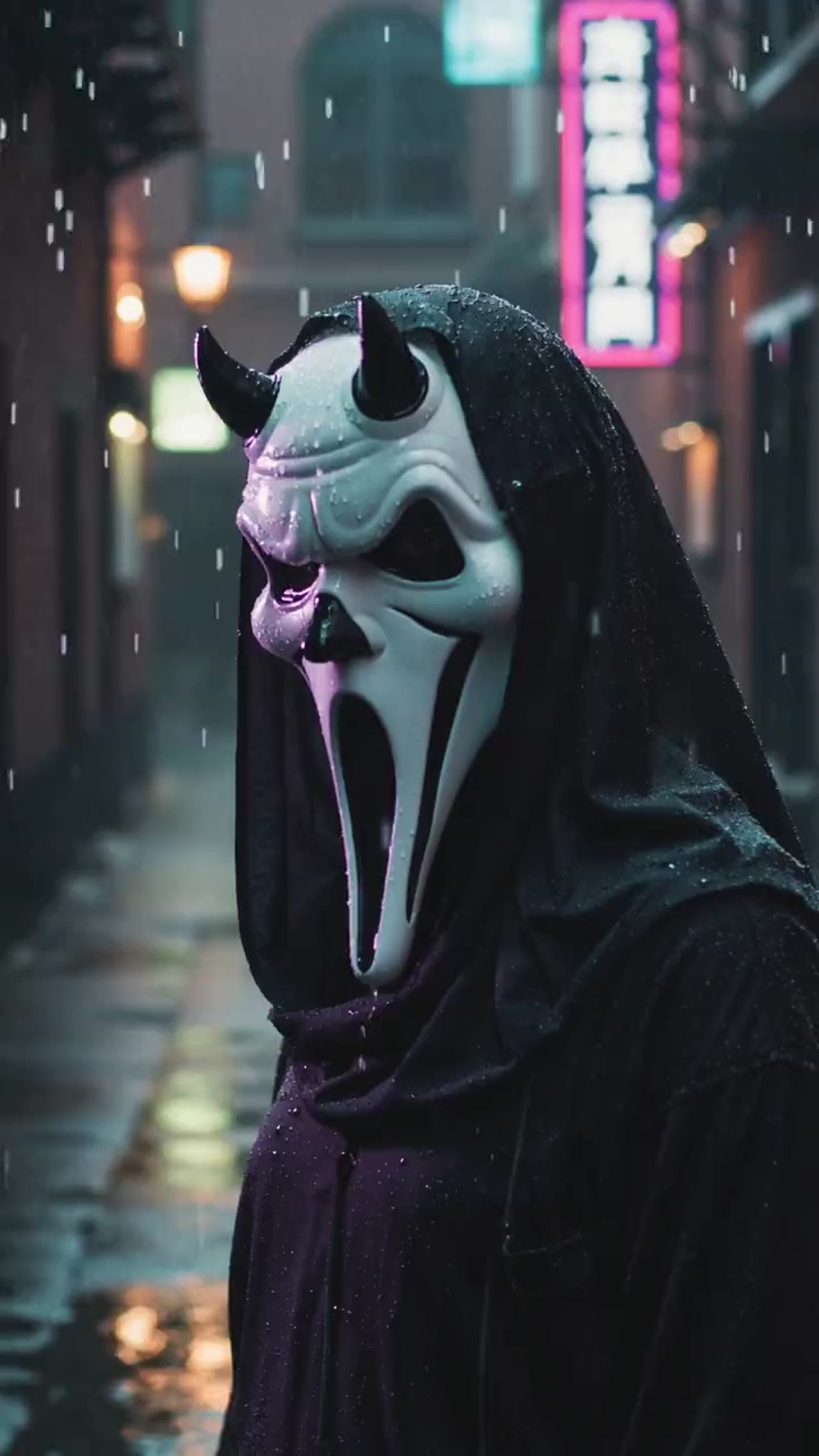

Eine stilisierte Ghostface-Horror-Enthüllung erstellen
Dieses Preset ist auf gruselige Masken-Transformation und schnelles Horror-Storytelling abgestimmt und eignet sich gut für saisonale Posts und kurze Spannungs-Edits.
More generators
More AI video generators
Compare adjacent video effects before refining the prompt, upload, model, or format for this workflow.
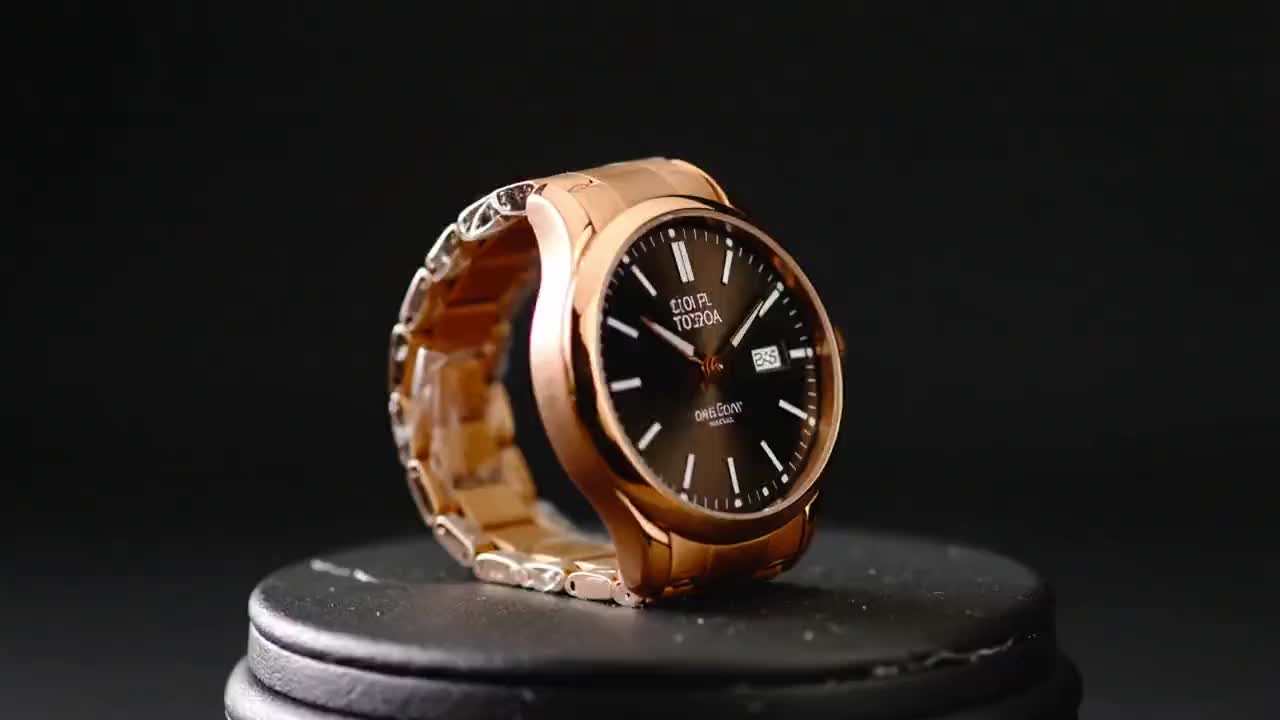
Product Ad Video
1 image upload · 5-10s video · 16:9

AI Bikini Video
1 image upload · 5-10s video · 16:9

AI Hug Video
1 image upload · 5-10s video · 16:9

Action Figure Video
1 image upload · 5s video · 1:1

Christmas Video
1 image upload · 5s video · 1:1
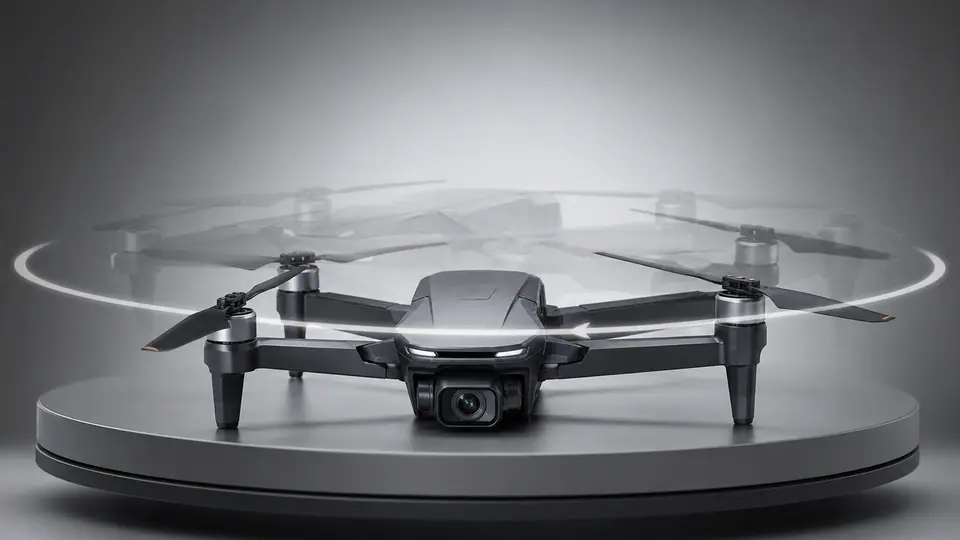
AI 360 Rotation Video Generator
1 image upload · 5-8s video · 16:9 / 9:16 / 1:1
Quick answer
Ghostface Video: what it does and when to use it
Ghostface Video is an AI video effect generator for creating a focused video effect from prepared prompt and upload controls. Lade ein Gesichtsfoto hoch und generiere einen kurzen Horror-Ghostface-Transformationsclip mit dramatischem Kontrast, Enthüllungsbewegung und Social-Ready-Pacing. Use it when you need a fast, specific clip concept for social, ads, creator content, or campaign review.
- Workflow
- AI video effect generator
- Inputs
- 1 image upload required
- Default model
- wan26
- Aspect ratios
- 1:1 ratios
- Duration presets
- 5s
- Starting credits
- 105 starting credits
So funktioniert es
Einfacher 3-Schritte-Prozess
Wähle ein Gesichtsfoto, führe das Horror-Preset aus, und exportiere den fertigen Clip, sobald die Ghostface-Enthüllung gerendert ist.
Häufig gestellte Fragen
Häufig gestellte Fragen
Häufige Fragen zur Nutzung dieses Preset-Effekts in VisioArt.
Best uses
Best uses for Ghostface Video
Ghostface-Video works best when the brief has a clear subject, output format, and review goal. The strongest results usually come from concrete prompt language, clean references, and one or two controlled variables per generation pass.
Generator guide
Before you generate
Bereit, einen Ghostface-Horror-Clip zu erstellen?
Lade ein Porträt hoch, führe das Preset aus, und exportiere ein kurzes spannungsgeladenes Transformationsvideo für saisonale Posts und Horror-Edits.
Klare Gesichtsgestaltung lässt die Transformation in der Regel überzeugender wirken.