VisioArt

Creative workspace

VisioArt Studio

Create

  • Image to Video
  • Text to Video
  • Video to Video
  • Text to Image
  • AI Image Editor

Explore

  • Image Generators
  • Video Effects
  1. Video Effects
  2. AI Hand Heart Video
Get Started For Free
Effect

AI Hand Heart Video

AI Laughing Face EffectProduct Ad VideoAI Bikini VideoAI Hug VideoAction Figure VideoGhostface VideoChristmas VideoAI 360 Rotation Video GeneratorAI Aerial PhotographyAI Alien MaskAI Anime VideoAI ASMR GeneratorAI Patch GeneratorAI Age Change FilterAI Body EditorAI Headshot GeneratorAI Emoji GeneratorAI Caricature Generator

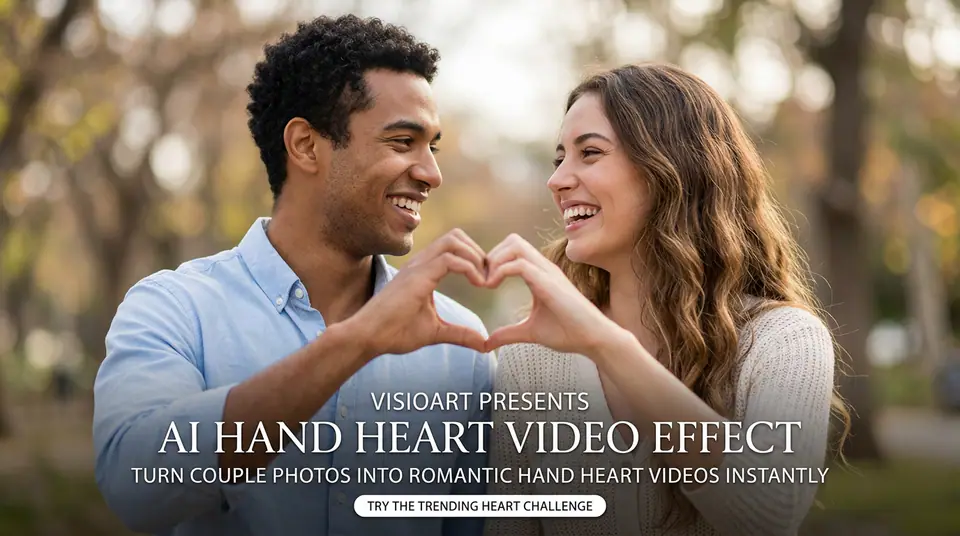
Turn photos into romantic AI Hand Heart videos instantly. Create the trending couple heart challenge with our easy AI tool. Try the viral heart effect today!

Model selection
Image
Required before generation: 1 image.
Sign in to upload

Uploads are saved to your workspace before generation, so sign in first to keep the source image attached.

Credits required:
25 credits

Video Preview

Preview the AI Hand Heart Video motion direction
Sample video - Create your own AI-generated video
Emotions workflow
AI Hand Heart Video
Preview the AI Hand Heart Video motion direction
Emotions workflow

Preview the AI Hand Heart Video motion direction

This page uses a local motion preview so the workflow can be reviewed with consistent visual context before generation.

Prepared workflow prompt
The default prompt is prepared for this workflow and remains visible for review before generation.
Configured upload slots
The effect requires 1 image upload before generation, matching the expected creative input.
Model-ready defaults
The page starts on kling-standard and keeps compatible aspect ratios and duration settings visible.
Local preview media
Preview poster and video resolve from local assets for stable page rendering and review.

More generators

More AI video generators

Compare adjacent video effects before refining the prompt, upload, model, or format for this workflow.

Browse all effects
AI Laughing Face Effect
VideoEmotions

AI Laughing Face Effect

1 image upload · 5-8s video · 16:9 / 9:16 / 1:1
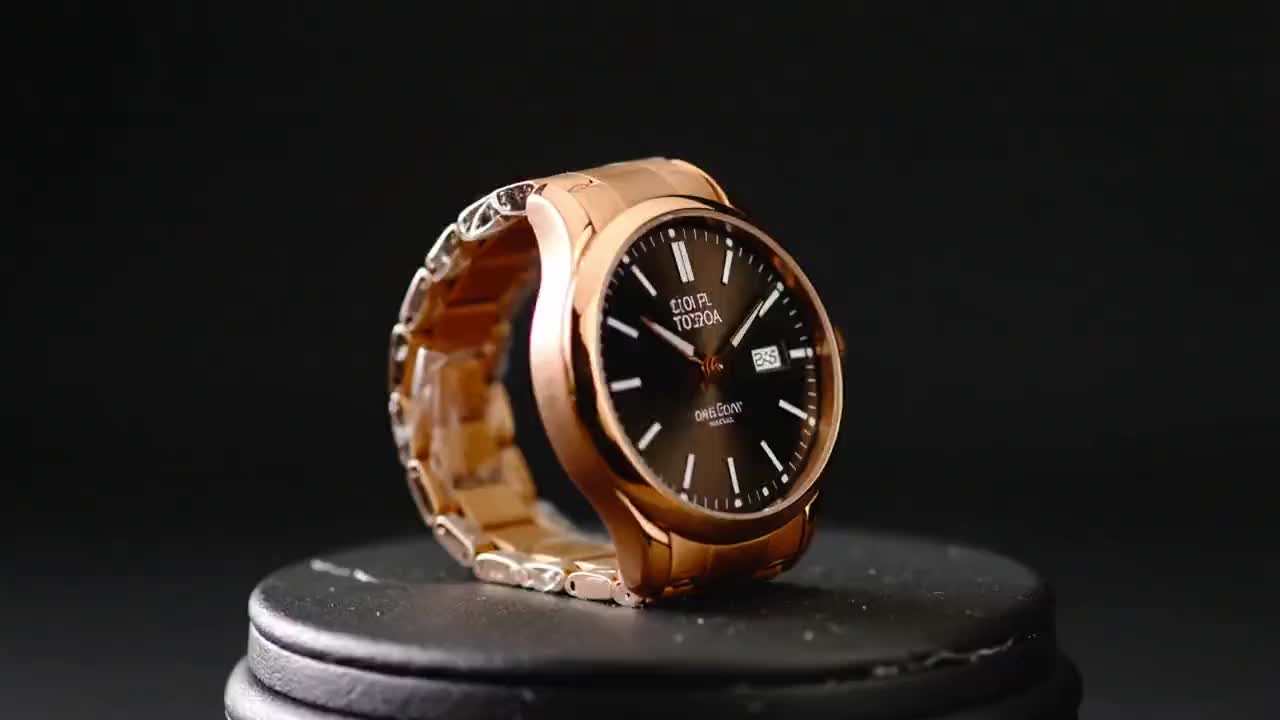
Product Ad Video
VideoCommerce

Product Ad Video

1 image upload · 5-10s video · 16:9

AI Bikini Video
VideoFashion

AI Bikini Video

1 image upload · 5-10s video · 16:9

AI Hug Video
VideoRomance

AI Hug Video

1 image upload · 5-10s video · 16:9

Action Figure Video
VideoAvatar

Action Figure Video

1 image upload · 5s video · 1:1

Ghostface Video
VideoHorror

Ghostface Video

1 image upload · 5s video · 1:1

Quick answer

AI Hand Heart Video: what it does and when to use it

AI Hand Heart Video is an AI video effect generator for creating a focused video effect from prepared prompt and upload controls. Turn photos into romantic AI Hand Heart videos instantly. Create the trending couple heart challenge with our easy AI tool. Try the viral heart effect today! Use it when you need a fast, specific clip concept for social, ads, creator content, or campaign review.

1 image upload required16:9 / 9:16 / 1:1 ratioskling-standard25 starting credits
Workflow
AI video effect generator
Inputs
1 image upload required
Default model
kling-standard
Aspect ratios
16:9 / 9:16 / 1:1 ratios
Duration presets
5s / 8s
Starting credits
25 starting credits

How It Works

Simple 3-Step Process

AI Hand Heart Video keeps the prompt recipe, upload slots, model default, and ratio controls together so the effect can be reused consistently.

1
Upload the reference
Add 1 image upload so the effect has the visual reference it expects.
2
Tune generation controls
Choose the model, aspect ratio, and duration that best match the publishing format before running the job.
3
Generate and refine
Compare the output against the preview direction, then revise prompt details or references for the next pass.
Create Hand Heart Video

Frequently Asked Questions

Frequently Asked Questions

Practical details for using AI Hand Heart Video as a repeatable video effect workflow.

AI Hand Heart Video creates a short emotions AI video effect using the configured prompt, upload slots, and model controls on this page.

Best uses

Best uses for AI Hand Heart Video

AI Hand Heart Video works best when the brief has a clear subject, output format, and review goal. The strongest results usually come from concrete prompt language, clean references, and one or two controlled variables per generation pass.

Creative direction tests
Use AI Hand Heart Video to see whether a concept is worth deeper production before committing design or editing time.
Campaign and content variants
Generate quick variants for ads, social publishing, landing-page visuals, creator content, or client review.
Focused effect production
Create a specific transformation or trend-style clip from a prepared prompt and upload pattern.

Generator guide

Before you generate

Review the preset before changing it
Preset-led effects already include the core motion direction, so extra prompt text should refine rather than replace it.
Prepare required references
This workflow expects 1 image upload, so upload clean source media before generation.
Match the publishing format
Choose 16:9 / 9:16 / 1:1 based on whether the result is meant for social posts, ads, landing pages, or review handoff.
Prepared workflow prompt
The default prompt is prepared for this workflow and remains visible for review before generation.

Create AI Hand Heart Video

Start from the prepared prompt and upload controls, then adjust model, ratio, duration, or prompt details before generating.

Create Hand Heart VideoExplore More Effects

Production output is created by the selected video model.

VisioArtVisioArt

Create AI-powered MP4 videos from text, images, and guided workflows.

Sign up
Product
  • Image Generators
  • AI Image Editor
  • Text to Image
  • Image to Video
  • AI Photo to Video
  • Text to Video
  • Video to Video
  • Video Compression
  • AI Video Generator
Video Effects
  • All Video Effects
  • AI Bikini Video
  • Ghostface Video
  • Action Figure Video
  • Product Ad Video
  • AI Hug Video
  • Christmas Video
Video Models
  • Sora 2
  • Sora 2 Pro
  • Wan 2.5
  • Wan 2.6
  • Wan 2.7
  • HappyHorse 1.0
  • Gemini Omni
  • Veo 3.1
  • Veo 3.1 Fast
  • Kling AI
  • Kling 3.0
  • Kling 2.6
  • Seedance
  • Seedance 2
  • Seedance 2 Fast
Image Models
  • Seedream 4
  • Seedream 4.5
  • Seedream 5 Lite
  • Nano Banana
  • GPT Image 2
  • GPT-4o Image
  • Qwen Image
  • Qwen Image 2
  • Imagen 4
  • Midjourney
  • Grok Imagine
  • Flux 2
  • Z-Image
Support
  • Docs
  • Blog
  • Changelog
  • Contact
Legal
  • Cookie Policy
  • Privacy Policy
  • Refund Policy
  • Terms of Service
© 2026 VisioArt. All rights reserved.