VisioArt

创作工作台

AI Studio

创作流程

  • 图生视频
  • 文生视频
  • 视频转视频
  • 文生图
  • AI 图片编辑

扩展玩法

  • 图片生成器
  • 视频特效
  1. 视频特效
  2. AI 拥抱视频生成器
免费开始
特效

AI 拥抱视频生成器

Product Ad VideoAI Bikini VideoAction Figure VideoGhostface VideoChristmas VideoAI 360 Rotation Video GeneratorAI Aerial PhotographyAI Alien MaskAI Anime VideoAI ASMR GeneratorAI Avatar GeneratorAI Baby DanceAI Patch GeneratorAI Age Change FilterAI Body EditorAI Headshot GeneratorAI Emoji GeneratorAI Caricature Generator

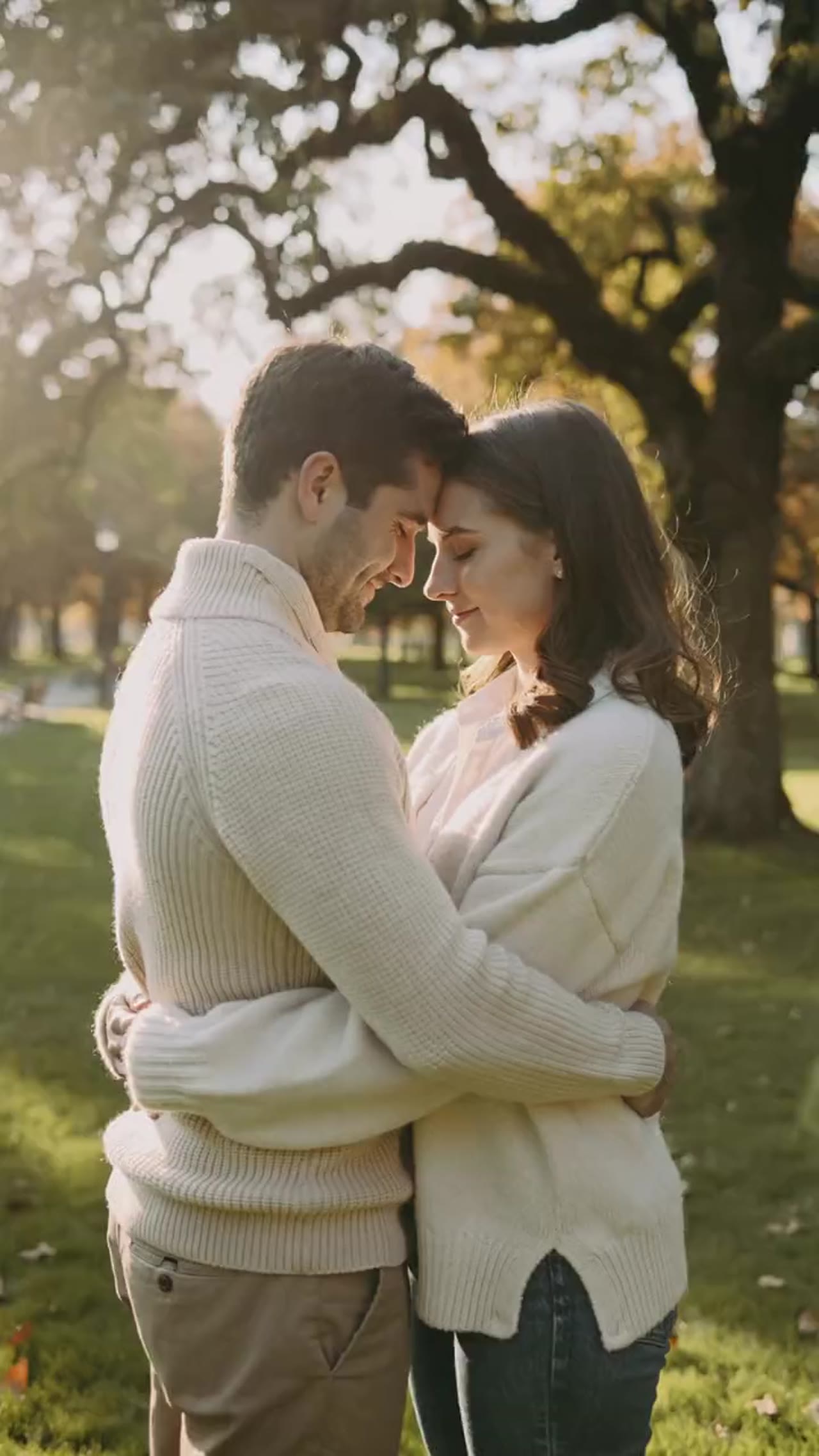
用一张或两张照片生成带有亲密互动感的拥抱动画,输出适合社媒传播的短视频。

模型选择
图片
Required before generation: 1 图片.
登录后上传

上传素材会先保存到你的工作区,登录后再选择图片,源素材才能随生成任务一起保留。

时长
所需积分:
25 积分

视频预览

把静态照片变成温柔拥抱
示例视频,可生成你自己的 AI 视频
温暖照片动画
AI 拥抱视频
把静态照片变成温柔拥抱
温暖照片动画

把静态照片变成温柔拥抱

这个工作流围绕亲密、温和的双人动作做优化,让你无需手工制作动画也能得到有情绪的拥抱视频。

支持单图或双图输入
既可以上传一张包含两个人的照片,也可以分别上传两张照片,由工作流自动生成拥抱场景。
更柔和的动作表现
预设会优先控制手臂动作、面部对齐和身体姿态,让最终动画更稳定、更有温度。
适合消息和社媒的短视频
输出时长更适合私发祝福、stories、reels 和轻量剪辑内容。
快速生成闭环
从上传、生成到下载都能在同一页完成,适合连续尝试多个版本。

More generators

More AI video generators

Compare adjacent video effects before refining the prompt, upload, model, or format for this workflow.
Browse all effects
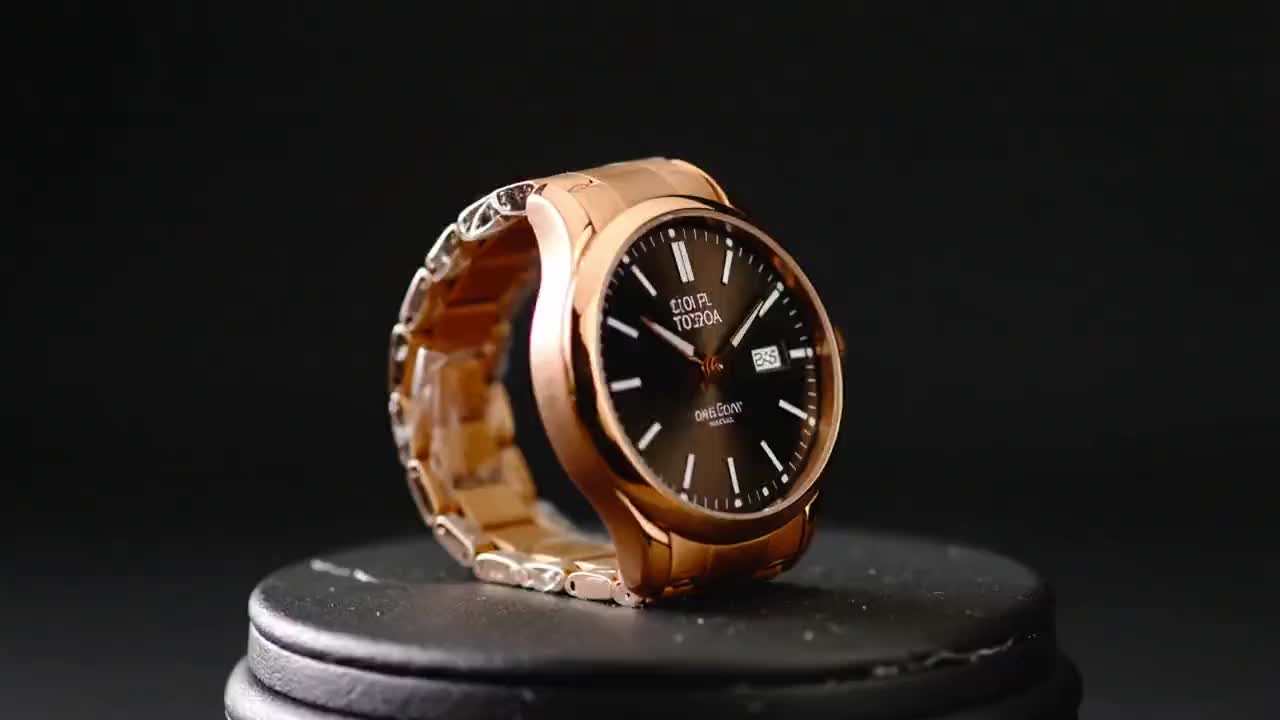
Product Ad Video
VideoCommerce

Product Ad Video

1 image upload · 5-10s video · 16:9

AI Bikini Video
VideoFashion

AI Bikini Video

1 image upload · 5-10s video · 16:9

Action Figure Video
VideoAvatar

Action Figure Video

1 image upload · 5s video · 1:1

Ghostface Video
VideoHorror

Ghostface Video

1 image upload · 5s video · 1:1

Christmas Video
VideoSeasonal

Christmas Video

1 image upload · 5s video · 1:1
AI 360 Rotation Video Generator
VideoVideo

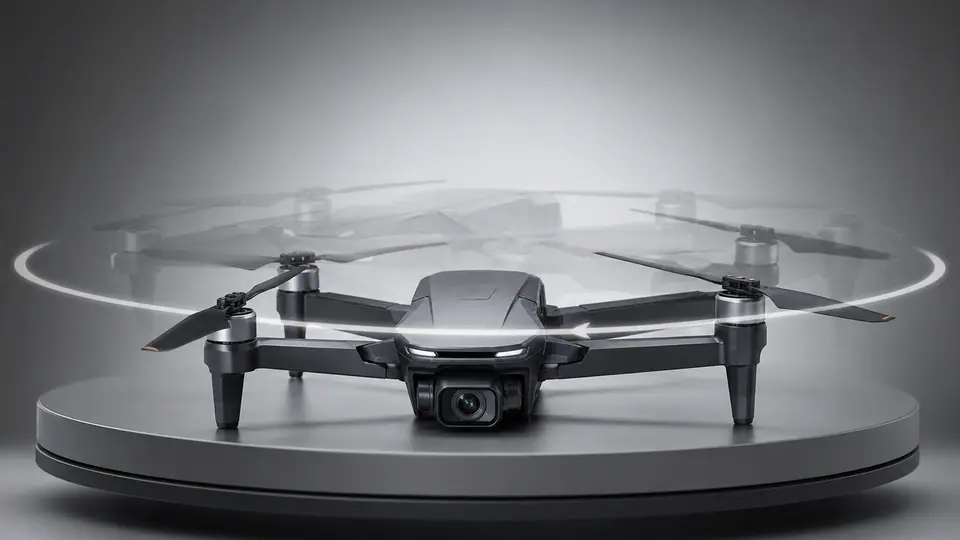
AI 360 Rotation Video Generator

1 image upload · 5-8s video · 16:9 / 9:16 / 1:1

Quick answer

AI 拥抱视频: what it does and when to use it

AI 拥抱视频 is an AI video effect generator for creating a focused video effect from prepared prompt and upload controls. 使用一张双人照片或两张独立人像,生成带有柔和动作和温暖情绪的拥抱短视频。 Use it when you need a fast, specific clip concept for social, ads, creator content, or campaign review.

1 image upload required16:9 ratioskling-standard25 starting credits
Workflow
AI video effect generator
Inputs
1 image upload required
Default model
kling-standard
Aspect ratios
16:9 ratios
Duration presets
5s / 10s
Starting credits
25 starting credits

使用流程

简单 3 步完成

准备好人像后运行拥抱预设,等待渲染完成即可导出最终视频。

1
上传一张或两张照片
你可以使用一张双人照片,也可以分别上传两张人像。面部清晰、角度自然时通常更稳定。
2
生成拥抱动作
选择比例和时长后开始生成,系统会自动处理人物匹配、动作衔接和最终构图。
3
保存并分享
先预览拥抱效果,再导出最终视频,用于消息发送、社媒发布或后续剪辑。
立即创建拥抱视频

常见问题

常见问题

关于在 the AI creative workspace 中使用该预设特效的常见问题。

新账户会获得注册积分和每日签到奖励。生成器会在提交特效任务前显示所需积分预估,你可以据此决定是否使用付费套餐或积分包。

Best uses

Best uses for AI 拥抱视频

AI 拥抱视频生成器 works best when the brief has a clear subject, output format, and review goal. The strongest results usually come from concrete prompt language, clean references, and one or two controlled variables per generation pass.

Creative direction tests
Use AI 拥抱视频 to see whether a concept is worth deeper production before committing design or editing time.
Campaign and content variants
Generate quick variants for ads, social publishing, landing-page visuals, creator content, or client review.
Focused effect production
Create a specific transformation or trend-style clip from a prepared prompt and upload pattern.

Generator guide

Before you generate

Review the preset before changing it
Preset-led effects already include the core motion direction, so extra prompt text should refine rather than replace it.
Prepare required references
This workflow expects 1 image upload, so upload clean source media before generation.
Match the publishing format
Choose 16:9 based on whether the result is meant for social posts, ads, landing pages, or review handoff.
支持单图或双图输入
既可以上传一张包含两个人的照片,也可以分别上传两张照片,由工作流自动生成拥抱场景。

把人像做成有温度的 AI 拥抱视频

上传一张或两张图片,运行拥抱预设,导出适合消息、社媒和轻量剪辑的情绪短片。

立即开始浏览更多特效

光线稳定、面部清晰的人像通常会得到更好的结果。

VisioArtVisioArt

用文字、图片和引导式工作流创建 AI MP4 视频。

注册
产品
  • 图片生成器
  • AI 图片编辑器
  • 文生图
  • 图生视频
  • AI 照片转视频
  • 文生视频
  • 视频转视频
  • 视频压缩
  • AI 视频生成
视频特效
  • 全部视频特效
  • AI 比基尼视频
  • 鬼脸视频
  • 手办视频
  • 产品广告视频
  • AI 拥抱视频
  • 圣诞视频
视频模型
  • Sora 2
  • Sora 2 Pro
  • Wan 2.5
  • Wan 2.6
  • Wan 2.7
  • HappyHorse 1.0
  • Gemini Omni
  • Veo 3.1
  • Veo 3.1 Fast
  • Kling AI
  • Kling 3.0
  • Kling 2.6
  • Seedance
  • Seedance 2
  • Seedance 2 Fast
图片模型
  • Seedream 4
  • Seedream 4.5
  • Seedream 5 Lite
  • Nano Banana
  • GPT Image 2
  • GPT-4o Image
  • Qwen Image
  • Qwen Image 2
  • Imagen 4
  • Midjourney
  • Grok Imagine
  • Flux 2
  • Z-Image
支持
  • 文档
  • 博客
  • 更新日志
  • 联系我们
法律
  • Cookie 政策
  • 隐私政策
  • 退款政策
  • 服务条款
© 2026 VisioArt。保留所有权利。