VisioArt

创作工作台

VisioArt Studio

创作流程

  • 图生视频
  • 文生视频
  • 视频转视频
  • 文生图
  • AI 图片编辑

扩展玩法

  • 图片生成器
  • 视频特效
  1. 视频特效
  2. 动作手办视频
免费开始
特效

动作手办视频

Product Ad VideoAI Bikini VideoAI Hug VideoGhostface VideoChristmas VideoAI 360 Rotation Video GeneratorAI Aerial PhotographyAI Alien MaskAI Anime VideoAI ASMR GeneratorAI Avatar GeneratorAI Baby DanceAI Patch GeneratorAI Age Change FilterAI Body EditorAI Headshot GeneratorAI Emoji GeneratorAI Caricature Generator

用一张源图和调优预设,把人像转成带有手办展示感的趣味揭晓短片。

图片
生成前需要:1 张图片。
登录后上传

上传素材会先保存到你的工作区,登录后再选择图片,源素材才能随生成任务一起保留。

所需积分:
105 积分

视频预览

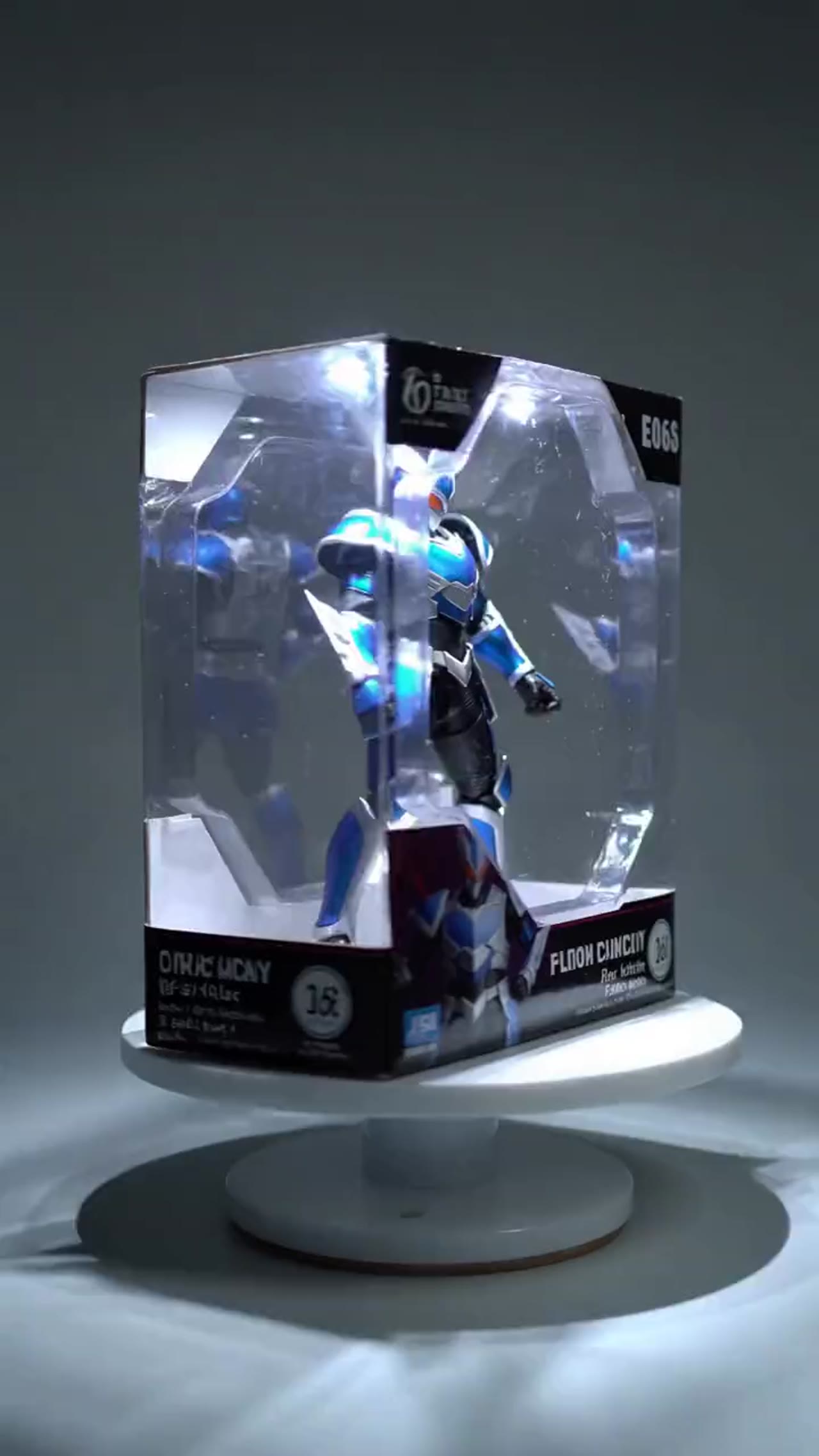
把角色重构成更像商品展示的收藏手办
示例视频,可生成你自己的 AI 视频
收藏级手办展示
手办视频
把角色重构成更像商品展示的收藏手办
收藏级手办展示

把角色重构成更像商品展示的收藏手办

动作手办工作流围绕产品展示式 reveal 做优化,适合角色概念、收藏 mockup 和创意展示视频。

角色到手办的转化
从人物图、角色图或插画出发,把主体重新解释成更像收藏手办的视觉结果。
更像产品展示的镜头语言
动作和构图更偏向展示、拆盒和陈列感,而不是普通人像动画。
单图即可运行
只需要一张输入图就能完成整个 reveal,方便快速尝试多个角色版本。
适合作品集和 mockup
最终短片很适合作品集片段、产品概念展示、社媒内容和创意预演。

More generators

More AI video generators

Compare adjacent video effects before refining the prompt, upload, model, or format for this workflow.

Browse all effects
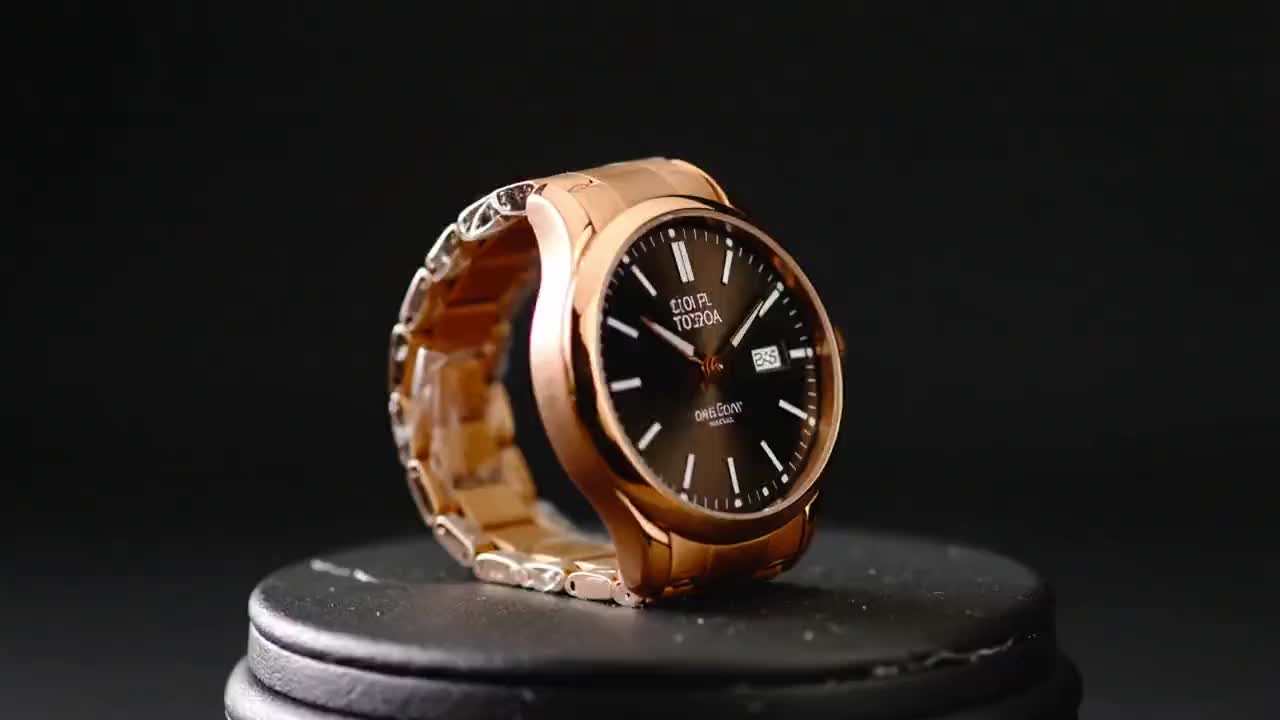
Product Ad Video
VideoCommerce

Product Ad Video

1 image upload · 5-10s video · 16:9

AI Bikini Video
VideoFashion

AI Bikini Video

1 image upload · 5-10s video · 16:9

AI Hug Video
VideoRomance

AI Hug Video

1 image upload · 5-10s video · 16:9

Ghostface Video
VideoHorror

Ghostface Video

1 image upload · 5s video · 1:1

Christmas Video
VideoSeasonal

Christmas Video

1 image upload · 5s video · 1:1

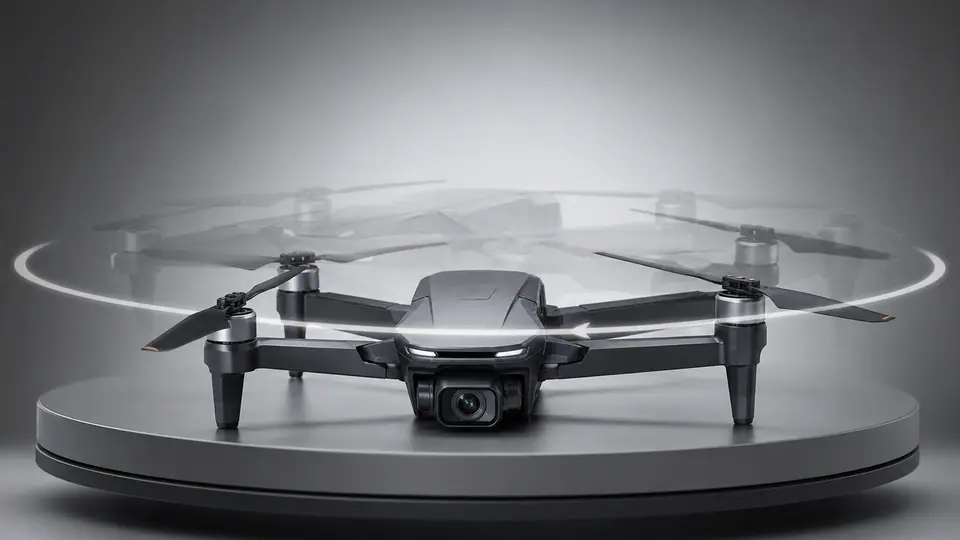
AI 360 Rotation Video Generator
VideoVideo

AI 360 Rotation Video Generator

1 image upload · 5-8s video · 16:9 / 9:16 / 1:1

Quick answer

手办视频: what it does and when to use it

手办视频 is an AI video effect generator for creating a focused video effect from prepared prompt and upload controls. 上传角色图或人物图,把它变成带包装展示、陈列感和短演示动作的手办风格视频。 Use it when you need a fast, specific clip concept for social, ads, creator content, or campaign review.

1 image upload required1:1 ratioswan26105 starting credits
Workflow
AI video effect generator
Inputs
1 image upload required
Default model
wan26
Aspect ratios
1:1 ratios
Duration presets
5s
Starting credits
105 starting credits

使用流程

简单 3 步完成

选好源图、运行预设,等待渲染完成后即可导出手办展示短视频。

1
上传角色图片
建议使用主体清晰、轮廓明显、角色细节足够可读的图片。
2
生成手办展示
运行预设后,系统会自动完成手办化重构、包装展示和短 reveal 动作。
3
导出最终展示片
先预览结果,再导出最终短视频,用于作品集、社媒或概念展示。
创建 AI 动作手办视频

常见问题

常见问题

关于在 VisioArt 中使用该预设特效的常见问题。

新账户会获得注册积分和每日签到奖励。生成器会在提交特效任务前显示所需积分预估,你可以据此决定是否使用付费套餐或积分包。

请上传该预设要求的源图片。清晰、光线充足的主体通常比模糊、裁切过多或低光图片更稳定。

耗时取决于队列负载、服务容量和输出设置。提交后,生成历史会显示任务处于等待、处理中、已完成或失败状态。

不需要。预设会处理引导动作和场景设置。你只需要上传所需素材、检查设置并提交任务。

上传文件会通过云端生成基础设施处理,VisioArt 不会公开展示。请避免上传你不希望被云服务处理的敏感私人图片。

使用符合条件的付费套餐或已购买积分时,可在遵守平台条款的前提下商用。请确保特效中使用的每个人物、品牌、Logo 或源图都已获得许可。

Best uses

Best uses for 手办视频

动作手办视频 works best when the brief has a clear subject, output format, and review goal. The strongest results usually come from concrete prompt language, clean references, and one or two controlled variables per generation pass.

Creative direction tests
Use 手办视频 to see whether a concept is worth deeper production before committing design or editing time.
Campaign and content variants
Generate quick variants for ads, social publishing, landing-page visuals, creator content, or client review.
Focused effect production
Create a specific transformation or trend-style clip from a prepared prompt and upload pattern.

Generator guide

Before you generate

Review the preset before changing it
Preset-led effects already include the core motion direction, so extra prompt text should refine rather than replace it.
Prepare required references
This workflow expects 1 image upload, so upload clean source media before generation.
Match the publishing format
Choose 1:1 based on whether the result is meant for social posts, ads, landing pages, or review handoff.
角色到手办的转化
从人物图、角色图或插画出发,把主体重新解释成更像收藏手办的视觉结果。

准备好做一个 AI 动作手办 reveal 了吗?

把角色图或人物图转成更像商品展示的收藏手办短片,适合作品集、mockup 和社媒内容。

立即生成手办视频浏览更多特效

轮廓强、角色信息清晰的图片通常更适合这个工作流。

VisioArtVisioArt

用文字、图片和引导式工作流创建 AI MP4 视频。

注册
产品
  • 图片生成器
  • AI 图片编辑器
  • 文生图
  • 图生视频
  • AI 照片转视频
  • 文生视频
  • 视频转视频
  • 视频压缩
  • AI 视频生成
视频特效
  • 全部视频特效
视频模型
  • Sora 2
  • Sora 2 Pro
  • Wan 2.5
  • Wan 2.6
  • Wan 2.7
  • HappyHorse 1.0
  • Gemini Omni
  • Veo 3.1
  • Veo 3.1 Fast
  • Kling AI
  • Kling 3.0
  • Kling 2.6
  • Seedance
  • Seedance 2
  • Seedance 2 Fast
图片模型
  • Seedream 4
  • Seedream 4.5
  • Seedream 5 Lite
  • Nano Banana
  • GPT Image 2
  • GPT-4o Image
  • Qwen Image
  • Qwen Image 2
  • Imagen 4
  • Midjourney
  • Grok Imagine
  • Flux 2
  • Z-Image
支持
  • 文档
  • 博客
  • 更新日志
  • 关于我们
  • 联系我们
法律
  • Cookie 政策
  • 隐私政策
  • 退款政策
  • 服务条款
© 2026 VisioArt。保留所有权利。