
影片預覽
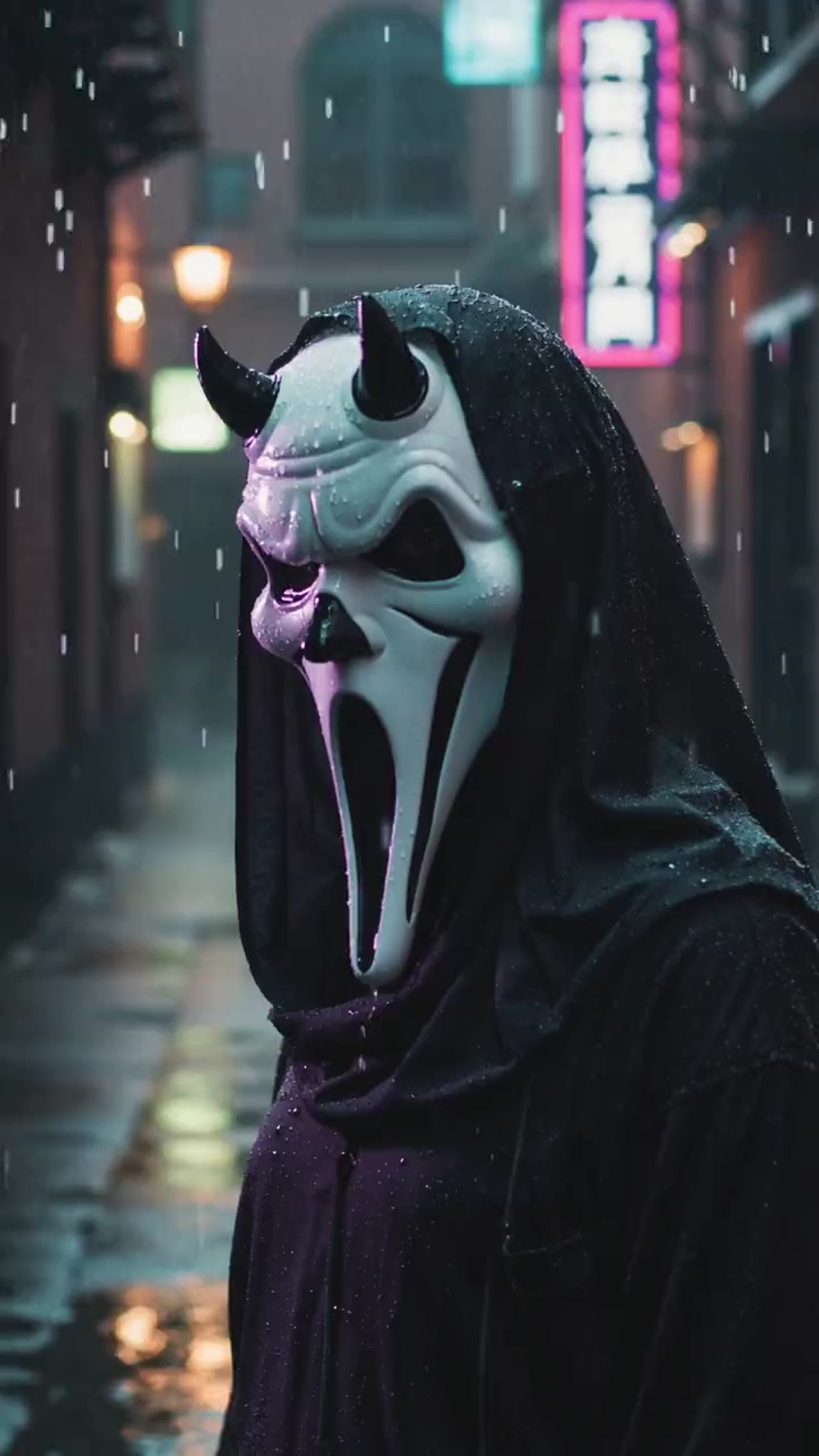

快速做出 Ghostface 恐怖 reveal
這個預設圍繞面具化和懸疑節奏做最佳化,適合萬聖節內容、恐怖短片和主題社媒影片。
More generators
More AI video generators
Compare adjacent video effects before refining the prompt, upload, model, or format for this workflow.
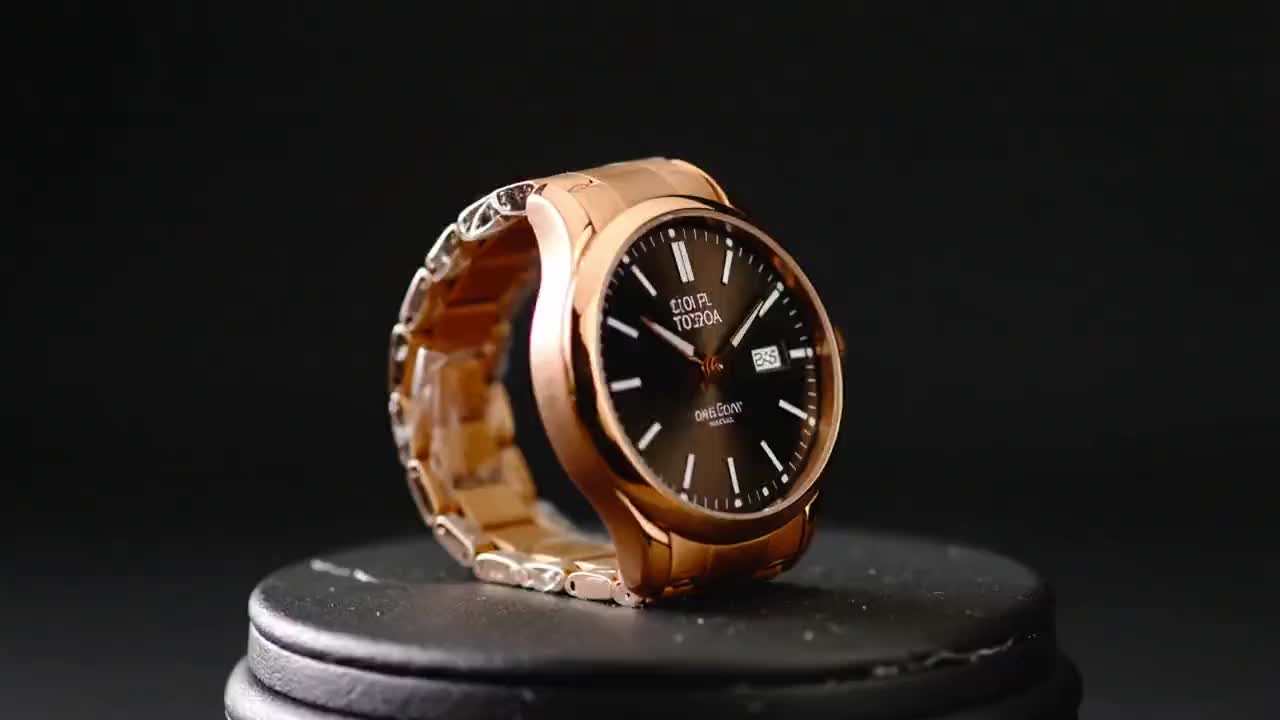
Product Ad Video
1 image upload · 5-10s video · 16:9

AI Bikini Video
1 image upload · 5-10s video · 16:9

AI Hug Video
1 image upload · 5-10s video · 16:9

Action Figure Video
1 image upload · 5s video · 1:1

Christmas Video
1 image upload · 5s video · 1:1
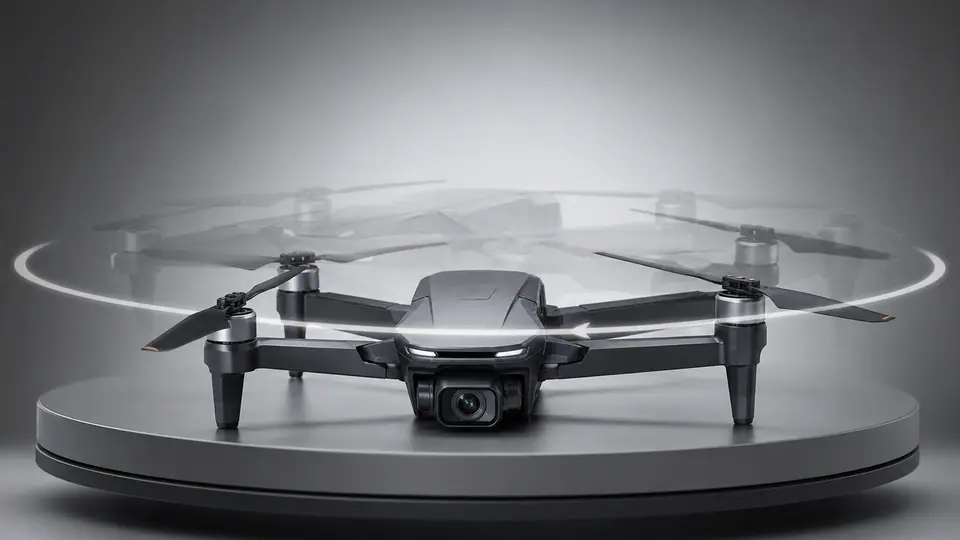
AI 360 Rotation Video Generator
1 image upload · 5-8s video · 16:9 / 9:16 / 1:1
Quick answer
鬼臉影片: what it does and when to use it
鬼臉影片 is an AI video effect generator for creating a focused video effect from prepared prompt and upload controls. 上傳一張面部照片,生成帶有強對比、驚悚 reveal 和短影片節奏的 Ghostface 恐怖風格影片。 Use it when you need a fast, specific clip concept for social, ads, creator content, or campaign review.
- Workflow
- AI video effect generator
- Inputs
- 1 image upload required
- Default model
- wan26
- Aspect ratios
- 1:1 ratios
- Duration presets
- 5s
- Starting credits
- 105 starting credits
使用流程
簡單 3 步完成
選一張面部照片,執行恐怖預設,渲染完成後匯出最終 Ghostface 短影片。
常見問題
常見問題
關於在 VisioArt 中使用該預設特效的常見問題。
Best uses
Best uses for 鬼臉影片
鬼臉影片 works best when the brief has a clear subject, output format, and review goal. The strongest results usually come from concrete prompt language, clean references, and one or two controlled variables per generation pass.
Generator guide