VisioArt

創作工作臺

AI Studio

創作流程

  • 圖生影片
  • 文生影片
  • 影片轉影片
  • 文生圖
  • AI 圖片編輯

擴充套件玩法

  • 圖片生成器
  • 影片特效
  1. 影片特效
  2. AI 比基尼影片生成器
免費開始
特效

AI 比基尼影片生成器

Product Ad VideoAI Hug VideoAction Figure VideoGhostface VideoChristmas VideoAI 360 Rotation Video GeneratorAI Aerial PhotographyAI Alien MaskAI Anime VideoAI ASMR GeneratorAI Avatar GeneratorAI Baby DanceAI Patch GeneratorAI Age Change FilterAI Body EditorAI Headshot GeneratorAI Emoji GeneratorAI Caricature Generator

使用針對時尚表達最佳化的預設,將人像照轉成更具編輯感的動態短片。

模型選擇
圖片
Required before generation: 1 圖片.
登入後上傳

上傳素材會先儲存到你的工作區,登入後再選擇圖片,源素材才能隨生成任務一起保留。

時長
所需積分:
25 積分

影片預覽

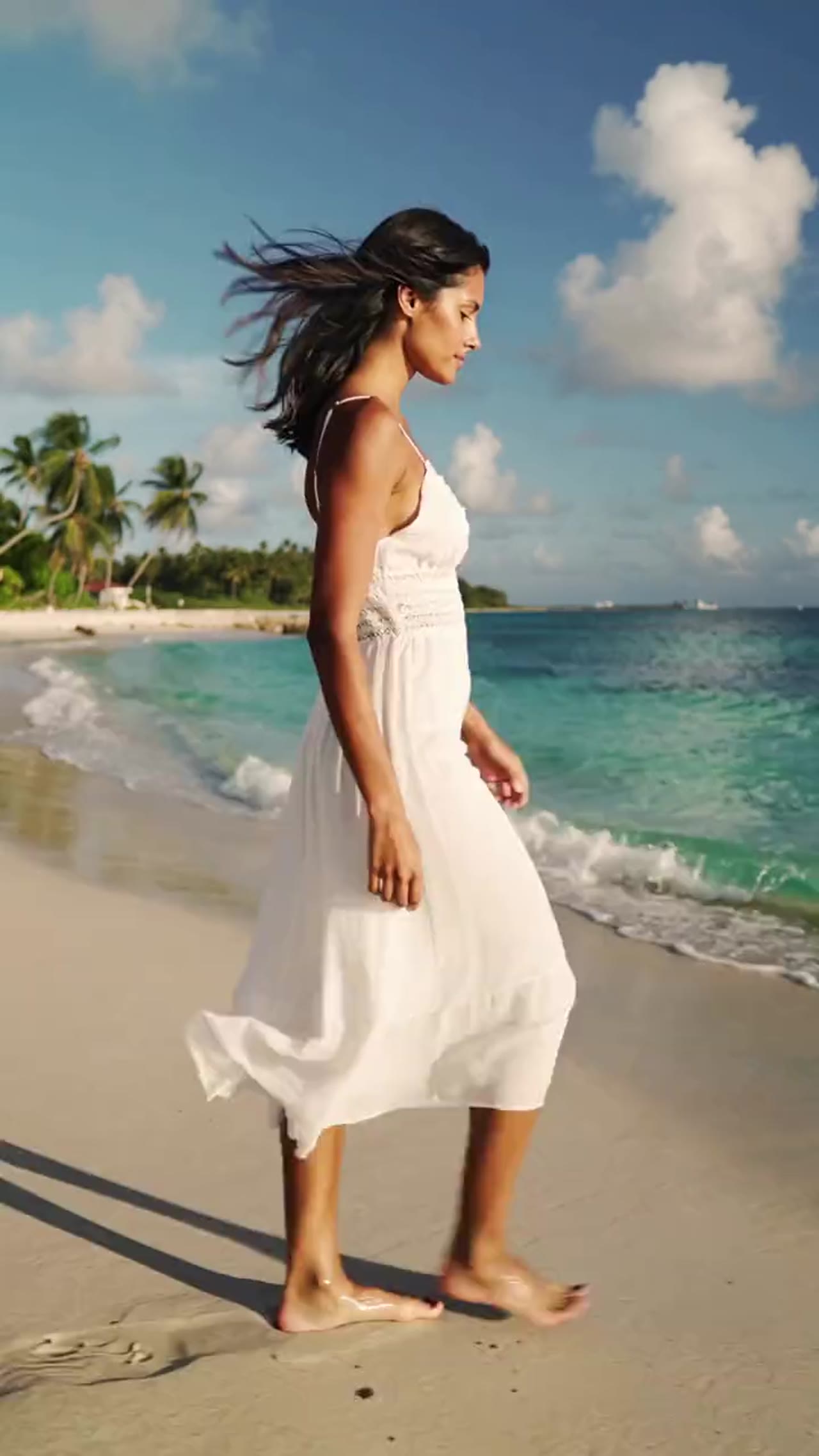
用一張人像做高能量時尚短片
示例影片,可生成你自己的 AI 影片
時尚風格轉化
AI 比基尼影片
用一張人像做高能量時尚短片
時尚風格轉化

用一張人像做高能量時尚短片

這個特效圍繞編輯感和社媒節奏做了最佳化,適合創作者做風格實驗、視覺 mockup 和短影片內容。

單圖即可完成轉化
上傳一張人像後,工作流會圍繞穿搭風格、動作氛圍和畫面節奏輸出最終影片。
更適合社媒的短節奏輸出
生成結果強調短時間內的清晰變化,更適合 reels、短影片和豎屏發布。
可控比例與時長
你可以按目標平臺選擇橫版或豎版,再搭配短時長,保持節奏集中。
對齊 Kling 效果路線
這個頁面現在採用 Kling 路線,保證轉場、時長和積分消耗與線上 the AI creative workspace 工作流保持一致。

More generators

More AI video generators

Compare adjacent video effects before refining the prompt, upload, model, or format for this workflow.
Browse all effects
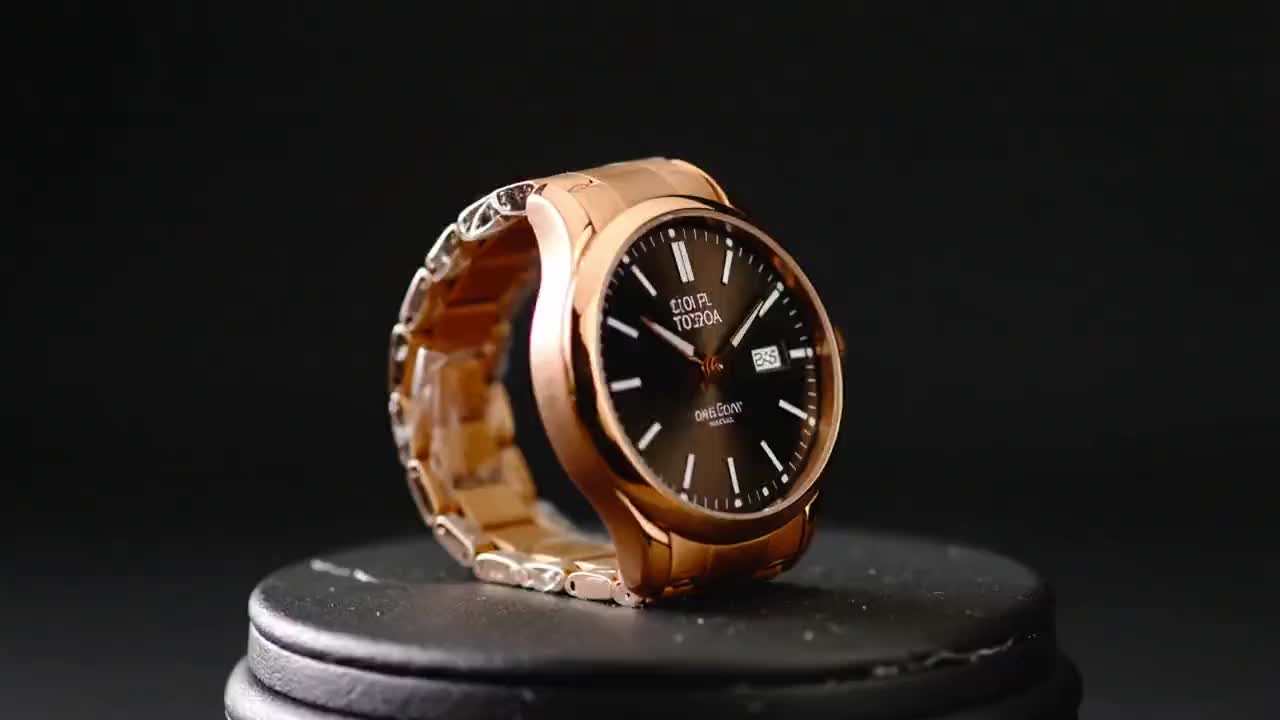
Product Ad Video
VideoCommerce

Product Ad Video

1 image upload · 5-10s video · 16:9

AI Hug Video
VideoRomance

AI Hug Video

1 image upload · 5-10s video · 16:9

Action Figure Video
VideoAvatar

Action Figure Video

1 image upload · 5s video · 1:1

Ghostface Video
VideoHorror

Ghostface Video

1 image upload · 5s video · 1:1

Christmas Video
VideoSeasonal

Christmas Video

1 image upload · 5s video · 1:1
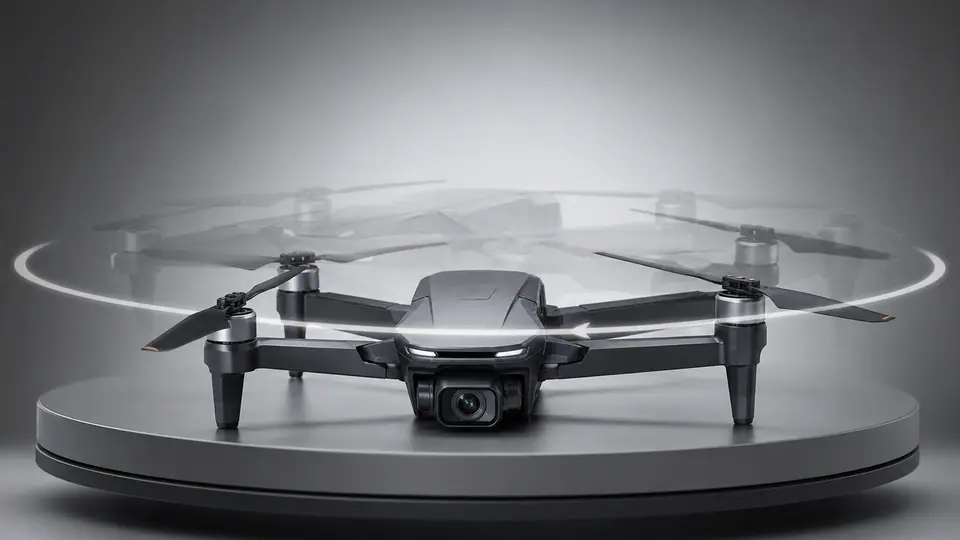
AI 360 Rotation Video Generator
VideoVideo

AI 360 Rotation Video Generator

1 image upload · 5-8s video · 16:9 / 9:16 / 1:1

Quick answer

AI 比基尼影片: what it does and when to use it

AI 比基尼影片 is an AI video effect generator for creating a focused video effect from prepared prompt and upload controls. 從一張人像出發,快速生成帶有夏日氛圍、時尚節奏和短影片觀感的比基尼風格轉化影片。 Use it when you need a fast, specific clip concept for social, ads, creator content, or campaign review.

1 image upload required16:9 ratioskling-standard25 starting credits
Workflow
AI video effect generator
Inputs
1 image upload required
Default model
kling-standard
Aspect ratios
16:9 ratios
Duration presets
5s / 10s
Starting credits
25 starting credits

使用流程

簡單 3 步完成

上傳人像、選好基礎引數、執行預設,剩下的交給時尚轉化工作流完成。

1
上傳清晰人像
主體居中、光線穩定、人物可讀性強的半身或全身照片,通常會得到更好的轉化結果。
2
選擇比例和時長
按發布目標選擇橫版或豎版,再用較短時長保持視覺變化的集中度。
3
生成並檢查結果
執行預設後先預覽效果,再匯出最終時尚短片用於發布或展示。
立即開始創作

常見問題

常見問題

關於在 the AI creative workspace 中使用該預設特效的常見問題。

新帳戶會獲得註冊積分和每日簽到獎勵。生成器會在提交特效任務前顯示所需積分預估,你可以據此決定是否使用付費方案或積分包。

Best uses

Best uses for AI 比基尼影片

AI 比基尼影片生成器 works best when the brief has a clear subject, output format, and review goal. The strongest results usually come from concrete prompt language, clean references, and one or two controlled variables per generation pass.

Creative direction tests
Use AI 比基尼影片 to see whether a concept is worth deeper production before committing design or editing time.
Campaign and content variants
Generate quick variants for ads, social publishing, landing-page visuals, creator content, or client review.
Focused effect production
Create a specific transformation or trend-style clip from a prepared prompt and upload pattern.

Generator guide

Before you generate

Review the preset before changing it
Preset-led effects already include the core motion direction, so extra prompt text should refine rather than replace it.
Prepare required references
This workflow expects 1 image upload, so upload clean source media before generation.
Match the publishing format
Choose 16:9 based on whether the result is meant for social posts, ads, landing pages, or review handoff.
單圖即可完成轉化
上傳一張人像後,工作流會圍繞穿搭風格、動作氛圍和畫面節奏輸出最終影片。

準備好生成時尚感 AI 比基尼短片了嗎?

上傳一張人像,保持引數簡單,快速匯出適合社媒發布和視覺預覽的風格轉化影片。

立即開始創作瀏覽更多特效

人像越清晰、構圖越穩定,轉化通常越可靠。

VisioArtVisioArt

用文字、圖片和引導式工作流建立 AI MP4 影片。

註冊
產品
  • 圖片生成器
  • AI 圖片編輯器
  • 文生圖
  • 圖生影片
  • AI 照片轉影片
  • 文生影片
  • 影片轉影片
  • 影片壓縮
  • AI 影片生成
影片特效
  • 全部影片特效
  • AI 比基尼影片
  • 鬼臉影片
  • 手辦影片
  • 產品廣告影片
  • AI 擁抱影片
  • 聖誕影片
影片模型
  • Sora 2
  • Sora 2 Pro
  • Wan 2.5
  • Wan 2.6
  • Wan 2.7
  • HappyHorse 1.0
  • Gemini Omni
  • Veo 3.1
  • Veo 3.1 Fast
  • Kling AI
  • Kling 3.0
  • Kling 2.6
  • Seedance
  • Seedance 2
  • Seedance 2 Fast
圖片模型
  • Seedream 4
  • Seedream 4.5
  • Seedream 5 Lite
  • Nano Banana
  • GPT Image 2
  • GPT-4o Image
  • Qwen Image
  • Qwen Image 2
  • Imagen 4
  • Midjourney
  • Grok Imagine
  • Flux 2
  • Z-Image
支援
  • 文件
  • 部落格
  • 更新日誌
  • 聯絡我們
法律
  • Cookie 政策
  • 隱私政策
  • 退款政策
  • 服務條款
© 2026 VisioArt。保留所有權利。