
Aperçu Vidéo
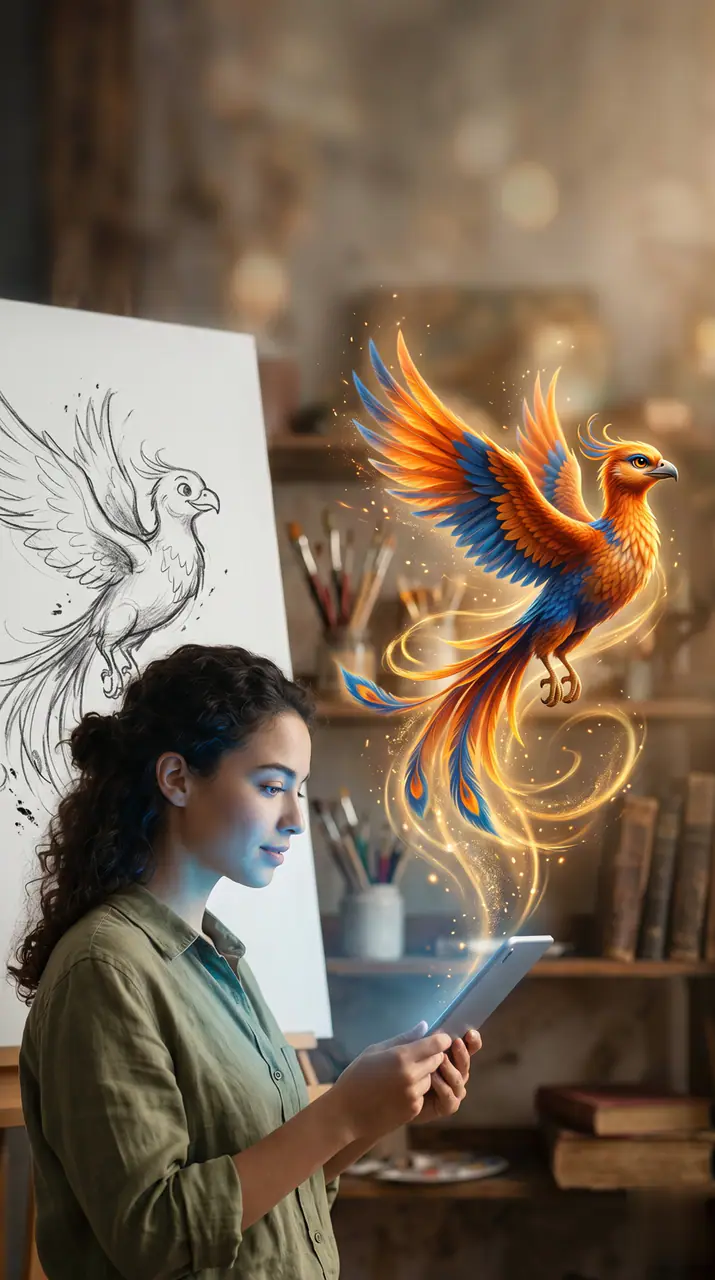
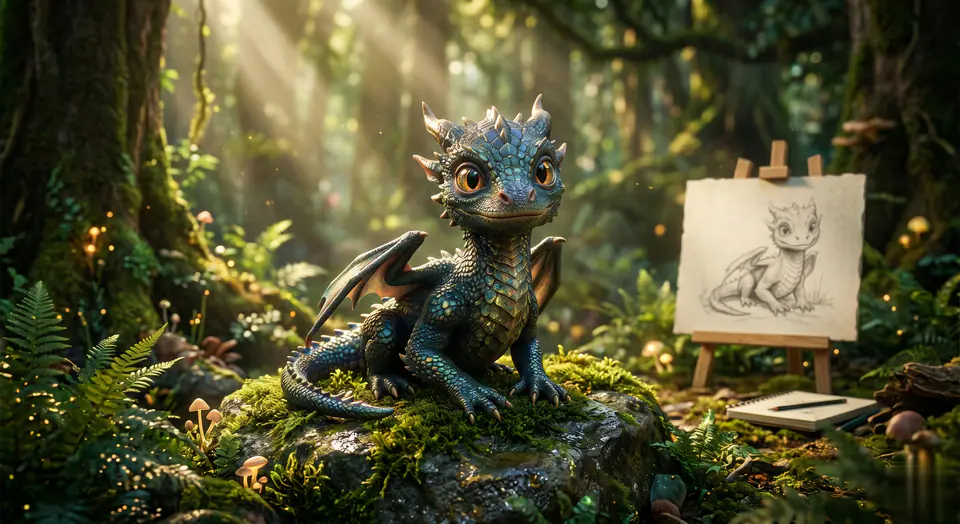
Voir un exemple de Sketch to Video
Sketch to Video commence avec 1 image requise et un prompt préparé afin de clarifier les sources requises. Le parcours par défaut utilise veo31-fast, les formats 16:9 / 9:16 / 1:1 et les durées 5 / 8s.
More generators
More AI video generators
Compare adjacent video effects before refining the prompt, upload, model, or format for this workflow.
AI Aerial Photography
1 image upload · 5-8s video · 16:9 / 9:16 / 1:1
AI Alien Mask
1 image upload · 5-8s video · 16:9 / 9:16 / 1:1
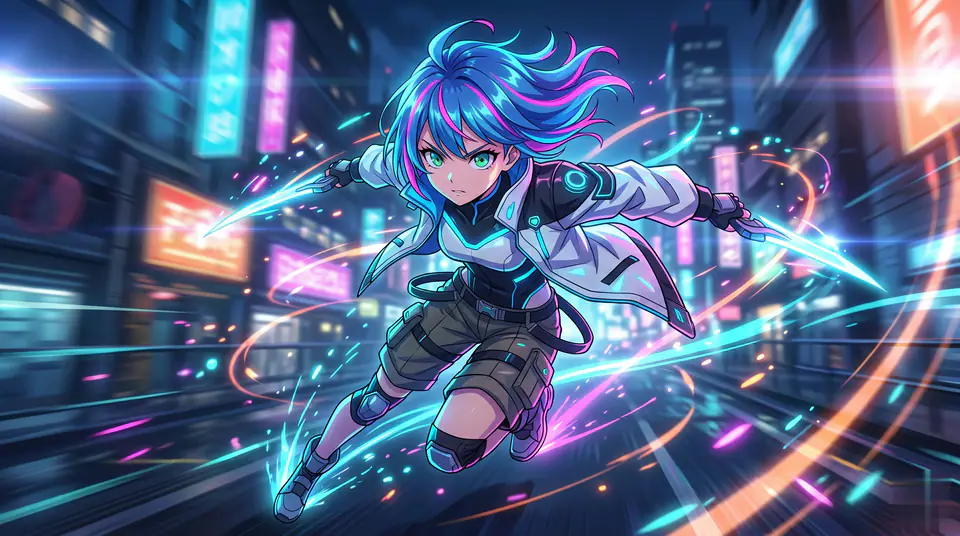
AI Anime Video
1 image upload · 5-8s video · 16:9 / 9:16 / 1:1
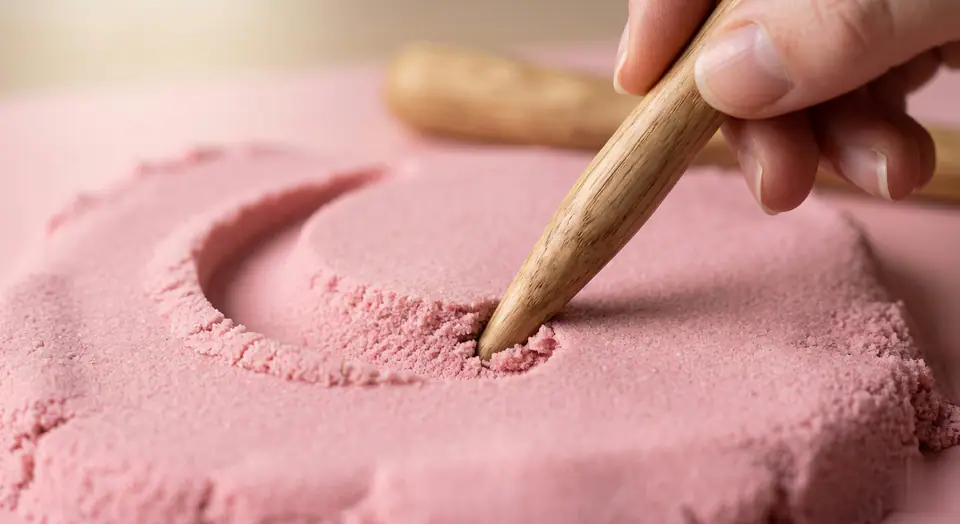
AI ASMR Generator
1 image upload · 5-8s video · 16:9 / 9:16 / 1:1

AI Baby Dance
1 image upload · 5-8s video · 16:9 / 9:16 / 1:1
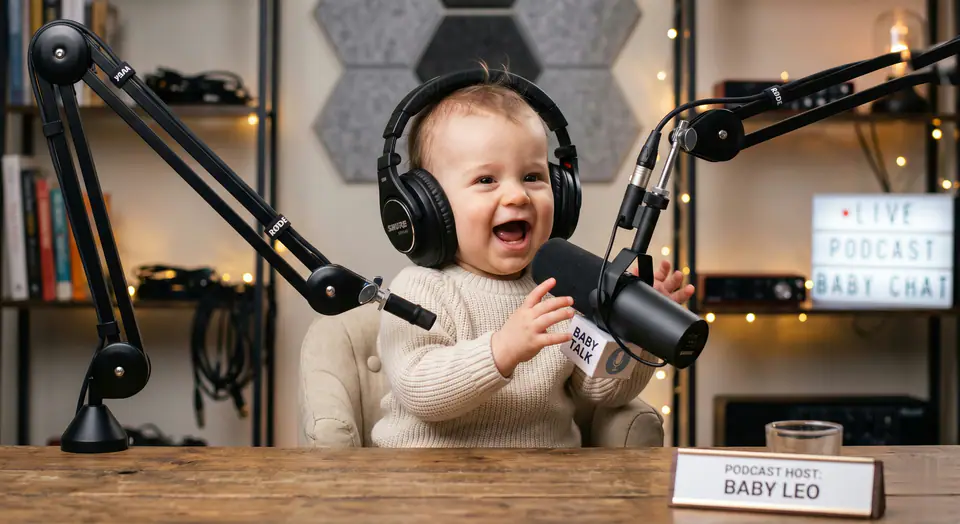
AI Baby Podcast
1 image upload · 5-8s video · 16:9 / 9:16 / 1:1
Quick answer
Sketch to Video: what it does and when to use it
Sketch to Video is an AI video effect generator for creating a focused video effect from prepared prompt and upload controls. Sketch to Video commence avec 1 image requise et un prompt préparé afin de clarifier les sources requises. Le parcours par défaut utilise veo31-fast, les formats 16:9 / 9:16 / 1:1 et les durées 5 / 8s. Use it when you need a fast, specific clip concept for social, ads, creator content, or campaign review.
- Workflow
- AI video effect generator
- Inputs
- 1 image upload required
- Default model
- veo31-fast
- Aspect ratios
- 16:9 / 9:16 / 1:1 ratios
- Duration presets
- 5s / 8s
- Starting credits
- 143 starting credits
Comment Ça Marche
Processus en 3 Étapes Simples
Créer cet effet: Sketch to Video.
Questions Fréquemment Posées
Questions Fréquemment Posées
Réponses pratiques pour créer Sketch to Video.
Best uses
Best uses for Sketch to Video
Créez votre propre Sketch to Video works best when the brief has a clear subject, output format, and review goal. The strongest results usually come from concrete prompt language, clean references, and one or two controlled variables per generation pass.
Generator guide
Before you generate
Créez votre propre Sketch to Video
Sketch to Video commence avec 1 image requise et un prompt préparé afin de clarifier les sources requises. Le parcours par défaut utilise veo31-fast, les formats 16:9 / 9:16 / 1:1 et les durées 5 / 8s.
Vérifiez l’aperçu, les entrées requises, le modèle et les réglages de sortie avant de générer.