
视频预览
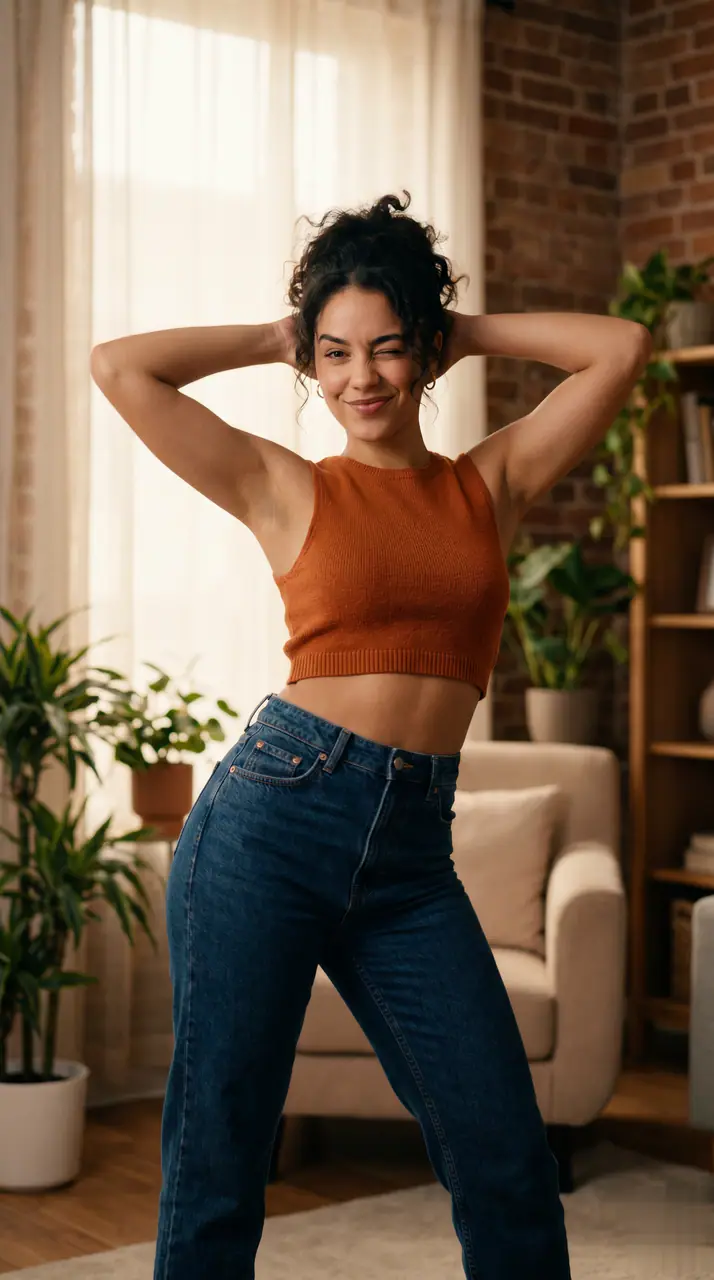
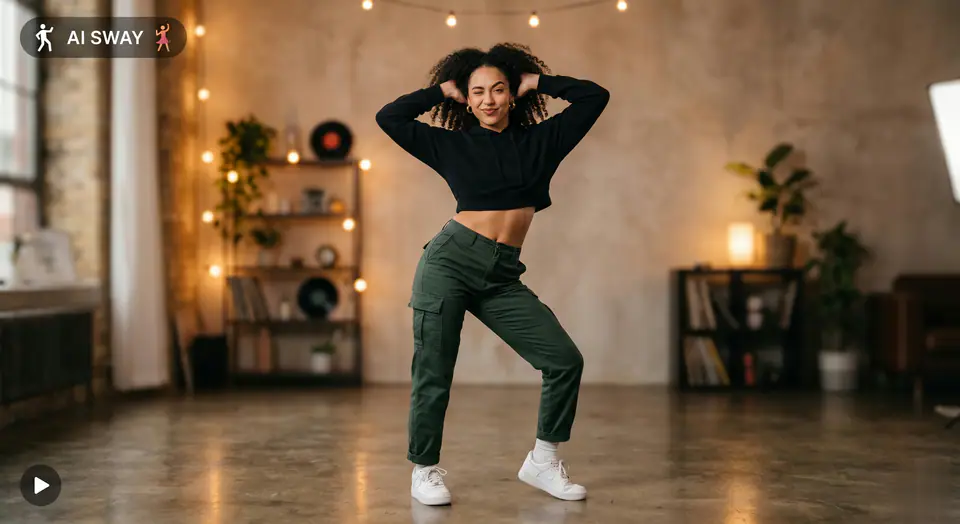
查看 AI Sway Dance Filter 示例
AI Sway Dance Filter 使用必须上传 1 张图片和预设提示词,让所需素材一目了然。 默认使用 seedance,支持 16:9 / 9:16 / 1:1 画面比例和5 / 8s时长。
More generators
More AI video generators
Compare adjacent video effects before refining the prompt, upload, model, or format for this workflow.
AI Aerial Photography
1 image upload · 5-8s video · 16:9 / 9:16 / 1:1
AI Alien Mask
1 image upload · 5-8s video · 16:9 / 9:16 / 1:1
AI Anime Video
1 image upload · 5-8s video · 16:9 / 9:16 / 1:1
AI ASMR Generator
1 image upload · 5-8s video · 16:9 / 9:16 / 1:1
AI Baby Dance
1 image upload · 5-8s video · 16:9 / 9:16 / 1:1
AI Baby Podcast
1 image upload · 5-8s video · 16:9 / 9:16 / 1:1
Quick answer
AI Sway Dance Filter: what it does and when to use it
AI Sway Dance Filter is an AI video effect generator for creating a focused video effect from prepared prompt and upload controls. AI Sway Dance Filter 使用必须上传 1 张图片和预设提示词,让所需素材一目了然。 默认使用 seedance,支持 16:9 / 9:16 / 1:1 画面比例和5 / 8s时长。 Use it when you need a fast, specific clip concept for social, ads, creator content, or campaign review.
- Workflow
- AI video effect generator
- Inputs
- 1 image upload required
- Default model
- seedance
- Aspect ratios
- 16:9 / 9:16 / 1:1 ratios
- Duration presets
- 5s / 8s
- Starting credits
- 28 starting credits
使用流程
简单 3 步完成
通过清晰的三个步骤创建 AI Sway Dance Filter。
常见问题
常见问题
关于创建 AI Sway Dance Filter 的实用解答。
Best uses
Best uses for AI Sway Dance Filter
创建你的 AI Sway Dance Filter works best when the brief has a clear subject, output format, and review goal. The strongest results usually come from concrete prompt language, clean references, and one or two controlled variables per generation pass.
Generator guide