VisioArt

創作工作臺

AI Studio

創作流程

  • 圖生影片
  • 文生影片
  • 影片轉影片
  • 文生圖
  • AI 圖片編輯

擴充套件玩法

  • 圖片生成器
  • 影片特效
  1. 影片特效
  2. 建立你的 AI Spokesperson Video
免費開始
特效

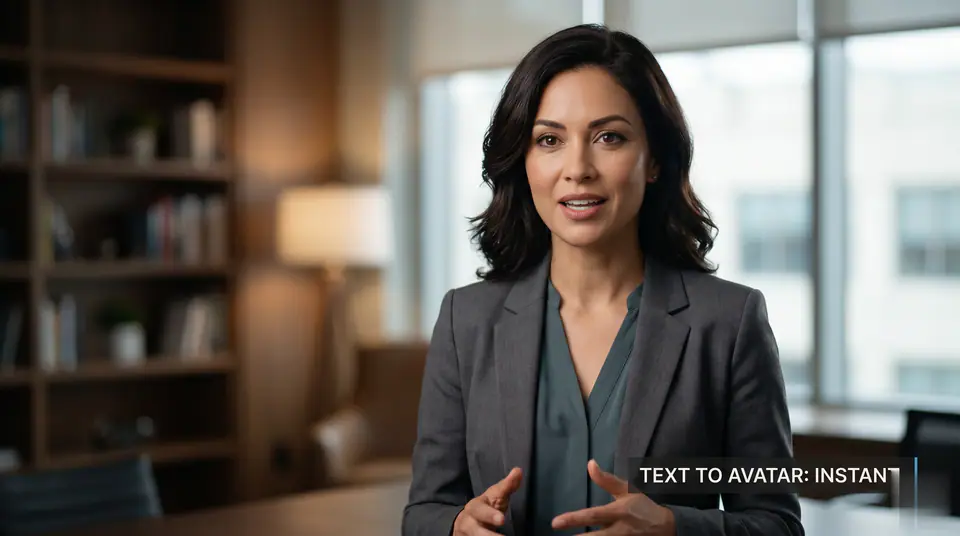
建立你的 AI Spokesperson Video

AI Baseball Fancam VideoAI Baseball TrendAI Bloom Effect VideoAI Fake Girlfriend FilterAI News Anchor GeneratorAI Panda Hug VideoAI Shake HandsAI Talking PhotoAI Walking VideoMultiple Me EffectAI Stadium Broadcast VideoProduct Ad VideoAI Patch GeneratorAI Age Change FilterAI Body EditorAI Headshot GeneratorAI Emoji GeneratorAI Caricature Generator

AI Spokesperson Video 使用必須上傳 1 張圖片和預設提示詞,讓所需素材一目了然。 預設使用 kling-standard,支援 16:9 / 9:16 / 1:1 畫面比例和5 / 8s時長。

模型選擇
圖片
生成前需要:1 張圖片。
登入後上傳

上傳素材會先儲存到你的工作區,登入後再選擇圖片,源素材才能隨生成任務一起保留。

所需積分:
25 積分

影片預覽

查看 AI Spokesperson Video 範例
示例影片,可生成你自己的 AI 影片
AI Spokesperson Video 效果預覽
AI Spokesperson Video
查看 AI Spokesperson Video 範例
AI Spokesperson Video 效果預覽

查看 AI Spokesperson Video 範例

AI Spokesperson Video 使用必須上傳 1 張圖片和預設提示詞,讓所需素材一目了然。 預設使用 kling-standard,支援 16:9 / 9:16 / 1:1 畫面比例和5 / 8s時長。

準備好的輸入流程
AI Spokesperson Video 使用必須上傳 1 張圖片和預設提示詞,讓所需素材一目了然。
適配模型的控制項
預設使用 kling-standard,支援 16:9 / 9:16 / 1:1 畫面比例和5 / 8s時長。
針對效果的生成方向
AI Spokesperson Video 使用必須上傳 1 張圖片和預設提示詞,讓所需素材一目了然。 預設使用 kling-standard,支援 16:9 / 9:16 / 1:1 畫面比例和5 / 8s時長。
生成前預覽
消耗點數前,可透過本機預覽檢查預期動作、構圖和視覺處理。

More generators

More AI video generators

Compare adjacent video effects before refining the prompt, upload, model, or format for this workflow.

Browse all effects
AI Baseball Fancam Video
VideoInteractions

AI Baseball Fancam Video

1 image upload · 5-8s video · 16:9 / 9:16 / 1:1

AI Baseball Trend
VideoInteractions

AI Baseball Trend

1 image upload · 5-8s video · 16:9 / 9:16 / 1:1

AI Bloom Effect Video
VideoInteractions

AI Bloom Effect Video

1 image upload · 5-8s video · 16:9 / 9:16 / 1:1

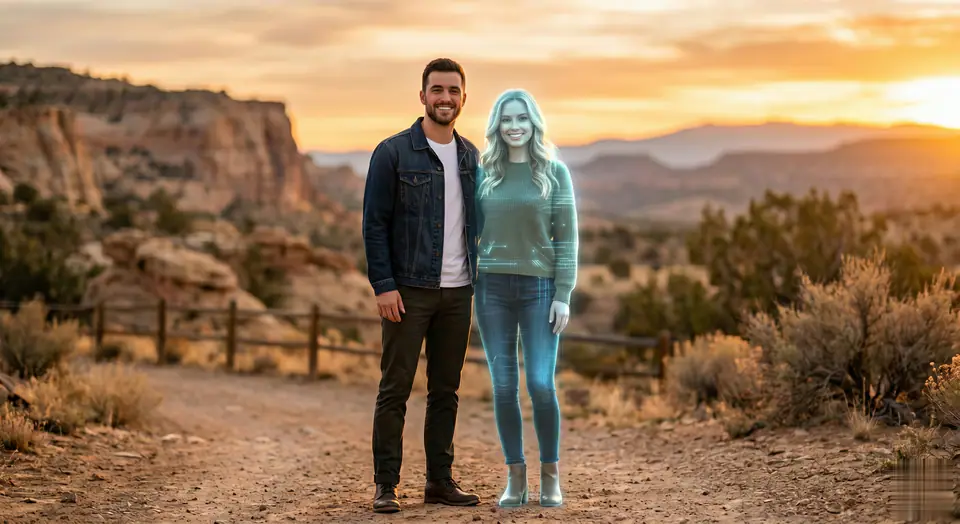
AI Fake Girlfriend Filter
VideoInteractions

AI Fake Girlfriend Filter

1 image upload · 5-8s video · 16:9 / 9:16 / 1:1

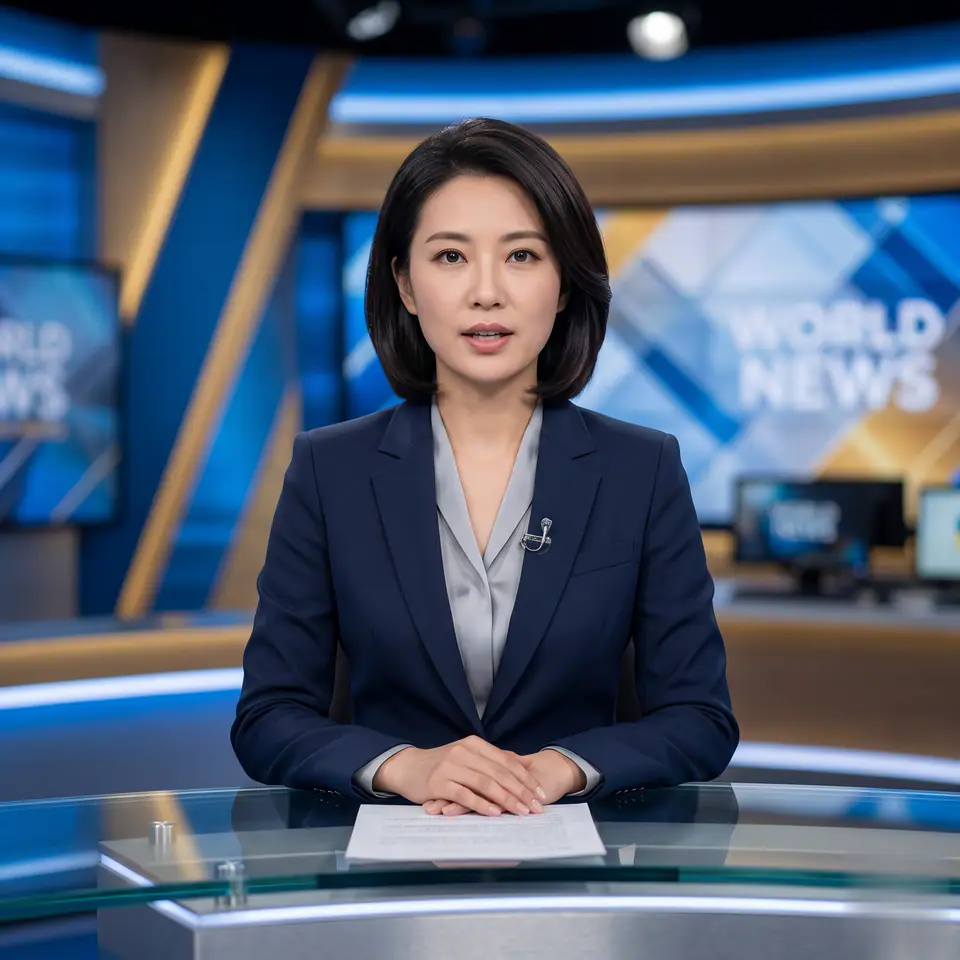
AI News Anchor Generator
VideoInteractions

AI News Anchor Generator

1 image upload · 5-8s video · 16:9 / 9:16 / 1:1

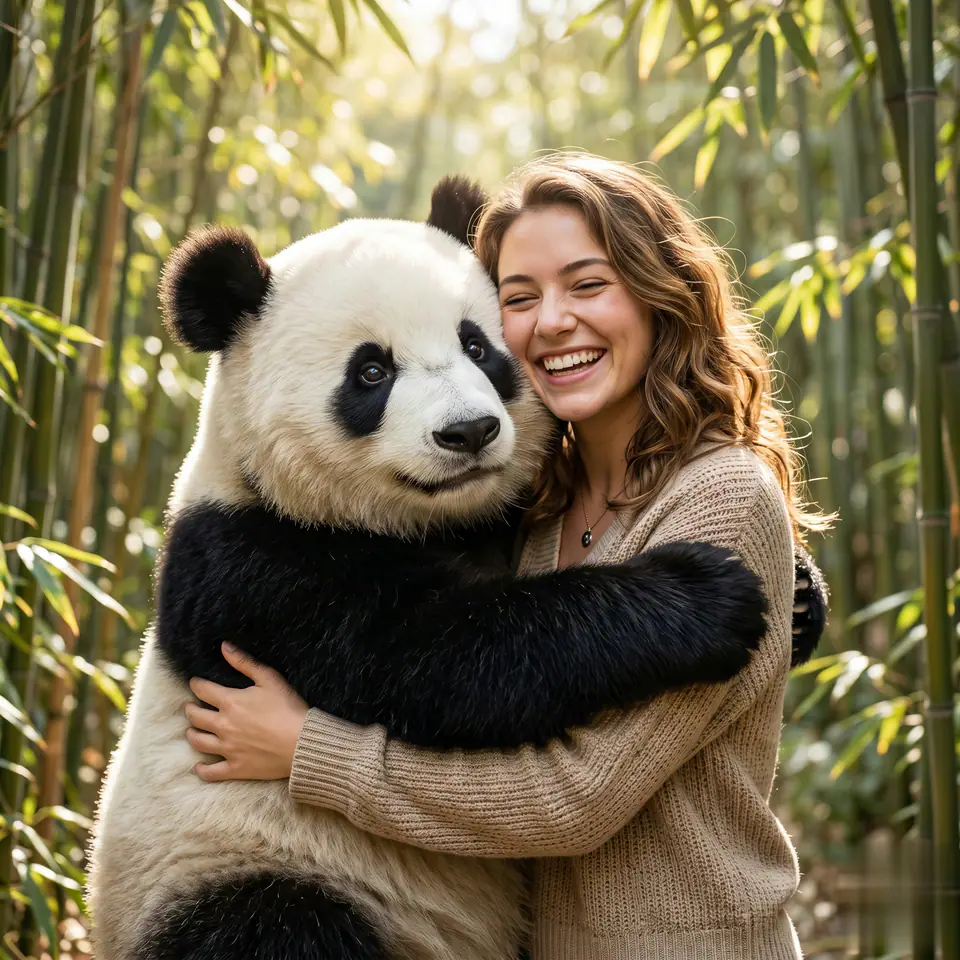
AI Panda Hug Video
VideoInteractions

AI Panda Hug Video

1 image upload · 5-8s video · 16:9 / 9:16 / 1:1

Quick answer

AI Spokesperson Video: what it does and when to use it

AI Spokesperson Video is an AI video effect generator for creating a focused video effect from prepared prompt and upload controls. AI Spokesperson Video 使用必須上傳 1 張圖片和預設提示詞,讓所需素材一目了然。 預設使用 kling-standard,支援 16:9 / 9:16 / 1:1 畫面比例和5 / 8s時長。 Use it when you need a fast, specific clip concept for social, ads, creator content, or campaign review.

1 image upload required16:9 / 9:16 / 1:1 ratioskling-standard25 starting credits
Workflow
AI video effect generator
Inputs
1 image upload required
Default model
kling-standard
Aspect ratios
16:9 / 9:16 / 1:1 ratios
Duration presets
5s / 8s
Starting credits
25 starting credits

使用流程

簡單 3 步完成

透過清楚的三個步驟建立 AI Spokesperson Video。

1
準備來源素材
查看 AI Spokesperson Video 的要求,並提供必須上傳 1 張圖片,確保主體清楚、構圖可用。
2
檢查生成設定
確認 kling-standard,選擇 16:9 / 9:16 / 1:1 比例和5 / 8s時長。
3
生成並審核
生成短片,檢查主體一致性和動作品質,再一次調整一個輸入變數。
建立此效果

常見問題

常見問題

關於建立 AI Spokesperson Video 的實用解答。

AI Spokesperson Video 使用必須上傳 1 張圖片和預設提示詞,讓所需素材一目了然。 預設使用 kling-standard,支援 16:9 / 9:16 / 1:1 畫面比例和5 / 8s時長。

此預設流程使用必須上傳 1 張圖片。

預設模型為 kling-standard,支援 16:9 / 9:16 / 1:1 比例和5 / 8s時長。

可以。保留預設方向,再調整主體、動作、鏡頭、燈光或輸出細節。

檢查主體一致性、動作、構圖、瑕疵以及短片是否適合目標渠道。

可以,但你的方案必須允許相應用途,並且你擁有所有上傳參考素材所需的權利。

Best uses

Best uses for AI Spokesperson Video

建立你的 AI Spokesperson Video works best when the brief has a clear subject, output format, and review goal. The strongest results usually come from concrete prompt language, clean references, and one or two controlled variables per generation pass.

Creative direction tests
Use AI Spokesperson Video to see whether a concept is worth deeper production before committing design or editing time.
Campaign and content variants
Generate quick variants for ads, social publishing, landing-page visuals, creator content, or client review.
Focused effect production
Create a specific transformation or trend-style clip from a prepared prompt and upload pattern.

Generator guide

Before you generate

Review the preset before changing it
Preset-led effects already include the core motion direction, so extra prompt text should refine rather than replace it.
Prepare required references
This workflow expects 1 image upload, so upload clean source media before generation.
Match the publishing format
Choose 16:9 / 9:16 / 1:1 based on whether the result is meant for social posts, ads, landing pages, or review handoff.
準備好的輸入流程
AI Spokesperson Video 使用必須上傳 1 張圖片和預設提示詞,讓所需素材一目了然。

建立你的 AI Spokesperson Video

AI Spokesperson Video 使用必須上傳 1 張圖片和預設提示詞,讓所需素材一目了然。 預設使用 kling-standard,支援 16:9 / 9:16 / 1:1 畫面比例和5 / 8s時長。

建立此效果瀏覽更多特效

生成前請檢查預覽、必要輸入、模型和輸出設定。

VisioArtVisioArt

用文字、圖片和引導式工作流建立 AI MP4 影片。

註冊
產品
  • 圖片生成器
  • AI 圖片編輯器
  • 文生圖
  • 圖生影片
  • AI 照片轉影片
  • 文生影片
  • 影片轉影片
  • 影片壓縮
  • AI 影片生成
影片特效
  • 全部影片特效
影片模型
  • Sora 2
  • Sora 2 Pro
  • Wan 2.5
  • Wan 2.6
  • Wan 2.7
  • HappyHorse 1.0
  • Gemini Omni
  • Veo 3.1
  • Veo 3.1 Fast
  • Kling AI
  • Kling 3.0
  • Kling 2.6
  • Seedance
  • Seedance 2
  • Seedance 2 Fast
圖片模型
  • Seedream 4
  • Seedream 4.5
  • Seedream 5 Lite
  • Nano Banana
  • GPT Image 2
  • GPT-4o Image
  • Qwen Image
  • Qwen Image 2
  • Imagen 4
  • Midjourney
  • Grok Imagine
  • Flux 2
  • Z-Image
支援
  • 文件
  • 部落格
  • 更新日誌
  • 聯絡我們
法律
  • Cookie 政策
  • 隱私政策
  • 退款政策
  • 服務條款
© 2026 VisioArt。保留所有權利。