Skip to content

Prompt template

Explainer B-Roll Sequence Prompt

A clean b-roll prompt for explainers, tutorials, and product walkthroughs.
Start creatingSee pricing
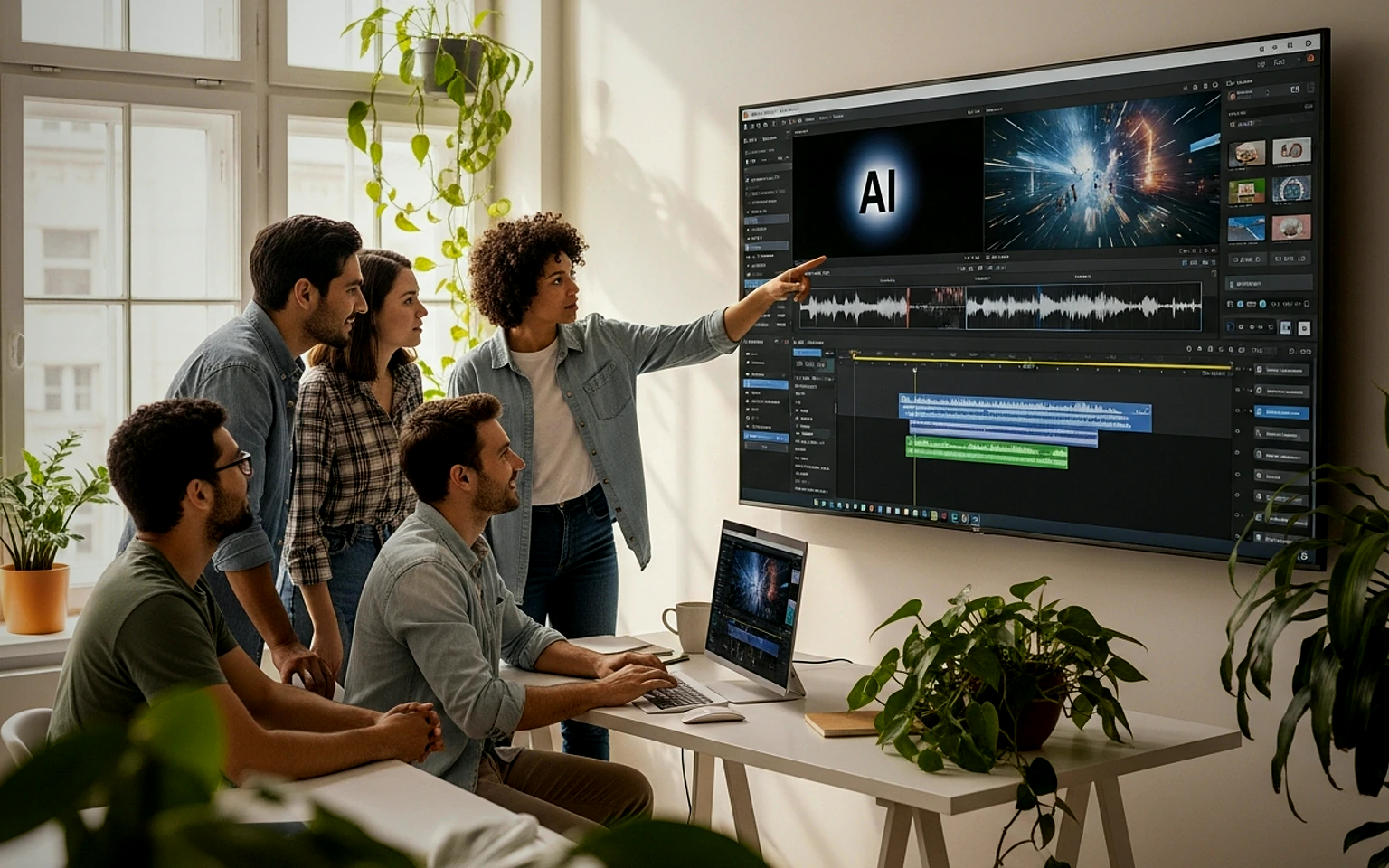
Explainer B-Roll Sequence Prompt visual example
explainerb-rolleducationproduct walkthrough
Prompt
Replace the bracketed placeholders, then tune camera, lighting, format, and output constraints for the exact channel.
A clean b-roll sequence explaining [topic]. Show hands using [object or app], close-up detail shots, contextual environment, smooth transitions, calm instructional pacing, natural lighting, documentary product style, no diagrams or text overlays.
Best for
Explainer videos
Tutorial support
Product education
Model starting points
VeoWanSeedance

FAQ

Explainer b-roll FAQ

Clear answers for buyers comparing workflows, model choices, pricing, and production fit.

A clean b-roll prompt for explainers, tutorials, and product walkthroughs.

Yes. Replace the bracketed placeholders, then adjust the camera, lighting, aspect ratio, and product details to match the final channel.

Use the recommended tool on this page as the starting point, then test another model family if the motion, realism, or style needs a different strength.

Use this prompt inside VisioArt.

Start from the recommended tool, paste the prompt, replace the placeholders, and test the strongest model path.

Open recommended toolBrowse templates