Skip to content

Prompt template

Before-and-After Image Edit Prompt

A structured edit prompt for polishing rough images without changing the subject.
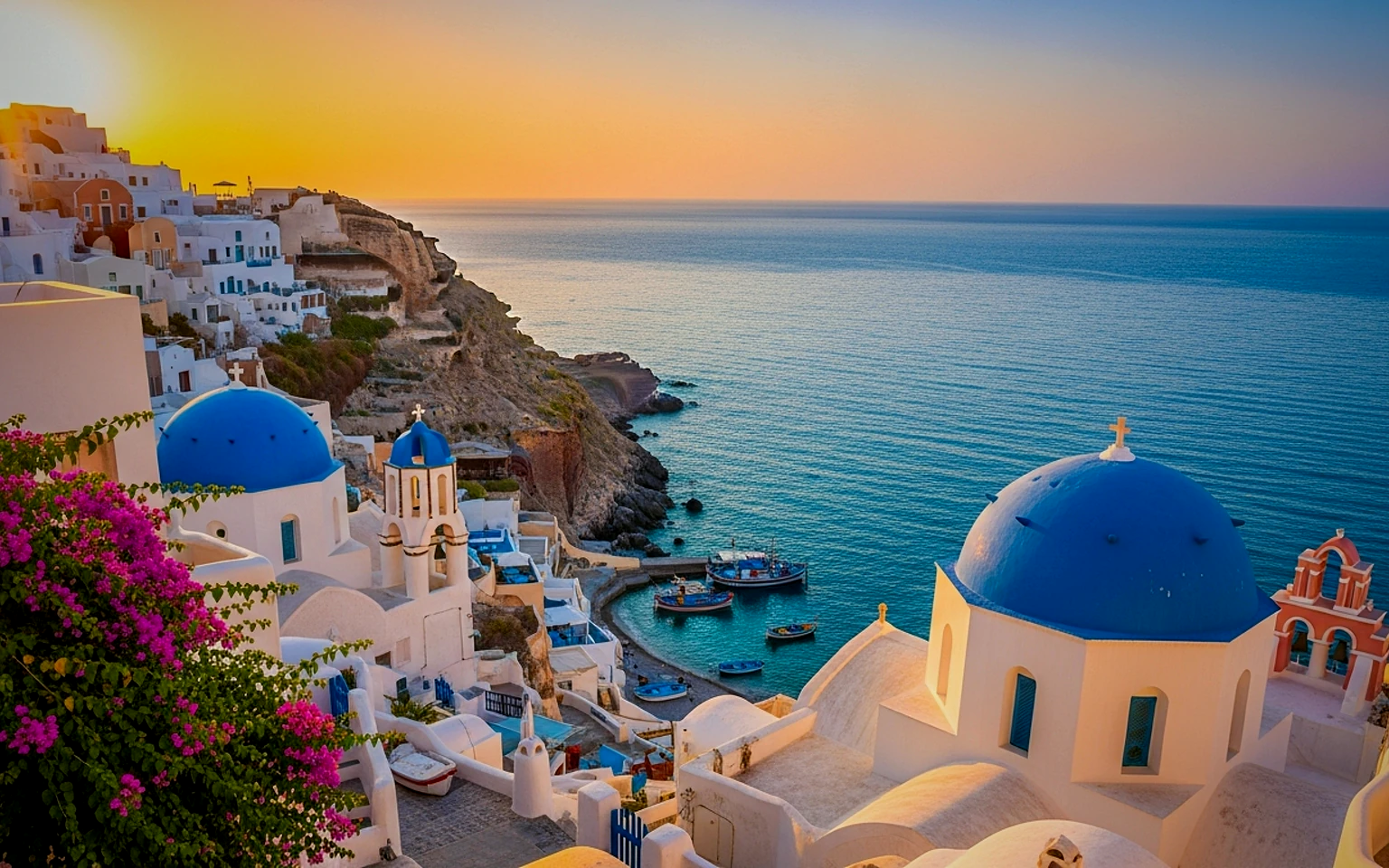
Start creatingSee pricing
Before-and-After Image Edit Prompt visual example
image editingcampaign assetretouchingproduct image
Prompt
Replace the bracketed placeholders, then tune camera, lighting, format, and output constraints for the exact channel.
Edit this image into a polished campaign asset while preserving the main subject. Improve lighting, remove distracting background elements, refine color balance, keep realistic texture, preserve product shape and proportions, produce a clean commercial result.
Best for
Product cleanup
Campaign visuals
Creative refinement
Model starting points
GPT ImageSeedreamFlux

Related templates

Keep the campaign moving

Use these adjacent prompt patterns when the same campaign needs another asset format.
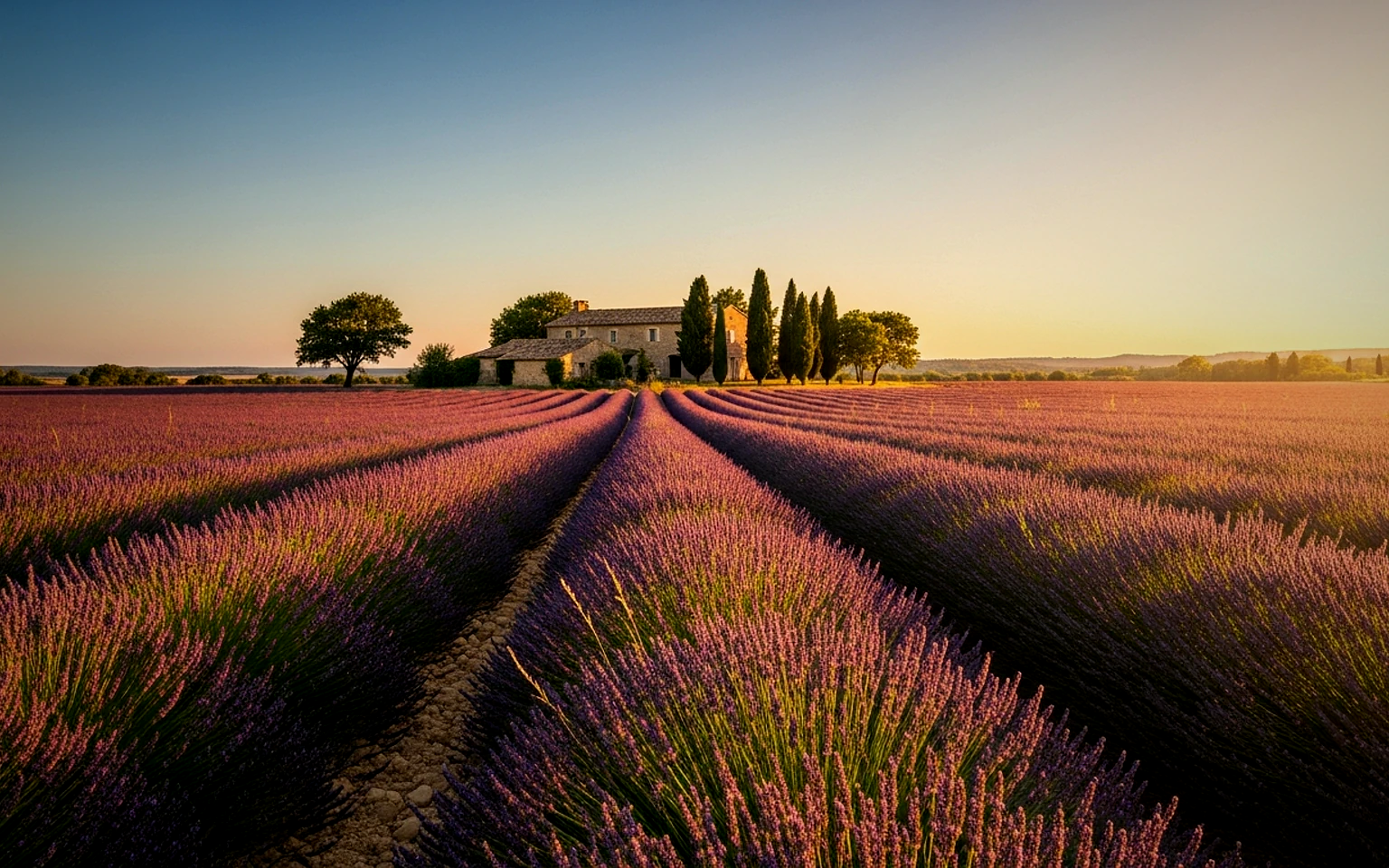
GPT Image 2 Prompts for Image Editing example
GPT Image 2 promptsimage editingtext to image
GPT Image 2 prompts
Structured GPT Image 2 prompts for clean image generation, reference-guided editing, product visuals, text-aware layouts, and campaign stills.
Open template

Product Packaging Mockup Prompt example
packagingproduct imagemockup
Packaging mockup
A precise packaging still for box, pouch, bottle, and bundle concepts before production.
Open template
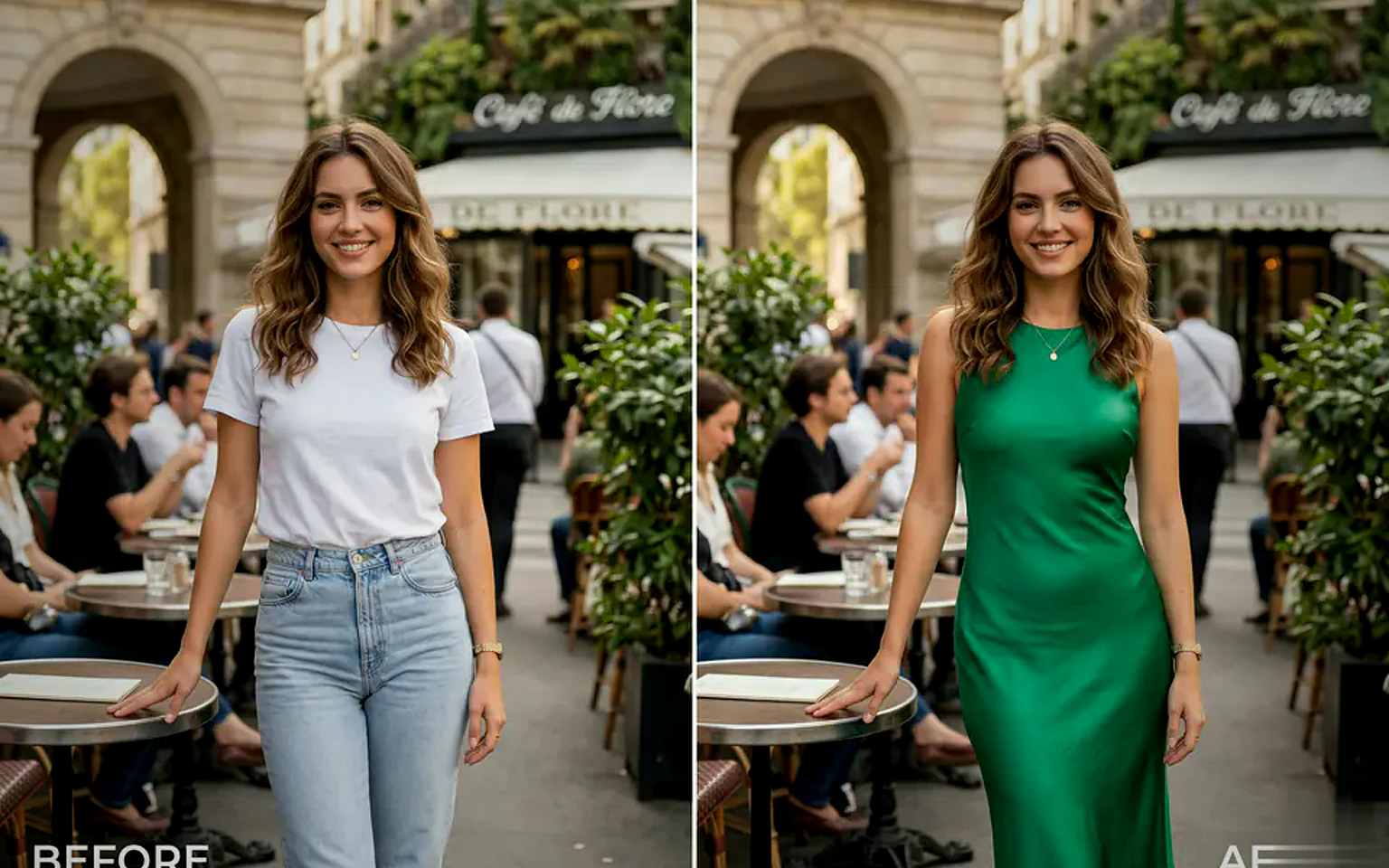
Reference-Guided Outfit Edit Prompt example
image editingfashionoutfit edit
Outfit edit
An image editing template for changing clothing while preserving identity and pose.
Open template

FAQ

Before after FAQ

Clear answers for buyers comparing workflows, model choices, pricing, and production fit.

A structured edit prompt for polishing rough images without changing the subject.

Yes. Replace the bracketed placeholders, then adjust the camera, lighting, aspect ratio, and product details to match the final channel.

Use the recommended tool on this page as the starting point, then test another model family if the motion, realism, or style needs a different strength.

Use this prompt inside VisioArt.

Start from the recommended tool, paste the prompt, replace the placeholders, and test the strongest model path.

Open recommended toolBrowse templates