Skip to content

Prompt template

AI Christmas Pet Video Prompt Template

Reusable video prompt for AI Christmas Pet Video, with matching VisioArt effect settings and preview media.
Start creatingSee pricing
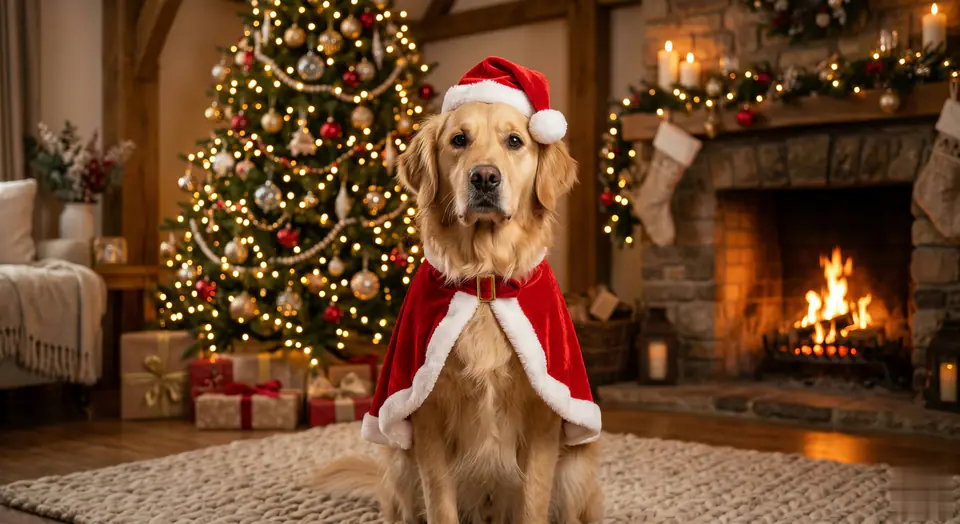
AI Christmas Pet Video Prompt Template visual example
videovideo effectfestivalsimage to video
Prompt
Replace the bracketed placeholders, then tune camera, lighting, format, and output constraints for the exact channel.
MAIN TASK: Add Christmas attire to the existing pet while preserving 100% true identity. Generate a 5-second photorealistic video. INPUT: [User Uploaded Pet Image] SUBJECT IDENTITY LOCK (MAXIMUM PRIORITY): The pet in the video MUST be the EXACT SAME individual as the input image. Use the original image as a hard identity reference. The model is FORBIDDEN from regenerating, redesigning, beautifying, or re-interpreting the pet's face. FACE & EXPRESSION PRESERVATION WITH NATURAL LIFE: The original facial structure, proportions, fur pattern, nose color, and eye shape MUST remain unchanged. The original expression must be preserved as the baseline expression. ALLOWED NATURAL MICRO-MOVEMENTS: Natural blinking is allowed. Subtle eye movement is allowed. Very slight head micro-adjustment (no more than 3-5 degrees) is allowed. Gentle breathing motion is allowed. Small ear twitches are allowed. NOT ALLOWED: No head turning beyond 5 degrees. No expression switching (e.g. neutral to smiling). No widening of eyes. No face reshaping. No emotion exaggeration. PIXEL-LEVEL ID CONSISTENCY: The facial identity must remain pixel-consistent with the input image throughout the video. No identity drift between frames. POSE & BODY LOCK (SOFT LOCK): The pet must maintain the original body pose and position. No posture change such as sitting up, standing, or rotating the body. Only breathing-related micro motion is permitted. CLOTHING APPLICATION (OVERLAY ONLY): Apply a soft Red Velvet Santa CAPE that gently drapes over the existing body. The cape must follow the original body shape. NO sleeves. NO buttons. NO forcing posture change. Add a Santa Hat resting naturally on the head without shifting head position or facial proportions. BACKGROUND CONTROL: Place the pet into a cozy indoor Christmas environment with: - Christmas tree - Fireplace - Warm ambient lighting The background must remain behind the pet. The background must NEVER overlap, obscure, or replace the pet's face. TRANSFORMATION EFFECT (MASKED): Soft golden magical particles manifest ONLY the clothing. STRICT FACE SAFETY ZONE: No particle, glow, blur, shadow, or light ray may pass over the face. MOTION QUALITY: The pet must feel ALIVE, not frozen. All motion must be subtle, organic, and physically natural. No stiff animation. No mannequin effect. VISUAL STYLE: Ultra-photorealistic 8K detail Original image fidelity Seamless VFX overlay Warm Christmas lighting NEGATIVE PROMPT: anime cartoon cute style big eyes eye enlargement face reshaping expression change smiling when original is neutral beauty filter fur recolor nose recolor different pet face morphing identity drift head rotation over 5 degrees
Best for
AI Christmas Pet Video clips
festivals effects
Reusable video workflows
Model starting points
Kling Standard

Related templates

Keep the campaign moving

Use these adjacent prompt patterns when the same campaign needs another asset format.
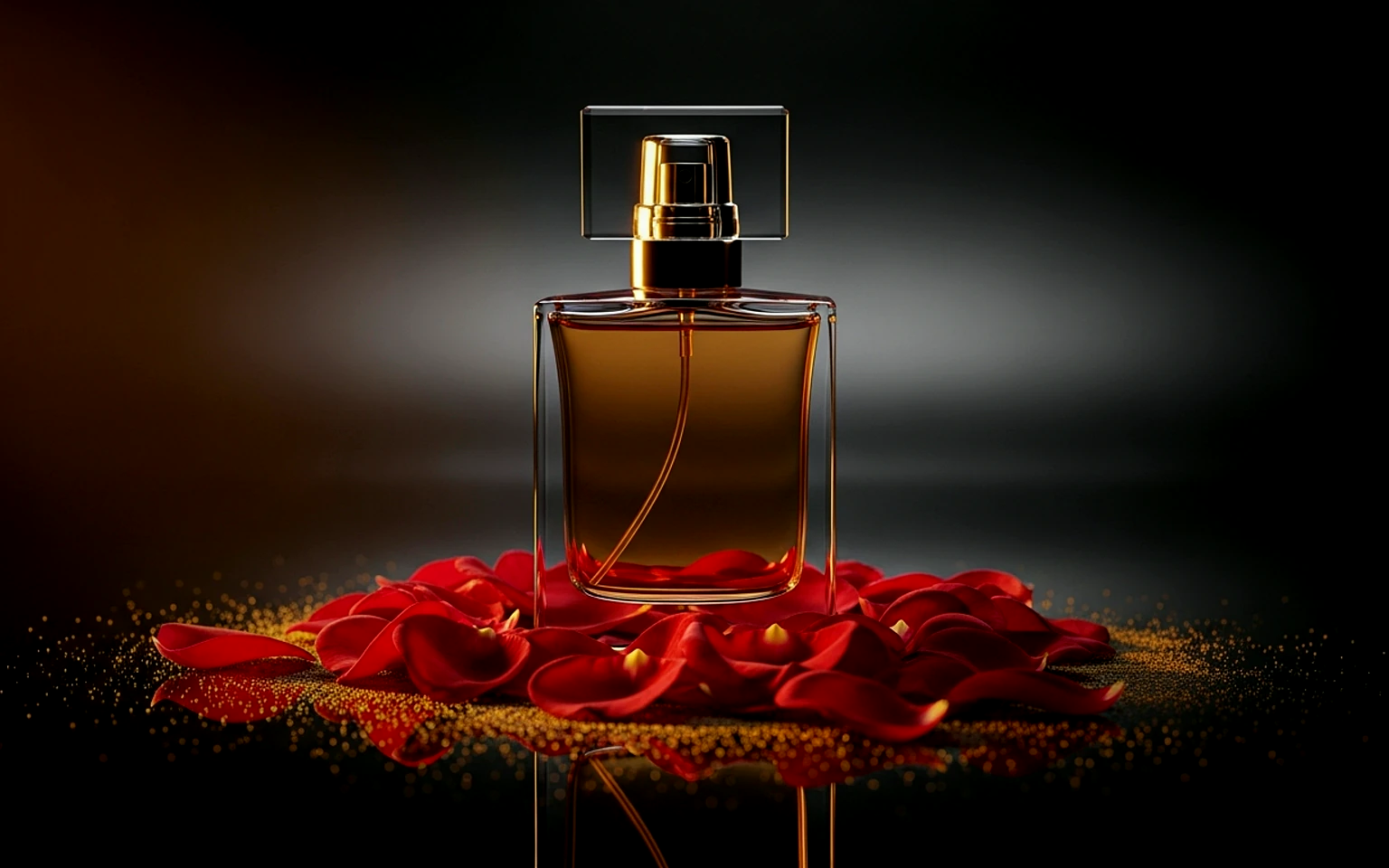
Ecommerce Product Reveal Video Prompt example
ecommerceproduct videopaid social
Product reveal
A controlled studio reveal for ecommerce launches, PDP loops, and paid social tests.
Open template
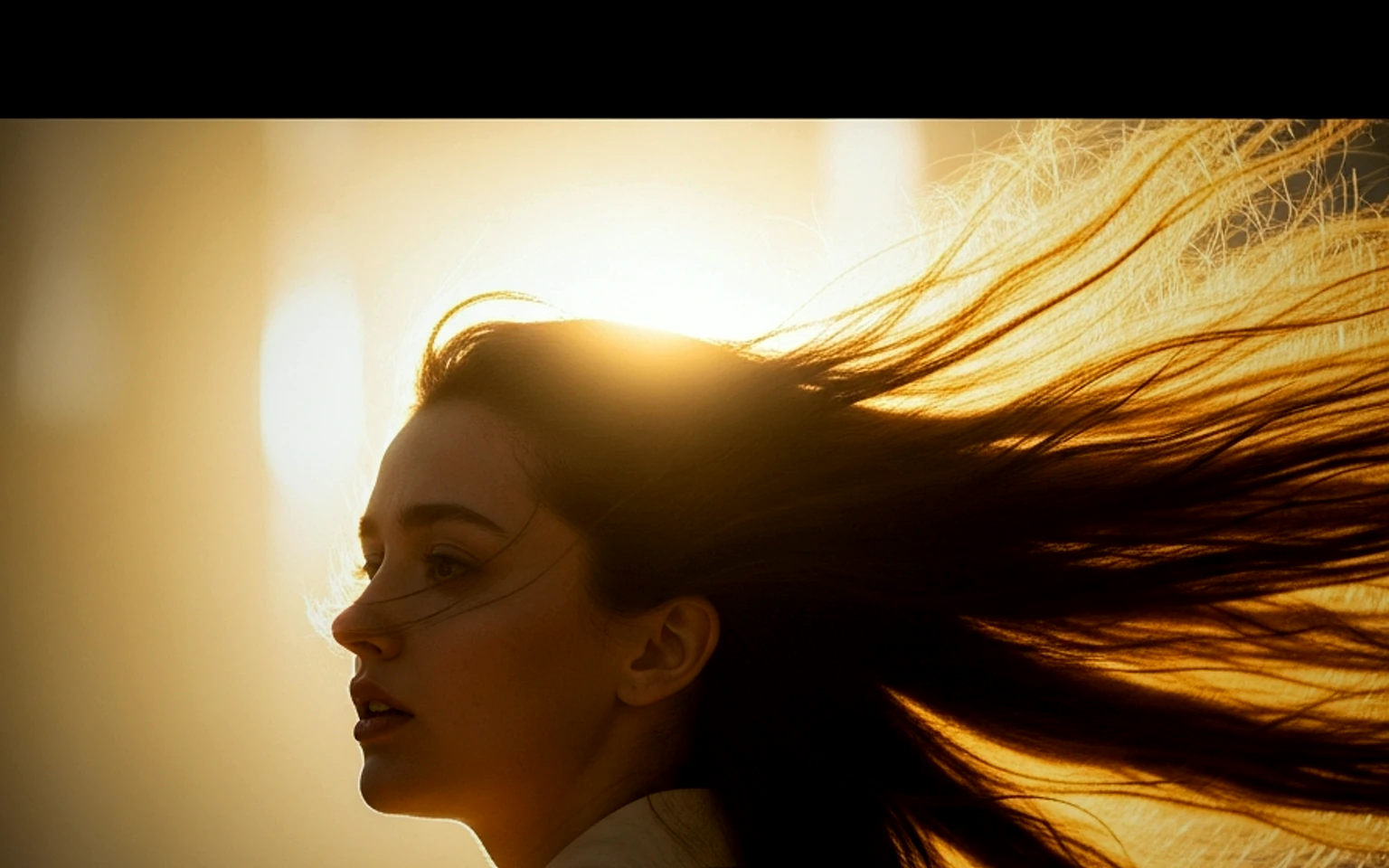
Social Hook Portrait Animation Prompt example
portraitsocial contentcreator
Portrait hook
A creator-style portrait motion prompt for vertical social clips and founder updates.
Open template
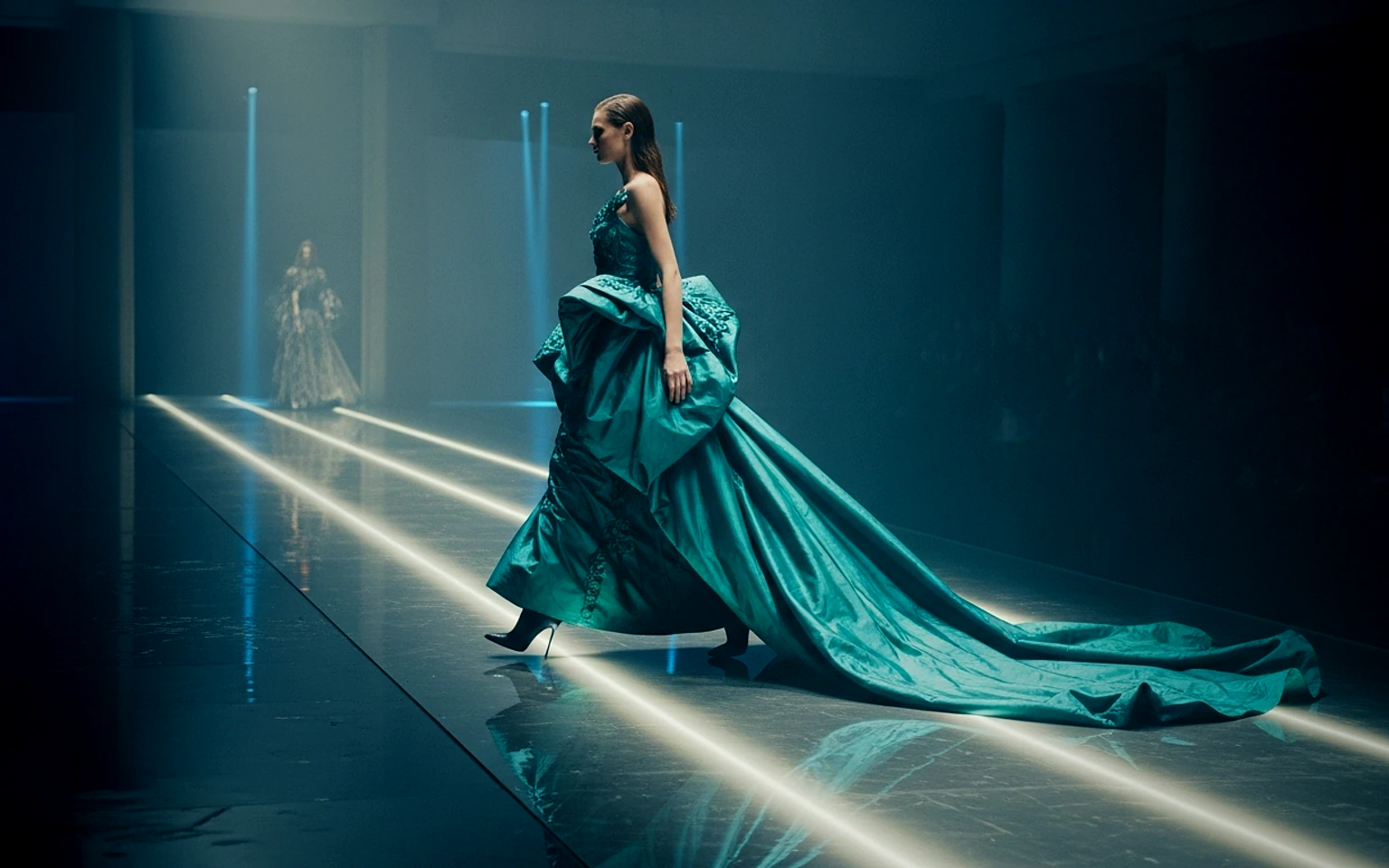
Fashion Lookbook Motion Prompt example
fashionlookbookimage to video
Lookbook motion
Motion for fashion stills with a clean editorial or runway feel.
Open template

FAQ

AI Christmas Pet Video FAQ

Clear answers for buyers comparing workflows, model choices, pricing, and production fit.

Reusable video prompt for AI Christmas Pet Video, with matching VisioArt effect settings and preview media.

Use this prompt inside VisioArt.

Start from the recommended tool, paste the prompt, replace the placeholders, and test the strongest model path.

Open recommended toolBrowse templates