
비디오 미리보기


예시 보기: AI 고양이 비행기 영상
AI 고양이 비행기 영상: 필수 이미지 1장과 준비된 프롬프트로 시작해 필요한 소스를 명확히 보여 줍니다. 기본 설정: Seedance, 화면 비율 16:9 / 9:16 / 1:1, 길이 5초 / 8초.
다른 생성기
다른 AI 영상 생성기
이 워크플로의 프롬프트, 업로드, 모델, 형식을 조정하기 전에 비슷한 영상 효과를 비교해 보세요.
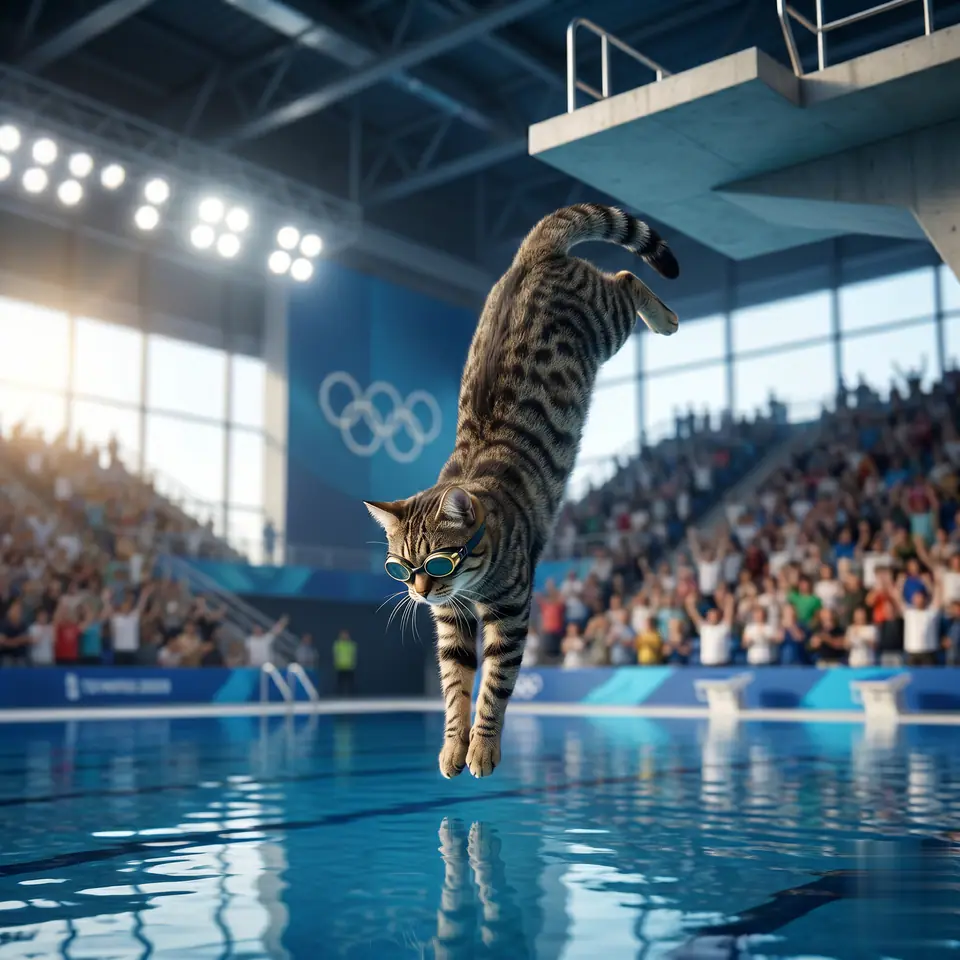
AI Cat Diving Olympics
이미지 1장 · 5초 / 8초 영상 · 16:9 / 9:16 / 1:1
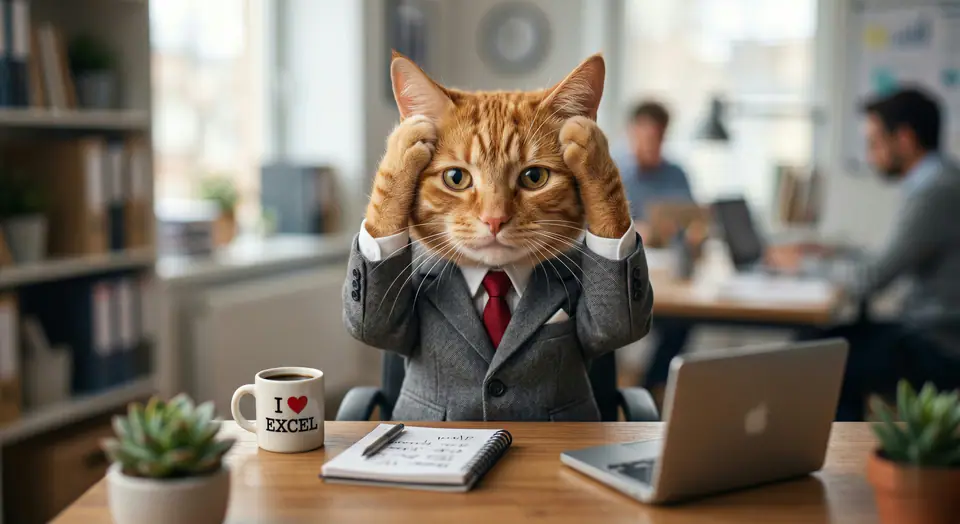
AI Cat Video Generator
이미지 1장 · 5초 / 8초 영상 · 16:9 / 9:16 / 1:1
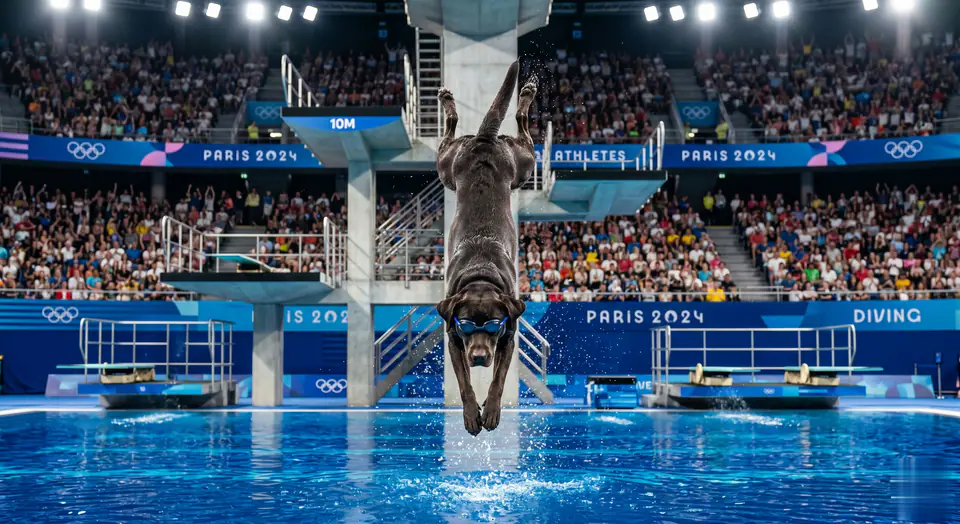
AI Dog Diving Olympics
이미지 1장 · 5초 / 8초 영상 · 16:9 / 9:16 / 1:1
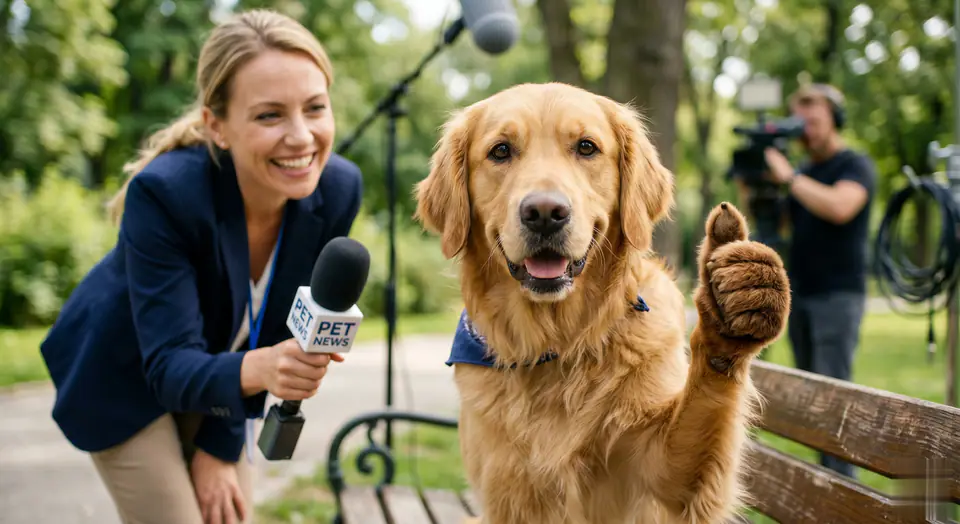
Pet Interview
이미지 1장 · 5초 / 8초 영상 · 16:9 / 9:16 / 1:1
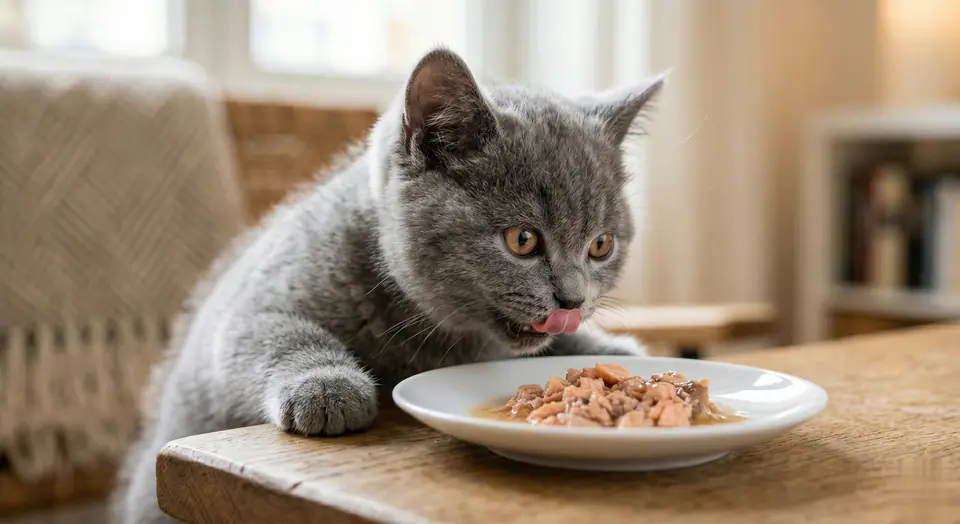
Cat Eating Food
이미지 1장 · 5초 / 8초 영상 · 16:9 / 9:16 / 1:1
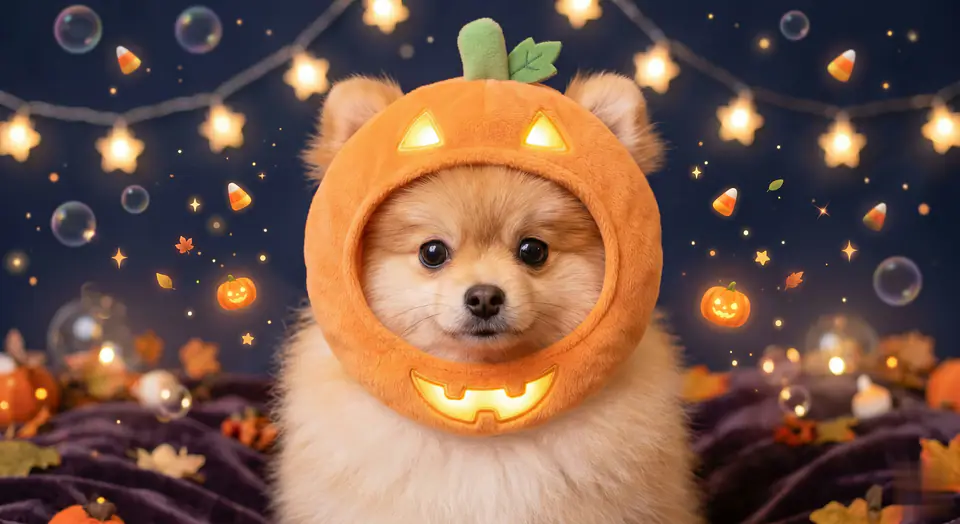
Halloween Pet Hat
이미지 1장 · 5초 / 8초 영상 · 16:9 / 9:16 / 1:1
한눈에 보기
AI 고양이 비행기 영상: 어떤 효과이고 언제 쓰면 좋을까요
AI 영상 효과 AI 고양이 비행기 영상: 준비된 프롬프트와 프리셋 설정으로 사진을 짧은 클립으로 바꿉니다. AI 고양이 비행기 영상: 필수 이미지 1장과 준비된 프롬프트로 시작해 필요한 소스를 명확히 보여 줍니다. 기본 설정: Seedance, 화면 비율 16:9 / 9:16 / 1:1, 길이 5초 / 8초. SNS 게시물, 광고, 크리에이터 콘텐츠, 빠른 캠페인 콘셉트에 활용해 보세요.
- 작업 과정
- AI 영상 효과
- 입력
- 이미지 1장 필요
- 기본 모델
- Seedance
- 화면 비율
- 16:9 / 9:16 / 1:1
- 길이
- 5초 / 8초
- 시작 크레딧
- 28
이용 방법
간단한 3단계 프로세스
이 효과 만들기: AI 고양이 비행기 영상.
자주 묻는 질문
자주 묻는 질문
제작에 관한 실용적인 답변: AI 고양이 비행기 영상
추천 활용법
AI 고양이 비행기 영상 추천 활용법
피사체가 분명한 깨끗한 원본 이미지를 쓰고, 생성할 때마다 한 가지만 바꾸면 AI 고양이 비행기 영상의 결과가 가장 좋습니다.
가이드
생성하기 전에
AI 고양이 비행기 영상: 영상 만들기
AI 고양이 비행기 영상: 필수 이미지 1장과 준비된 프롬프트로 시작해 필요한 소스를 명확히 보여 줍니다. 기본 설정: Seedance, 화면 비율 16:9 / 9:16 / 1:1, 길이 5초 / 8초.
생성 전에 미리보기, 필수 입력, 모델, 출력 설정을 확인하세요.