
비디오 미리보기
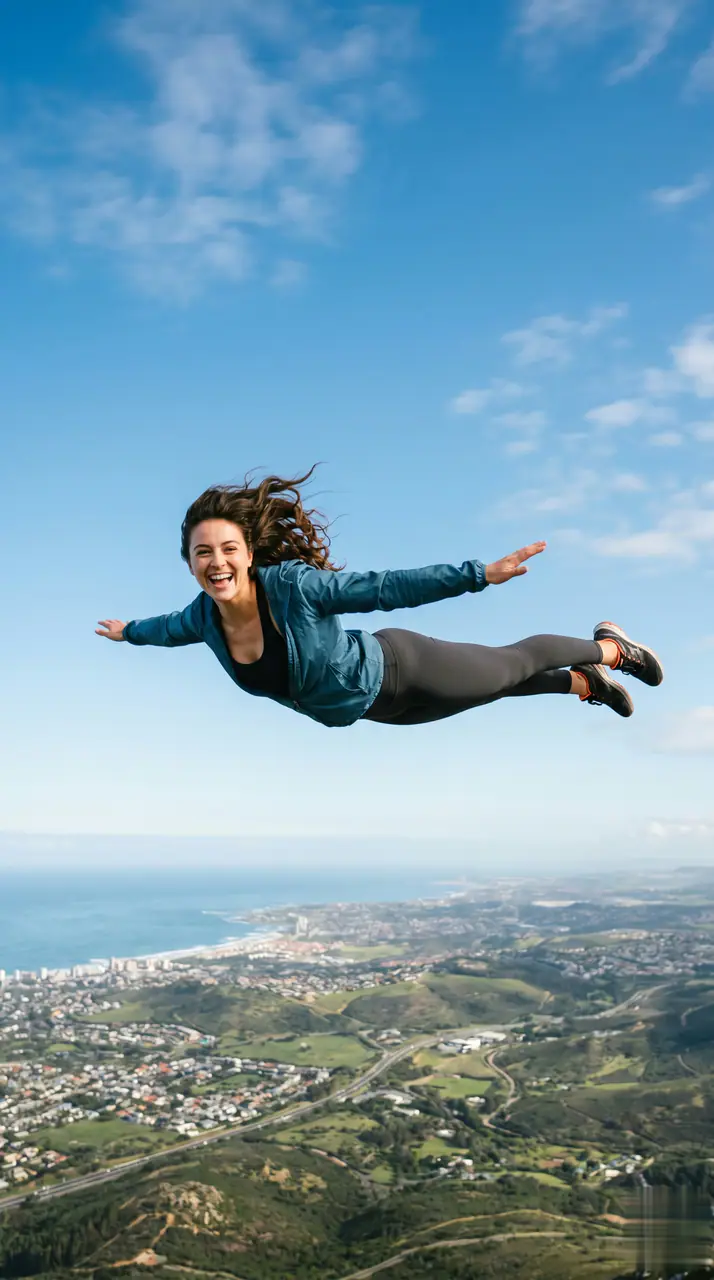

예시 보기: AI Fly Video
AI Fly Video은 필수 이미지 1장과 준비된 프롬프트로 시작해 필요한 소스를 명확히 보여 줍니다. 기본 경로는 veo31-fast, 16:9 / 9:16 / 1:1, 5 / 8s을 사용합니다.
More generators
More AI video generators
Compare adjacent video effects before refining the prompt, upload, model, or format for this workflow.
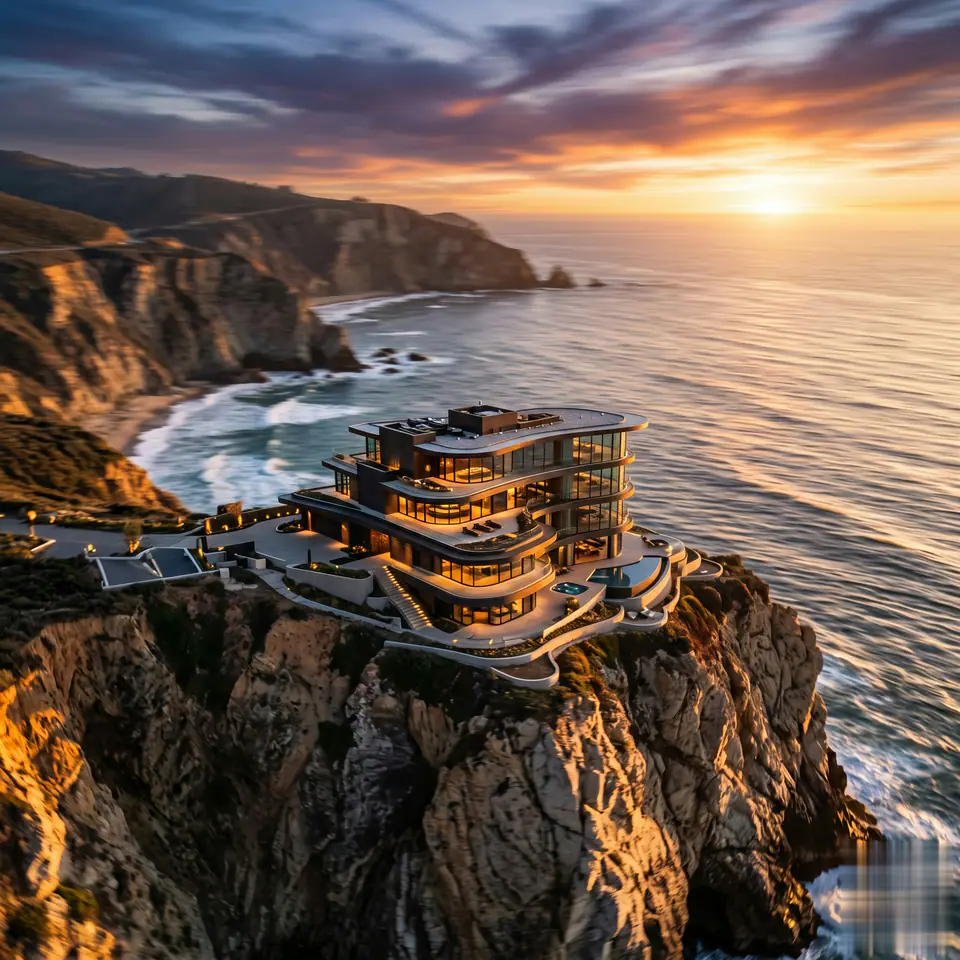
AI Aerial Photography
1 image upload · 5-8s video · 16:9 / 9:16 / 1:1

AI Alien Mask
1 image upload · 5-8s video · 16:9 / 9:16 / 1:1
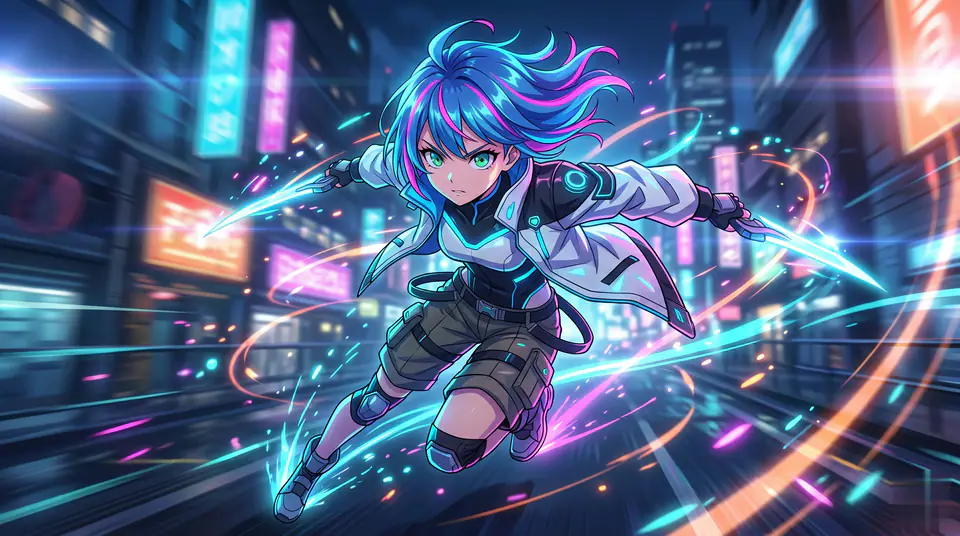
AI Anime Video
1 image upload · 5-8s video · 16:9 / 9:16 / 1:1
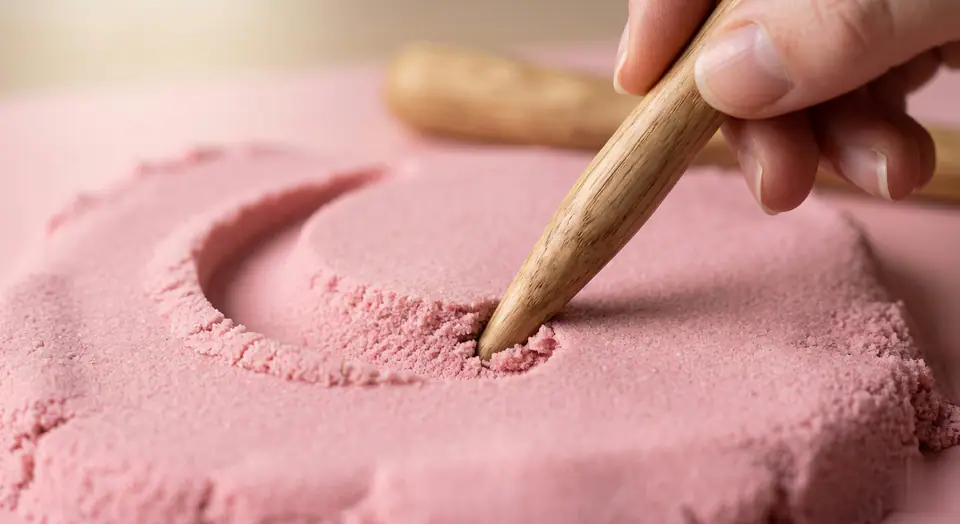
AI ASMR Generator
1 image upload · 5-8s video · 16:9 / 9:16 / 1:1
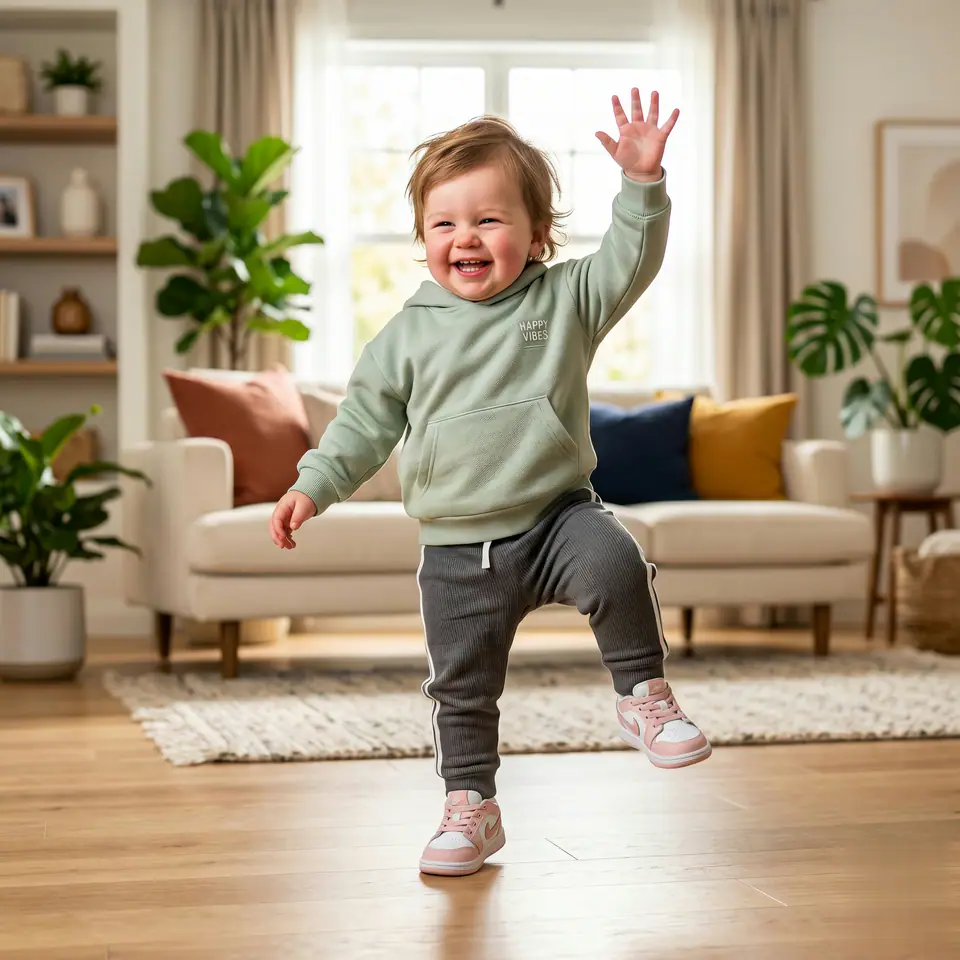
AI Baby Dance
1 image upload · 5-8s video · 16:9 / 9:16 / 1:1
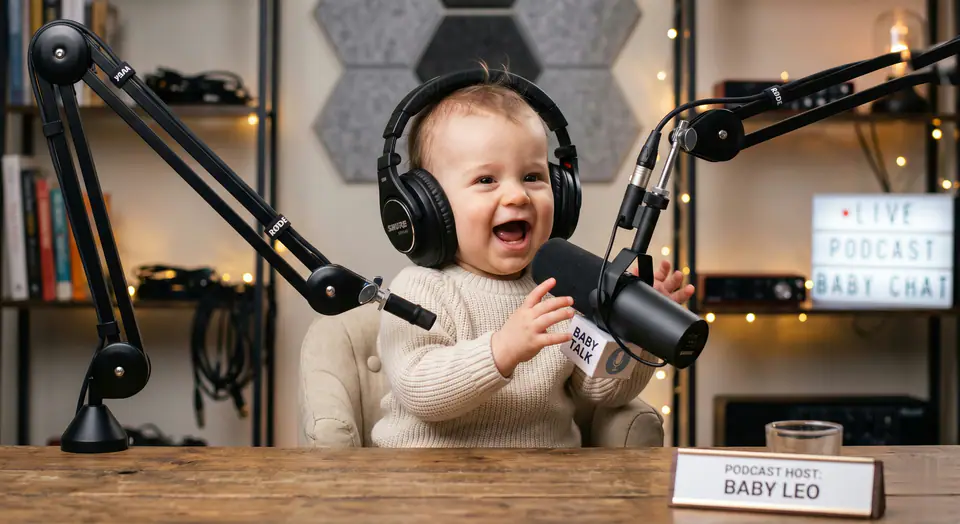
AI Baby Podcast
1 image upload · 5-8s video · 16:9 / 9:16 / 1:1
Quick answer
AI Fly Video: what it does and when to use it
AI Fly Video is an AI video effect generator for creating a focused video effect from prepared prompt and upload controls. AI Fly Video은 필수 이미지 1장과 준비된 프롬프트로 시작해 필요한 소스를 명확히 보여 줍니다. 기본 경로는 veo31-fast, 16:9 / 9:16 / 1:1, 5 / 8s을 사용합니다. Use it when you need a fast, specific clip concept for social, ads, creator content, or campaign review.
- Workflow
- AI video effect generator
- Inputs
- 1 image upload required
- Default model
- veo31-fast
- Aspect ratios
- 16:9 / 9:16 / 1:1 ratios
- Duration presets
- 5s / 8s
- Starting credits
- 143 starting credits
이용 방법
간단한 3단계 프로세스
이 효과 만들기: AI Fly Video.
자주 묻는 질문
자주 묻는 질문
제작에 관한 실용적인 답변: AI Fly Video.
Best uses
Best uses for AI Fly Video
나만의 결과 만들기: AI Fly Video works best when the brief has a clear subject, output format, and review goal. The strongest results usually come from concrete prompt language, clean references, and one or two controlled variables per generation pass.
Generator guide
Before you generate
나만의 결과 만들기: AI Fly Video
AI Fly Video은 필수 이미지 1장과 준비된 프롬프트로 시작해 필요한 소스를 명확히 보여 줍니다. 기본 경로는 veo31-fast, 16:9 / 9:16 / 1:1, 5 / 8s을 사용합니다.
생성 전에 미리보기, 필수 입력, 모델, 출력 설정을 확인하세요.