
Anteprima Video
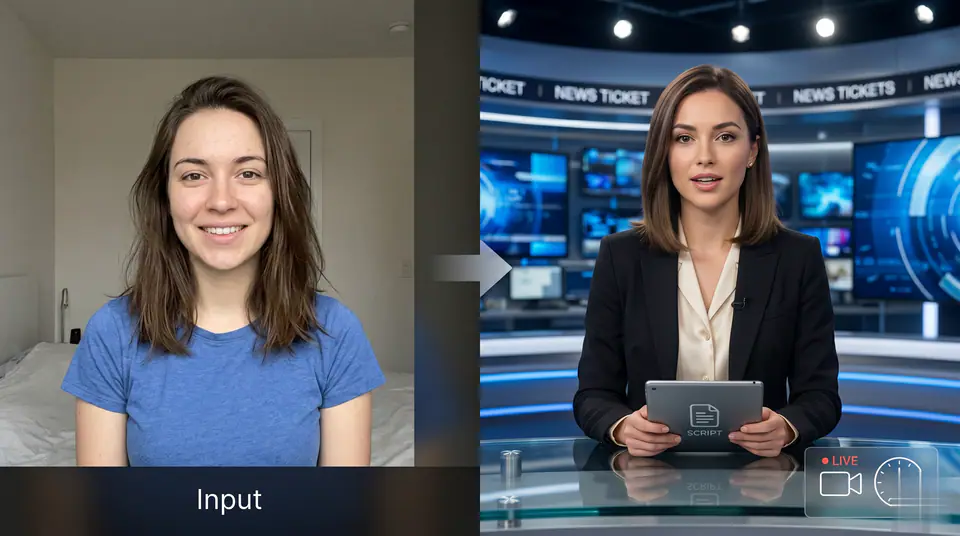

Esempio: Anchorman notizie AI
Con questo generatore AI di conduttori di telegiornale trasformi un ritratto e un copione in un video per annunci, aggiornamenti, social e video del tuo brand.
Altri generatori
Altri generatori video AI
Confronta effetti video simili prima di regolare prompt, caricamento, modello o formato.

AI Baseball Fancam Video
1 immagine · Video da 5 s / 8 s · 16:9 / 9:16 / 1:1

AI Baseball Trend
1 immagine · Video da 5 s / 8 s · 16:9 / 9:16 / 1:1
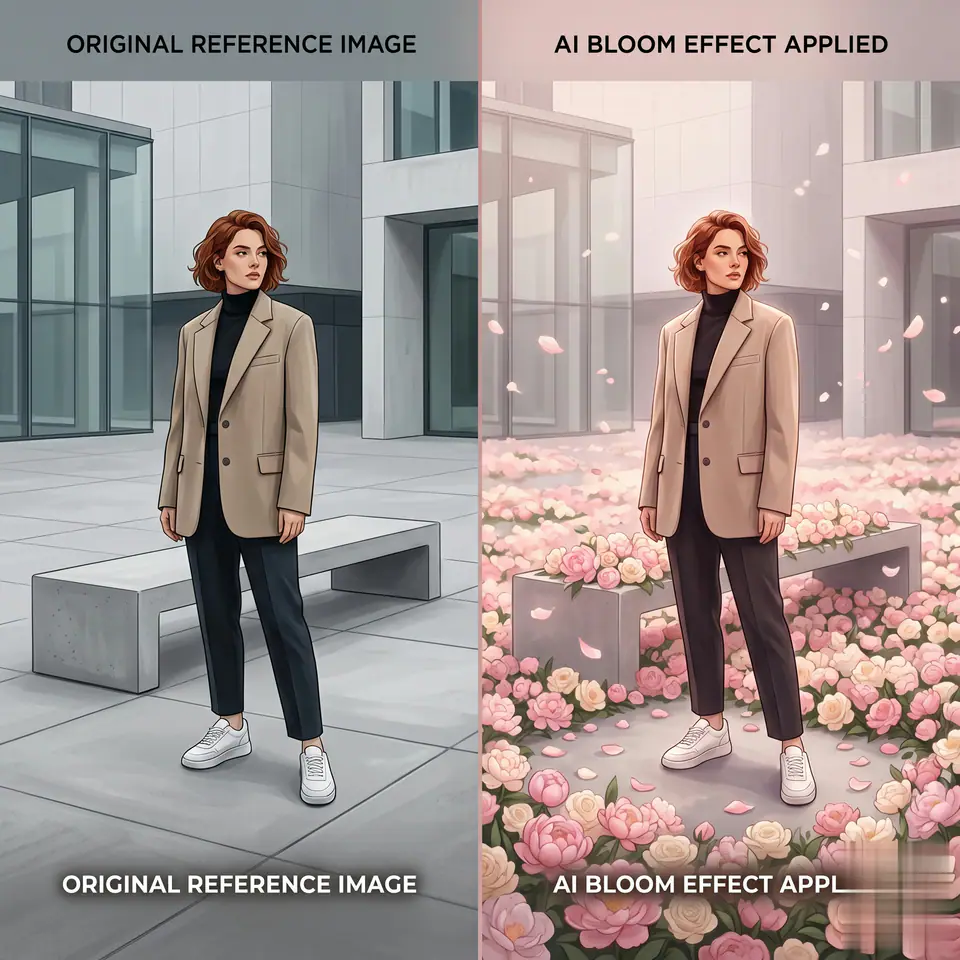
AI Bloom Effect Video
1 immagine · Video da 5 s / 8 s · 16:9 / 9:16 / 1:1

AI Fake Girlfriend Filter
1 immagine · Video da 5 s / 8 s · 16:9 / 9:16 / 1:1

AI Panda Hug Video
1 immagine · Video da 5 s / 8 s · 16:9 / 9:16 / 1:1

AI Shake Hands
1 immagine · Video da 5 s / 8 s · 16:9 / 9:16 / 1:1
In breve
Anchorman notizie AI: cosa fa e quando usarlo
Anchorman notizie AI è un effetto video AI: un prompt preparato e impostazioni predefinite trasformano la tua foto in una breve clip. Con questo generatore AI di conduttori di telegiornale trasformi un ritratto e un copione in un video per annunci, aggiornamenti, social e video del tuo brand. Usalo per post social, annunci, contenuti per creator o un concept di campagna veloce.
- Flusso di lavoro
- Effetto video AI
- Input
- 1 immagine obbligatoria
- Modello predefinito
- Kling AI
- Proporzioni
- 16:9 / 9:16 / 1:1
- Durate
- 5 s / 8 s
- Crediti iniziali
- 25
Come Funziona
Processo Semplice in 3 Passaggi
Crea questo effetto: Anchorman notizie AI.
Domande Frequenti
Domande Frequenti
Domande frequenti: Anchorman notizie AI
Usi migliori
Quando usare Anchorman notizie AI
Anchorman notizie AI rende al meglio con un soggetto chiaro, un’immagine di partenza pulita e una sola modifica alla volta tra una generazione e l’altra.
Guida
Prima di generare
Anchorman notizie AI: crea il tuo video
Con questo generatore AI di conduttori di telegiornale trasformi un ritratto e un copione in un video per annunci, aggiornamenti, social e video del tuo brand.
Controlla anteprima, input richiesti, modello e impostazioni di output prima di generare.