
Anteprima Video
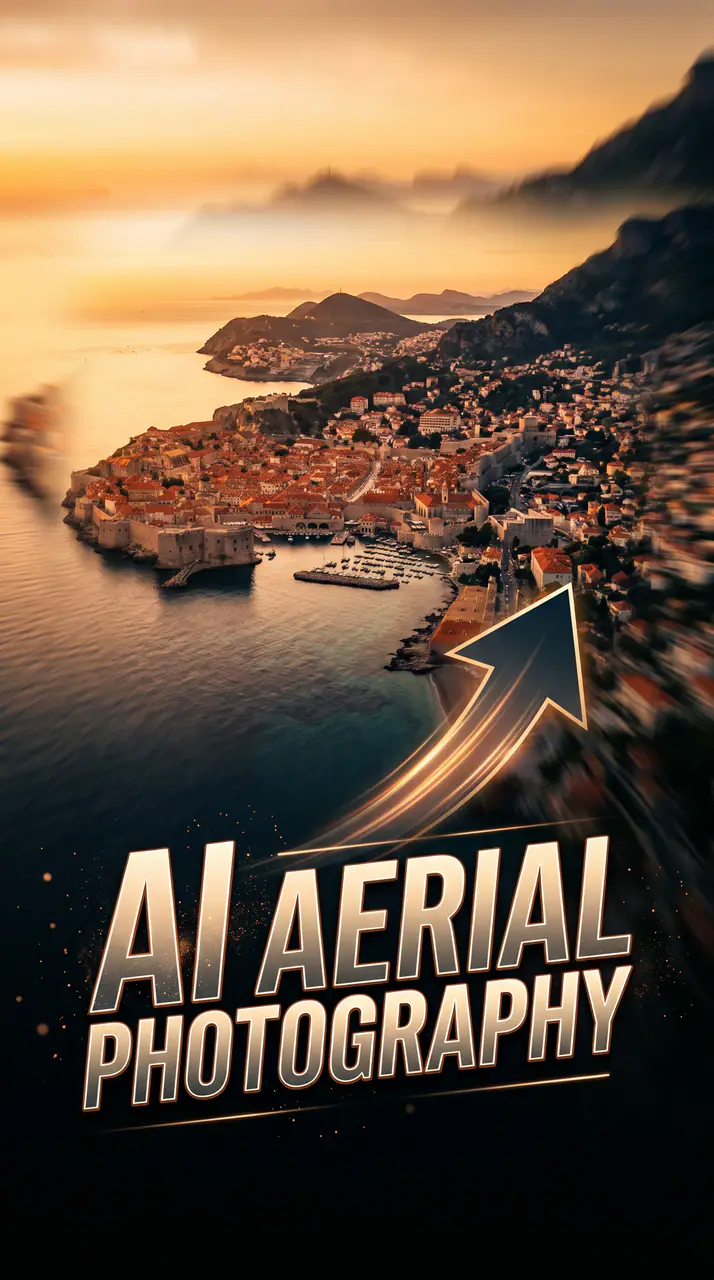
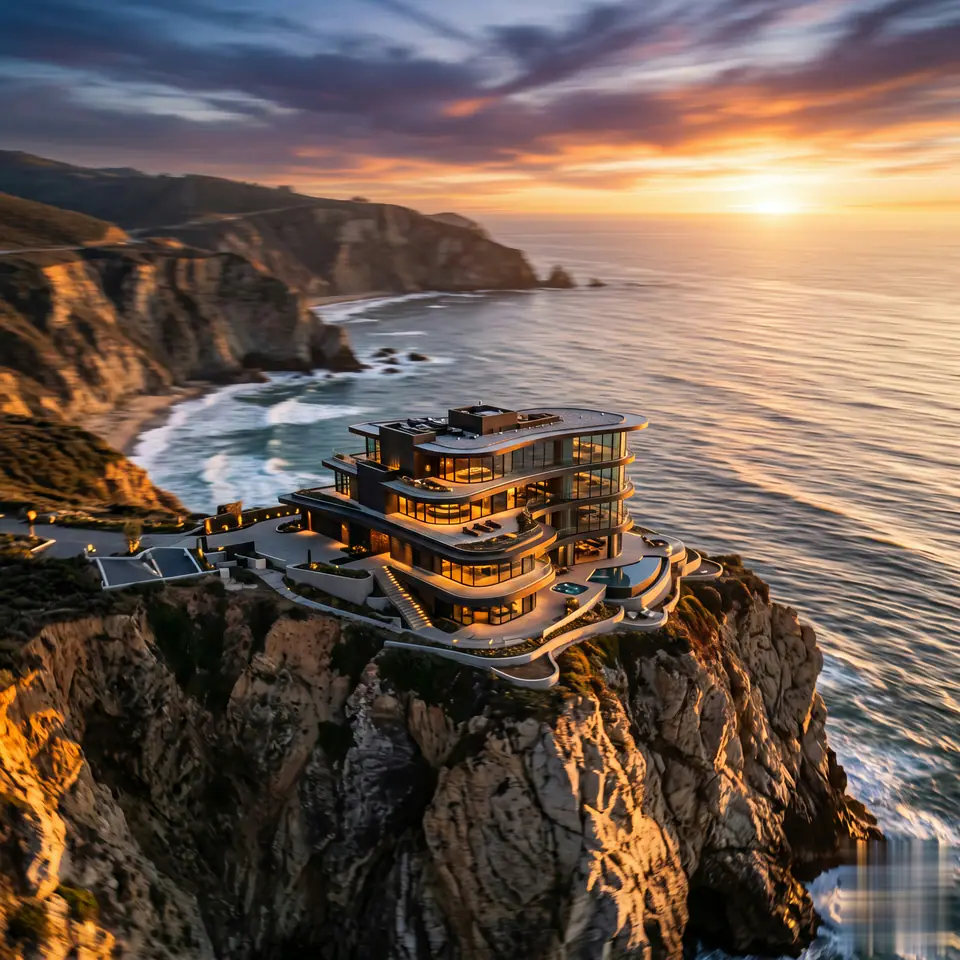
Guarda un esempio di AI Aerial Photography
AI Aerial Photography parte da 1 immagine obbligatoria e da un prompt preparato, così le fonti richieste sono chiare. Il percorso predefinito usa seedance, formati 16:9 / 9:16 / 1:1 e durate 5 / 8s.
More generators
More AI video generators
Compare adjacent video effects before refining the prompt, upload, model, or format for this workflow.
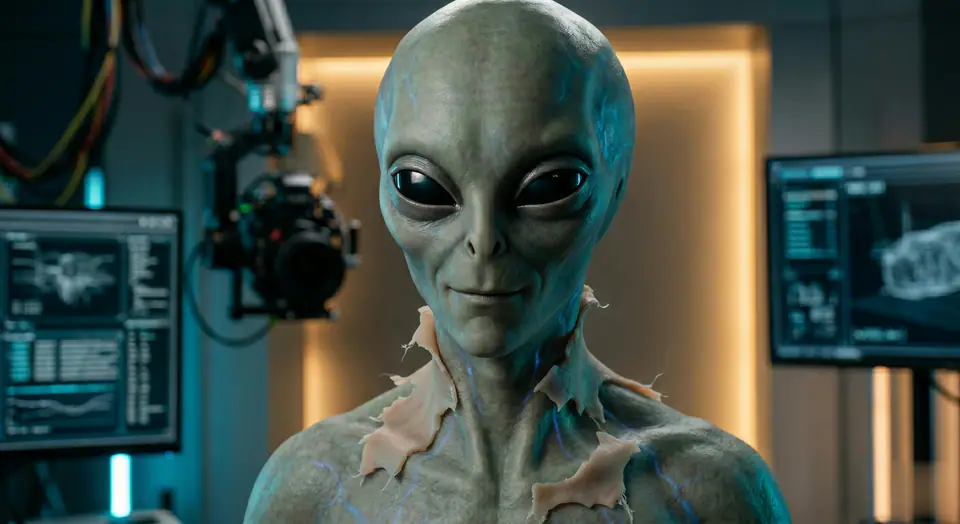
AI Alien Mask
1 image upload · 5-8s video · 16:9 / 9:16 / 1:1
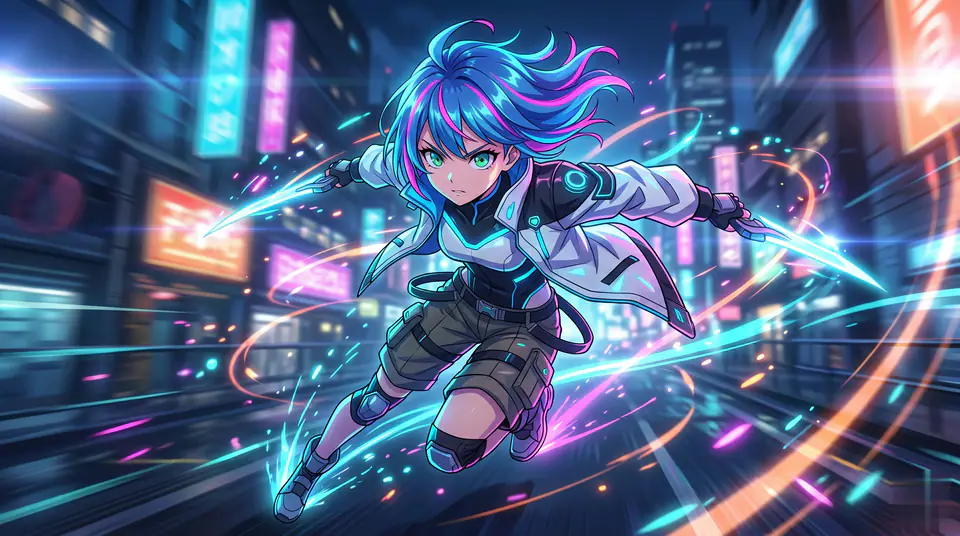
AI Anime Video
1 image upload · 5-8s video · 16:9 / 9:16 / 1:1
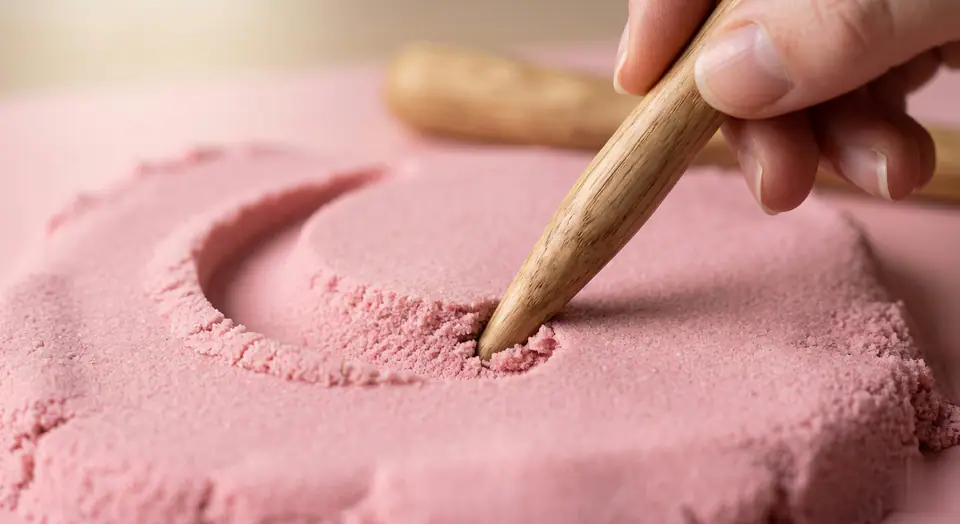
AI ASMR Generator
1 image upload · 5-8s video · 16:9 / 9:16 / 1:1
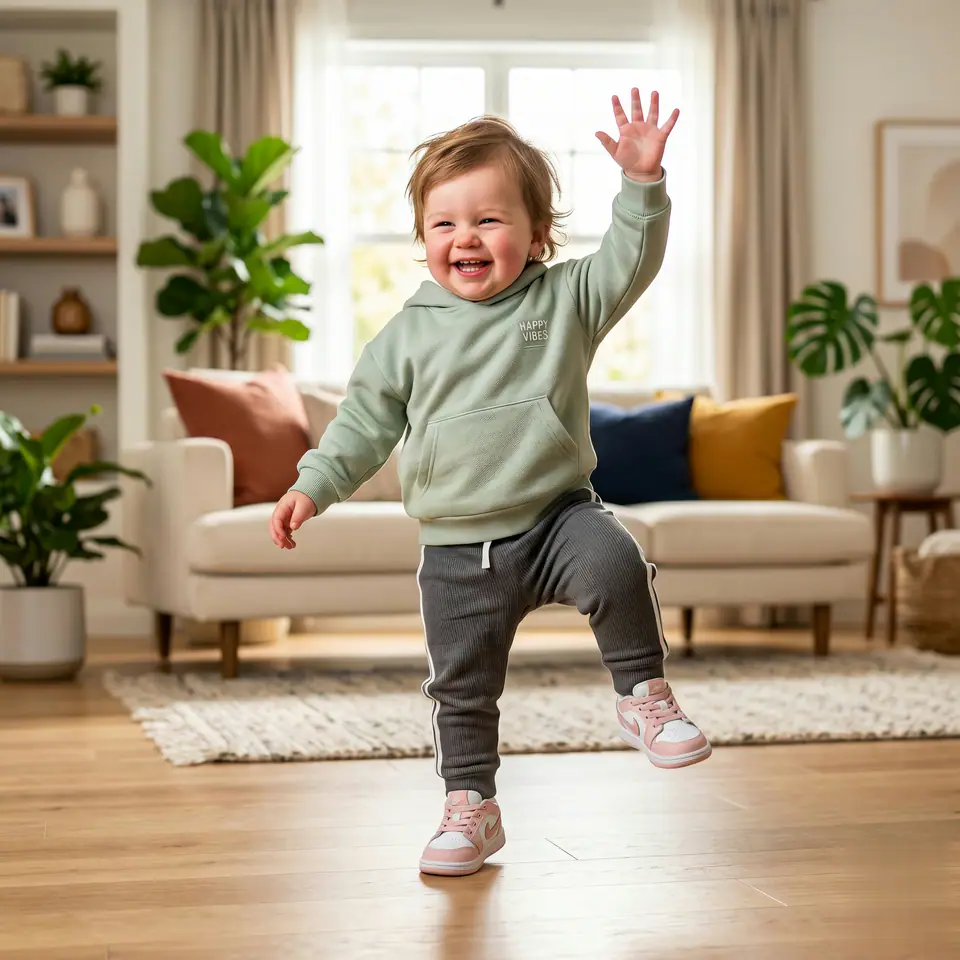
AI Baby Dance
1 image upload · 5-8s video · 16:9 / 9:16 / 1:1
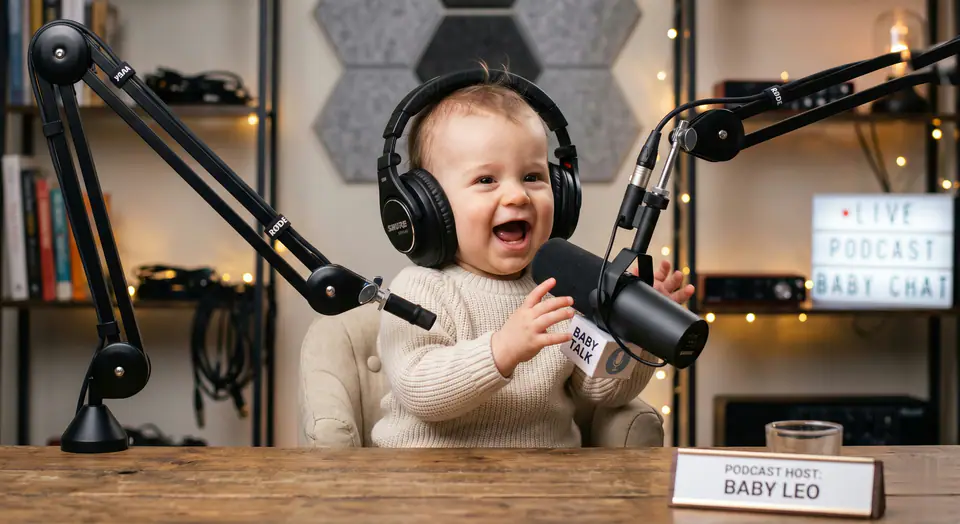
AI Baby Podcast
1 image upload · 5-8s video · 16:9 / 9:16 / 1:1
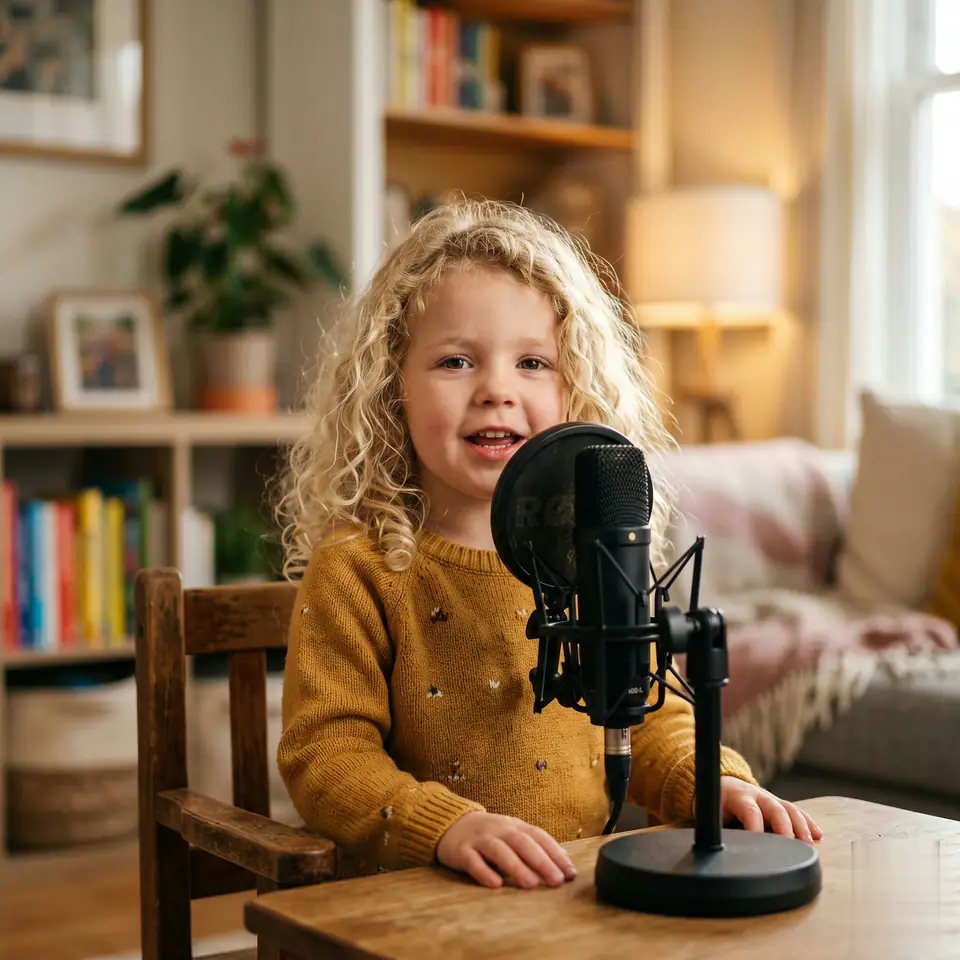
AI Baby Podcast Generator
1 image upload · 5-8s video · 16:9 / 9:16 / 1:1
Quick answer
AI Aerial Photography: what it does and when to use it
AI Aerial Photography is an AI video effect generator for creating a focused video effect from prepared prompt and upload controls. AI Aerial Photography parte da 1 immagine obbligatoria e da un prompt preparato, così le fonti richieste sono chiare. Il percorso predefinito usa seedance, formati 16:9 / 9:16 / 1:1 e durate 5 / 8s. Use it when you need a fast, specific clip concept for social, ads, creator content, or campaign review.
- Workflow
- AI video effect generator
- Inputs
- 1 image upload required
- Default model
- seedance
- Aspect ratios
- 16:9 / 9:16 / 1:1 ratios
- Duration presets
- 5s / 8s
- Starting credits
- 28 starting credits
Come Funziona
Processo Semplice in 3 Passaggi
Crea questo effetto: AI Aerial Photography.
Domande Frequenti
Domande Frequenti
Risposte pratiche per creare AI Aerial Photography.
Best uses
Best uses for AI Aerial Photography
Crea il tuo AI Aerial Photography works best when the brief has a clear subject, output format, and review goal. The strongest results usually come from concrete prompt language, clean references, and one or two controlled variables per generation pass.
Generator guide
Before you generate
Crea il tuo AI Aerial Photography
AI Aerial Photography parte da 1 immagine obbligatoria e da un prompt preparato, così le fonti richieste sono chiare. Il percorso predefinito usa seedance, formati 16:9 / 9:16 / 1:1 e durate 5 / 8s.
Controlla anteprima, input richiesti, modello e impostazioni di output prima di generare.