
Vista previa del vídeo


Ver un ejemplo de AI Laughing Face Effect
AI Laughing Face Effect parte de 1 imagen obligatoria y un prompt preparado para dejar claras las fuentes necesarias. La ruta predeterminada usa seedance2-fast, formatos 16:9 / 9:16 / 1:1 y duraciones 5 / 8s.
More generators
More AI video generators
Compare adjacent video effects before refining the prompt, upload, model, or format for this workflow.

AI Hand Heart Video
1 image upload · 5-8s video · 16:9 / 9:16 / 1:1
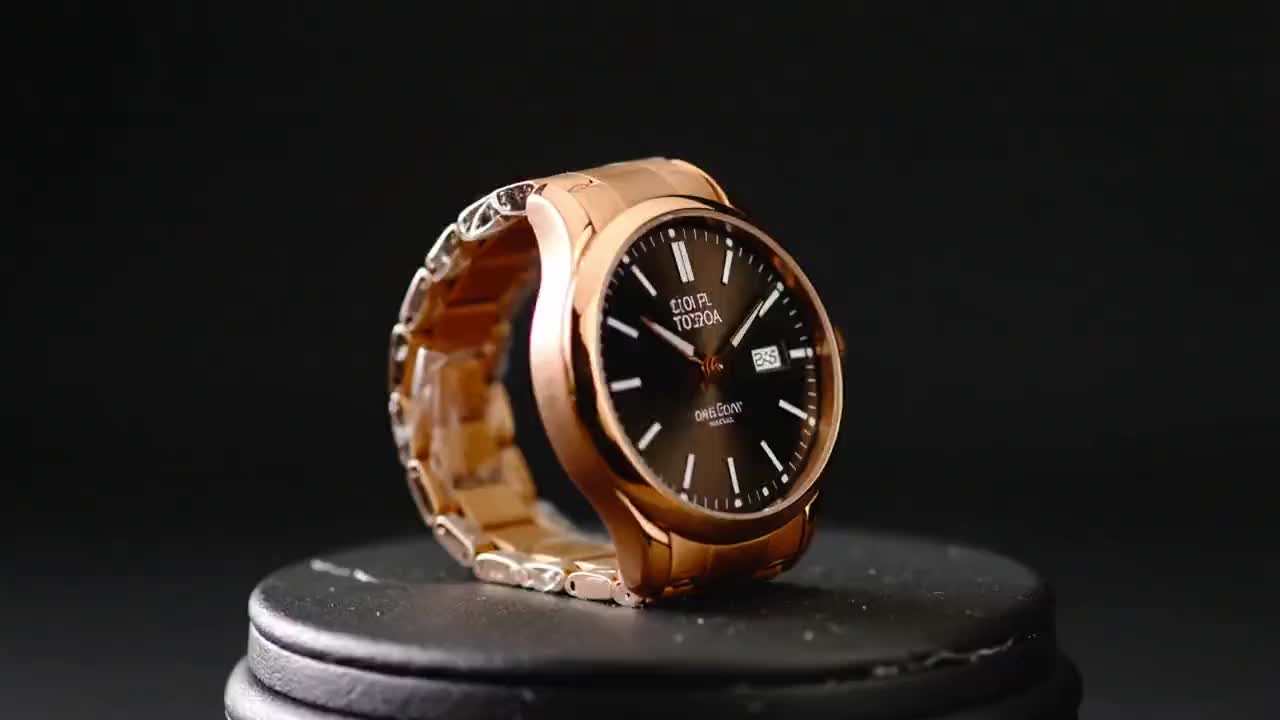
Product Ad Video
1 image upload · 5-10s video · 16:9

AI Bikini Video
1 image upload · 5-10s video · 16:9

AI Hug Video
1 image upload · 5-10s video · 16:9

Action Figure Video
1 image upload · 5s video · 1:1

Ghostface Video
1 image upload · 5s video · 1:1
Quick answer
AI Laughing Face Effect: what it does and when to use it
AI Laughing Face Effect is an AI video effect generator for creating a focused video effect from prepared prompt and upload controls. AI Laughing Face Effect parte de 1 imagen obligatoria y un prompt preparado para dejar claras las fuentes necesarias. La ruta predeterminada usa seedance2-fast, formatos 16:9 / 9:16 / 1:1 y duraciones 5 / 8s. Use it when you need a fast, specific clip concept for social, ads, creator content, or campaign review.
- Workflow
- AI video effect generator
- Inputs
- 1 image upload required
- Default model
- seedance2-fast
- Aspect ratios
- 16:9 / 9:16 / 1:1 ratios
- Duration presets
- 5s / 8s
- Starting credits
- 75 starting credits
Cómo funciona
Proceso simple en 3 pasos
Crear este efecto: AI Laughing Face Effect.
Preguntas frecuentes
Preguntas frecuentes
Respuestas prácticas para crear AI Laughing Face Effect.
Best uses
Best uses for AI Laughing Face Effect
Crea tu propio AI Laughing Face Effect works best when the brief has a clear subject, output format, and review goal. The strongest results usually come from concrete prompt language, clean references, and one or two controlled variables per generation pass.
Generator guide
Before you generate
Crea tu propio AI Laughing Face Effect
AI Laughing Face Effect parte de 1 imagen obligatoria y un prompt preparado para dejar claras las fuentes necesarias. La ruta predeterminada usa seedance2-fast, formatos 16:9 / 9:16 / 1:1 y duraciones 5 / 8s.
Revisa la vista previa, las entradas obligatorias, el modelo y los ajustes de salida antes de generar.