
معاينة الفيديو
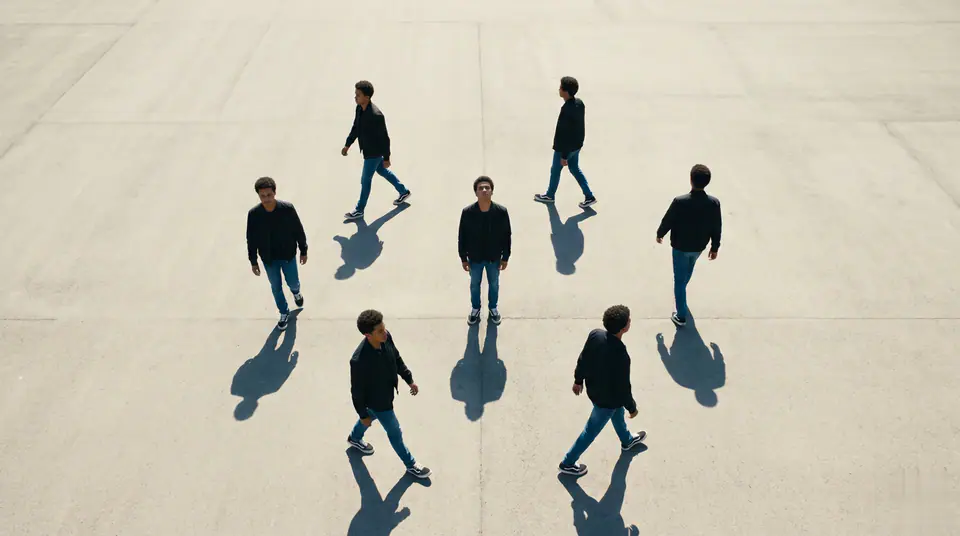
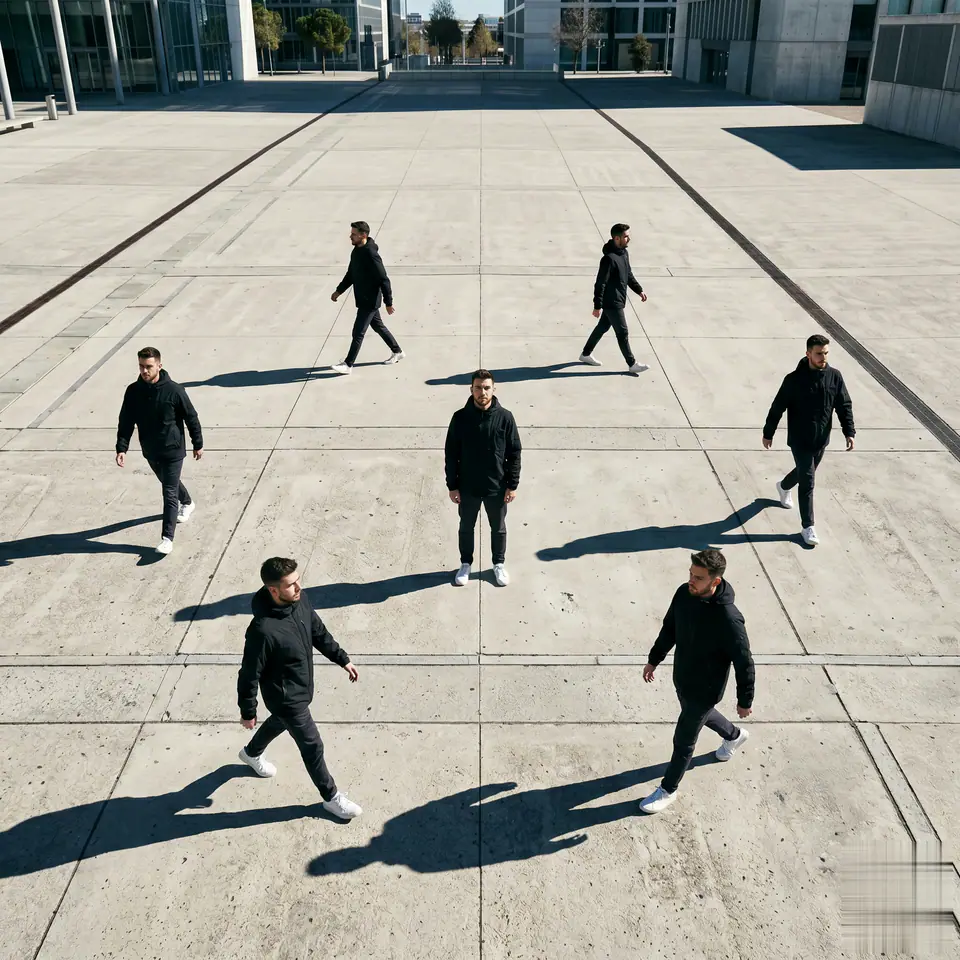
شاهد مثالا على Multiple Me Effect
يبدأ Multiple Me Effect باستخدام رفع 1 صورة إلزامية ومطالبة مجهزة لتوضيح المصادر المطلوبة. يستخدم المسار الافتراضي kling-standard ونسب 16:9 / 9:16 / 1:1 ومدد 5 / 8s.
More generators
More AI video generators
Compare adjacent video effects before refining the prompt, upload, model, or format for this workflow.
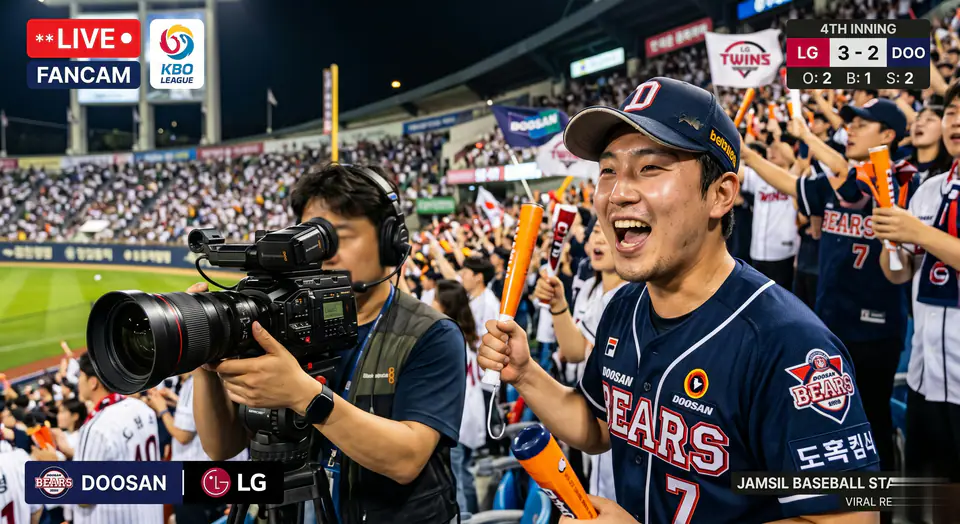
AI Baseball Fancam Video
1 image upload · 5-8s video · 16:9 / 9:16 / 1:1
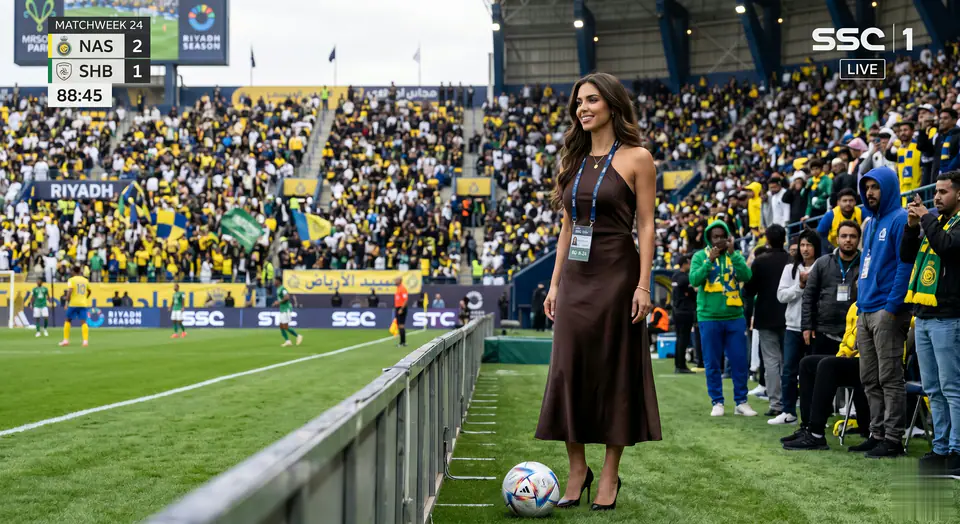
AI Baseball Trend
1 image upload · 5-8s video · 16:9 / 9:16 / 1:1
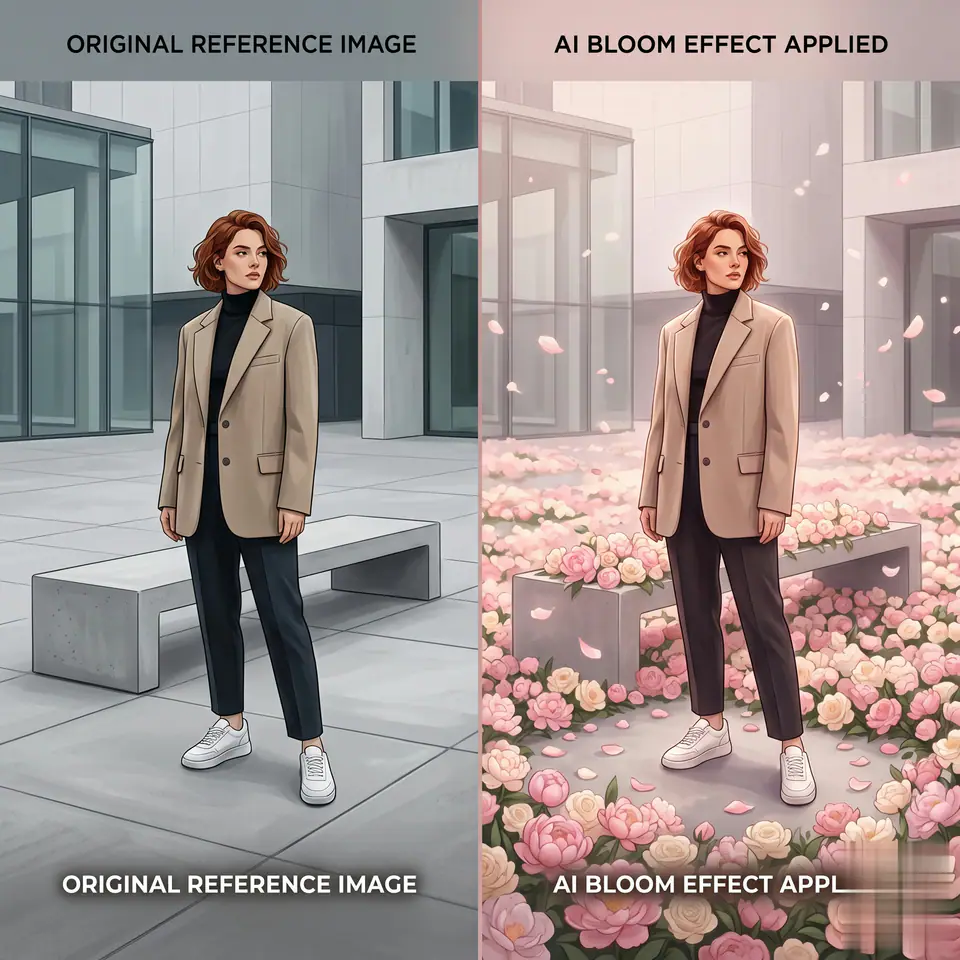
AI Bloom Effect Video
1 image upload · 5-8s video · 16:9 / 9:16 / 1:1
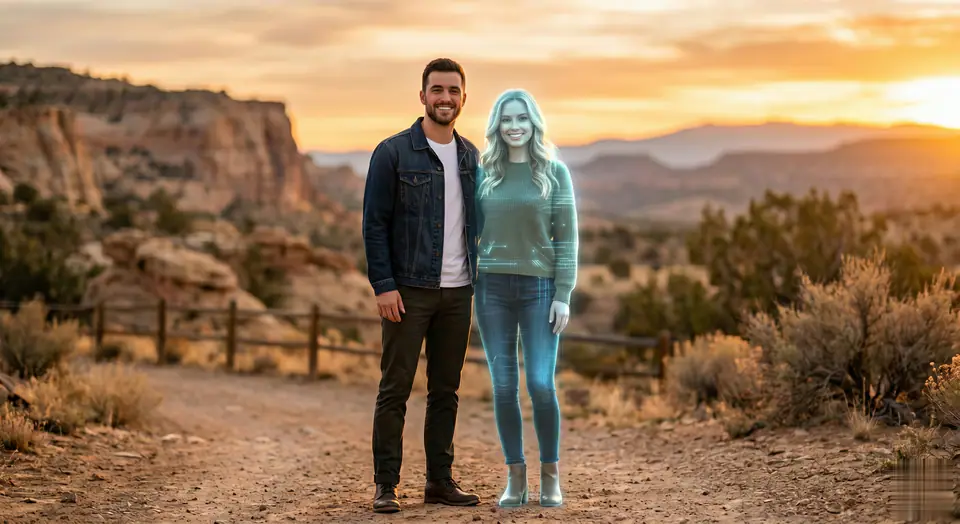
AI Fake Girlfriend Filter
1 image upload · 5-8s video · 16:9 / 9:16 / 1:1
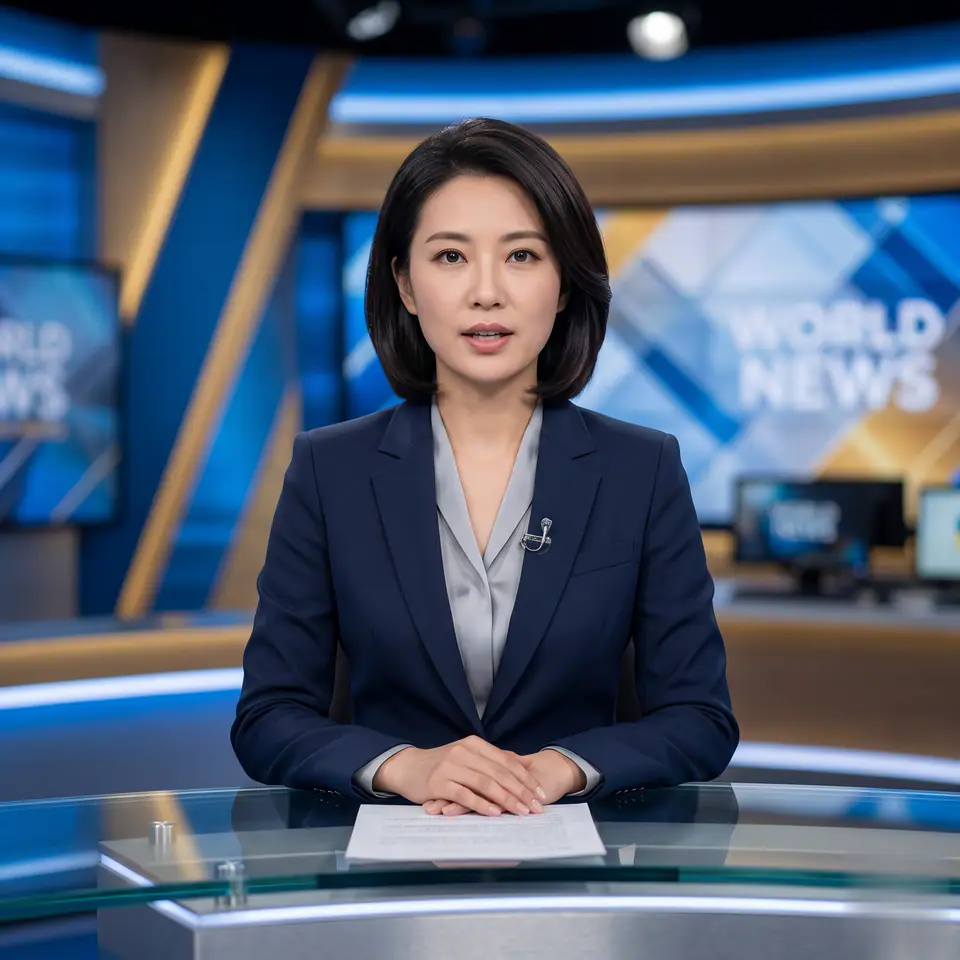
AI News Anchor Generator
1 image upload · 5-8s video · 16:9 / 9:16 / 1:1
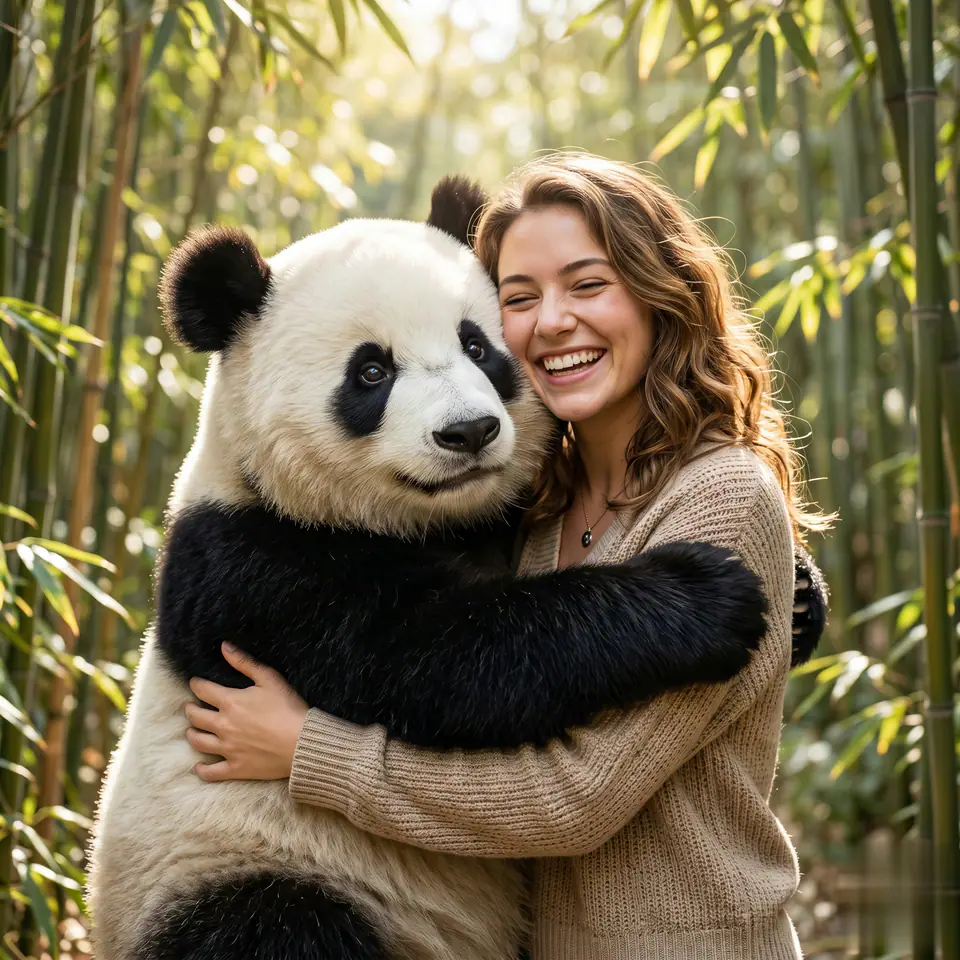
AI Panda Hug Video
1 image upload · 5-8s video · 16:9 / 9:16 / 1:1
Quick answer
Multiple Me Effect: what it does and when to use it
Multiple Me Effect is an AI video effect generator for creating a focused video effect from prepared prompt and upload controls. يبدأ Multiple Me Effect باستخدام رفع 1 صورة إلزامية ومطالبة مجهزة لتوضيح المصادر المطلوبة. يستخدم المسار الافتراضي kling-standard ونسب 16:9 / 9:16 / 1:1 ومدد 5 / 8s. Use it when you need a fast, specific clip concept for social, ads, creator content, or campaign review.
- Workflow
- AI video effect generator
- Inputs
- 1 image upload required
- Default model
- kling-standard
- Aspect ratios
- 16:9 / 9:16 / 1:1 ratios
- Duration presets
- 5s / 8s
- Starting credits
- 25 starting credits
كيف يعمل
عملية بسيطة من 3 خطوات
إنشاء هذا التأثير: Multiple Me Effect.
الأسئلة الشائعة
الأسئلة الشائعة
إجابات عملية لإنشاء Multiple Me Effect.
Best uses
Best uses for Multiple Me Effect
أنشئ نسختك من Multiple Me Effect works best when the brief has a clear subject, output format, and review goal. The strongest results usually come from concrete prompt language, clean references, and one or two controlled variables per generation pass.
Generator guide
Before you generate
أنشئ نسختك من Multiple Me Effect
يبدأ Multiple Me Effect باستخدام رفع 1 صورة إلزامية ومطالبة مجهزة لتوضيح المصادر المطلوبة. يستخدم المسار الافتراضي kling-standard ونسب 16:9 / 9:16 / 1:1 ومدد 5 / 8s.
راجع المعاينة والمدخلات المطلوبة والنموذج وإعدادات الإخراج قبل التوليد.