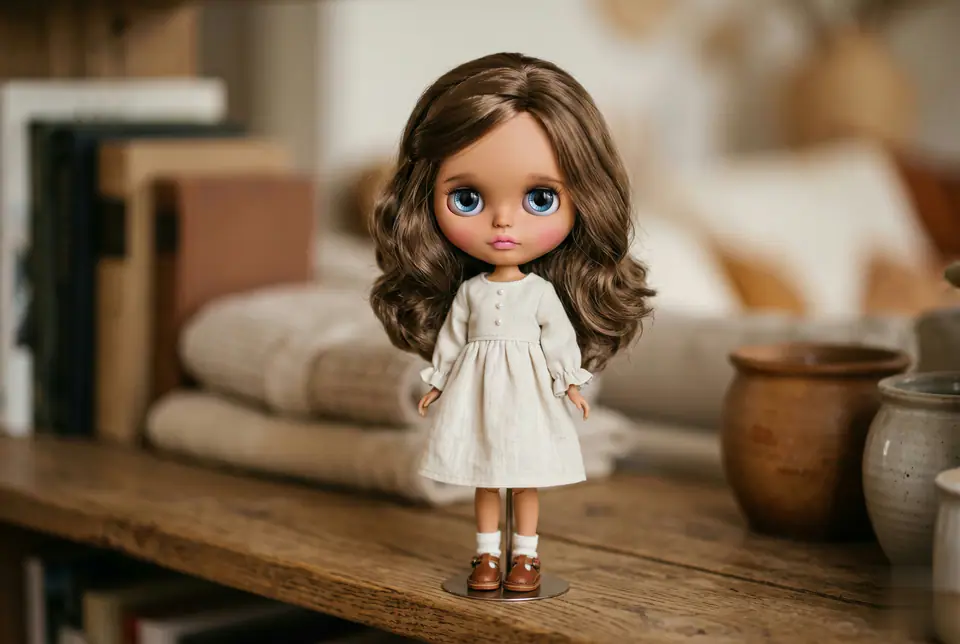
Use the uploaded photo as the single identity reference. Transform the person into a collectible Blythe doll figure while preserving the person's identity, face shape, hairstyle, hair parting, and clothing (same outfit, color, neckline). Blythe doll proportions: oversized round head (Blythe-accurate), small chin, tiny nose, tiny lips. Very large glossy glass eyes with strong reflections/catchlights, slightly melancholic dreamy expression, long delicate eyelashes, subtle lower lash line. Skin: smooth porcelain-like doll skin with realistic vinyl/resin material feel, soft blush on cheeks, gentle pastel makeup; IMPORTANT: match the doll's skin tone to the reference photo's skin tone (do not whiten or change ethnicity), keep natural undertone. Hair: keep the same hair length, color, volume, and texture from the reference photo; silky doll hair fibers with realistic strand detail. Aesthetic: cute, dreamy, handcrafted Blythe figure, high detail, soft studio lighting, pastel color palette, shallow depth of field, photography-style finish, realistic doll materials (vinyl/resin head, glass eyes), crisp focus on eyes, subtle film grain. Background: simple indoor neutral background bokeh, not distracting. "extra cute pastel blush, gentle gradient lips, warm soft light, subtle sparkle in eyes, kawaii handcrafted collectible figure look"