Skip to content

提示词模板

AI 视频提示词模板:AI Face Rater 图片 提示词模板

适合 AI Face Rater 变体、参考图编辑 的 VisioArt 可复用提示词模板,包含清晰生成方向、对应工具入口和本地预览图。
开始创作查看价格
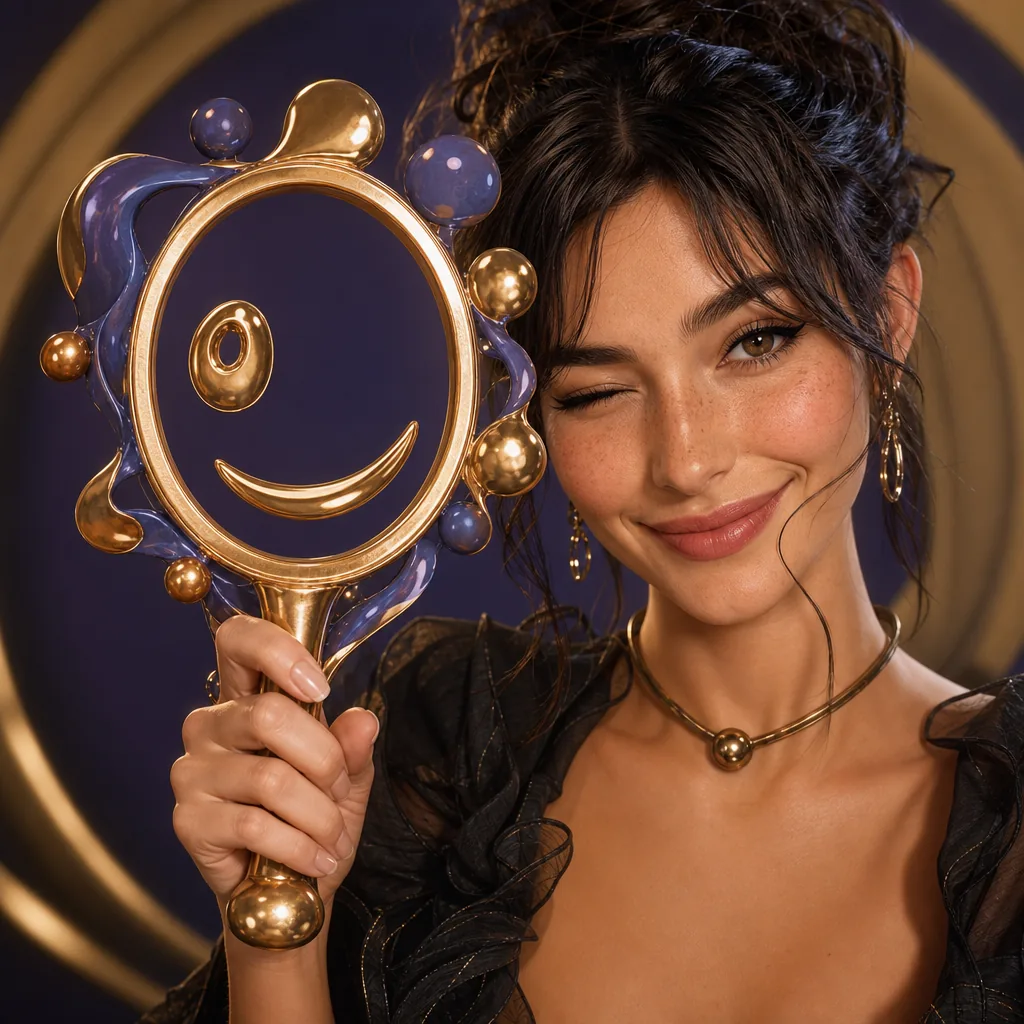
AI Face Rater 图片 提示词模板视觉示例
图片图片编辑娱乐创意参考图
提示词
替换方括号中的占位符,再根据渠道调整镜头、灯光、格式和输出约束。
Use the provided portrait photo as the base. Do NOT change the person’s face, expression, age, skin tone or gender. Just overlay a clean, minimal infographic on top.
Create a high-resolution vertical “FACIAL AESTHETIC REPORT” poster, studio lighting, soft beige background, premium beauty clinic style.
The subject can be MALE or FEMALE – keep them exactly as in the original photo. Add thin white lines and labels pointing to each area of the REAL face, with percentage scores based on global aesthetic ratios, symmetry and proportions (not changing the face):
1. Eyes: Label near the eyes with a line pointing to them: “Eyes Beauty – 0–100%”
2. Cheeks: Label near the cheekbones: “Cheeks Harmony – 0–100%”
3. Lips: Label close to the mouth: “Lips Shape – 0–100%”
4. Eyebrows: Label above or beside the brows: “Eyebrows Design – 0–100%”
5. Jaw & Chin: Label near the jawline and chin: “Jaw & Chin Definition – 0–100%”
6. Overall Facial Symmetry: Label near the center of the face: “Facial Symmetry – 0–100%”
At the bottom center of the poster, add a BIG, bold number inside a circle or rectangle: “OVERALL SCORE: XX%”
This is the average facial aesthetic score from 1–100% base on above scores
Design style:
– clean, style-focused, aesthetic-clinic infographic
– modern thin sans-serif typography
– white text and lines, subtle drop shadows
– no logos, no extra graphics, no text other than the labels and scores above.
Try to give a high score not less than 95%
适合场景
AI Face Rater 变体
参考图编辑
可复用图片工作流
模型起点
GPT Image 2Nano Banana 2Seedream 4Seedream 4.5

相关模板

让活动继续推进

当同一活动需要更多素材格式时,可以继续使用这些相邻提示词模式。

AI Patch 生成器 图片 提示词模板示例
图片merch文字提示词
AI Patch 生成器 图片 模板
适合 AI Patch Generator 变体、文生图起点 的 VisioArt 可复用提示词模板,包含清晰生成方向、对应工具入口和本地预览图。
打开模板
AI Age Change Filter 图片 提示词模板示例
图片图片编辑外观风格
AI Age Change Filter 图片 模板
适合 AI Age Change Filter 变体、参考图编辑 的 VisioArt 可复用提示词模板,包含清晰生成方向、对应工具入口和本地预览图。
打开模板

AI Body Editor 图片 提示词模板示例
图片图片编辑外观风格
AI Body Editor 图片 模板
适合 AI Body Editor 变体、参考图编辑 的 VisioArt 可复用提示词模板,包含清晰生成方向、对应工具入口和本地预览图。
打开模板

常见问题

AI Face Rater 图片 模板 常见问题

围绕工作流、模型选择、价格和生产适配给出清晰回答。

适合 AI Face Rater 变体、参考图编辑 的 VisioArt 可复用提示词模板,包含清晰生成方向、对应工具入口和本地预览图。

可以。替换方括号中的占位符,再根据渠道调整镜头、灯光、比例、产品细节和输出约束。

从页面推荐的工具开始最稳妥。如果运动、真实感或风格需要不同模型优势,再测试相邻模型路径。

在 VisioArt 中使用这个提示词。

从推荐工具开始,粘贴提示词,替换占位符,并测试最强模型路径。

打开推荐工具浏览全部模板