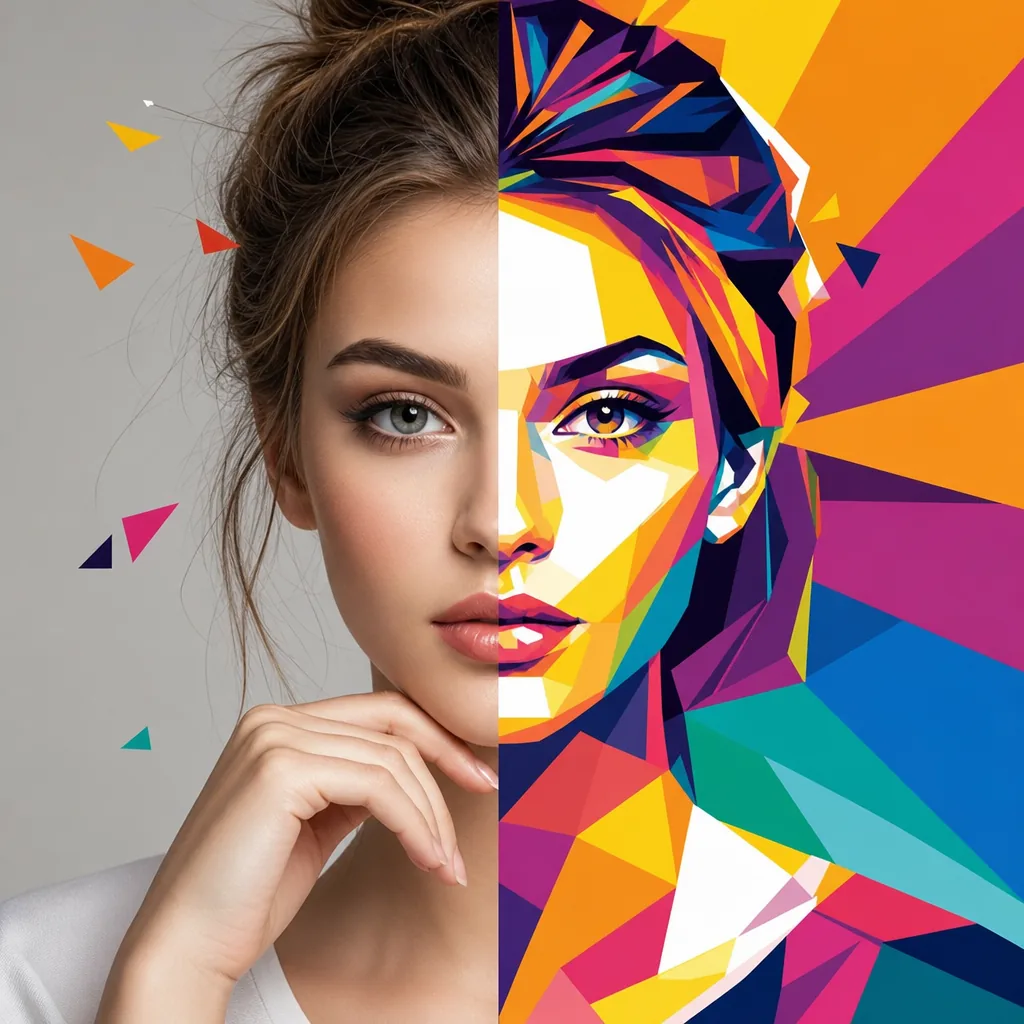
Create a WPAP (Wedha’s Pop Art Portrait) style transformation of the uploaded photo. Primary goal: convert the image into authentic WPAP pop-art portrait aesthetics while preserving the original identity and composition. Identity & structure rules (must follow): Keep the subject’s face identity exactly the same (same person, same facial proportions, same key features). Preserve the original pose, head angle, gaze direction, hairstyle silhouette, and overall composition. Do NOT beautify, slim, change age, change gender, or change ethnicity. Do NOT add or remove any objects, accessories, text, logos, or watermarks. WPAP style requirements: Render the image using hard-edge geometric polygon shapes (sharp, clean edges). Use flat, solid color fills per shape (no gradients, no airbrushing). Build form and depth using contrasting color planes (light and shadow as distinct color blocks). High-saturation, vibrant pop-art palette with strong contrast. Crisp vector-like look, clean boundaries, no sketch lines, no painterly brush texture. Keep facial features readable and accurate (eyes, nose, lips must remain aligned and recognizable). Avoid muddy colors; keep colors bold and separated. Background handling: Preserve the original background layout and objects, but stylize them into the same WPAP geometric, flat-color treatment. Do NOT replace the background with a new scene. If the background is very complex, simplify it slightly into larger geometric planes while keeping the same setting. Quality: High resolution, sharp details, clean edges, no artifacts, no distortion, no blur. Final output should look like a professional WPAP poster illustration. Output constraints: Single image only. No text, no frames, no borders, no signature.