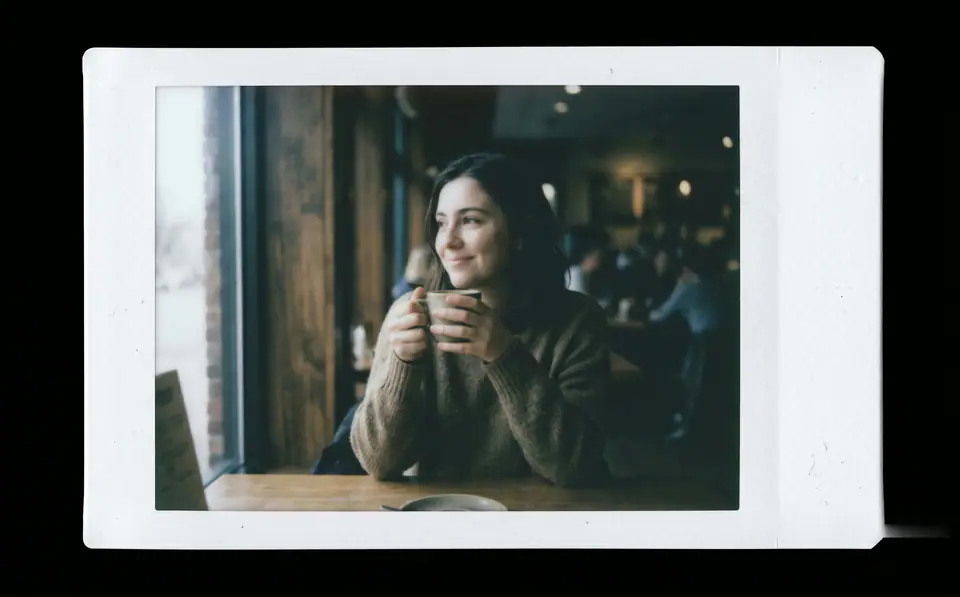
Create a print-ready Fujifilm Instax-style instant film photo from the uploaded image. The entire output must be a single standalone Instax Mini print sheet-no external background, desk, or scene. Design as a real Instax film sheet: - Clean white borders integrated into the image, with a noticeably thicker bottom margin. - Soft rounded corners on all edges. - Subtle matte paper texture across the entire surface. Center the original photo precisely within the film area without cropping key content. Apply authentic Fujifilm Instax Mini color and tone response (ISO 800, 5500K daylight balance): - Overall exposure slightly underexposed by 1/3 to 1/2 stop for a subtly dim, moody feel. - Midtones shifted downward for a gently suppressed, hazy atmosphere. - Softened contrast: highlights bloom softly with diffusion; shadows lifted slightly but impure (not pure black). - Muted, subdued colors with realistic Instax impurities: reds/oranges dulled and slightly dirty; magentas light and undersaturated; yellows leaning cool/lemony; subtle greenish tint in shadows and midtones. - Skin tones naturally imperfect-slightly yellowish or greenish, not idealized. - Gentle light diffusion softens all transitions, especially in bright areas, creating a foggy non-digital haze. Add perceptible non-digital Instax characteristics (mild, natural-looking): - Visible brightness falloff from center to edges (film exposure effect). - Slight sharpness reduction toward edges (camera optics). - Very subtle uneven exposure and color shifts across the surface for organic inconsistency. The result must evoke a genuine Fujifilm Instax Mini print-dimmer, hazier, with imperfect color rendering that feels authentic and nostalgic, not a clean digital photo. Preserve original composition, subject identity, and details. Strictly avoid: - Digital sharpness/clarity/HDR perfection. - Uniform brightness or even lighting. - Vibrant/rich/perfect colors. - Heavy vignettes, aging, dust, scratches, text, logos, or watermarks. - Any mockup staging, shadows, or environments.