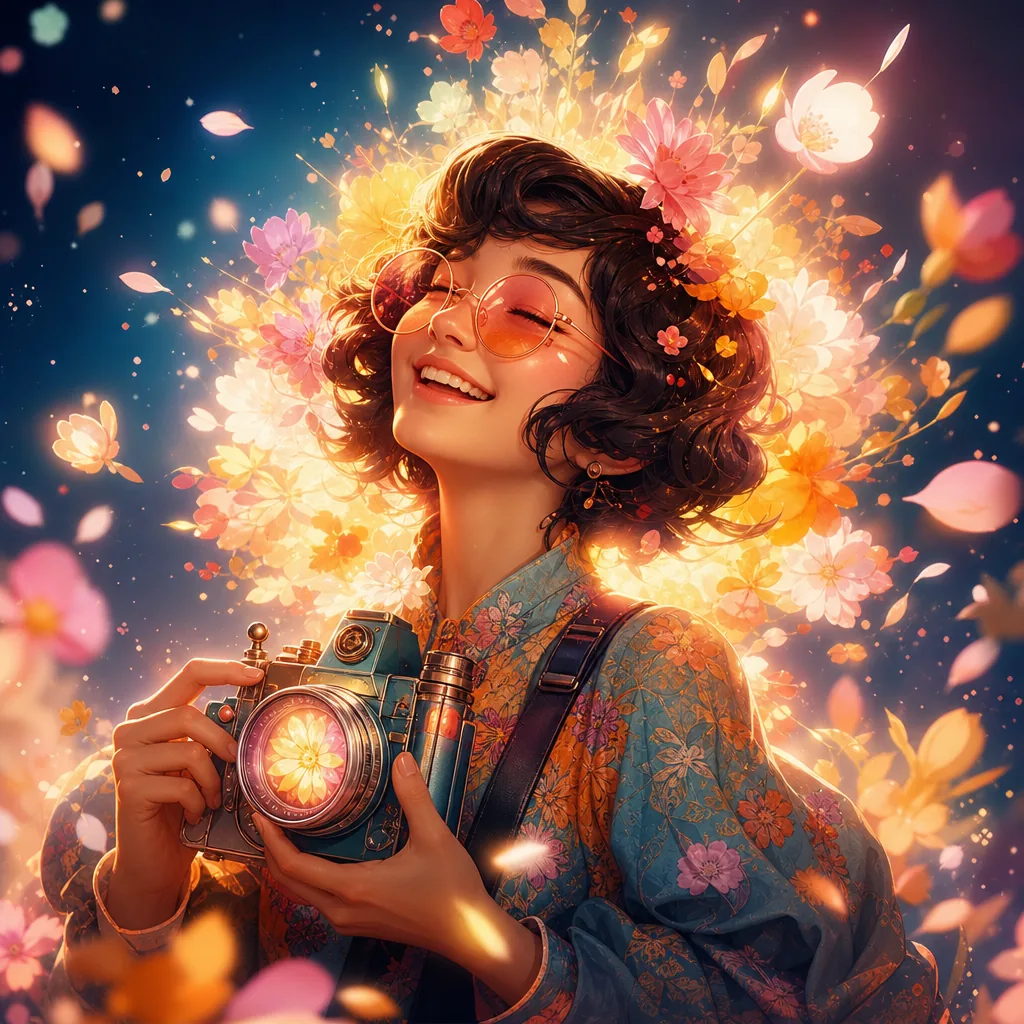
Create an ultra-realistic portrait of the uploaded person (Do not change facial features of the person from the uploaded photo. Keep face of person 100% accurate from the reference image) lying peacefully on a meadow covered in soft, dreamy flowers. Instead of small wildflowers, fill the scene with larger, delicate blooms that naturally create a glowing “bloom” feeling: pale peonies, garden roses, ranunculus, anemones, and soft hydrangea clusters in pastel shades of blush pink, cream, peach, and lavender. The petals should look slightly translucent and layered, so that the light can softly pass through them and create a gentle halo around the edges. A few of these flowers rest lightly in the hair and around the shoulders, with some loose petals scattered on the grass. The petals closest to the light source should appear to glow subtly, as if softly illuminated from within, enhancing the dreamy bloom effect. Keep all other details the same:
– The person’s head rests gently on the grass, with strands of hair naturally spread around.
– Capture a relaxed, dreamy expression with eyes closed and a faint, calm smile.
– Sunlight filters softly through nearby leaves, casting dappled shadows and warm highlights across the face and shoulders.
– Use a shallow depth of field so the background fades into a soft blur, with some out-of-focus flowers and petals creating a gentle bokeh in the foreground.
– Color palette: warm and earthy greens and browns, balanced with pastel floral hues, cinematic and organic, never oversaturated.
– Camera & Style: top-down angle, 50mm or 85mm portrait lens, f/1.8, natural sunlight, cinematic, dreamy, ultra-detailed 8K realism, 1:1 or 4:5 portrait composition, no artificial elements or exaggerated colors.