Skip to content

Prompt template

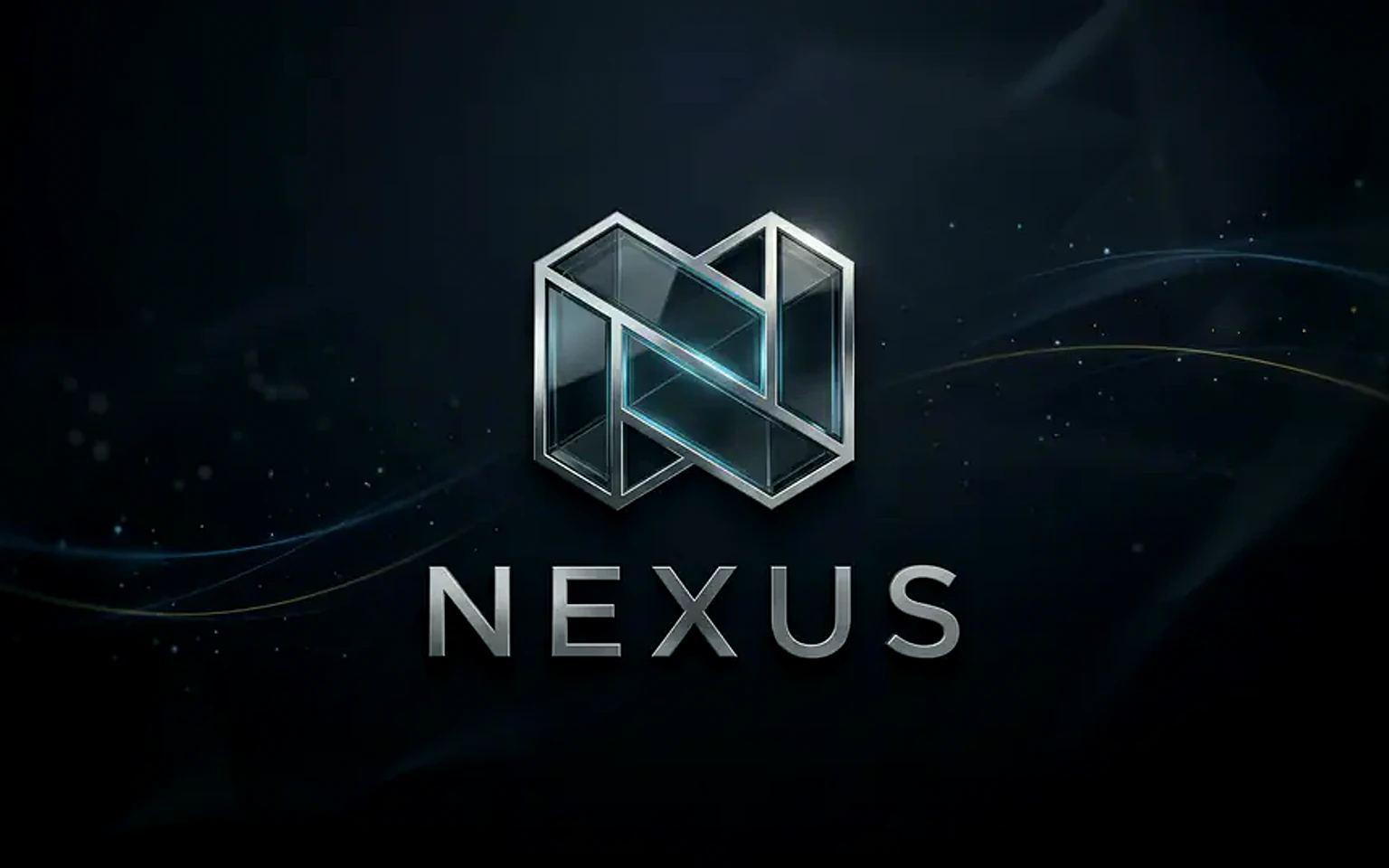
Logo Reveal Animation Prompt

A tasteful logo animation prompt for intros, launch clips, and branded assets.
Start creatingSee pricing
Logo Reveal Animation Prompt visual example
logo animationbrand videovideo effectmotion design
Prompt
Replace the bracketed placeholders, then tune camera, lighting, format, and output constraints for the exact channel.
Create a refined logo reveal animation for [brand or uploaded logo]. Use a clean motion system, subtle material or light transition, premium pacing, and a final locked logo frame. Preserve the exact logo shape and proportions if a reference is provided. Avoid extra symbols, fake taglines, overdone particles, and unreadable distortion.
Best for
Video intros
Brand launches
Presentation openers
Model starting points
VeoKlingWan

Related templates

Keep the campaign moving

Use these adjacent prompt patterns when the same campaign needs another asset format.

Day-to-Night Transition Prompt example
transitioncinematic videotime lapse
Day to night
A time-transition prompt for scenes, products, cities, and atmospheric loops.
Open template

Action Figure Video Prompt Template example
videovideo effectappearance
Action Figure Video
Reusable video prompt for Action Figure Video, with matching VisioArt effect settings and preview media.
Open template
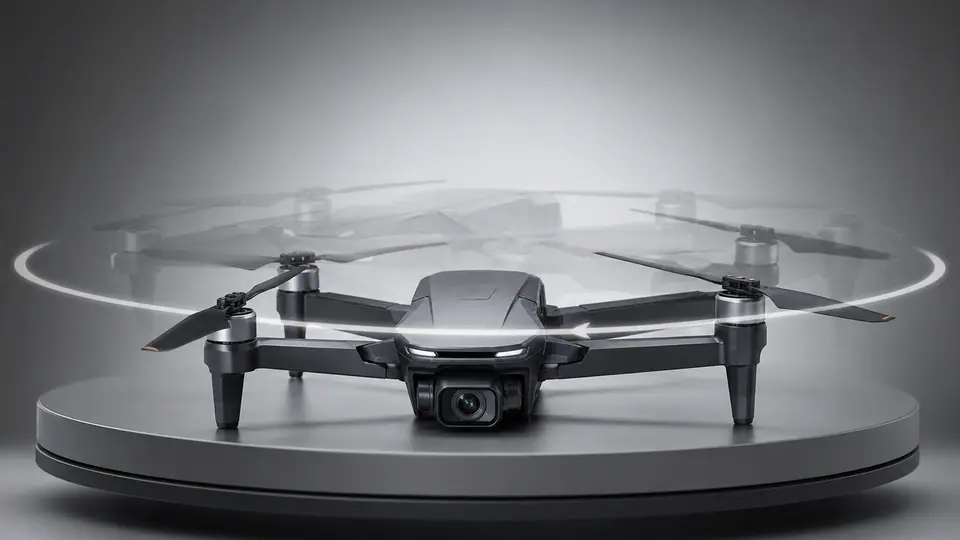
AI 360 Rotation Video Generator Prompt Template example
videovideo effectother
AI 360 Rotation
Reusable video prompt for AI 360 Rotation Video Generator, with matching VisioArt effect settings and preview media.
Open template

FAQ

Logo reveal FAQ

Clear answers for buyers comparing workflows, model choices, pricing, and production fit.

A tasteful logo animation prompt for intros, launch clips, and branded assets.

Yes. Replace the bracketed placeholders, then adjust the camera, lighting, aspect ratio, and product details to match the final channel.

Use the recommended tool on this page as the starting point, then test another model family if the motion, realism, or style needs a different strength.

Use this prompt inside VisioArt.

Start from the recommended tool, paste the prompt, replace the placeholders, and test the strongest model path.

Open recommended toolBrowse templates