Skip to content

Prompt template

Felt Alphabet Sign Generator Image Prompt Template

Reusable image prompt for Felt Alphabet Sign Generator, with matching VisioArt generator settings and a local preview.
Start creatingSee pricing
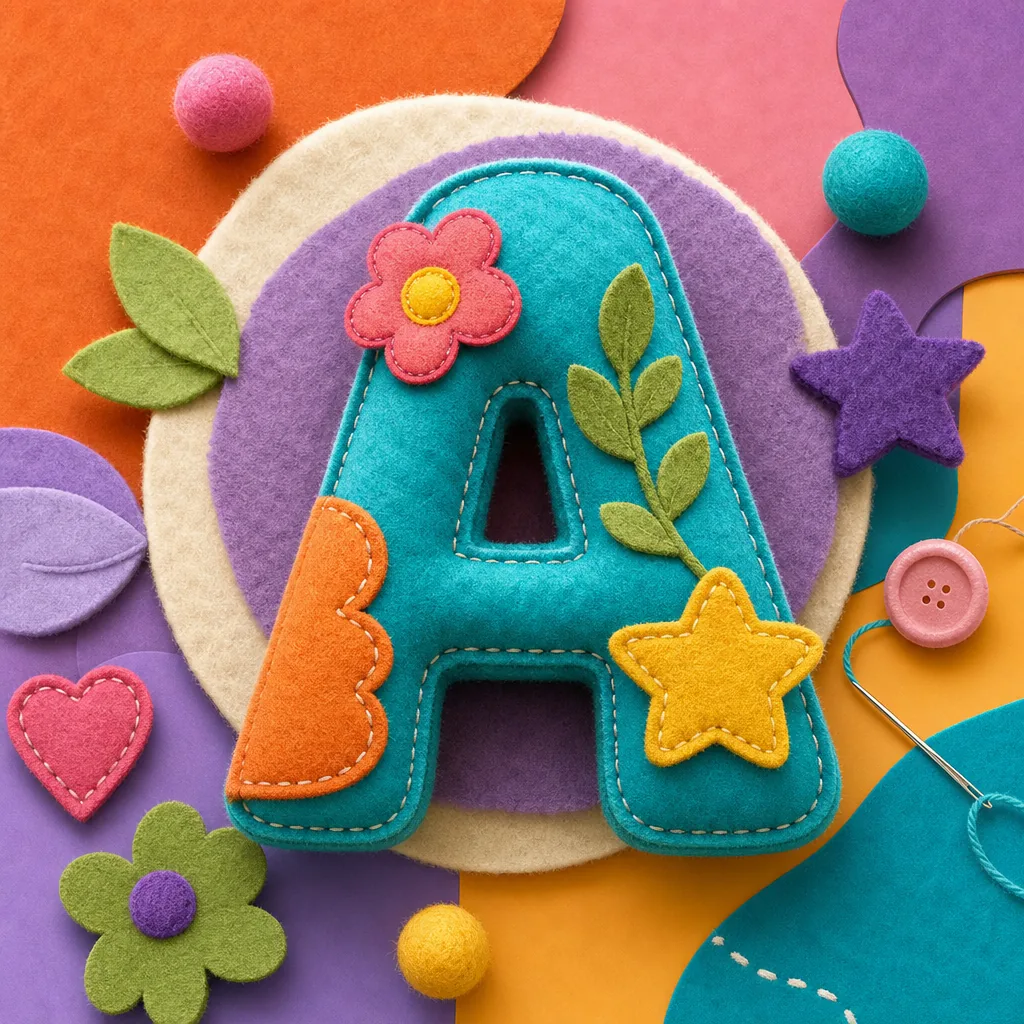
Felt Alphabet Sign Generator Image Prompt Template visual example
imageothertext prompt
Prompt
Replace the bracketed placeholders, then tune camera, lighting, format, and output constraints for the exact channel.
Create a playful felt alphabet sign image. Place the user input text inside a clean green rectangular sign board near the top center. Make the text bold, white, uppercase, clearly readable, and accurately spelled. Add cheerful colorful original puppet-style classroom characters near the bottom, with fuzzy textures, big friendly eyes, playful expressions, bright blue sky, soft clouds, and colorful confetti details. Keep the composition cute, preschool-friendly, and clean. Avoid protected children’s television characters, copied street-sign branding, logos, unreadable text, scary faces, messy backgrounds, or realistic humans.
Best for
Felt Alphabet Sign Generator variants
Text-to-image starts
Reusable image workflows
Model starting points
GPT Image 2Nano Banana 2Seedream 4Seedream 4.5

Related templates

Keep the campaign moving

Use these adjacent prompt patterns when the same campaign needs another asset format.

AI Patch Generator Image Prompt Template example
imagemerchtext prompt
AI Patch
Reusable image prompt for AI Patch Generator, with matching VisioArt generator settings and a local preview.
Open template
AI Age Change Filter Image Edit Prompt Template example
imageimage editappearance
AI Age Change Filter
Reusable image edit prompt for AI Age Change Filter, with matching VisioArt generator settings and a local preview.
Open template

AI Body Editor Image Edit Prompt Template example
imageimage editappearance
AI Body Editor
Reusable image edit prompt for AI Body Editor, with matching VisioArt generator settings and a local preview.
Open template

FAQ

Felt Alphabet Sign FAQ

Clear answers for buyers comparing workflows, model choices, pricing, and production fit.

Reusable image prompt for Felt Alphabet Sign Generator, with matching VisioArt generator settings and a local preview.

Yes. Replace the bracketed placeholders, then adjust the camera, lighting, aspect ratio, and product details to match the final channel.

Use the recommended tool on this page as the starting point, then test another model family if the motion, realism, or style needs a different strength.

Use this prompt inside VisioArt.

Start from the recommended tool, paste the prompt, replace the placeholders, and test the strongest model path.

Open recommended toolBrowse templates