Skip to content

Prompt template

AI Smile Filter Image Prompt Template

Reusable image prompt for AI Smile Filter, with matching VisioArt generator settings and a local preview.
Start creatingSee pricing
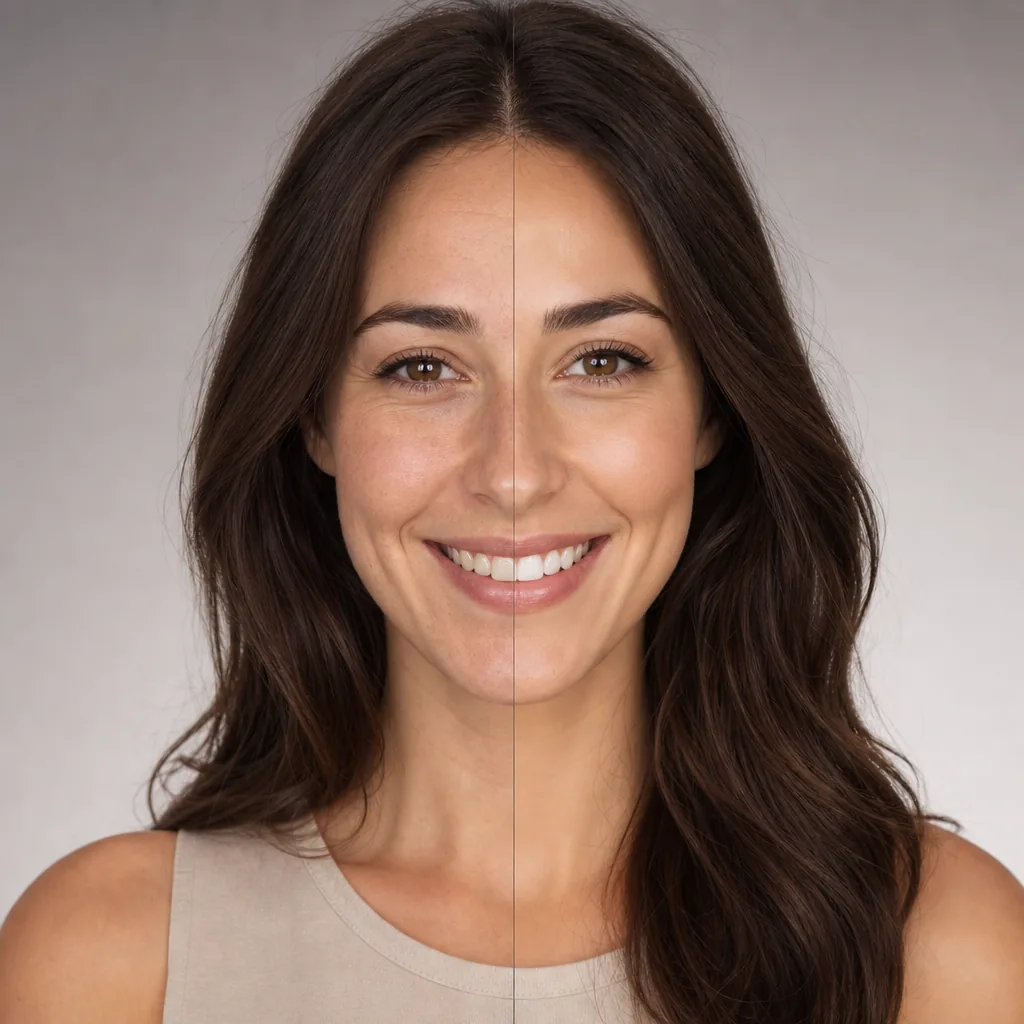
AI Smile Filter Image Prompt Template visual example
imageappearancetext prompt
Prompt
Replace the bracketed placeholders, then tune camera, lighting, format, and output constraints for the exact channel.
Generate a photorealistic version of the input image with a natural toothy smile. Keep identity, pose, lighting, background, and all non-expression details unchanged. Show visible upper teeth, realistic mouth and cheek movement, subtle eye involvement, and natural facial creases. Keep smile lines and folds soft and believable, not exaggerated, deepened, or aged. Avoid distorted lips, gum overexposure, harsh wrinkles, or unnatural facial changes.
Best for
AI Smile Filter variants
Text-to-image starts
Reusable image workflows
Model starting points
Nano Banana 2GPT-4o ImageGPT Image 2GPT Image 1.5

Related templates

Keep the campaign moving

Use these adjacent prompt patterns when the same campaign needs another asset format.

AI Patch Generator Image Prompt Template example
imagemerchtext prompt
AI Patch
Reusable image prompt for AI Patch Generator, with matching VisioArt generator settings and a local preview.
Open template
AI Age Change Filter Image Edit Prompt Template example
imageimage editappearance
AI Age Change Filter
Reusable image edit prompt for AI Age Change Filter, with matching VisioArt generator settings and a local preview.
Open template

AI Body Editor Image Edit Prompt Template example
imageimage editappearance
AI Body Editor
Reusable image edit prompt for AI Body Editor, with matching VisioArt generator settings and a local preview.
Open template

FAQ

AI Smile Filter FAQ

Clear answers for buyers comparing workflows, model choices, pricing, and production fit.

Reusable image prompt for AI Smile Filter, with matching VisioArt generator settings and a local preview.

Use this prompt inside VisioArt.

Start from the recommended tool, paste the prompt, replace the placeholders, and test the strongest model path.

Open recommended toolBrowse templates