Skip to content

Prompt template

AI Hijab Photo Generator Image Edit Prompt Template

Reusable image edit prompt for AI Hijab Photo Generator, with matching VisioArt generator settings and a local preview.
Start creatingSee pricing
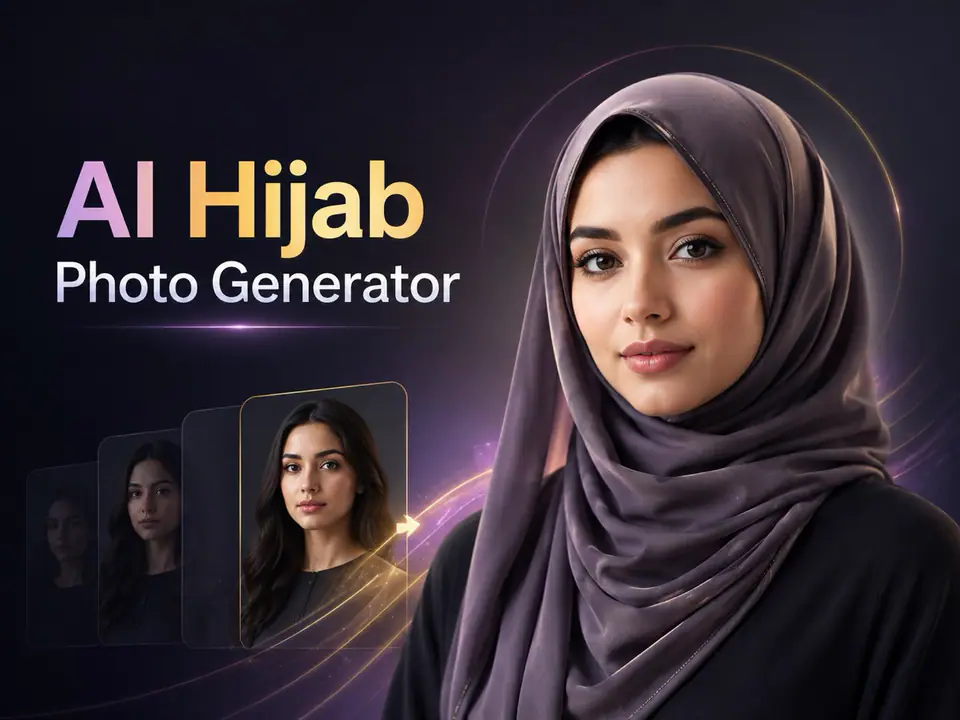
AI Hijab Photo Generator Image Edit Prompt Template visual example
imageimage editappearancereference image
Prompt
Replace the bracketed placeholders, then tune camera, lighting, format, and output constraints for the exact channel.
You are an expert AI photo editor for an AI Hijab Photo Generator. The user has uploaded a portrait or personal photo. Edit the uploaded image by adding or transforming the hijab according to the selected hijab style prompt appended after this instruction. Preserve the person's identity, face shape, facial features, skin tone, expression, pose, body proportions, camera angle, background, and overall photo composition. Do not change the person into someone else. Do not beautify excessively. Keep the result natural, respectful, realistic, and culturally appropriate. Apply the hijab in a physically believable way. The hijab should cover the hair naturally and fit around the head, neck, and shoulders according to the selected style. Make the fabric look realistic with natural folds, soft shadows, highlights, texture, thickness, and proper interaction with the face, ears, neck, clothing, and lighting. Match the hijab color, material, and style to the selected prompt while keeping the image elegant and modest. If the original image already contains a hijab, replace or restyle it according to the selected style while preserving the person's face and overall appearance. If no specific style is provided, generate a clean, modern, elegant hijab look suitable for a high-quality profile photo. Maintain realistic lighting, perspective, depth of field, image quality, and background consistency. Remove obvious AI artifacts, distorted fabric, unnatural edges, extra limbs, duplicate faces, warped facial features, messy hair leakage, strange shadows, and unrealistic textures. Do not add text, logos, watermarks, captions, symbols, religious labels, political elements, or decorative graphics unless explicitly requested. Do not change the person's ethnicity, age, gender presentation, facial identity, or expression. Do not make the image sexualized, offensive, mocking, or culturally insensitive. Generate only the final edited image. The result should look like a realistic professional photo edit, not a costume, sticker, filter, or illustration.
Best for
AI Hijab Photo Generator variants
Reference-guided edits
Reusable image workflows
Model starting points
Nano Banana 2GPT-4o ImageGPT Image 2GPT Image 1.5

Related templates

Keep the campaign moving

Use these adjacent prompt patterns when the same campaign needs another asset format.

AI Patch Generator Image Prompt Template example
imagemerchtext prompt
AI Patch
Reusable image prompt for AI Patch Generator, with matching VisioArt generator settings and a local preview.
Open template
AI Age Change Filter Image Edit Prompt Template example
imageimage editappearance
AI Age Change Filter
Reusable image edit prompt for AI Age Change Filter, with matching VisioArt generator settings and a local preview.
Open template

AI Body Editor Image Edit Prompt Template example
imageimage editappearance
AI Body Editor
Reusable image edit prompt for AI Body Editor, with matching VisioArt generator settings and a local preview.
Open template

FAQ

AI Hijab Photo FAQ

Clear answers for buyers comparing workflows, model choices, pricing, and production fit.

Reusable image edit prompt for AI Hijab Photo Generator, with matching VisioArt generator settings and a local preview.

Use this prompt inside VisioArt.

Start from the recommended tool, paste the prompt, replace the placeholders, and test the strongest model path.

Open recommended toolBrowse templates