Skip to content

Prompt template

AI Fly Video Prompt Template

Reusable video prompt for AI Fly Video, with matching VisioArt effect settings and preview media.

Start creatingSee pricing
AI Fly Video Prompt Template visual example
videovideo effectentertainmentimage to video
Prompt
Replace the bracketed placeholders, then tune camera, lighting, format, and output constraints for the exact channel.
Transform the still image into a realistic flying video while maintaining perfect consistency in faces, hairstyles, and clothing. 1. The characters are shown in a full-body front view, flying parallel to the camera with their arms naturally extended outward and legs aligned on the same horizontal plane. 2. The camera smoothly tracks their movement, keeping focus on their faces while also showing their upper and lower body in frame. 3. Their expressions are happy and full of energy, radiating optimism and excitement. 4. Hair, clothing, and facial muscles move naturally with the wind, adding lifelike motion.
Best for
AI Fly Video clips
entertainment effects
Reusable video workflows
Model starting points
Veo 3.1 Fast

Related templates

Keep the campaign moving

Use these adjacent prompt patterns when the same campaign needs another asset format.

Ecommerce Product Reveal Video Prompt example
ecommerceproduct videopaid social
Product reveal
A controlled studio reveal for ecommerce launches, PDP loops, and paid social tests.
Open template
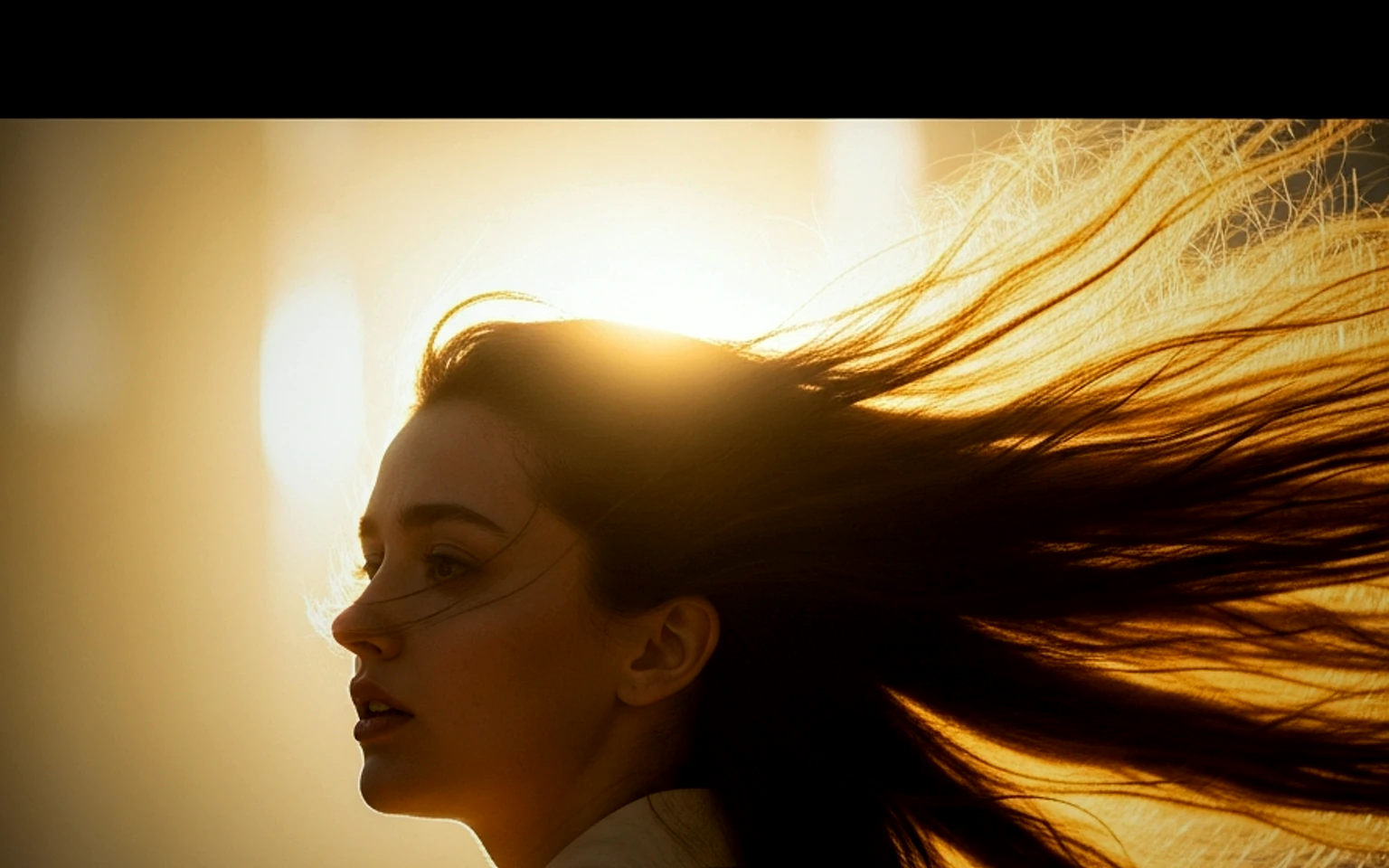
Social Hook Portrait Animation Prompt example
portraitsocial contentcreator
Portrait hook
A creator-style portrait motion prompt for vertical social clips and founder updates.
Open template
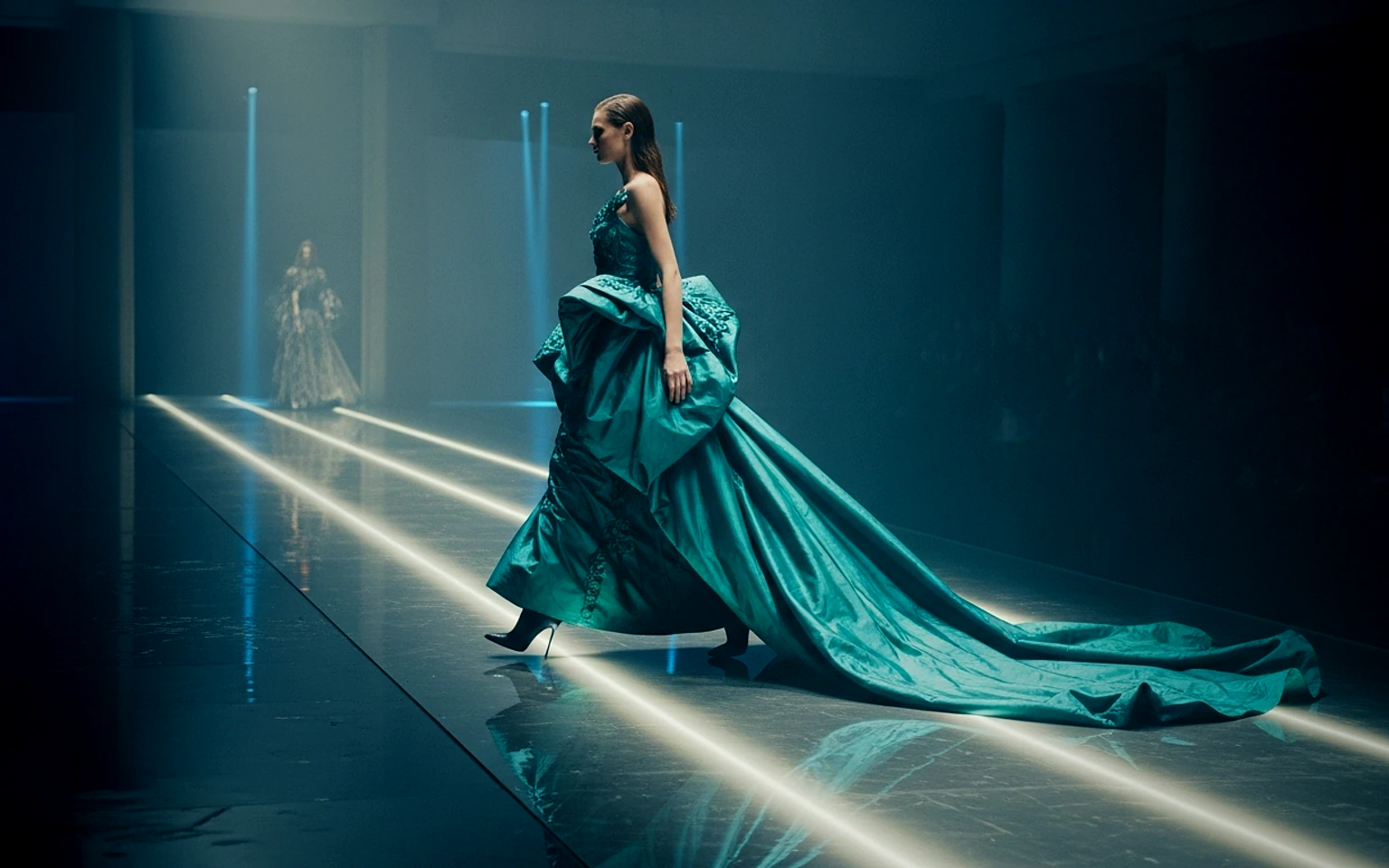
Fashion Lookbook Motion Prompt example
fashionlookbookimage to video
Lookbook motion
Motion for fashion stills with a clean editorial or runway feel.
Open template

FAQ

AI Fly Video FAQ

Clear answers for buyers comparing workflows, model choices, pricing, and production fit.

Reusable video prompt for AI Fly Video, with matching VisioArt effect settings and preview media.

Use this prompt inside VisioArt.

Start from the recommended tool, paste the prompt, replace the placeholders, and test the strongest model path.

Open recommended toolBrowse templates